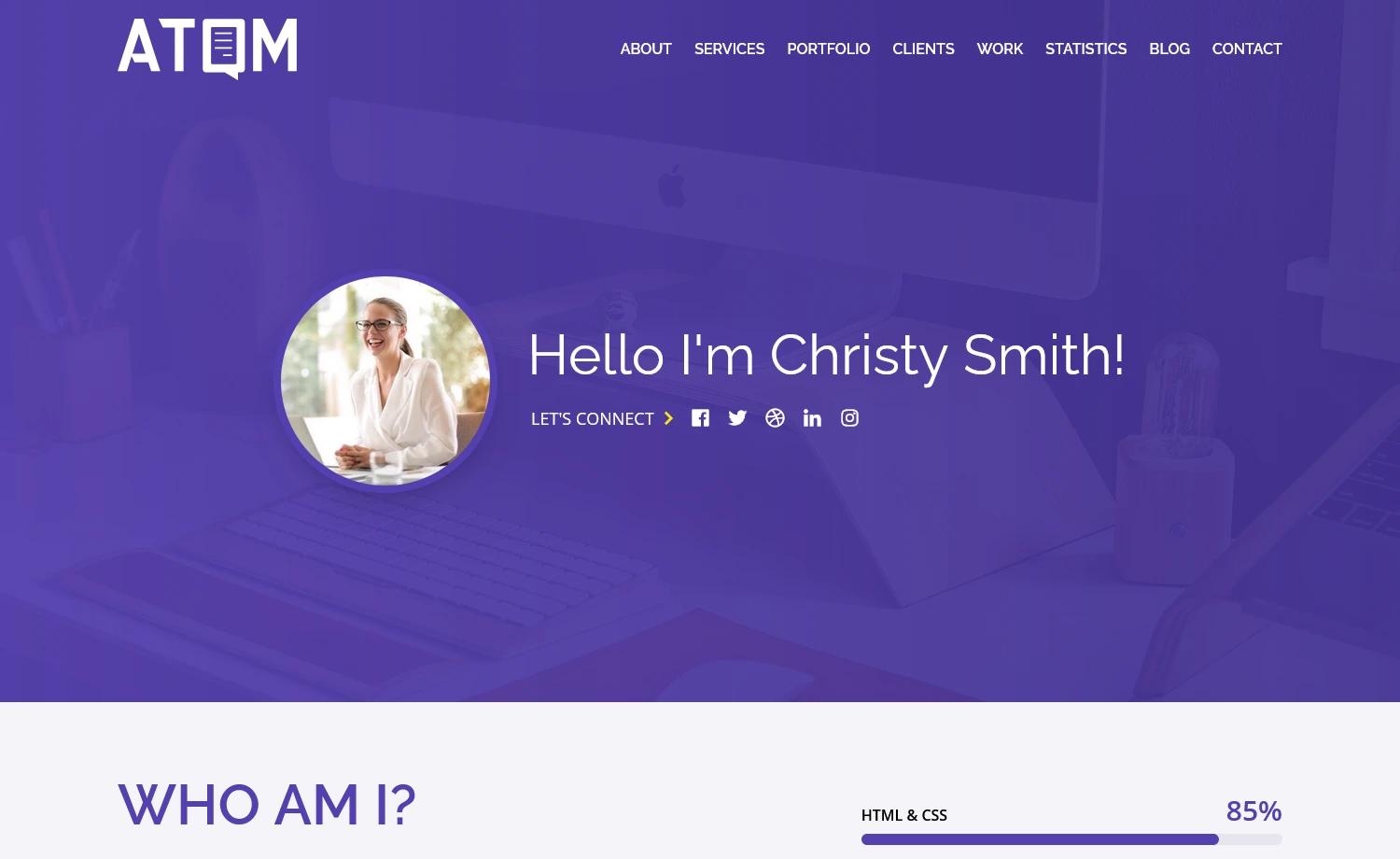
Template details
Portfolio Template
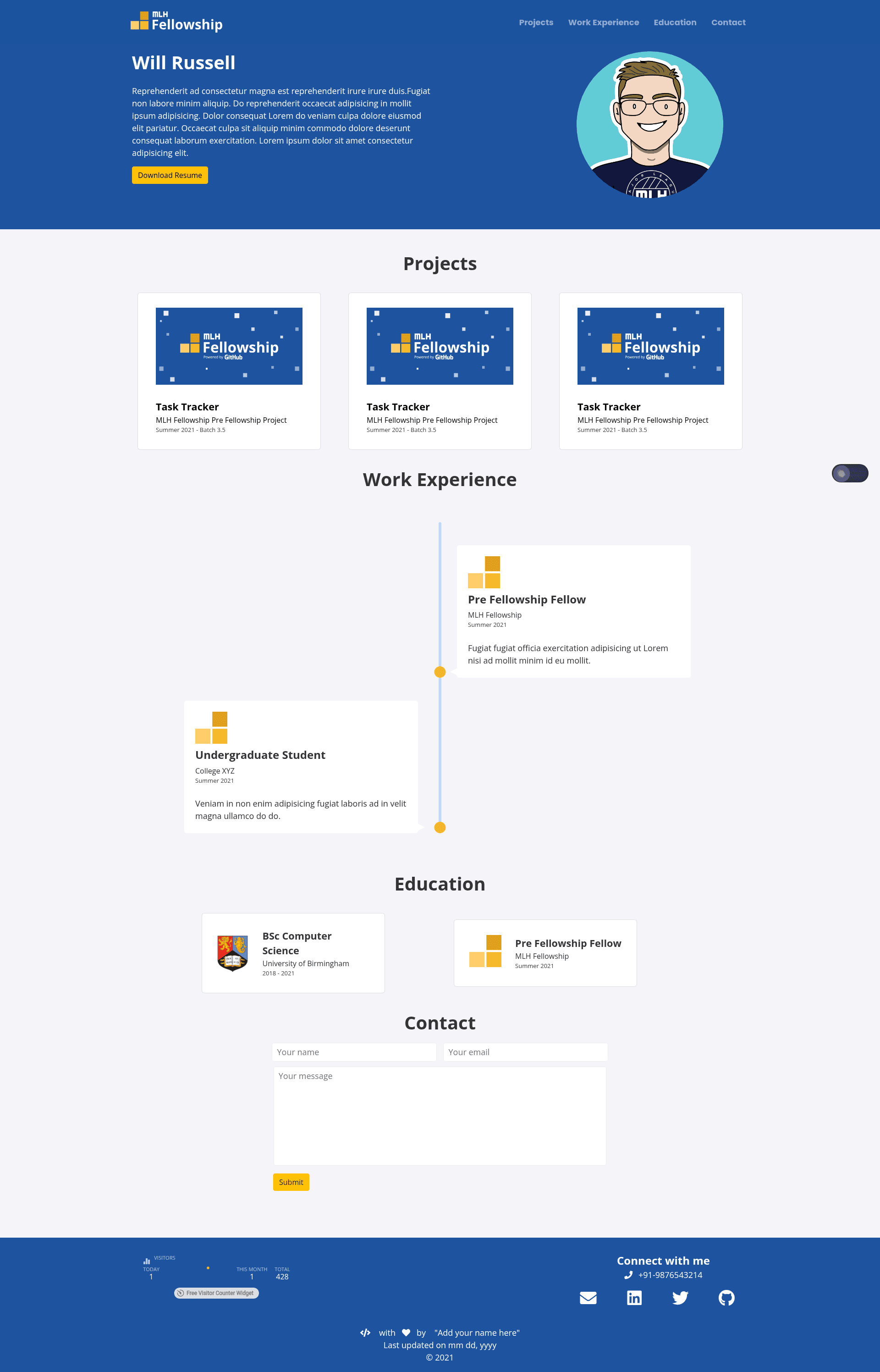
A Jekyll website template designed to quickly help you get your portfolio website up and running.
About this template
Portfolio Template is a Jekyll-based portfolio website template that takes YAML data files and Markdown project posts and generates a static personal portfolio site deployable to Netlify or GitHub Pages.
What is the Portfolio Template?
Portfolio Template is a Jekyll website template designed to quickly help you get a portfolio website up and running. It ingests your data from _config.yml, _data/projects.yml, _data/experience.yml, and _data/education.yml, plus optional Markdown posts in the projects folder, and outputs a complete static portfolio site. The template is provided as a GitHub template repository, so you can click the "Use the Template" button to start a new repo with the full structure.
Key Features
- YAML-driven content — Add portfolio data by editing three YAML files in the
_datafolder:projects.yml(title, event, date),experience.yml(role, company, dates, logo), andeducation.yml(course, institute, dates, logo); logos are referenced as SVG files. - Project blog posts — Create a new Markdown file inside the
projectsdirectory withtitleandlayout: pagein the front matter, then connect it to a project entry by adding apage-namefield to that entry inprojects.yml. - Simple configuration — Update
_config.ymlto set your site'surl(make sure it ends with a/) to define where the site will be hosted. - GitHub template workflow — Use the "Use the Template" button on GitHub to create your own repository pre-populated with the Jekyll template, then push your changes.
- Netlify and GitHub Pages deployment — Deploy by connecting the repository to Netlify or pushing to GitHub Pages; the template notes that it only works at a root domain like
username.github.io, not at a sub-path likeusername.github.io/repo-name. - Local development — Run
bundle install --path vendor/bundleandbundle exec jekyll serveto preview the site locally; this requires Ruby and Bundler installed on your machine.
Who is it for?
- Student developers and bootcamp grads: Build a portfolio to showcase machine learning projects, hackathon events, and fellowship experiences by filling in the YAML data files.
- Job seekers in tech: Create a static, low-maintenance portfolio that deploys for free on Netlify or GitHub Pages, with sections for work experience, education, and detailed project write-ups.
- Jekyll users: Use a ready-made template that follows the standard Jekyll folder structure (
_data,_config.yml,projects), making it easy to customize layouts and styling further.
What can you do with the Portfolio Template?
- Showcase projects: Add project entries with title, event, and date in
projects.yml, and expand any of them into a full post by creating a Markdown file inprojectsand referencing it withpage-name. - List experience and education: Fill in
experience.ymlandeducation.ymlwith roles, companies, dates, and optional SVG logos to build a professional history section. - Deploy your personal site: Connect the GitHub repo to Netlify or publish via GitHub Pages to go live at your personal subdomain.
How does the Portfolio Template work?
- Click "Use the Template" on the GitHub repository to create your own copy of the template.
- Edit
_config.yml— change theurlvalue to your hosting URL and ensure it ends with a slash. - Fill in the three data files inside
_datawith your projects, experience, and education. - (Optional) Add project posts as Markdown files in the
projectsfolder and link them viapage-nameinprojects.yml. - Deploy the repository to Netlify or GitHub Pages using their standard workflows.
FAQ
Is the Portfolio Template free to use?
The template is distributed as a public GitHub template repository, so you can use it to create your own portfolio site without paying a licensing fee. It uses open-source Jekyll and can be hosted for free on Netlify or GitHub Pages.
What do I need to run the template locally?
You need Ruby and Bundler installed on your machine. After cloning your repo, run bundle install --path vendor/bundle to set up dependencies and bundle exec jekyll serve to start a local development server.
Can I deploy to GitHub Pages with this template?
Yes, GitHub Pages is one of the supported deployment targets. The template notes that it only works at the root username.github.io address — deploying to a sub-path like username.github.io/repo-name will not resolve correctly.
How do I update my portfolio information?
Edit the YAML files in the _data folder. For example, add a project entry to projects.yml with a title, event, and date. The site regenerates automatically when you deploy changes.
Will my project posts show up on the portfolio?
Yes. Create a Markdown file in the projects folder with the required front matter (title and layout: page), then add the page-name field to the corresponding entry in projects.yml to link the post to the project listing.