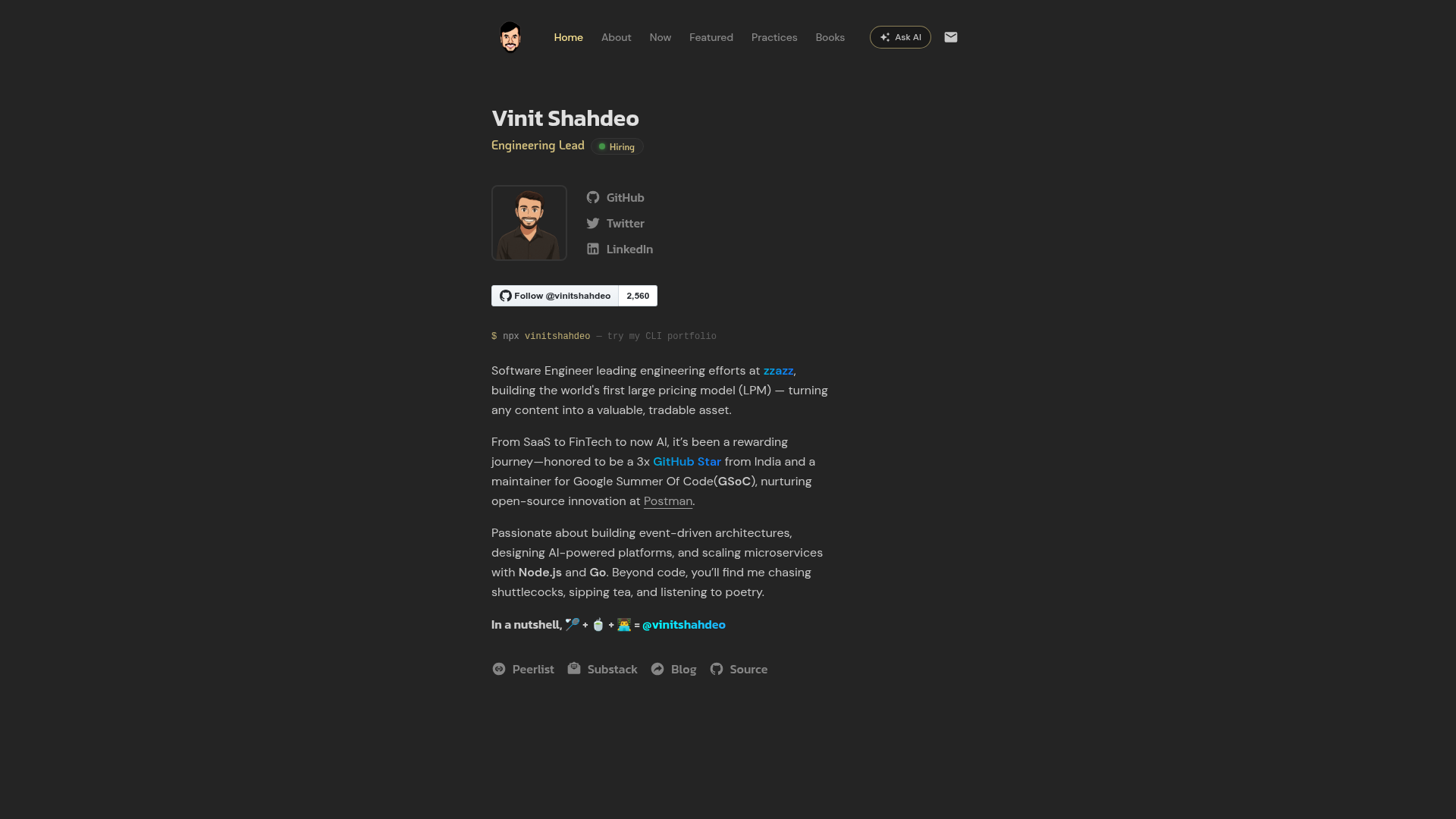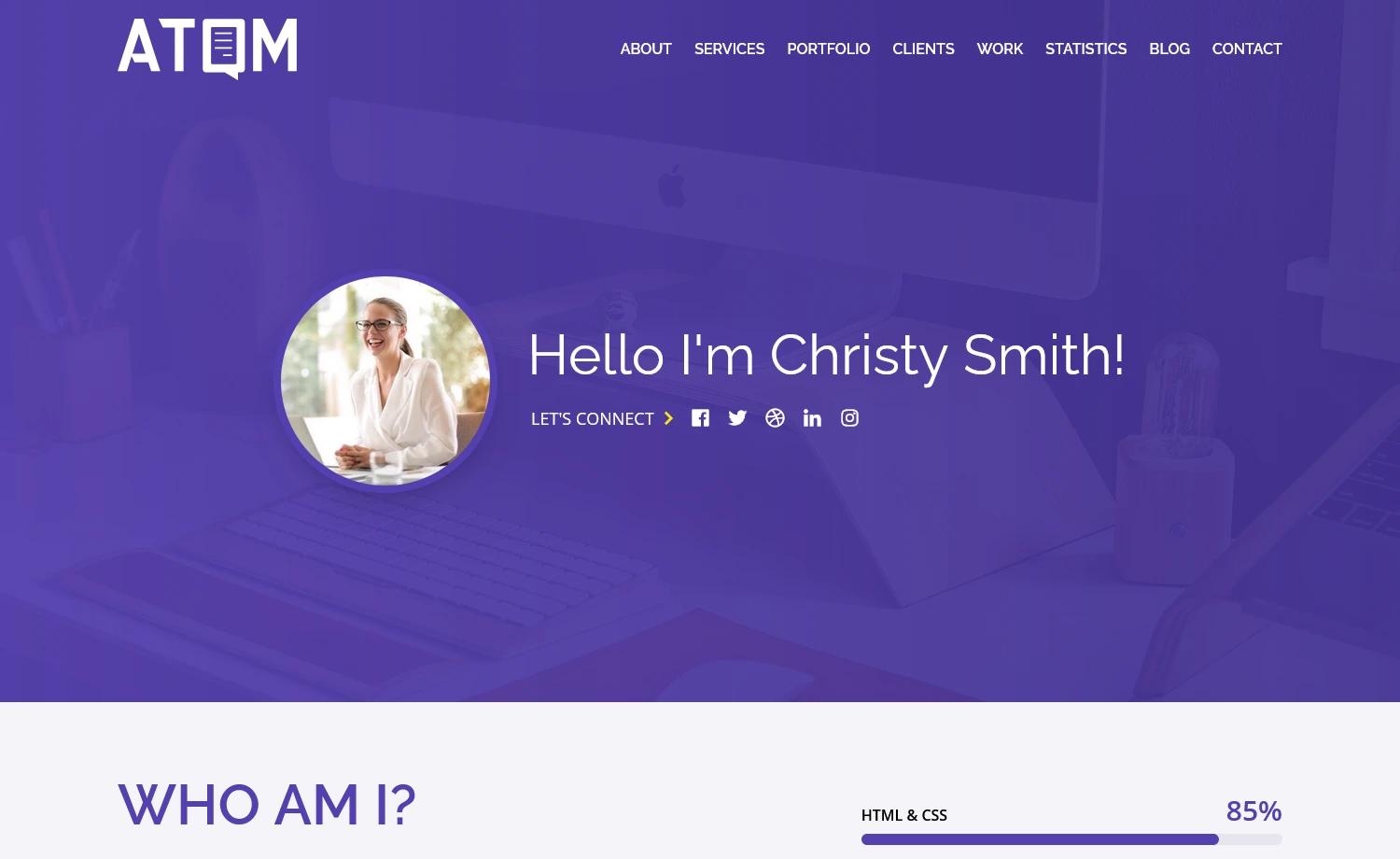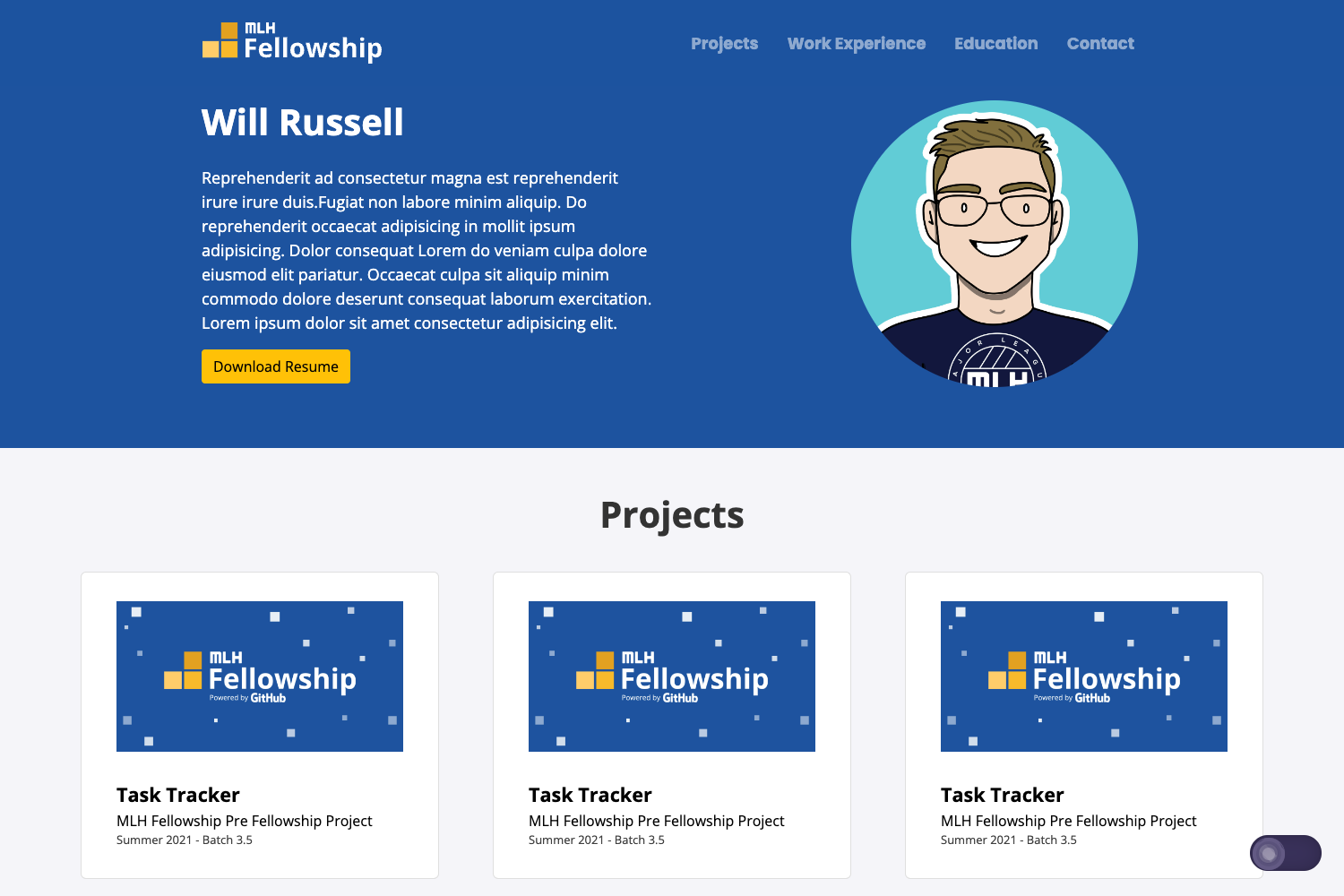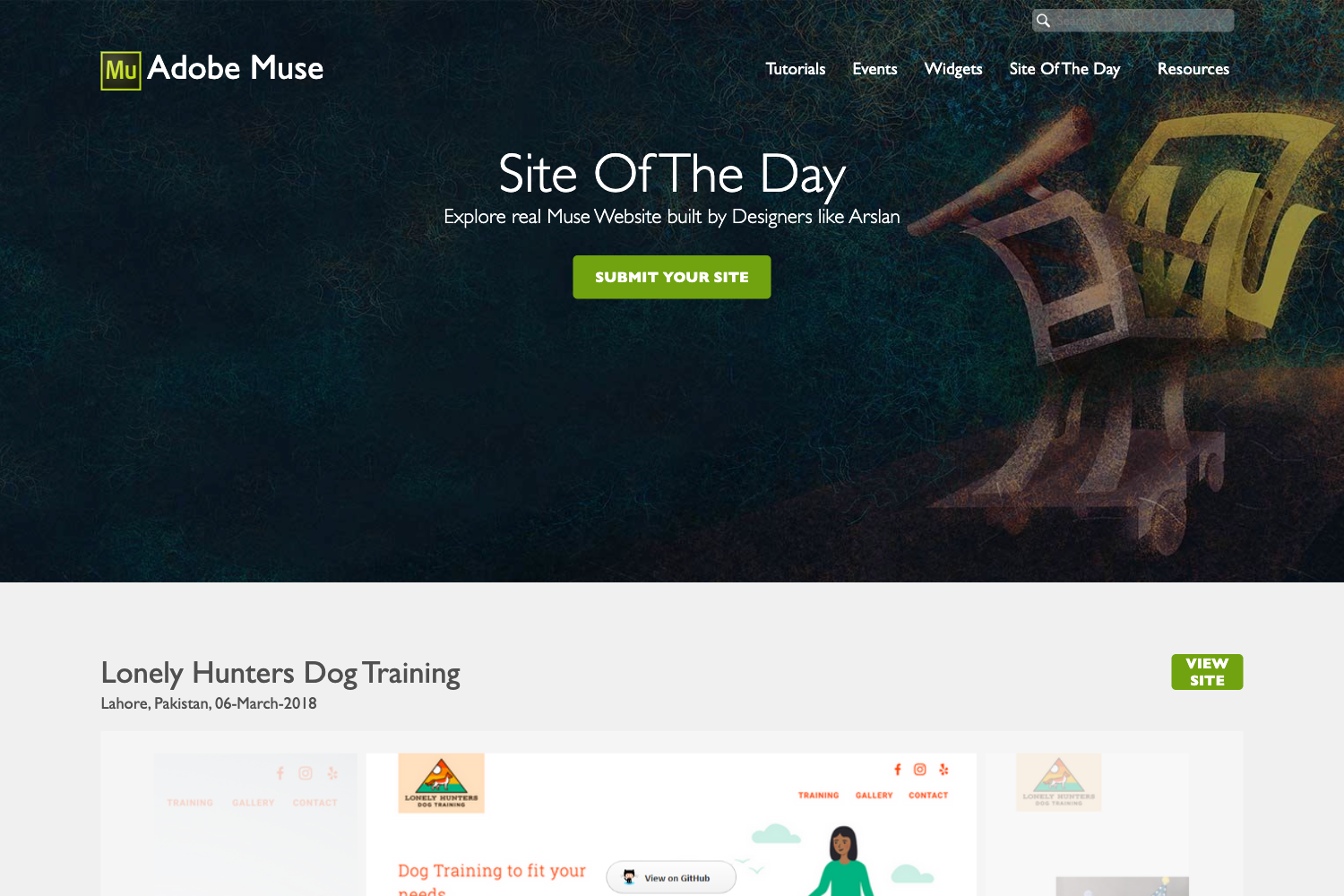
Template details
Stellar Astro Dev Portfolio
Minimal Portfolio theme for Developers using Astro and Tailwind CSS, optimized for accessibility, performance, and SEO.
About this template
Stellar Astro Dev Portfolio is a free, open-source portfolio template built with Astro and Tailwind CSS, designed to help developers publish a fast, SEO-friendly personal website.
What is Stellar Astro Dev Portfolio?
It is a free, open-source Astro theme created by Vinit Shahdeo for building a developer's personal portfolio. The template takes configuration inputs — site settings, a Google Analytics measurement ID, and a GitHub user ID — and outputs a static website with four pre-built pages: Home, About, Now, and Featured. It is listed on the Astro theme directory at astro.build/themes/details/stellar-astro-dev-portfolio and can be scaffolded with npm create astro@latest --template vinitshahdeo/portfolio.
Key Features
- Fully responsive layout — adapts to any screen size without extra configuration, from phone to desktop.
- SEO and performance optimized — includes Open Graph meta tags, automatic robots.txt and sitemap generation, and reports a perfect Lighthouse score.
- Four pre-built pages — Home, About, Now, and Featured, covering your introduction, biography, current activities, and articles or interviews.
- Google Analytics integration — add your measurement ID in
src/config/analytics.ts; @astrojs/partytown keeps analytics from blocking page rendering. - Dynamic GitHub dashboard — the /now page embeds an OSS Insight widget that shows contribution statistics; you supply your GitHub user ID and username in
config/github.ts. - Deployment ready — configured for Netlify by default, with a documented switch to Vercel using the @astrojs/vercel/serverless adapter.
- Customizable — content and styling are driven by config files, and the repository accepts new color themes through a dedicated contribution proposal.
Who is it for?
- Software engineers and developers who want a complete personal portfolio without building a site from scratch.
- Tech writers and speakers who need a Featured page to list talks, interviews, and articles.
- Open-source contributors who want to display live GitHub contribution stats on their site via the OSS Insight widget.
- Job seekers who need a fast, SEO-friendly site to share with recruiters.
What can you do with it?
- Launch a personal site quickly — scaffold the template with the
npm create astrocommand and replace the default content with your own. - Showcase current work — use the /now page to tell visitors what you're working on right now, following the now page movement.
- Track site analytics — paste your Google Analytics measurement ID into the config and monitor traffic.
- Publish articles and interviews — the Featured page gives a dedicated space for your long-form content.
How does it work?
The template runs on Astro's static site generation. After scaffolding with npm create astro --template vinitshahdeo/portfolio, you install dependencies with npm install and start the development server with npm run dev. Site content and settings live in TypeScript config files such as src/config/analytics.ts and config/github.ts; building with npm run build outputs the production site to the ./dist/ directory.
FAQ
Is Stellar Astro Dev Portfolio free?
Yes. The source code is released under the MIT License, so you can use, modify, and distribute it freely. The textual content and images in the repository are licensed under CC BY-NC-SA 4.0, which requires attribution and share-alike for those assets.
Can I deploy it to Vercel?
Yes. The template currently uses the Netlify adapter by default, but you can switch to Vercel by running npx astro add vercel and updating the adapter in astro.config.mjs to the @astrojs/vercel/serverless adapter.
How do I display my GitHub contributions?
On the /now page, the GitHub stats widget is powered by OSS Insight. Open config/github.ts and replace the default gitHubUserId and gitHubUserName with your own GitHub numeric ID and username.
What version of Node.js do I need?
The project requires Node 20 or higher. The repository includes an .nvmrc file, so you can run nvm use to switch to the correct version.