Template details
Nuboard Theme
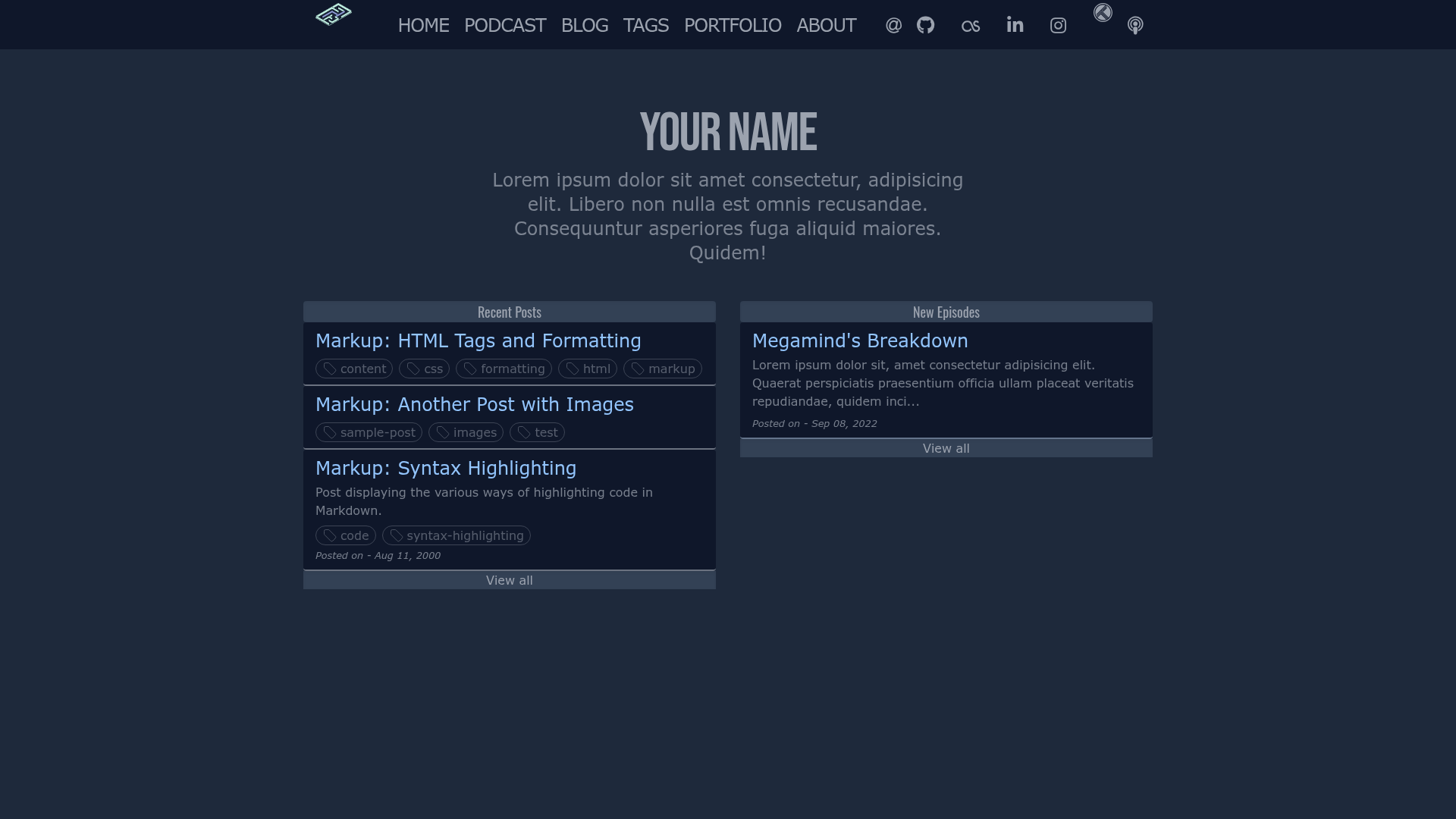
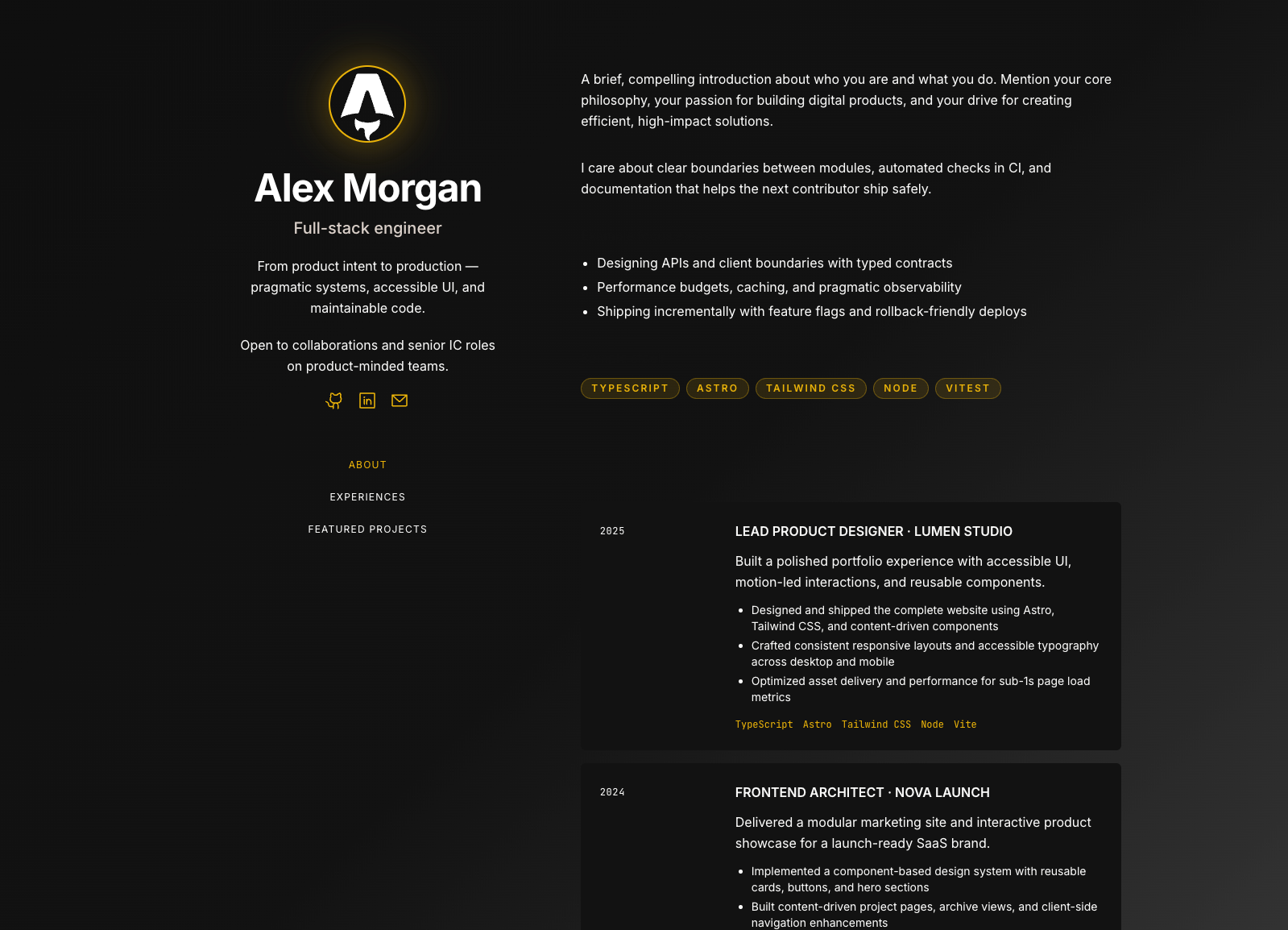
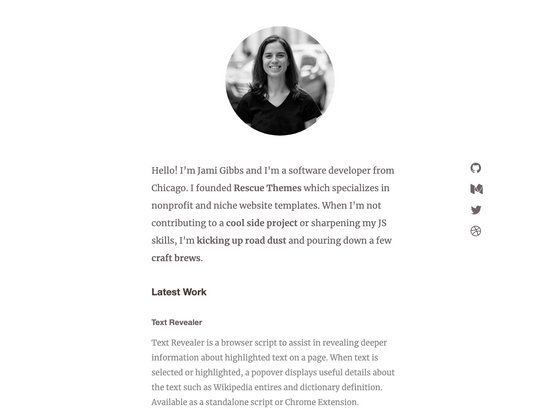
Nuboard is a free and open-source Jekyll theme with separate pages for showcasing your case studies, portfolio, and podcast.
About this template
Nuboard Theme is a free and open-source Jekyll theme that uses Tailwind CSS to power separate pages for podcast episodes, case studies, and portfolio projects.
What is Nuboard Theme?
Nuboard Theme is a Jekyll theme distributed as a Ruby gem, designed for content creators who need distinct layouts for podcasts, case studies, and project showcases. It is styled with Tailwind CSS and can be run locally with Jekyll's development server. The theme is released under the MIT license and hosted on the RubyGems registry, with a live demo at nuboard-theme.pages.dev.
Key Features
- Dedicated content layouts — Separate page structures for podcast, case study, and portfolio content, so each type has its own template.
- Tailwind CSS integration — Styling is built with Tailwind CSS, installed via NPM, allowing for utility-first customization.
- Minimal responsive design — The theme is described as minimal and responsive, adapting to different screen sizes without heavy frameworks.
- Ruby gem installation — Install with
gem install nuboard-theme, and manage dependencies through Bundler. - Local preview server — Run
bundle exec jekyll serveto serve the site locally during development. - Open-source license — MIT license permits free use, modification, and redistribution.
Who should use Nuboard Theme?
- Podcasters — Use the podcast page layout to structure episode listings and show notes.
- Freelancers and agencies — Present case studies and portfolio work with dedicated, organized pages.
- Developers — Build a Jekyll-powered portfolio site with a clean, Tailwind-based design that is easy to customize.
What can you do with Nuboard Theme?
- Publish a podcast hub — Create a dedicated page for your podcast, with space for episode lists and descriptions.
- Showcase case studies — Use the case study layout to present project narratives with a structured page design.
- Build a portfolio — Highlight your projects and work samples on a separate portfolio page that fits your personal brand.
How do you set up Nuboard Theme?
Install the gem with gem install nuboard-theme, then run bundle to install Ruby dependencies and npm install to set up Tailwind CSS. Start a local server with bundle exec jekyll serve. If you are using Ruby 3.0.0 or higher, you may need to add the webrick gem to your Gemfile to avoid a known Jekyll startup issue.
FAQ
Is Nuboard Theme free?
Yes. Nuboard Theme is open-source and distributed under the MIT license, so you can use it for personal and commercial projects without cost.
What are the installation prerequisites?
You need Ruby 2.5.0 or higher, RubyGems, GCC, Make, and NPM. These are required for running Jekyll and compiling Tailwind CSS.
Does Nuboard Theme work with Ruby 3.0?
It can, but you may need to add webrick to your Gemfile. The theme's documentation notes that Ruby 3.0.0 and higher can encounter a known Jekyll server issue that webrick resolves.
Where can I see a live demo?
The theme provides a demo site at nuboard-theme.pages.dev. The source code and download links are available on GitHub.