Template details
Portfolio.dev
A Neovim-themed personal portfolio template built with Astro, TypeScript, and Tailwind CSS.
About this template
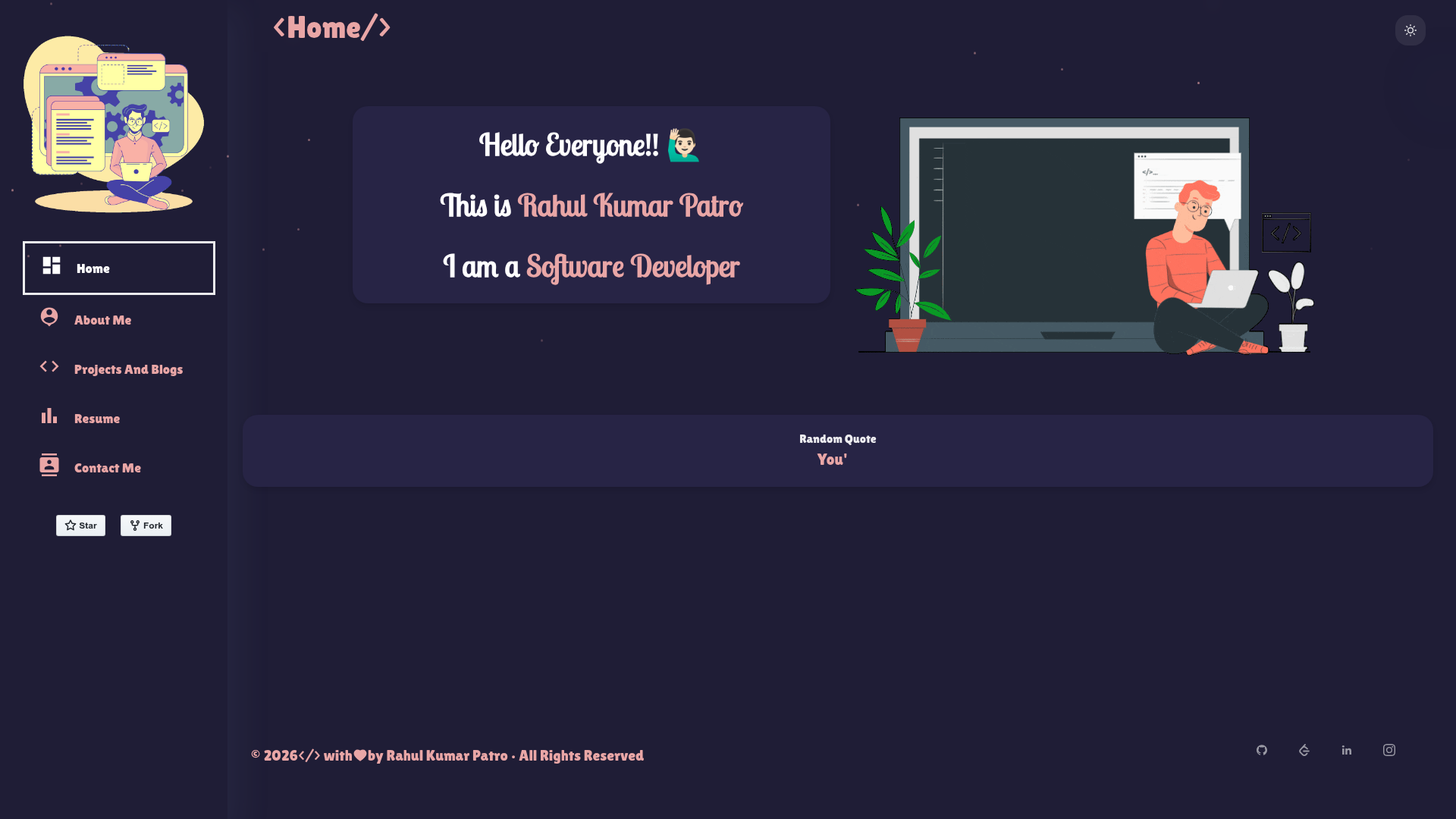
Portfolio.dev is an open-source personal portfolio template built with Astro, TypeScript, and Tailwind CSS that presents a developer's career history in a Neovim-inspired theme.
What is Portfolio.dev?
Portfolio.dev is a personal portfolio website template developed by Anmol-TheDev and available on GitHub, built with the Astro framework alongside TypeScript and Tailwind CSS. It takes a single cv.json file as input and renders a static portfolio featuring About, Experience, Education, Skills, and Projects sections. The site is designed for deployment on Vercel and uses React for interactive components.
Key Features
- Neovim-inspired theme — The UI mimics the color scheme and aesthetic of the Neovim editor, giving the portfolio a coding-focused look.
- Data-driven via cv.json — All portfolio content is stored in a
cv.jsonfile, so updating your information means editing one JSON file rather than individual pages. - Responsive design — The layout adapts to different screen sizes and works on desktops, tablets, and mobile devices.
- Multiple sections — Includes dedicated sections for About, Experience, Education, Skills, and Projects, covering the standard developer portfolio needs.
- Astro framework — Built on Astro, which outputs static HTML by default with optional interactive islands.
- TypeScript — The codebase uses TypeScript for type safety and a better developer experience.
- Tailwind CSS — Styling is handled with Tailwind CSS utility classes, making custom theming straightforward.
- React components — Some interactive parts of the site are built with React, allowing dynamic behavior within the static Astro output.
Who is Portfolio.dev for?
- Software developers who want a portfolio that reflects a coding aesthetic and prefer to maintain content through a JSON data file.
- Developers familiar with Neovim who are looking for a portfolio theme that matches their editor's look and feel.
- Astro users who want a ready-made portfolio template using the Astro framework with TypeScript and Tailwind CSS, and who intend to deploy on Vercel.
What can you do with Portfolio.dev?
- Showcase your professional history: Use the Experience and Education sections to list your work history and academic background, all sourced from
cv.json. - Display your technical skills: The Skills section lets you list your tech stack and proficiency, which is also controlled by the JSON data file.
- Present selected projects: The Projects section gives you a place to feature GitHub repositories or case studies with details stored in
cv.json. - Quickly change your theme: The Neovim-inspired theme is unique, but because the site uses Tailwind CSS, the colors and fonts can be restyled without changing the underlying structure.
How does Portfolio.dev work?
- Clone the repository from GitHub and install dependencies with
pnpm install. - Edit the
cv.jsonfile to replace the placeholder data with your own personal and professional information. - Run
pnpm run devto start the development server at http://localhost:4321 and preview the site. - Deploy the static output to a hosting service such as Vercel.
Pricing
Portfolio.dev is free to use and distributed under the MIT License, so you can use, modify, and redistribute it for personal or commercial projects.
FAQ
Is Portfolio.dev free?
Yes, Portfolio.dev is open-source and released under the MIT License. You can use it without any cost for personal or commercial purposes.
What tech stack does Portfolio.dev use?
Portfolio.dev is built with Astro as the web framework, TypeScript for type safety, Tailwind CSS for styling, and React for interactive components. It is designed to be deployed on Vercel.
How do I update my portfolio content?
All portfolio data is stored in a cv.json file at the root of the project. Edit that file to change your name, experience, education, skills, and projects, then rebuild or redeploy the site.
What Node.js version is required?
The project requires Node.js version 22.x or later. The installation instructions also specify pnpm as the package manager.
Can I customize the theme?
The template ships with a Neovim-inspired theme built on Tailwind CSS. Because styling uses utility classes, you can adjust colors and fonts in the Tailwind configuration to create your own look.