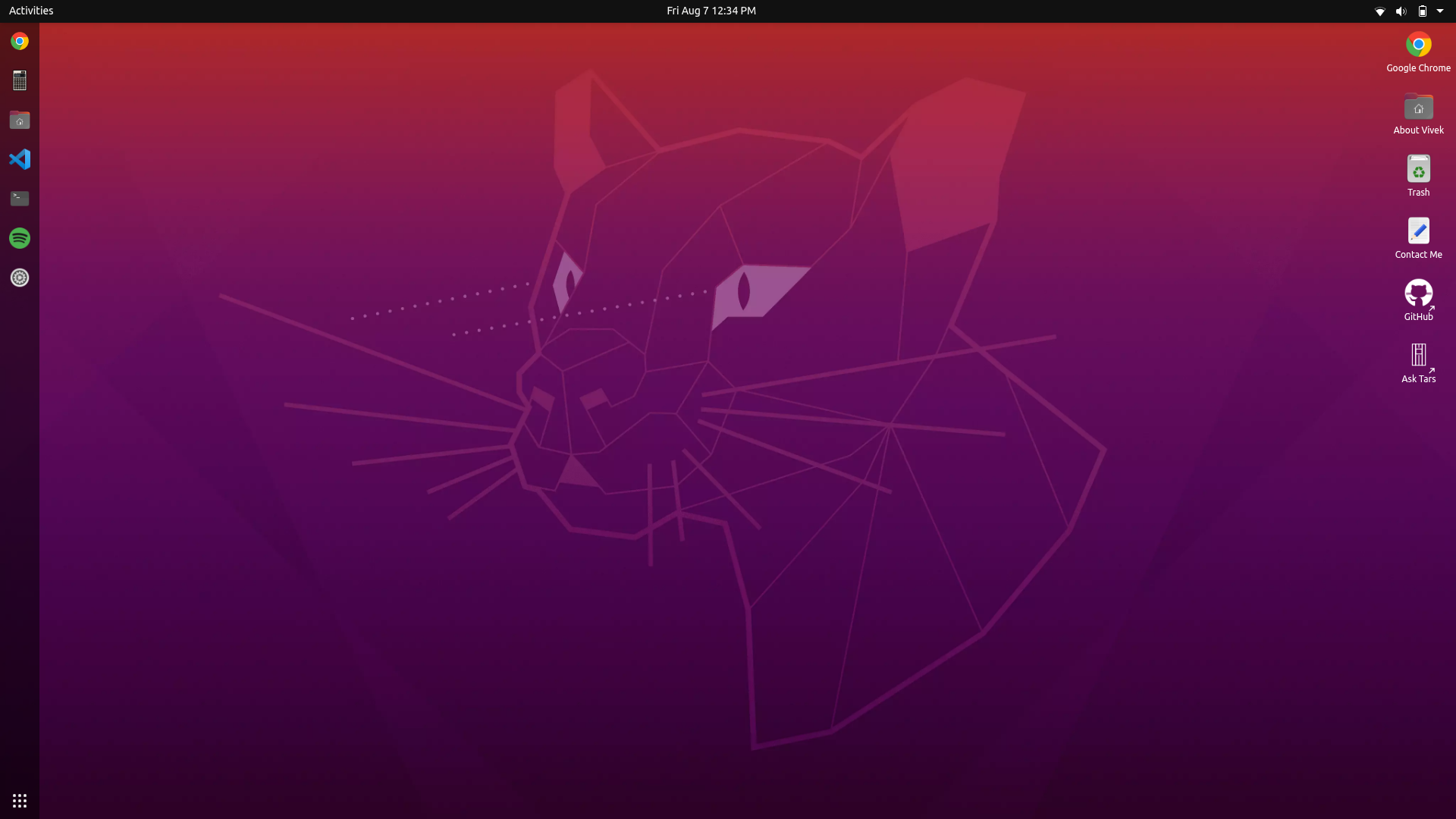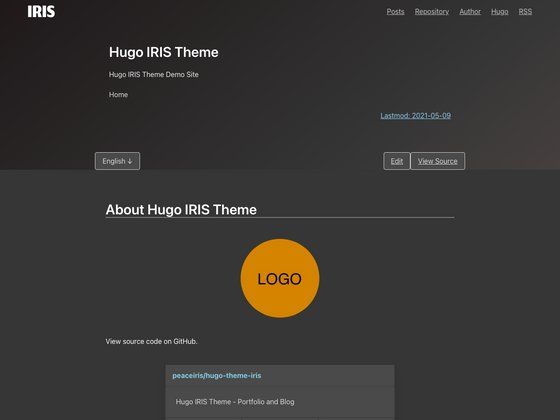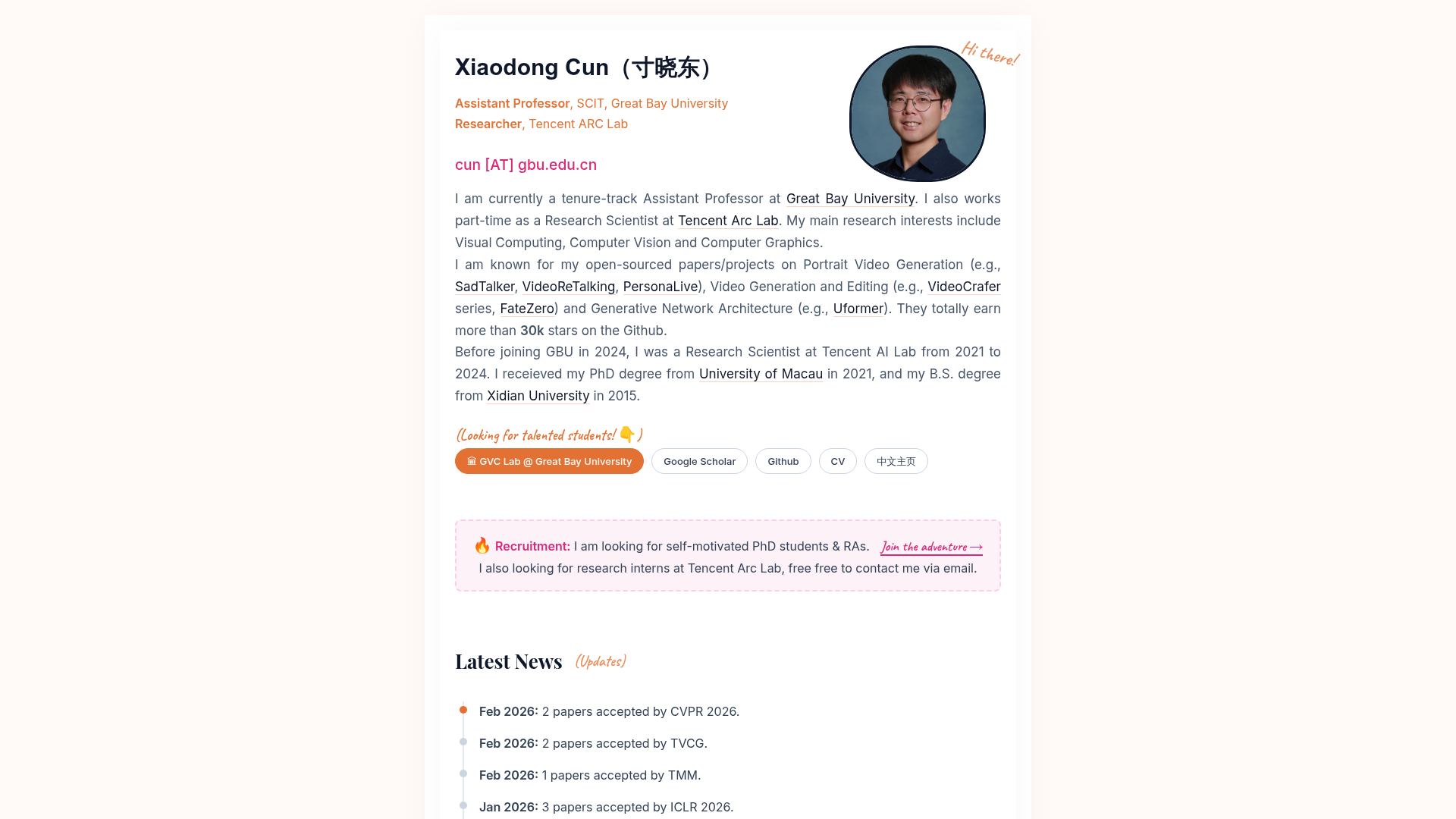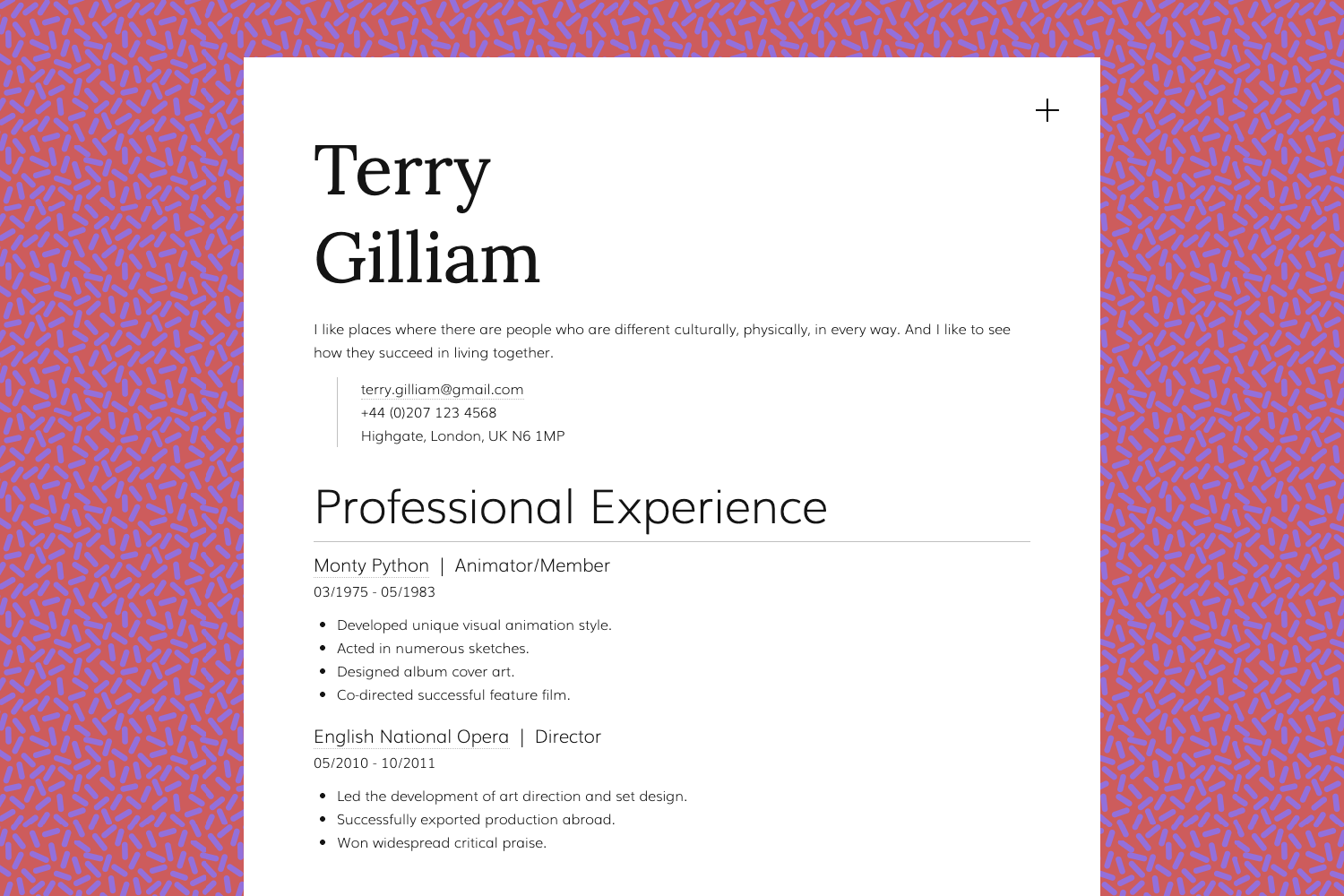
Template details
React Chakra Portfolio
Self-coded portfolio website template built with React JS and Chakra UI, featuring dark/light themes and responsive sections.
About this template
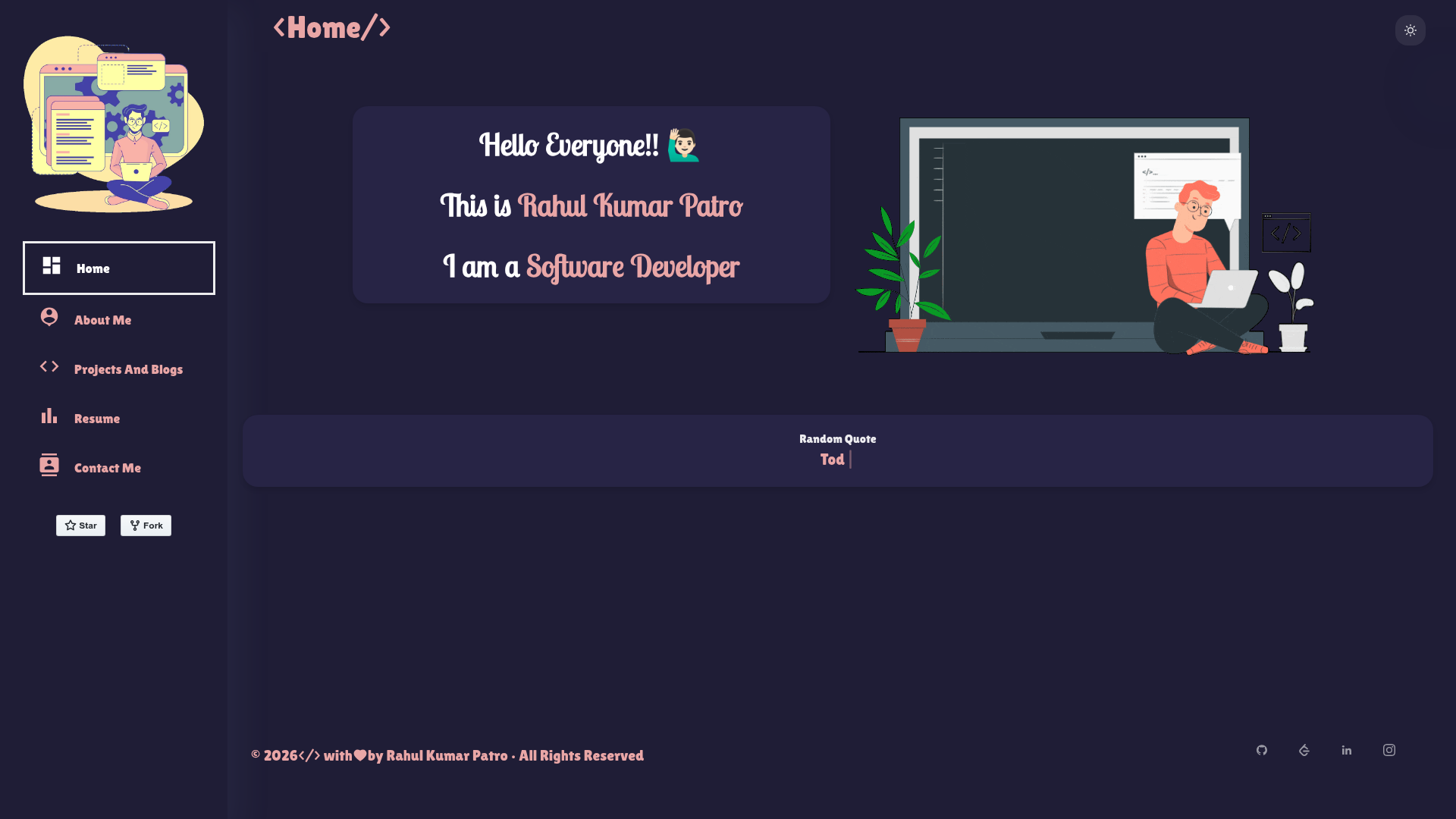
React Chakra Portfolio is a self-coded portfolio website template built with React.js and Chakra UI that produces a personal portfolio site with Home, About Me, Projects And Blogs, Resume, and Contact Me sections.
What is React Chakra Portfolio?
React Chakra Portfolio is a free, open-source (Apache-2.0) portfolio template created by Rahul (GitHub user Rahul1582) and hosted on Render at rahulkp15.onrender.com. It takes the developer's content — biography, projects, blog posts, resume, and contact details — and turns it into a responsive single-page application. The template is built entirely with React.js for the user interface and Chakra UI for styling and theming, so there is no separate CSS framework.
Key Features
- Dark and Light Theme — Toggle between dark and light color modes using Chakra UI's built-in theming system, without changing any component code.
- Customizable Layouts — Personalize the arrangement of sections and the overall layout by editing React components; the code is organized for quick changes.
- Responsive Design — The layout adapts to desktop, tablet, and mobile viewports, with mobile-specific screenshots included in the repository.
- Shimmering Effect and Lazy Loading — Images load lazily with a shimmer placeholder, improving initial page load performance on slower connections.
- Edit with Ease — A lightweight editing solution that lets you update content by editing the React components directly, no build configuration needed beyond the standard Create React App setup.
- Downloadable React Code — The full source code is available for download and self-hosting, giving you complete control over deployment and customization.
- Included Sections — Home, About Me, Projects And Blogs, Resume, and Contact Me come pre-built; you just fill in your own data.
Who is it for?
Job-seeking developers can use this template to create a polished portfolio that presents their projects and resume to recruiters. Students learning React can study the codebase to see how a real React + Chakra UI project is structured. Freelancers and designers can quickly launch a personal brand site without starting from scratch, and open-source contributors can showcase their work with a dedicated Projects And Blogs section.
What can you do with it?
- Job seekers: Build a portfolio with a Resume section that links to your latest CV and a Projects section to demonstrate your coding skills.
- Students: Use the Home and About Me sections to tell your story and the Projects And Blogs area to document school or personal projects.
- Freelancers: Deploy the template to Render for free and share the live link with potential clients; the custom layout makes it easy to add service pages.
How does it work?
To get started, clone the repository from GitHub, run npm install to install dependencies, then run npm start to launch the development server at localhost:3000. For production, deploy the app to Render by linking your GitHub repository, as demonstrated in the live demo deployment.
Pricing
The template is free to use under the Apache-2.0 License. There are no paid tiers or subscription fees, and the source code can be used, modified, and distributed freely, provided you preserve the license notice.
Alternatives
Another popular React portfolio template is developer-portfolio by saadpasta, which also targets developers and is available on GitHub.
FAQ
Is React Chakra Portfolio free?
Yes, the template is open source under the Apache-2.0 License, so you can download, modify, and deploy it for free.
How do I customize the content?
Clone the repository, edit the React components in the source files (such as the Home, About, Projects, and Resume sections), and run npm start to preview changes locally.
What tech stack does it use?
The template is built with React.js for the user interface and Chakra UI for styling, theming, and responsive components. It does not use Tailwind CSS or other CSS frameworks.
Can I deploy it to Render?
Yes, the project includes instructions for deploying to Render. You can link your GitHub repository to Render and it will build the React app automatically.
Does the portfolio work on mobile devices?
Yes, the design is fully responsive and adapts to desktop, tablet, and mobile screens, with mobile views shown in the repository screenshots.