Template details
PortfolioLoom
Free, responsive Blogger XML templates for portfolio websites with SEO schema, RTL support, and contact tools.
About this template
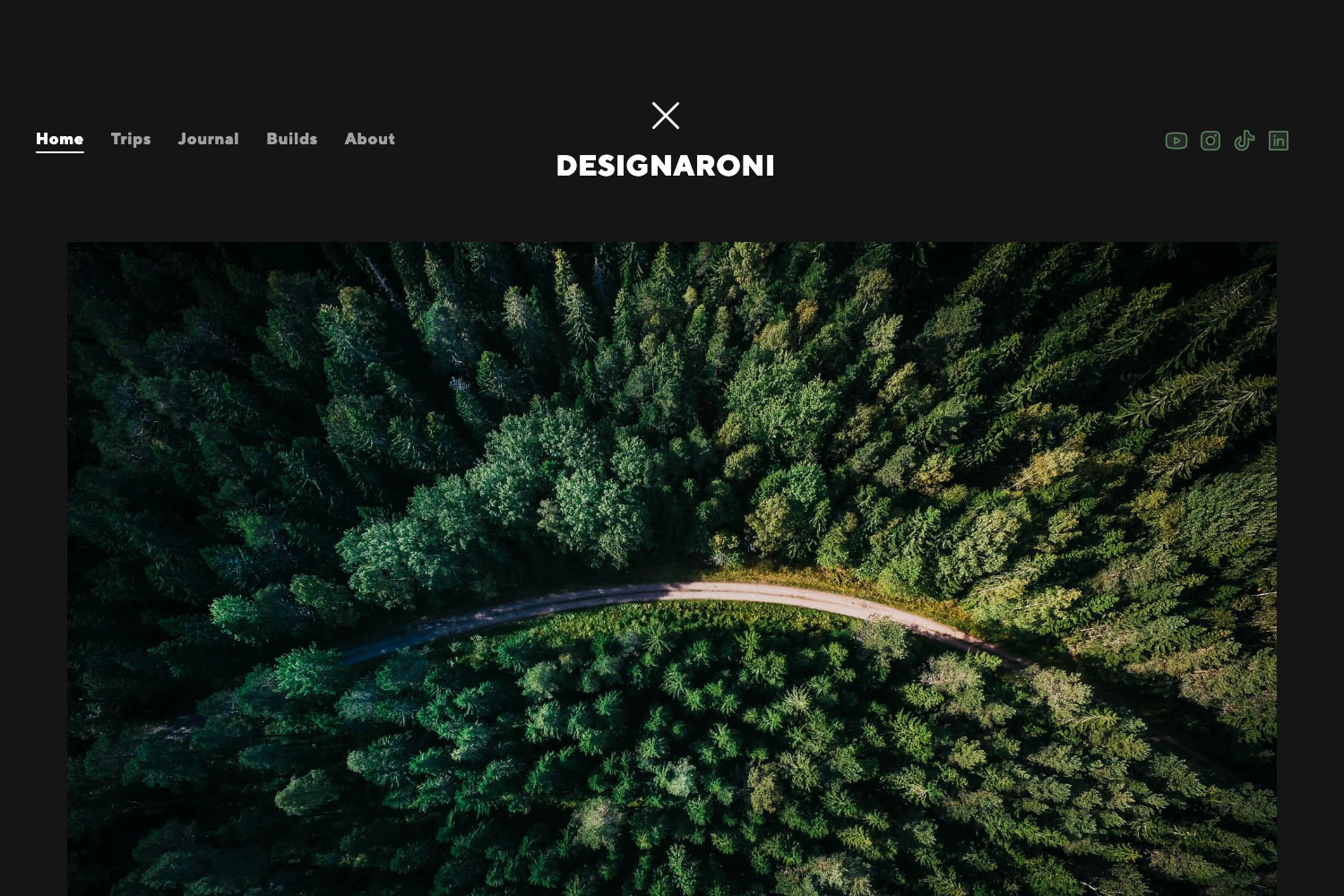
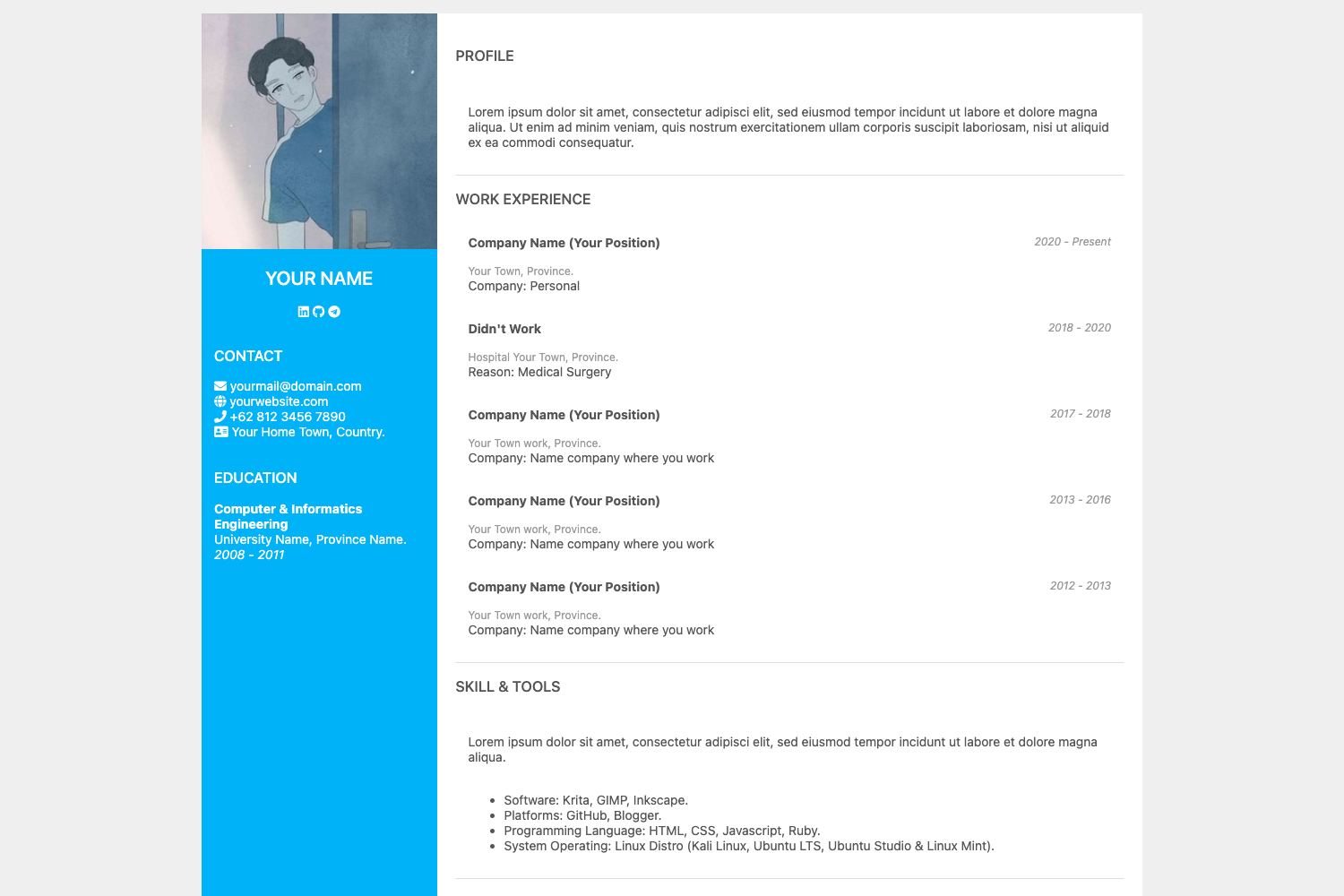
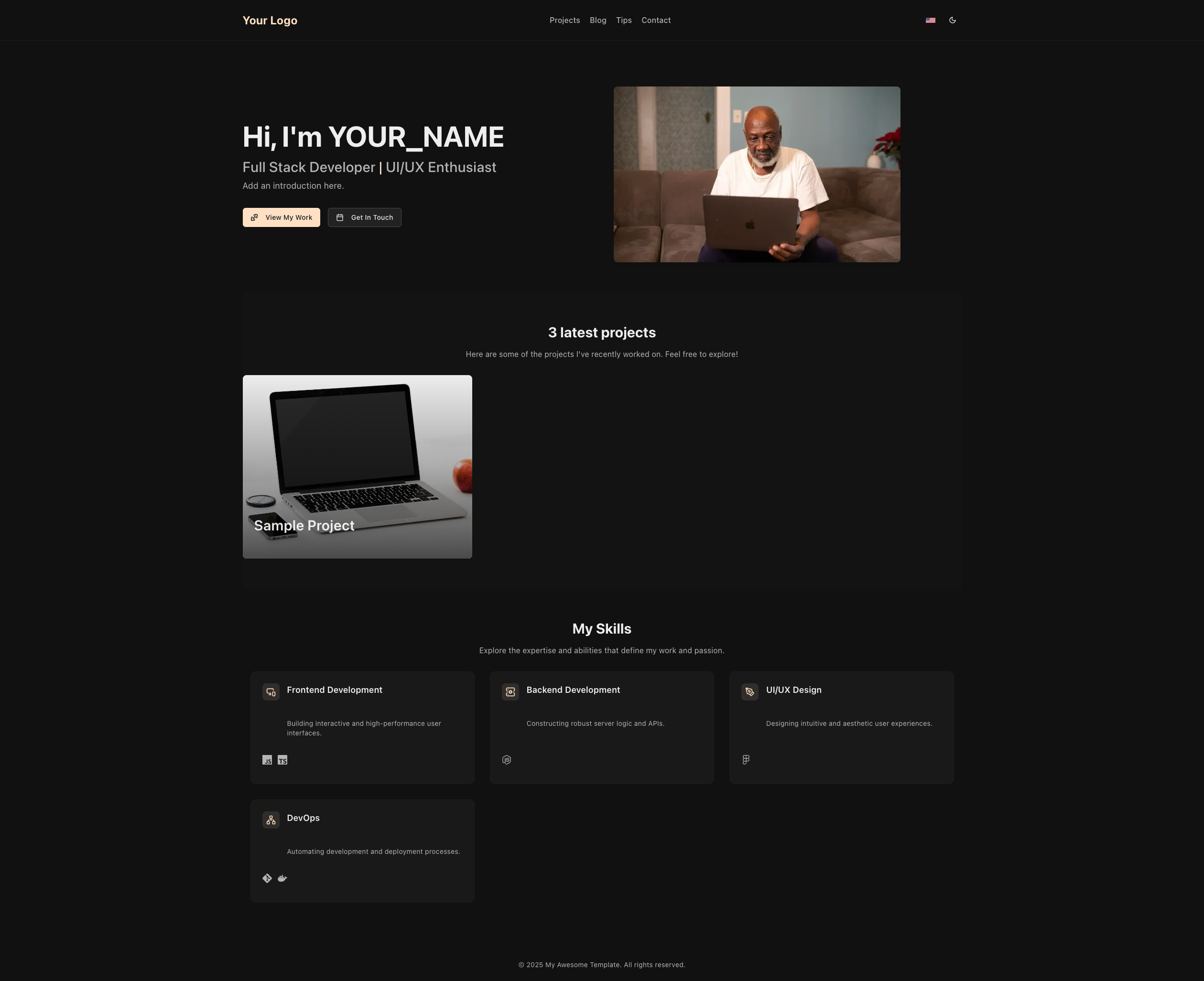
PortfolioLoom is a free, MIT-licensed collection of Blogger XML themes built specifically for portfolio websites, combining mobile-first responsive design with portfolio-specific features like project showcases, SEO schema, and contact tools.
What is PortfolioLoom?
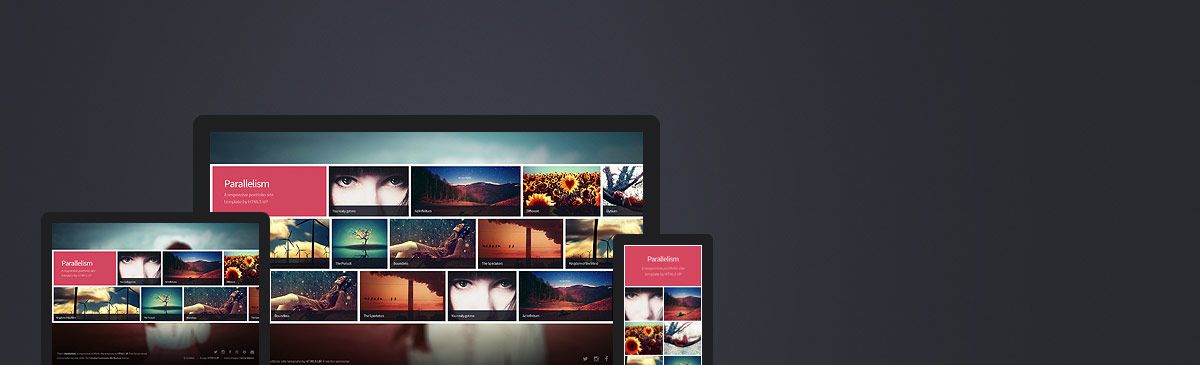
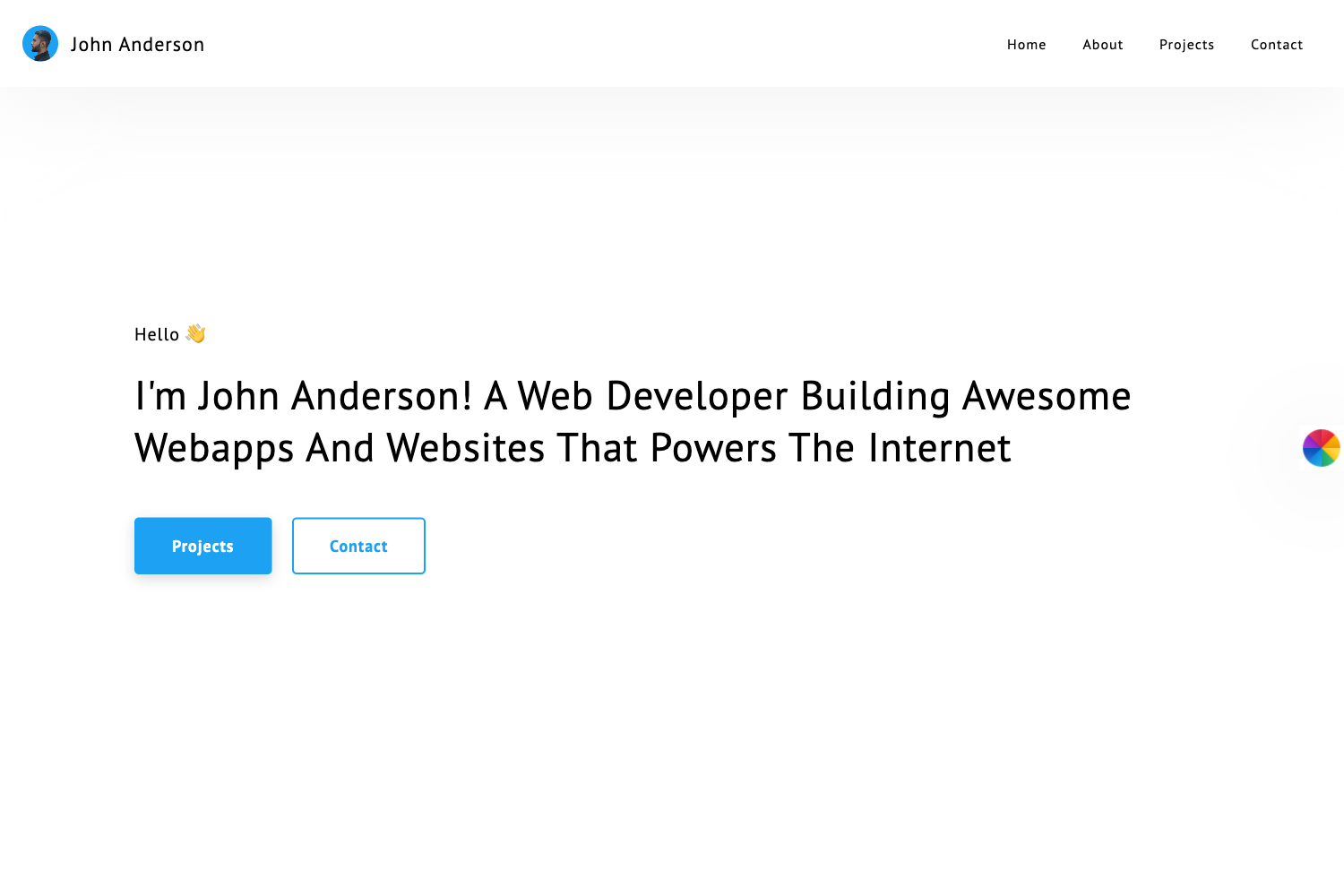
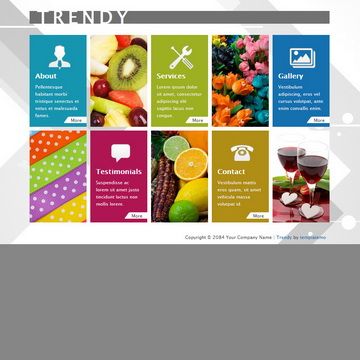
PortfolioLoom is a GitHub repository of Blogger templates engineered for portfolio sites. Each template folder contains a theme.xml file for upload, a preview.html for local inspection, custom.css for advanced tweaks, and a README.md with template-specific instructions. The templates run on Google Blogger, take content from Blogger labels and pages, and output a responsive portfolio website with pre-built page layouts for About, Resume, Project Detail, Gallery, and Testimonials.
Key Features
- Mobile-first responsive design — Fluid grid and media queries tested from 320px to 4K screens; navigation collapses into hamburger menus on small viewports.
- Project Showcase Engine — Dedicated featured-project sections with thumbnails, overlay captions, lightbox-style galleries, embedded YouTube and Vimeo video support, and custom call-to-action buttons.
- SEO architecture — Schema markup for Portfolio, Person, and CreativeWork, proper heading hierarchy, and metadata fields; images load lazily with native and JavaScript fallback, and CSS/JS are minified with critical CSS inlined.
- Multilingual readiness — Language attribute support and RTL compatibility let portfolios render in Arabic, Hebrew, or other right-to-left languages without breaking the layout.
- Contact and engagement tools — Pre-styled contact form wired to Blogger's native form widget, social media link fields with SVG icons, newsletter signup placeholder, and optional WhatsApp and Telegram chat buttons.
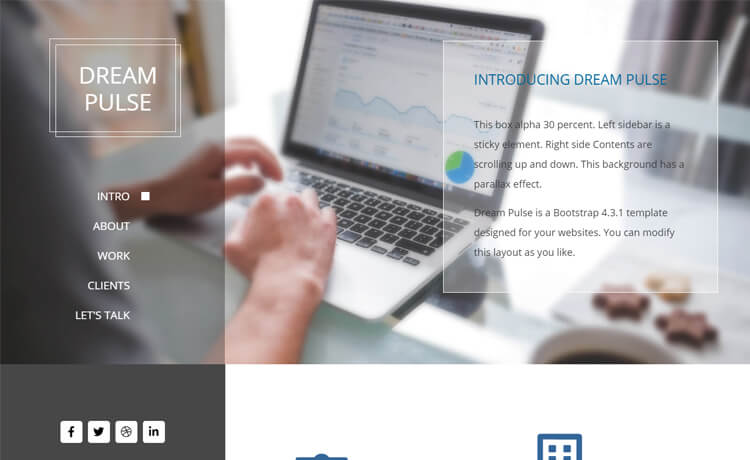
- Code-free customization — Primary, secondary, and accent colors are controlled by CSS variables; Google Fonts are loaded locally for privacy; layout toggles switch between sidebar left, sidebar right, full-width, and grid mosaic.
- Zero tracking — No analytics scripts or third-party trackers are embedded in the templates.
Who is it for?
- Freelancers and independent professionals — Publish a portfolio site with project pages and a resume without paying for a website builder.
- Designers, photographers, and artists — Showcase visual work using lightbox galleries and embedded video support.
- Developers — Modify theme.xml and custom.css to build a custom portfolio, using each template's documentation as a guide.
- Writers and content creators — Structure an About page, project detail pages, and testimonials to present published work and client feedback.
What can you do with PortfolioLoom?
- Creative professionals: Upload theme.xml directly to Blogger and launch a portfolio with gallery and project-filter pages.
- Small businesses and agencies: Deploy the contact form and WhatsApp/Telegram buttons to capture client leads.
- Multilingual site owners: Enable RTL support and language attributes to run a portfolio in right-to-left languages.
- Privacy-conscious users: Operate a portfolio with no embedded trackers or third-party analytics scripts.
How does PortfolioLoom work?
- Browse the repository and pick a template folder; each contains theme.xml.
- Open preview.html in a browser to review the layout before uploading.
- In the Blogger dashboard, go to Theme → Backup/Restore → Upload the theme.xml file.
- Customize colors and layout using Blogger Theme Designer or edit custom.css; major options are documented in each README.
- Add projects, bio, and contact details — templates auto-arrange content based on Blogger labels and pages.
Pricing
All PortfolioLoom templates are free. The repository is licensed under the MIT License, so templates may be used, modified, and distributed for personal or commercial projects with no sign-up or payment.
FAQ
Are PortfolioLoom templates free?
Yes, every template in the repository is free to download and use. The MIT License also permits commercial use, modification, and redistribution without payment.
What file do I upload to Blogger?
Each template folder contains a theme.xml file. In Blogger, go to Theme → Backup/Restore → Upload and select that file to install the theme.
Do the templates support RTL languages?
Yes. RTL compatibility and language attribute support are built in, so layouts remain intact for Arabic, Hebrew, and other right-to-left languages.
Do PortfolioLoom templates include tracking scripts?
No. The templates are built with zero tracking and full privacy in mind; no analytics scripts or third-party trackers are embedded.
Is there a warranty?
No. The templates are provided "as is" without warranty. The project recommends backing up your existing Blogger theme and testing on a staging blog before going live.