Template details
Astro Portfolio & Bilingual Blog Template
A modern and clean Astro theme for personal portfolios and bilingual (French/English) blogs. Built with TypeScript, Tailwind CSS, and MDX.
About this template
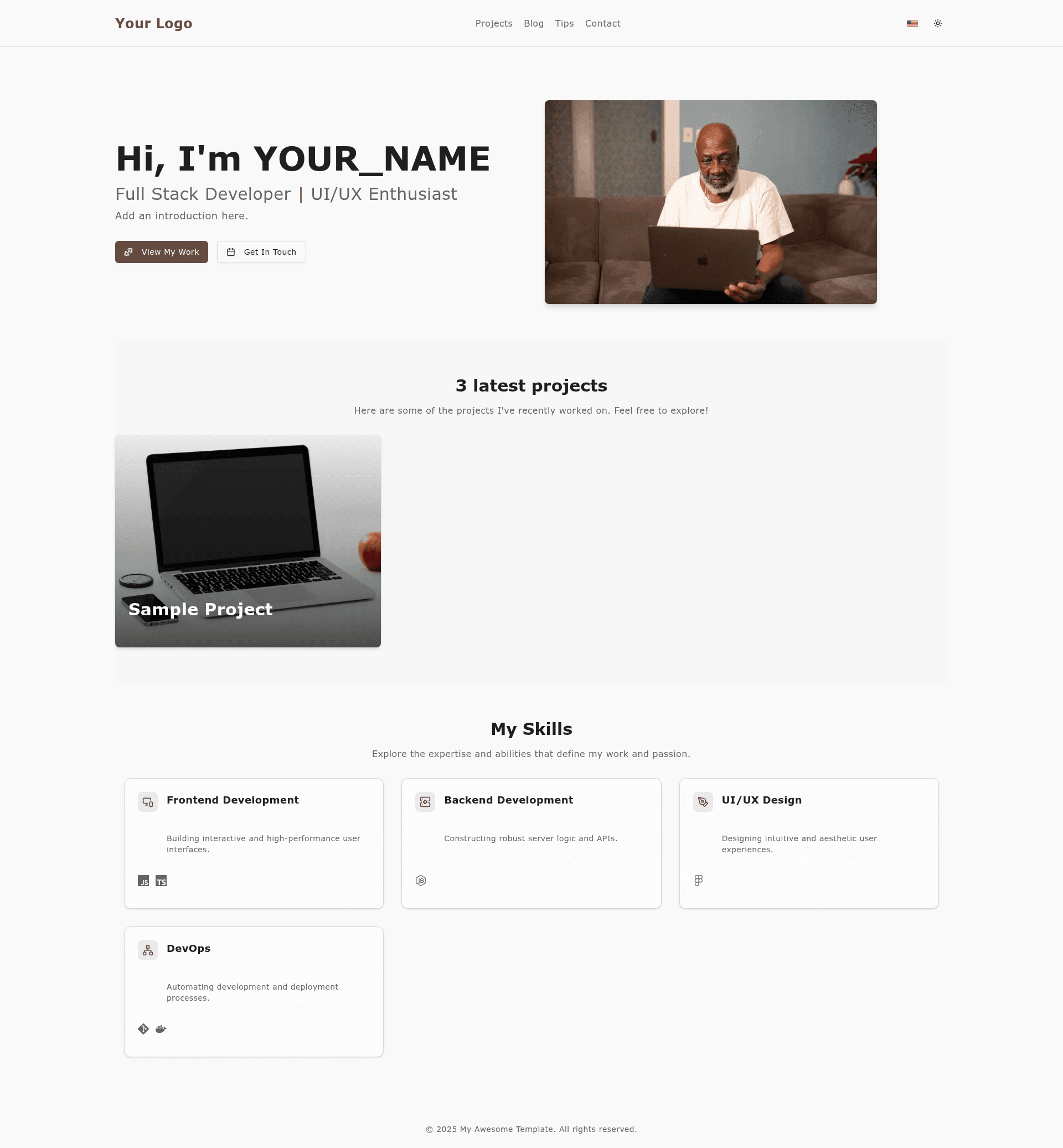
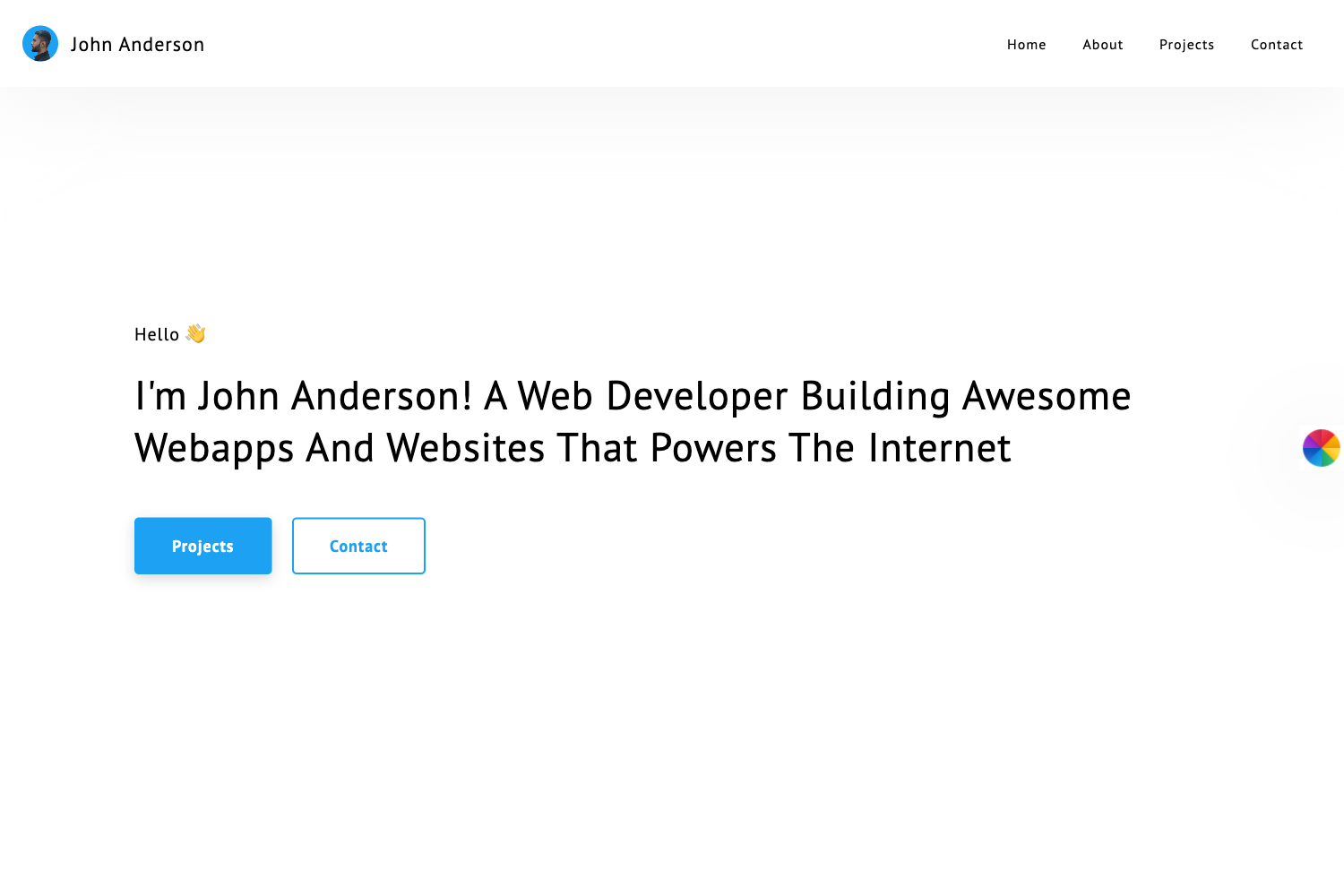
Astro Portfolio & Bilingual Blog Template is an open-source Astro portfolio and blog template that combines a personal portfolio with a bilingual French/English MDX blog, pre-configured with TypeScript, Tailwind CSS, and shadcn/ui.
What is Astro Portfolio & Bilingual Blog Template?
Astro Portfolio & Bilingual Blog Template is a static-site template for developers who need a portfolio page plus a technical blog in two languages. It takes Markdown (.md) or MDX (.mdx) articles placed in src/features/blog/content/en/ and src/features/blog/content/fr/, plus project data defined in src/features/projects/service.ts, and outputs a fully static site into ./dist/ when you run the build command. The template runs on Astro, uses Bun as the default package manager (with npm, yarn, and pnpm supported), and is based on the personal portfolio of Bakate (https://www.bakateba.eu/).
Key Features
- Bilingual blog — Articles are written in Markdown or MDX and sorted into
en/andfr/content folders; the template ships with example posts to copy. - Portfolio projects — A sample project is included; you define your own projects in the
projectsDataarray insidesrc/features/projects/service.tsand add translations insrc/i18n/ui.ts. - Astro static generation — The build command produces a static site in
./dist/with no server required for hosting. - TypeScript — All components and configuration are typed, which helps keep the codebase maintainable.
- Tailwind CSS and shadcn/ui — The UI is styled with Tailwind and shadcn/ui, giving you utility classes and component primitives.
- MDX with React components — Blog posts can embed interactive React components inside MDX files.
- Internationalization setup — UI strings are centralized in
src/i18n/ui.ts, and the template includes a basic i18n configuration for French and English. - Responsive layout — The default pages (home, portfolio, blog) are designed to work on mobile and desktop viewports.
Who is it for?
- Developers building a personal brand site with a portfolio and a tech blog, who want a typed, component-based Astro setup.
- Bilingual content creators who write technical articles in both French and English and want a pre-built folder structure and language split.
- Freelancers who need to showcase projects quickly by editing a data file and adding translations rather than building pages from scratch.
What can you do with it?
- Developers: Publish bilingual technical articles by dropping
.mdor.mdxfiles into theen/orfr/content folders and filling in frontmatter such as title, description, pubDate, tags, andheroImage. - Freelancers: Showcase client work by replacing the sample projects in
src/features/projects/service.tsand adding localized descriptions insrc/i18n/ui.ts. - Design-minded developers: Restyle the site by editing
tailwind.config.mjsandsrc/styles/global.cssor swapping components insrc/components/andsrc/features/**/components/.
How does it work?
- Click "Use this template" on GitHub or clone the repository into your project folder.
- Install dependencies with
bun install(ornpm install,yarn install,pnpm install). - Start the development server with
bun dev; the site runs athttp://localhost:4321. - Add your content — blog posts in
src/features/blog/content/en/orfr/, and portfolio data insrc/features/projects/service.ts. - Build the production site with
bun build, which outputs the static files to./dist/, then preview them locally withbun preview.
FAQ
What package managers can I use?
Bun is the default package manager, and all documented commands use bun. The page also notes that npm, yarn, and pnpm work if you adapt the commands, such as replacing bun install with npm install.
How do I add a new blog post?
Create a .md or .mdx file inside src/features/blog/content/en/ for English posts or src/features/blog/content/fr/ for French posts, then fill in the frontmatter fields shown in example-post.mdx. Place hero images in src/assets/blog/ or public/ and update the heroImage.url path.
How do I customize the look and feel?
Edit tailwind.config.mjs and src/styles/global.css to change the design system, or replace components in src/components/ and src/features/**/components/. Page layouts for the site are in src/layouts/.
Where do I put blog post images?
Put Astro-managed images in src/assets/blog/ or static images in public/, then update the heroImage.url field in each post's frontmatter to point to the correct path. Project images can be imported as ImageMetadata objects in service.ts.
What URL does the development server use?
When you run bun dev, the site is served at http://localhost:4321. The production build output goes to ./dist/ and can be previewed locally with bun preview.