Template details
Windows 11 Clone
Experience the look and feel of Windows 11 directly in your browser with this web-based clone. Enjoy a similar user interface and functionality.
About this template
Windows 11 Clone (also known as Windows11-3.0) is a web-based portfolio template that recreates the Windows 11 desktop experience in the browser using React.js, letting visitors interact with a fully simulated operating system.
What is Windows 11 Clone?
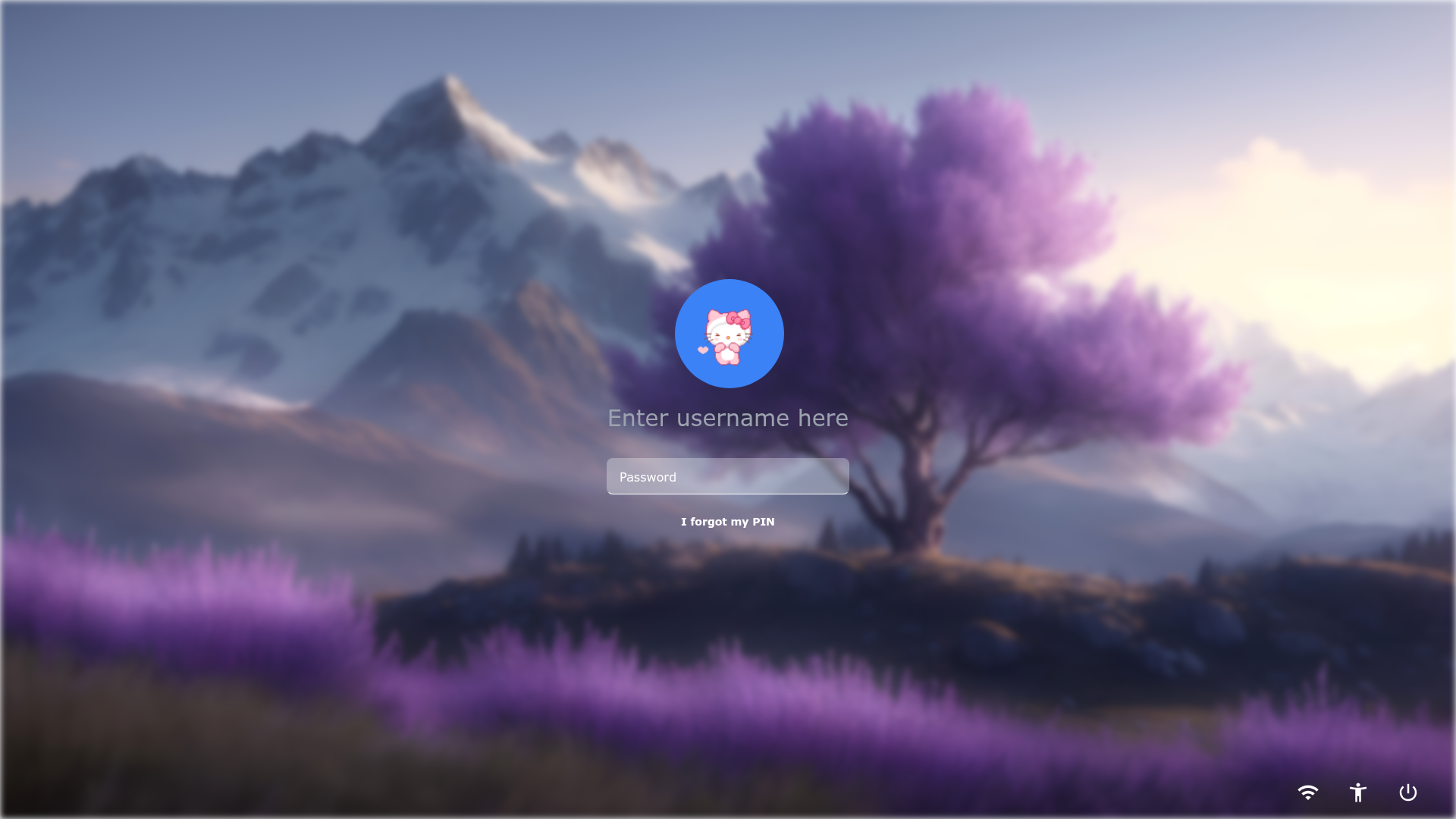
Windows 11 Clone is a web-based simulation of the Windows 11 operating system built entirely with React.js. It takes no real user credentials—any input on the login page grants access—and produces an interactive desktop environment containing multiple mini-applications such as a Chrome browser, calculator, VS Code editor, Spotify-style player, and a Tic-Tac-Toe game. The project was created by Mishan Poudel and is available as an open-source repository on GitHub under the name Windows11-3.0.
Key Features
- Chrome app — A simulated web browser that lets users navigate the internet inside the Windows clone, replicating the look of a real Chrome window.
- Calculator — A functional arithmetic calculator for basic operations like addition, subtraction, multiplication, and division.
- VS Code environment — A virtual Visual Studio Code interface that mimics the layout and feel of the popular code editor.
- Emoji Tic-Tac-Toe — A playful take on the classic game where players place emojis instead of Xs and Os.
- Spotify player — A simulated music player interface styled after Spotify, complete with playback controls.
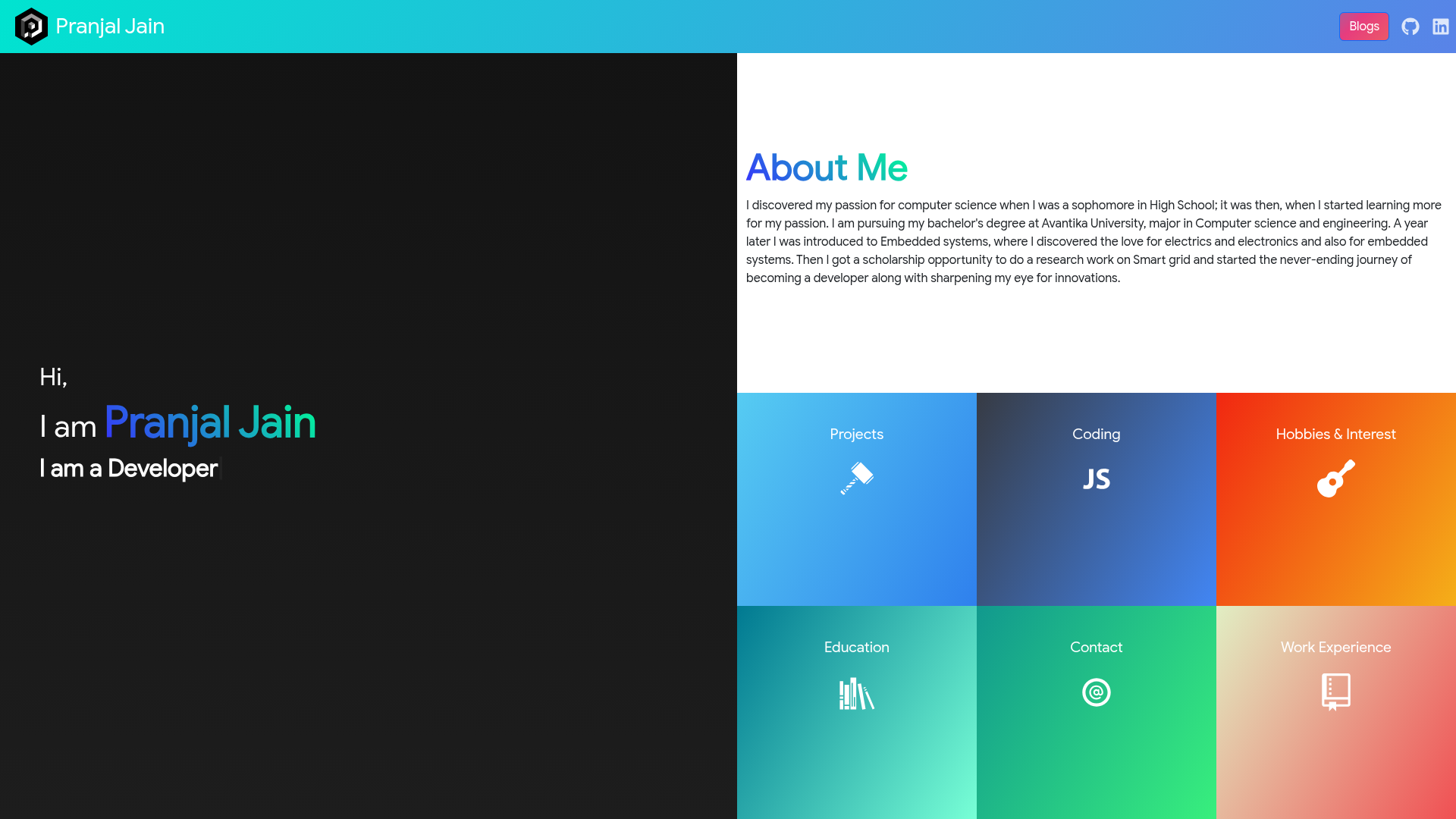
- About Me app — A personal app that displays information about the developer (Mishan Poudel) and serves as a portfolio element.
- Start menu and taskbar — A Windows 11-style start menu and taskbar for launching apps and switching between open windows.
- Draggable windows — Apps can be moved around the desktop using React Draggable, replicating the drag-and-drop feel of a real OS.
- Tech stack — Built with React.js, Tailwind CSS, React Router DOM for navigation, Framer Motion for animations, and React Draggable for window movement.
Who is it for?
- Portfolio creators — Developers who want a distinctive, interactive portfolio website that stands out by showcasing their work inside a simulated operating system.
- React learners — Beginners studying React.js who can read the source code of a working project that uses hooks, routing, and UI libraries.
- Windows enthusiasts — Anyone nostalgic for Windows 11 who wants to play with a functional facsimile in the browser without installing anything.
What can you do with it?
- Demonstrate web development skills: Present coding projects and personal info through the "About Me" app, using the Windows desktop as an engaging portfolio shell.
- Practice using React libraries: Explore how React Router DOM handles navigation between apps and how Framer Motion adds window animations.
- Play games and browse: Use the built-in Chrome, calculator, and emoji Tic-Tac-Toe apps for fun and for testing the clone's capabilities.
- Customize your own version: Fork the repository and replace the "About Me" content with your own, turning the clone into a personalized portfolio.
How does it work?
The app is a single-page React application served on localhost:3000. On first launch, users land on a login screen; entering any text and submitting grants access to the desktop. From there, clicking icons on the desktop or selecting items in the start menu opens the corresponding app in a draggable window, and the taskbar tracks open windows for quick switching.
The installation is straightforward: clone the repository, run npm install, then npm start, and the app opens automatically.
FAQ
Is Windows 11 Clone free to use?
Yes, the project is open source and hosted on GitHub under the repository name Windows11-3.0. You can clone, modify, and reuse it freely for personal or portfolio purposes.
What do I type to log in?
The login page accepts anything—no real credentials are checked. Simply type any text and submit to enter the desktop environment.
What apps are included?
The clone ships with six apps: Chrome, Calculator, VS Code, Emoji Tic-Tac-Toe, Spotify, and About Me. Together with the start menu, taskbar, and draggable windows, they simulate a full desktop experience.
What is the project's tech stack?
The app is built with React.js, styled with Tailwind CSS, and uses React Router DOM for navigation, Framer Motion for animations, and React Draggable for window movement.
How many screenshots are in the README?
The repository shows eleven screenshots covering the desktop, browser, VS Code, calculator, emoji game, explorer, switch, sleep, Spotify, start menu, and About Me views.