Template details
Quick
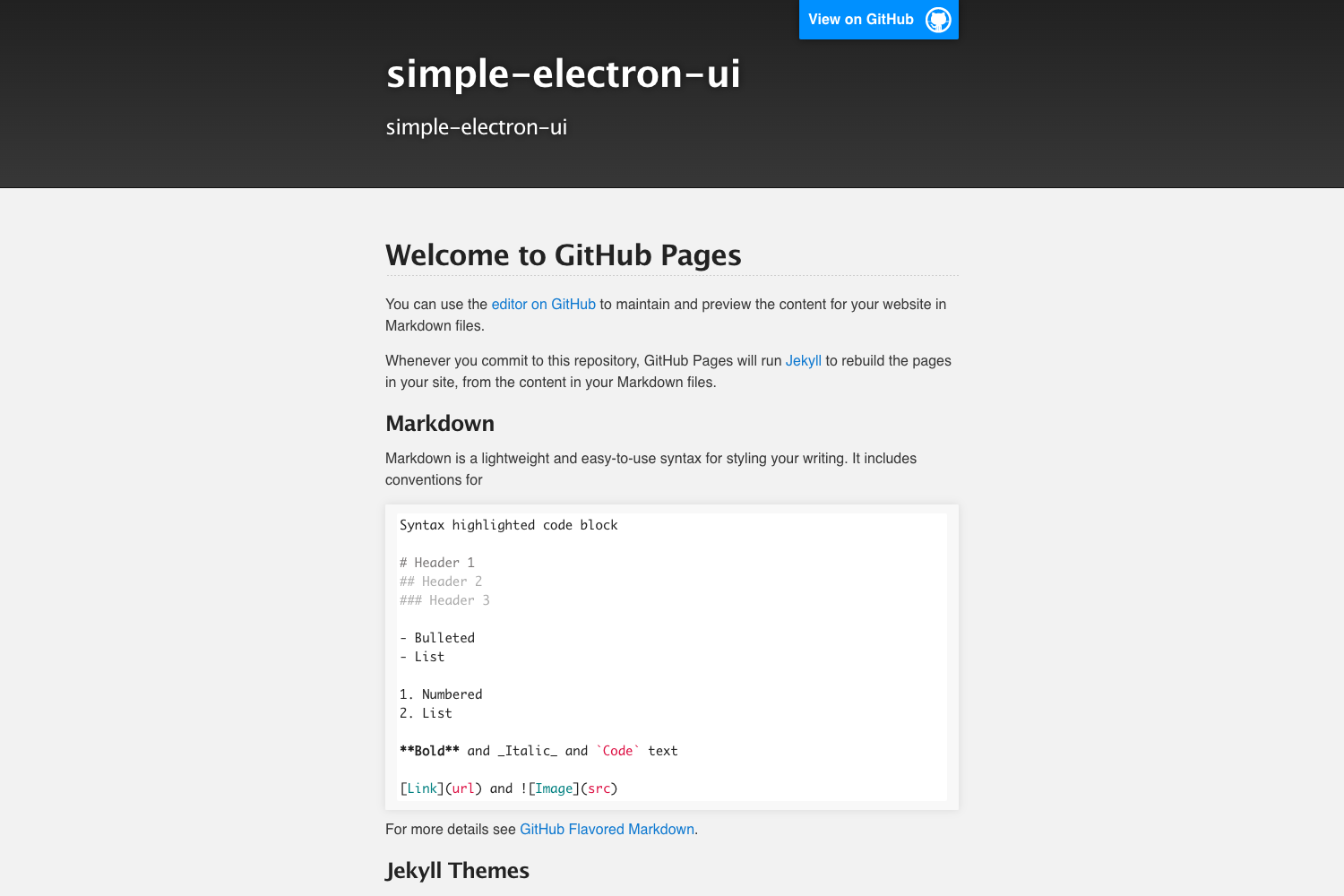
A Jekyll theme for GitHub Pages that converts a repository's README.md into a clean, styled project website.
About this template
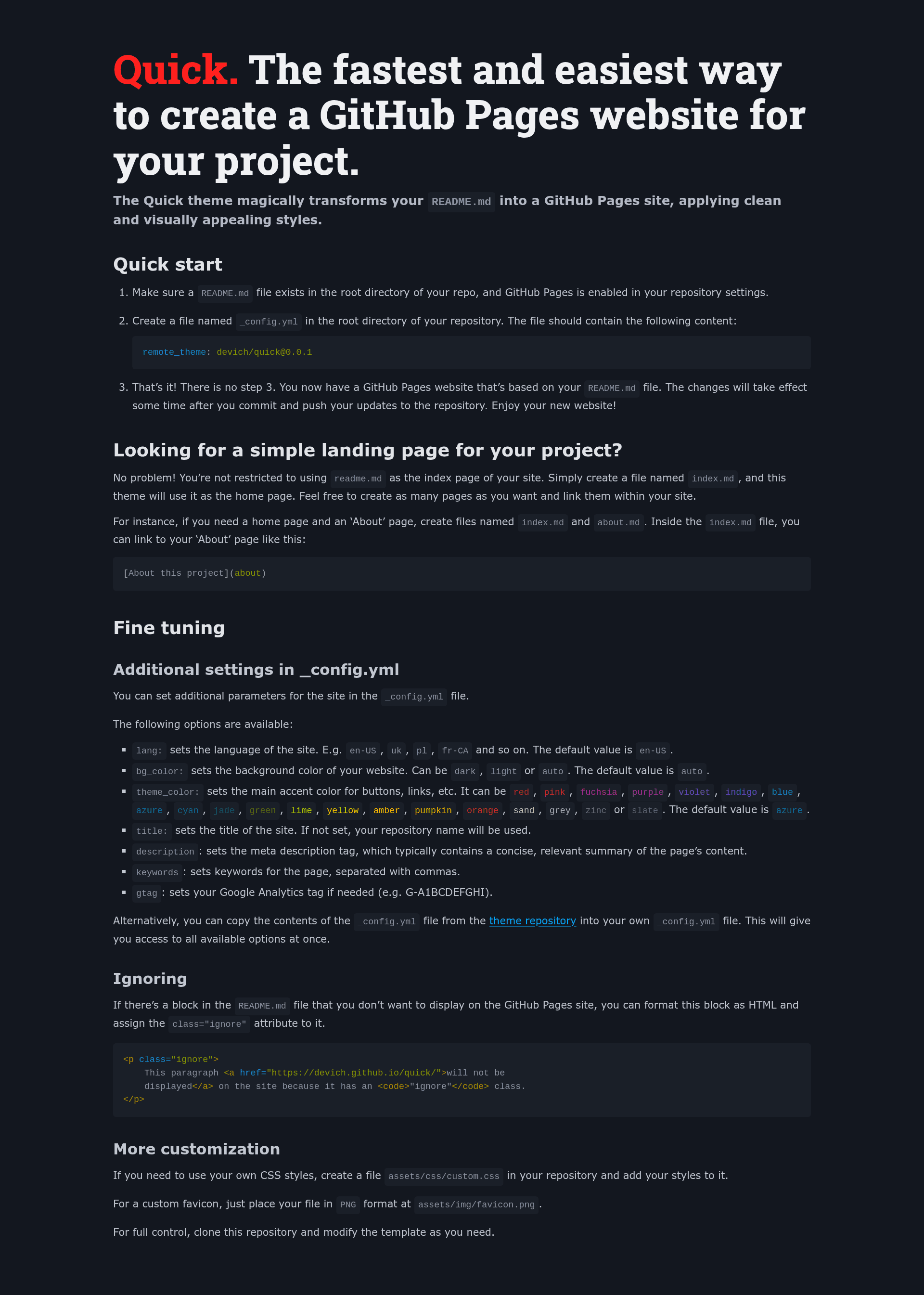
Quick is a GitHub Pages remote Jekyll theme by developer devich that turns a repository's root README.md into a styled project website with a one-line _config.yml entry and no local Jekyll installation.
What is Quick?
Quick is a Jekyll remote theme built for GitHub Pages. It takes a plain markdown README.md file as input and renders it as the index page of a public GitHub Pages site, applying clean typography, layout, and color styling automatically. The theme is installed through GitHub's remote_theme mechanism, so you only commit configuration, not generated HTML. It is maintained by devich on GitHub, and the live demo is at https://devich.github.io/quick/.
Key features
- One-line setup — Add
remote_theme: devich/quick@0.0.1to_config.yml; there is no step 3 in the quick-start instructions. - README-first workflow — The root
README.mdbecomes the site's home page, so documentation stays in one place and the site updates on every push. - 20 accent colors — Configure the accent color via
theme_colorwith options including red, pink, fuchsia, purple, violet, indigo, blue, azure, cyan, jade, green, lime, yellow, amber, pumpkin, orange, sand, grey, zinc, and slate; default is azure. - Background mode — Set
bg_colortodark,light, orauto(the default) to control the site's background appearance. - Custom pages — Add
index.md,about.md, or any other.mdfile in the root and link between pages with markdown links like[About this project](about). - Ignore blocks — Wrap any block in HTML with
class="ignore", such as<p class="ignore">, and it is hidden from the rendered site. - Custom CSS and favicon — Place
assets/css/custom.cssfor your own styles andassets/img/favicon.pngfor a custom favicon. - SEO controls — Set
title,description,keywords, andlangin_config.yml, plus agtagfield for Google Analytics.
Who is it for?
Quick is for GitHub users who want a project website without maintaining a separate site repository. Open-source maintainers can publish their README as the project page in minutes. Developers creating a landing page for a new repository can get a styled homepage by committing two files. Documentation-focused teams already using GitHub Pages can use it to stand up a documentation index quickly.
What can you do with Quick?
- Project maintainers: Turn an existing
README.mdinto a public homepage and keep documentation and site content synchronized in one file. - New repository owners: Launch a project page in minutes by adding one
_config.ymlfile once GitHub Pages is enabled in repository settings. - Technical writers: Add secondary markdown pages like
about.mdorindex.mdand link them from the README-driven landing page. - Non-Jekyll users: Use the hosted
remote_themefeature to avoid installing Ruby or Jekyll locally.
How does Quick work?
The quick-start workflow has three steps: verify a README.md exists and GitHub Pages is enabled in repository settings; create a _config.yml in the root with remote_theme: devich/quick@0.0.1; commit and push. GitHub Pages then builds the site using the Quick theme, and changes take effect after the next push. For more control, you can copy the contents of the theme's _config.yml from the GitHub repository to expose all options at once.
FAQ
Does Quick require installing Jekyll locally?
No. Quick uses the remote_theme feature, so GitHub Pages builds the site for you. You only need to commit a _config.yml file; no local Ruby or Jekyll installation is required.
Can I add pages beyond the README?
Yes. Create any markdown file in the repository root, such as index.md or about.md, and link between pages using markdown links like [About this project](about). The theme automatically treats those files as pages on the site.
How do I change the accent color?
Set the theme_color option in _config.yml to one of the 20 supported names: red, pink, fuchsia, purple, violet, indigo, blue, azure, cyan, jade, green, lime, yellow, amber, pumpkin, orange, sand, grey, zinc, or slate. The default value is azure.
Can I hide parts of my README on the website?
Yes. Wrap content you want to hide in an HTML block that has class="ignore", such as <p class="ignore">...</p>, and that block will not render on the GitHub Pages site.