Template details
Vue Argon Dashboard Laravel
Free Vue 3 + Bootstrap 5 admin dashboard with a working Laravel JSON:API backend for authentication and profile management.
About this template
Vue Argon Dashboard Laravel is a free admin dashboard template from Creative Tim and UPDIVISION that pairs a Bootstrap 5 / Vue 3 single-page application with a working Laravel JSON:API backend for authentication and profile management.
What is Vue Argon Dashboard Laravel?
Vue Argon Dashboard Laravel is a full-stack starter kit: the frontend is Vue Argon Dashboard v3.0.0 (a Vue 3 rewrite of Argon Dashboard v2.0.4) and the backend is a Laravel API implementing the JSON:API specification. It ships with over 70 reusable UI components — buttons, inputs, navbars, cards, alerts, and more — all styled with Bootstrap 5 and customizable through SASS files. The template is developed by Creative Tim and UPDIVISION and distributed under the Creative Tim license.
Key Features
- Full-stack auth flow — Working register, login, forgot-password, and logout are wired to a Laravel Passport API; default demo credentials are admin@jsonapi.com / secret.
- JSON:API backend — The Laravel project follows the JSON:API specification, minimizing request count and payload size; setup requires PHP, Composer, MySQL, and Laravel Passport.
- 70+ Bootstrap 5 components — Includes ArgonAlert, ArgonButton, ArgonInput, ArgonSwitch, ArgonCheckbox, ArgonProgress, ArgonPagination, and more, each accepting color and size variations.
- Profile editing — Logged-in users can update their name, email, profile picture, and password via dedicated Vue components backed by a profile store and service.
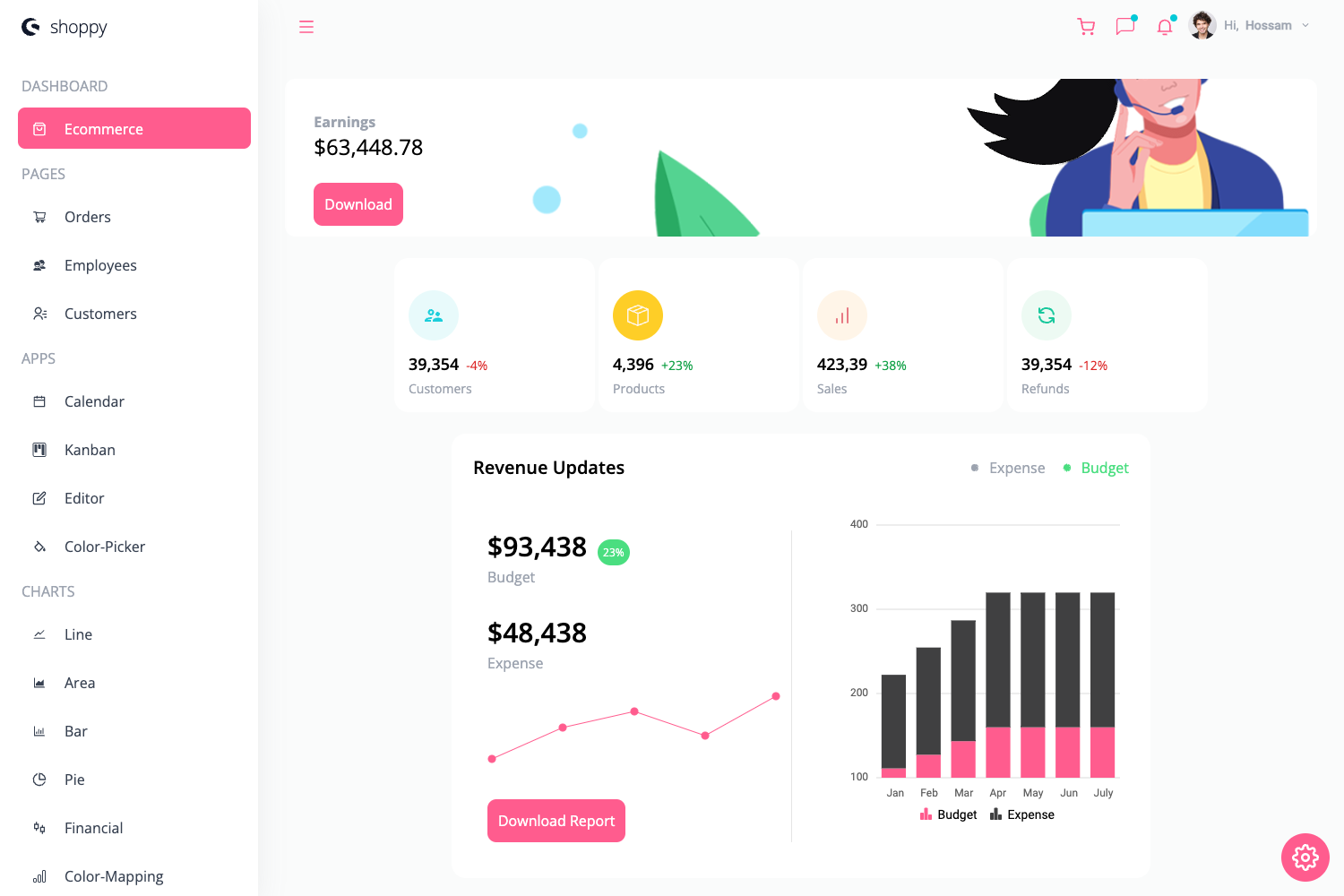
- Prebuilt example pages — Dashboard, tables, billing, virtual reality, RTL layout, user profile, and user-management pages are included as examples under src/views.
- SASS customization — Colors and component variations are controlled by SASS files and utility classes, allowing quick rebranding of the dashboard.
- Auth & guest middleware — Vue router guards (auth.js, guest.js) protect routes from unauthenticated access and redirect logged-in users away from auth pages.
- Documentation & support — Each element is documented at vue-argon-dashboard-laravel-docs.creative-tim.com, with issues tracked on GitHub.
Who is it for?
- Laravel developers — They can use the prebuilt backend and auth endpoints to skip API setup and focus on building custom features on top of JSON:API.
- Vue developers — They get a polished Vue 3 admin UI with reusable components, routing, and store modules to extend or re-skin for client projects.
- Startups and product teams — They can quickly spin up an MVP admin panel with login, user management, and profile pages without hiring a designer.
What can you do with it?
- Build an admin panel: Use the included dashboard, tables, and user-management pages as a foundation for managing backend resources.
- Prototype a SaaS product: Register users, log in, and manage profiles through the fully implemented auth flow with Laravel Passport tokens.
- Learn JSON:API integration: Study how a Vue SPA talks to a Laravel API using the JSON:API standard, with services and stores organized for easy reference.
How does it work?
- Set up a local environment with PHP, Composer, MySQL, NodeJS and VueCLI.
- In the Laravel API folder, run composer install, create a .env, configure database credentials, migrate with seed, and install Laravel Passport.
- In the Vue folder, run npm install, set VUE_APP_BASE_URL and VUE_APP_API_BASE_URL, then run npm run dev or npm run build.
- Log in with admin@jsonapi.com / secret or register a new user.
Pricing
The template is free to download and use under the Creative Tim license. A commercial PRO version, Vue Argon 2 Dashboard PRO Laravel, is available separately.
FAQ
Is Vue Argon Dashboard Laravel free?
Yes, the full source code for both the Vue frontend and Laravel backend is free to download. Creative Tim offers a paid PRO version with more components and pages.
What are the default admin credentials?
The seeded admin user is admin@jsonapi.com with password secret. You can also register a new account from the register page.
What technologies does it use?
The frontend is Vue 3 with Bootstrap 5, the backend is Laravel with Passport for OAuth, and the API follows the JSON:API specification. The Vue app uses Vue Router, a central store, and SASS for styling.
What are the system requirements?
The Laravel backend needs PHP, Composer, MySQL, and a local server like Apache or Nginx. The Vue frontend requires NodeJS 8.11.0+ (or newer), npm, and VueCLI.