Template details
RayVox
RayVox is a Progressive Web App for transcribing audio and video files in the browser using OpenAI's Whisper ASR and Next.js.
About this template
RayVox is a Progressive Web Application for transcribing audio and video files directly in the browser, built on Next.js with OpenAI's Whisper ASR. This open-source project is still under development, so some features described in its roadmap are not yet available in the current version.
What is RayVox?
RayVox is a browser-based transcription tool that accepts audio and video file uploads via drag-and-drop and returns text transcriptions using OpenAI's Whisper ASR. The application runs as a PWA built with Next.js, uses PocketBase for backend services such as real-time database and file storage, and its interface is styled with Tailwind CSS and the Next UI component library. The project is licensed under the MIT License and currently has 40 stars on GitHub.
Key Features
- Progressive Web App — Runs in the browser without requiring a native app download; the interface includes a drag-and-drop upload area for audio or video files.
- OpenAI Whisper ASR integration — Uses OpenAI's Whisper automatic speech recognition model to generate transcripts from uploaded media.
- Next.js architecture — Built on the Next.js React framework, providing server-side rendering, static site generation, and a developer-friendly project structure.
- PocketBase backend — Includes PocketBase as an all-in-one backend solution with real-time database, file storage, and authentication (though auth is listed as a future enhancement).
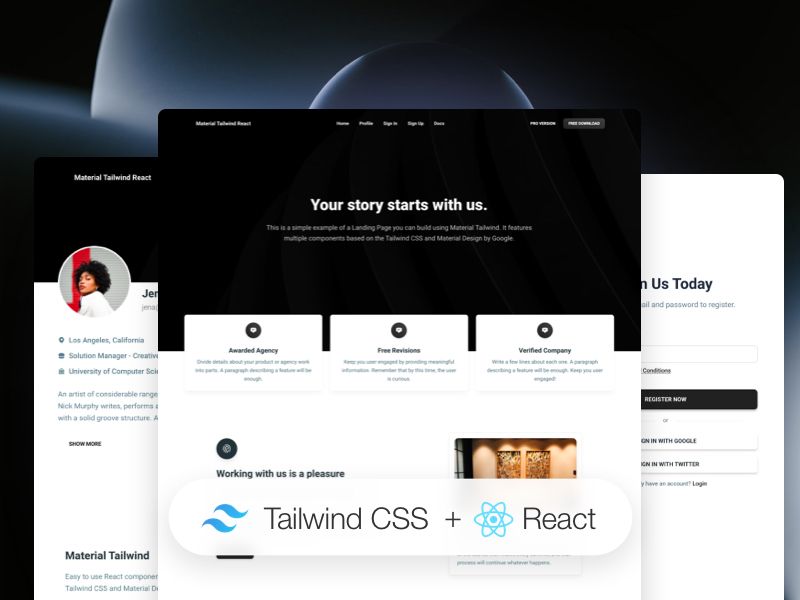
- Tailwind CSS utility styling — Uses Tailwind CSS for rapid, custom responsive design directly in the markup.
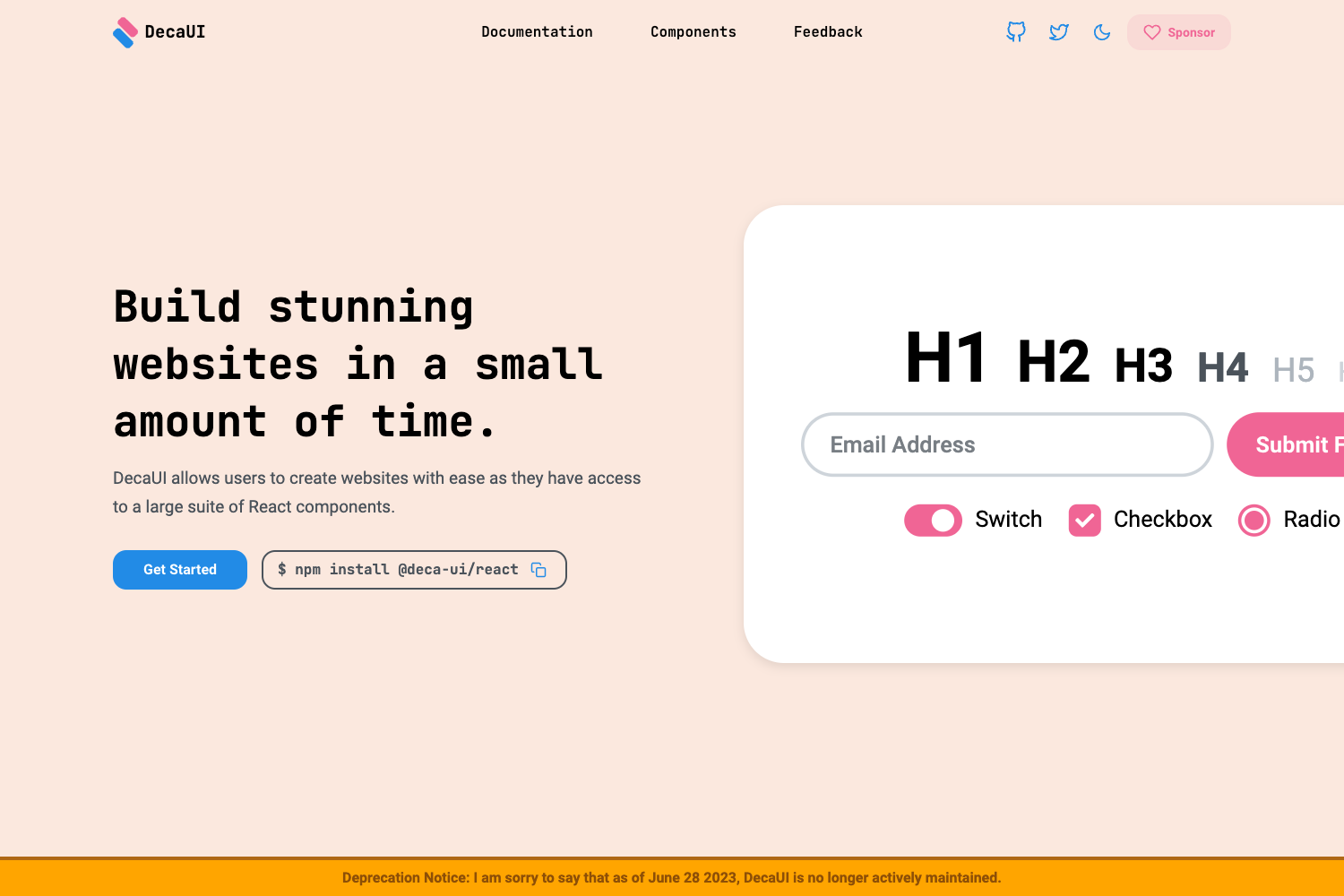
- Next UI component library — Uses Next UI to provide a modern set of prebuilt React components for buttons, forms, and layout.
- Open-source MIT license — The project is free to use, modify, and distribute, with community contributions welcome.
- Active development roadmap — Future enhancements include improved language support, real-time transcription, customizable subtitle styling, user authentication, and accessibility features.
Who is it for?
- Journalists and researchers: Transcribe recorded interviews or meeting audio into searchable text instead of listening back manually.
- Podcasters and content creators: Generate text versions of episodes or video commentary to produce show notes, captions, or repurposed articles.
- Students and educators: Convert lecture recordings and instructional videos into text for note-taking, study guides, or accessibility.
- Developers building transcription tools: Use RayVox as an open-source starting point for a browser-based Whisper-powered app, and contribute features through pull requests.
What can you do with RayVox?
- Podcasters: Upload an audio episode and get a transcript you can edit for show notes or publish as a blog post.
- Video creators: Process video files to produce transcription text that can later be adapted into subtitles, using the planned subtitle styling options.
- Multilingual teams: Use the transcription and translation direction of the project to convert foreign-language recordings into text, with expanded language support on the roadmap.
- Archivists: Digitize spoken-word recordings into stored text documents within the PocketBase file management system.
How does RayVox work?
Start by cloning the repository, then install dependencies with npm install. Run npm run dev to launch the development server at http://localhost:3000, and drag and drop an audio or video file into the upload area to generate a transcription.
FAQ
Is RayVox free?
Yes. RayVox is open-source under the MIT License, so the source code is free to use and modify. There is no paid tier announced on the project page.
Is RayVox ready for production use?
Not yet. The project explicitly notes that it is under development and not finished. Features such as user authentication, real-time transcription, and improved language support are listed as future enhancements.
What technologies does RayVox use?
RayVox uses Next.js with React, Tailwind CSS, Next UI, PocketBase, and OpenAI's Whisper ASR. The repository metadata also lists TypeScript and Chakra UI among its GitHub topics, though the README specifically names Next UI.
Can I contribute to RayVox?
Yes. The project welcomes feature requests, bug reports, and pull requests, and asks contributors to follow the contributing guidelines described in the repository.