Template details
Gatsby Strata
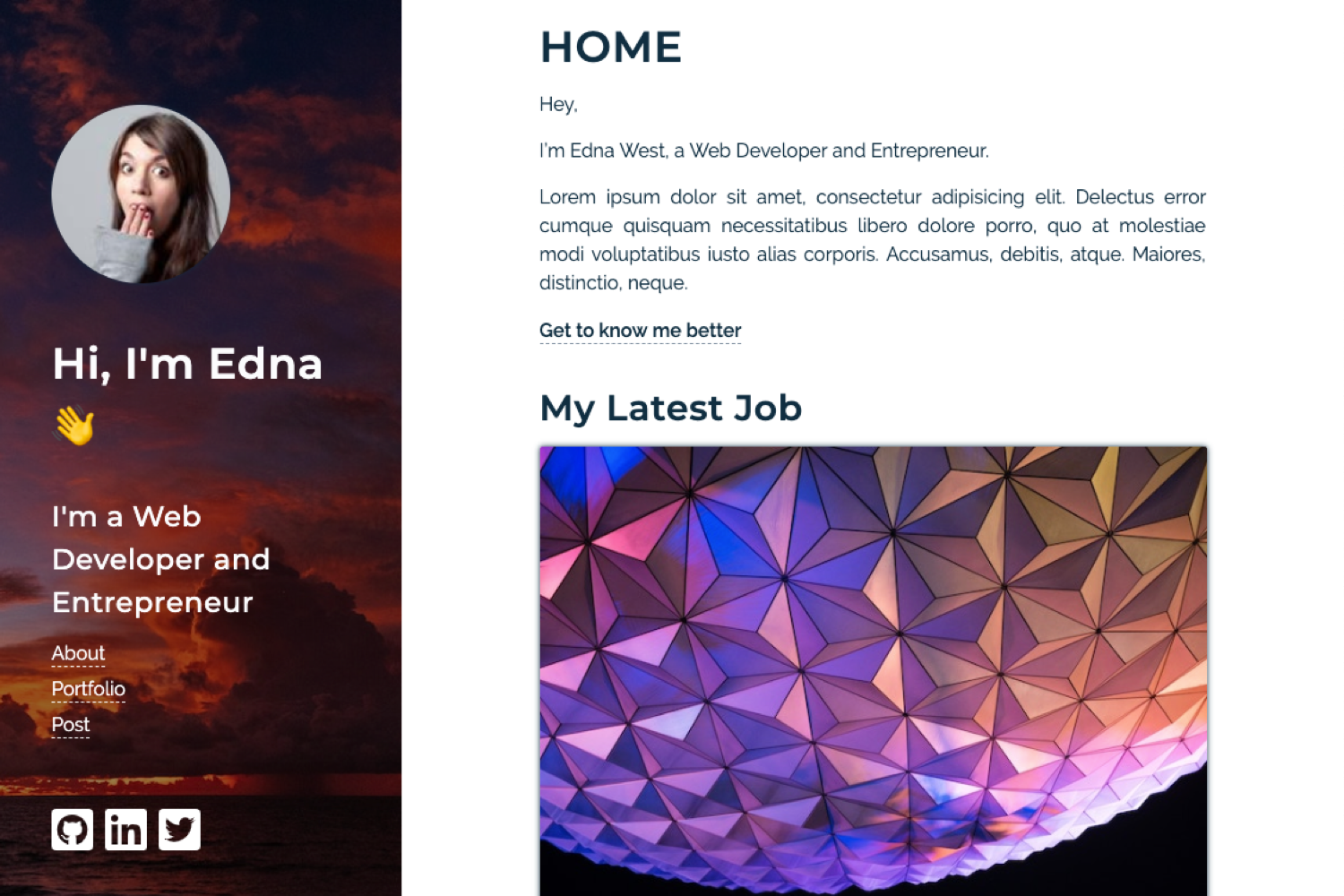
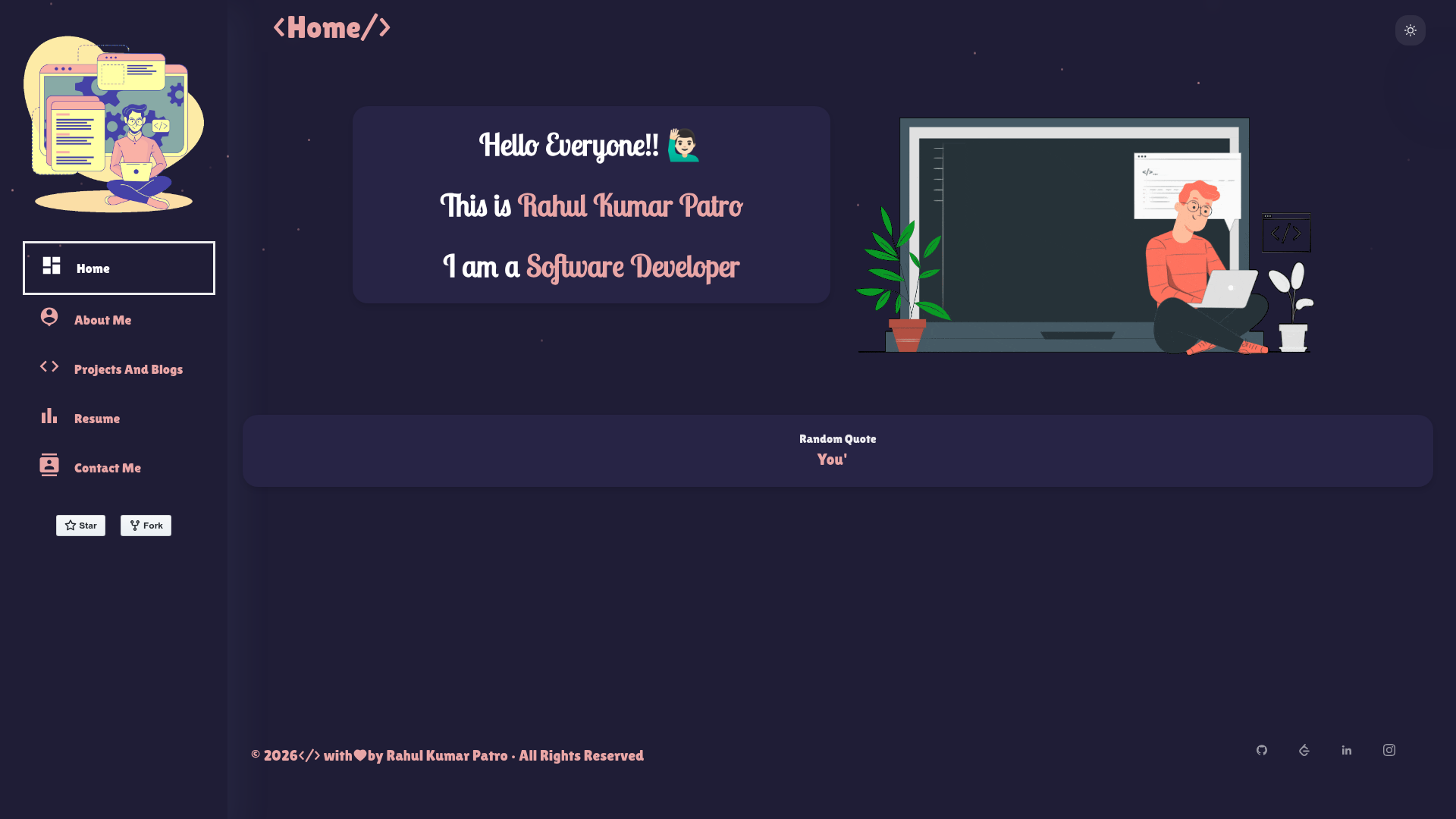
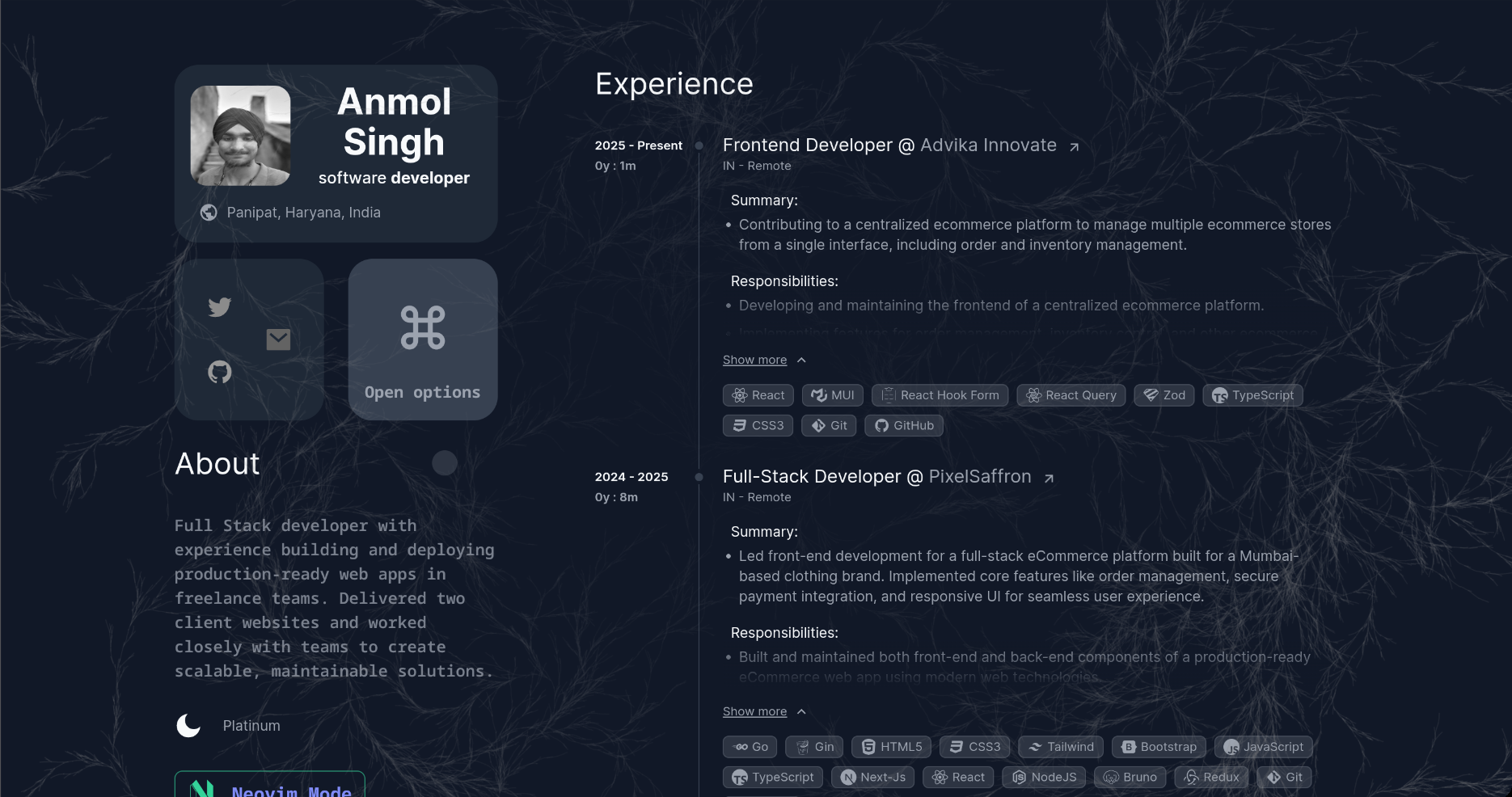
Gatsby.js V2 starter based on the HTML5 UP Strata design, ideal for personal portfolios and single-page sites.
About this template
Gatsby Strata is a free, publicly available Gatsby.js V2 starter that turns the HTML5 UP Strata design into a React-powered static site, giving you a personal-site layout you can deploy anywhere. It was created by codebushi, the team behind a collection of Gatsby starters and themes, and the repository is live on GitHub with 136 stars.
What is gatsby-starter-strata?
gatsby-starter-strata is a Gatsby.js V2 starter template based on the Strata site template designed by HTML5 UP. You run one command with the Gatsby CLI to clone the starter into a new project, and gatsby develop serves it locally for editing. The output is a static site built with React and Gatsby, ready to be deployed to any static host. The starter is maintained by codebushi, who publish additional Gatsby starters and themes at their website.
Key Features
- Gatsby V2 foundation — Built on Gatsby.js V2, so you get React components, a data layer, and static generation out of the box; the older V1 version is preserved on the v1 branch.
- HTML5 UP Strata design — The layout and styling come directly from the Strata template, a classic single-page design with a sidebar and main content area.
- Live preview — A hosted demo is available at gatsby-strata.surge.sh, so you can see the finished template before installing.
- One-line installation — Run
gatsby new gatsby-starter-strata https://github.com/codebushi/gatsby-starter-stratato create a new site, thengatsby developto start developing. - Part of a larger collection — Codebushi offers a series of Gatsby starters and themes; this is one of several listed on their site.
- Open source on GitHub — The repository is publicly available for forking, contributing, or using as a source for your own starter.
Who should use gatsby-starter-strata?
Developers who want a fast way to launch a single-page Gatsby site can use this starter to skip configuration and start editing React components. Designers who want a clean, minimal layout inspired by HTML5 UP can use it as a starting point for personal portfolios or product landing pages. Beginners learning Gatsby can install the starter to see how a complete Gatsby project is structured, from gatsby-config.js to page components.
What can you do with gatsby-starter-strata?
- Freelance web developers: Use the starter to launch a personal portfolio website quickly, then customize the React components to show your projects and services.
- Creative professionals: Present your work and contact details in a minimal sidebar layout, suitable for photographers, writers, and designers.
- Gatsby learners: Study the structure of a real Gatsby V2 project, including the default pages and configuration, by running
gatsby developand inspecting the code.
How does gatsby-starter-strata work?
Install it with the Gatsby CLI using the gatsby new command and the repository URL. Then run gatsby develop in your terminal to start the development server at your localhost. From there, you edit the React components and styles in the project to customize the site, and build a production version with gatsby build.
FAQ
Is gatsby-starter-strata free?
Yes, the starter is free and openly available on GitHub. You can install it using the Gatsby CLI without paying for a license.
Does gatsby-starter-strata use Gatsby V2?
Yes. The current branch of the starter targets Gatsby.js V2. The maintainers also keep a v1 branch for anyone still using Gatsby V1.
How do I install gatsby-starter-strata?
Run gatsby new gatsby-starter-strata https://github.com/codebushi/gatsby-starter-strata in your terminal. Then navigate into the new folder and run gatsby develop.
Where can I see a live demo?
The project includes a live preview at http://gatsby-strata.surge.sh/. This demo shows the default output of the starter before any customization.
Can I customize the template?
Yes. Because it is a Gatsby starter, all React components and styles are in your project folder. You can edit the content directly or replace the design with your own CSS while keeping the Gatsby setup.