Newsletter
Join the Community
Subscribe to our newsletter for the latest news and updates

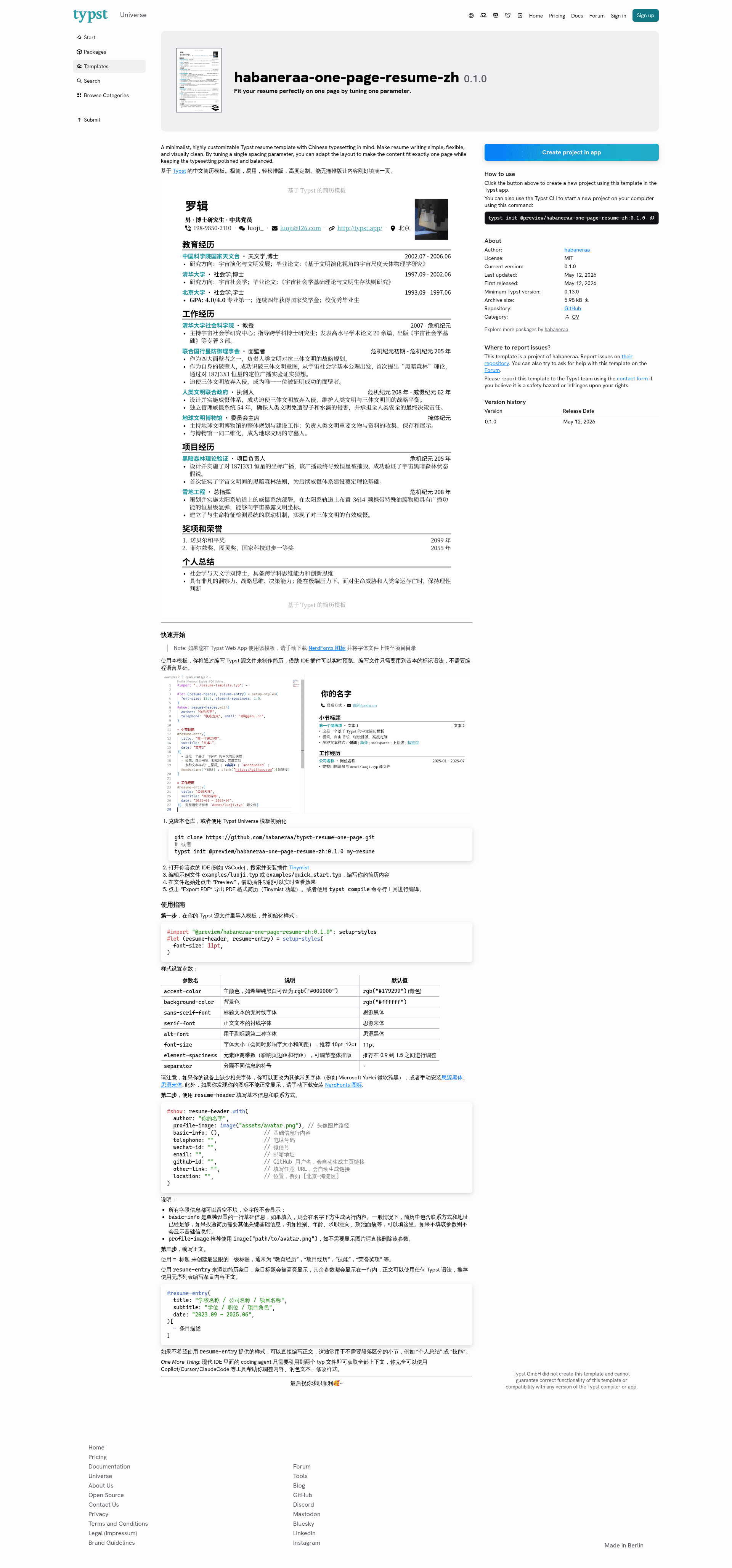
A minimalistic resume template based on Typst. Fit your content perfectly on one page by tuning just one parameter. 中文简历模板
Software factory built on eve: AI agents work each stage of the development loop, and people make the judgment calls.
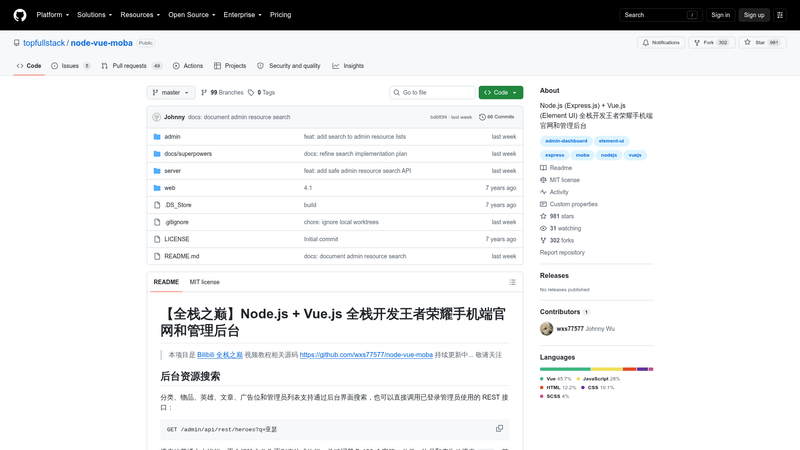
Node.js + Vue.js full-stack code for a Honor of Kings mobile site and admin dashboard, from the Bilibili 全栈之巅 tutorial.
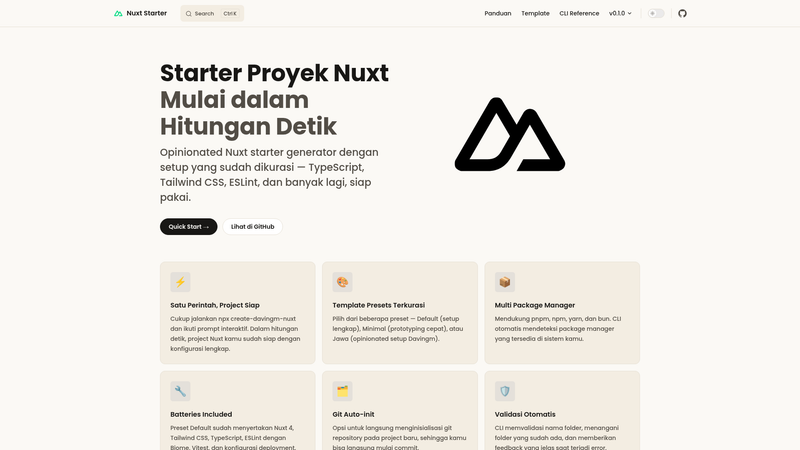
CLI generator that scaffolds opinionated Nuxt projects with curated structure, ESLint, TypeScript, Tailwind CSS, Vitest, and deployment config.
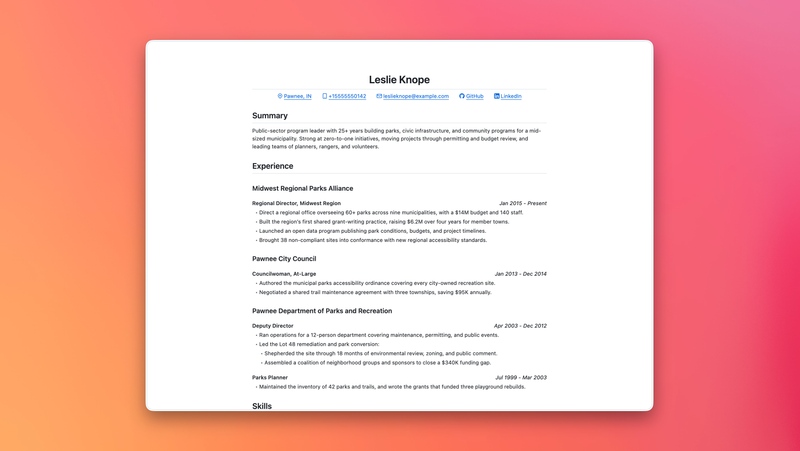
A minimal print-friendly resume template with GitHub Markdown-inspired styling and built-in PDF export.
Deploy Python background tasks using Vercel Queues. FastAPI example with queue subscribers and Runtime Cache.
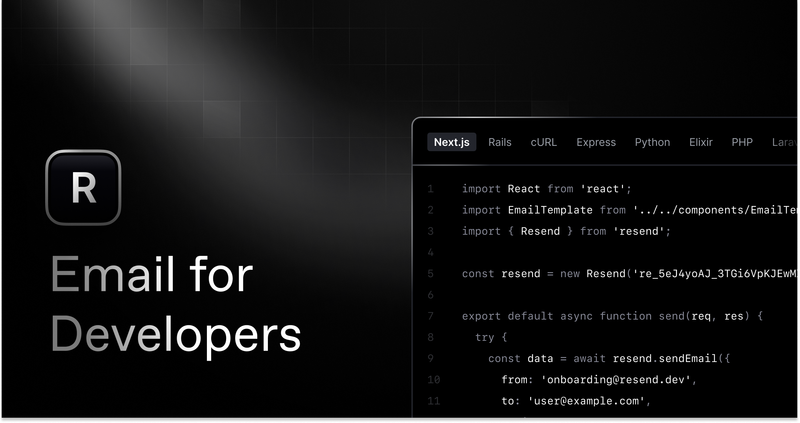
Get started creating emails with React and Resend in combination with Vercel Functions.
typst-resume-one-page is a minimalistic one-page resume template for Typst that lets you fit your content precisely onto a single page by tuning a single spacing parameter. This open-source project, published on GitHub and Typst Universe under the package name habaneraa-one-page-resume-zh, is designed for Chinese-language resumes but works with any language. It takes plain-text Typst markup as input and produces a clean, professionally typeset PDF resume.
The template provides a complete Typst source structure with two example files (examples/luoji.typ and examples/quick_start.typ) to use as starting points. You write your resume content using basic Typst markup—headings, lists, and two helper functions (resume-header and resume-entry)—and the template handles all layout, spacing, and styling. It runs on the Typst platform: you can edit it in the official Typst App web editor via a one-click template link, or locally in VSCode with the Tinymist extension for live preview and PDF export. The creator is GitHub user habaneraa, and the repository has 22 stars.
element-spaciness parameter (recommended range 0.9–1.5) to scale margins and line spacing so your content exactly fills one page without manual tweaking.setup-styles accepts accent-color (default cyan #179299), background-color, sans-serif-font, serif-font, alt-font, and font-size (recommended 10–12pt).resume-header supports name, profile image, phone, WeChat ID, email, GitHub link, any other URL, location, and an extra basic-info row for fields like gender, age, or job objective; empty fields are automatically hidden.resume-entry renders a highlighted title, a subtitle, and a date range in one line, with body text written in any Typst syntax, typically an unordered list.typst init @preview/habaneraa-one-page-resume-zh:0.1.0 my-resume to create a local project..typ files, coding agents like Claude Code or ChatGPT can directly edit your resume content, polish wording, and adjust styles.basic-info row for political status or job objective, and its example files are written in Chinese, so it is ready for the Chinese resume market.To use the template, first import it and call setup-styles with your preferred fonts and colors; then create a resume-header with your personal details and add resume-entry components for each education or work item. The quick start workflow is either cloning the GitHub repo or running typst init @preview/habaneraa-one-page-resume-zh:0.1.0 my-resume, opening the project in VSCode with the Tinymist extension, editing the example files, and exporting to PDF with the extension or the typst compile command. On the web, you open the provided Typst App template link and edit directly in the browser.
resume-entry date range (for example, "2023.09 ~ 2025.06").accent-color to black (rgb("#000000")) for a conservative, print-friendly look.element-spaciness to fine-tune visual density without touching layout code.Yes, the template is free and open source on GitHub and Typst Universe. You only need a Typst account to use the online editor or the Typst compiler for local use.
No, the content is written with basic Typst markup such as headings and lists. The two example files show the exact syntax for every function, so you can copy and replace the placeholder text.
The defaults are Source Han Sans (for headings) and Source Han Serif (for body text). If these are not installed, you can switch to any available font (e.g., Microsoft YaHei) through the sans-serif-font and serif-font parameters, or install the Source Han fonts from the project's links.
The template uses NerdFonts Symbols Only for contact icons. If icons appear as blank boxes, download the NerdFonts Symbols Only release linked in the repository, upload the font file to your Typst project (web) or install it locally, and the icons will display.
Yes, although the template is tuned for Chinese resumes—with example files in Chinese and a basic-info option for fields like political status—the underlying structure is language-agnostic, so English or other languages work the same way.