Template details
Readme Generator
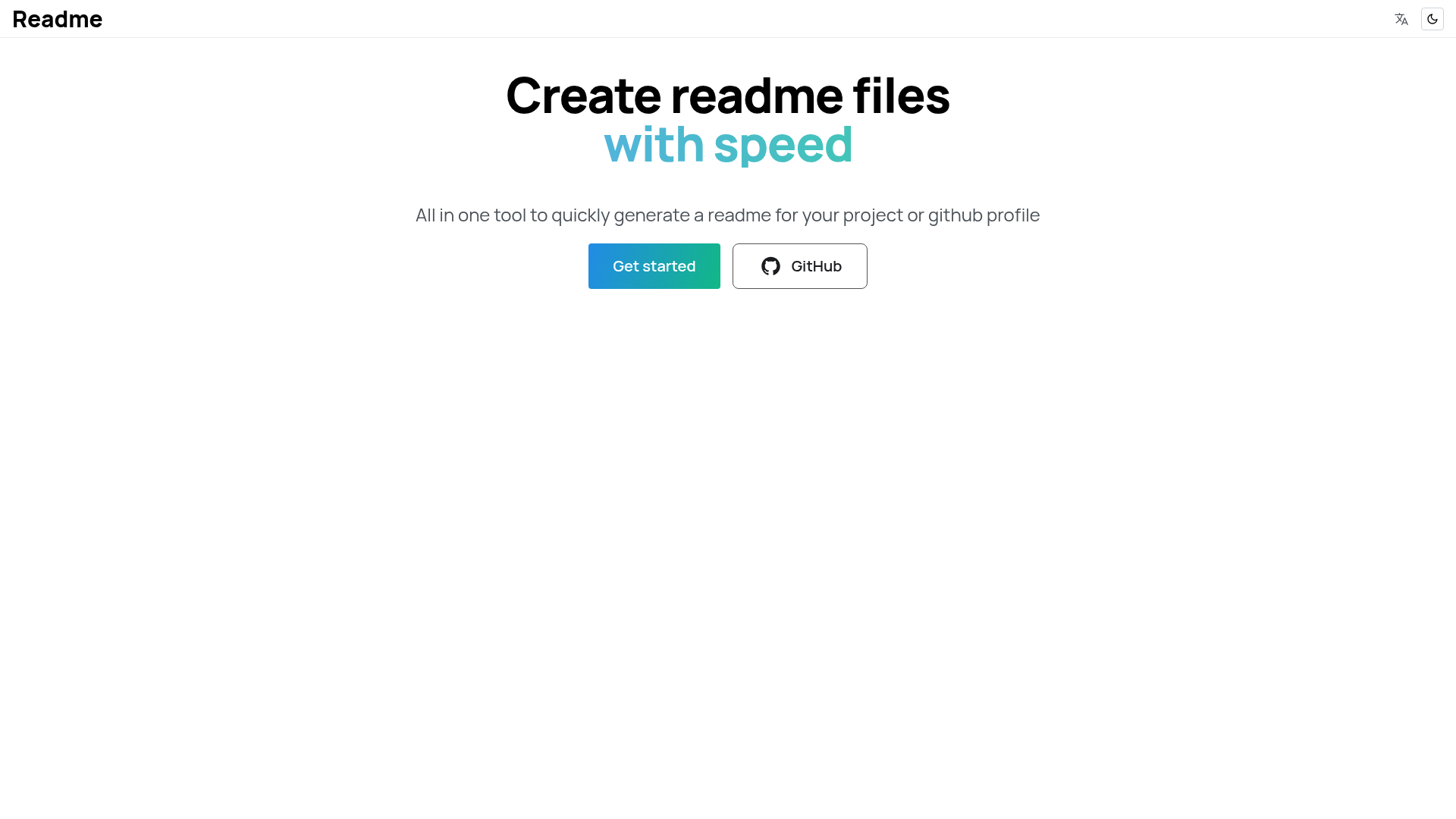
A fully featured editor with drag and drop interface to easily build READMEs
About this template
Readme Generator is an open-source, drag-and-drop README builder that runs in the browser as a Next.js app and outputs GitHub-flavored markdown.
What is Readme Generator?
Readme Generator is a web-based editor that lets you create a README file by dragging and dropping sections into a layout and editing their content. It is built with Next.js and TypeScript, uses Mantine for the interface and Jotai for state management, and is maintained by G3root (Nafees Nazik). The input is the text and structure you assemble; the output is a complete markdown README ready to paste into a GitHub repository.
Key Features
- Drag-and-drop editor — Reorder README sections by dragging them, powered by the dnd kit library.
- Next.js and TypeScript stack — The project runs as a server-rendered React application with type safety across the codebase.
- Mantine UI library — Provides the interface components the editor is built on.
- Jotai state management — Atomic state holds the in-progress README data while you edit.
- react-markdown dependency — Parses and renders Markdown, giving the editor the ability to display the generated file.
- Open source under MIT — The repository is freely available to clone, modify, and redistribute.
- Hosted demo — Try the tool online at nxt-readme.vercel.app without any installation.
Who is it for?
Readme Generator is for developers and project maintainers who want to produce a README without hand-writing Markdown from scratch. It suits GitHub users who want a visual, drag-and-drop way to assemble the sections of a repository readme. It also benefits anyone who wants to study an open-source Next.js codebase that combines dnd kit, Mantine, and react-markdown in one project.
What can you do with Readme Generator?
- Build a repository README — Drag sections into the editor, type your content, and get a Markdown file to commit to GitHub.
- Prototype on the live demo — Use the hosted version at nxt-readme.vercel.app to experiment with layouts before installing anything.
- Extend the tool — Fork the MIT-licensed repository, modify sections or styling, and run it locally with yarn install and yarn start.
How does it work?
The app loads in the browser as a Next.js page, and the editor lets you arrange README sections using drag and drop from the dnd kit library. As you edit each section, Jotai tracks the state, and react-markdown renders the current markdown output. When you are finished, the resulting markdown is ready to copy into a file named README.md.
Alternatives
Two closely related tools are readme.so, a web-based README builder, and github-profile-readme-generator, which focuses specifically on GitHub profile READMEs. Both are cited as inspiration in the project's credits.
FAQ
Is Readme Generator free?
Yes. The project is open source under the MIT license, so you can use, modify, and distribute it without charge.
What tech stack does Readme Generator use?
The main dependencies are Next.js, TypeScript, Mantine, Jotai, dnd kit, and react-markdown. The repository metadata also lists React, Tailwind CSS, and DaisyUI as topics.
Can I run Readme Generator locally?
Yes. Clone the repository with git clone, run yarn install, then yarn start. The local development server will start the app.
Is there a live demo?
Yes, the hosted demo is available at nxt-readme.vercel.app, so you can use the editor without cloning the repository.