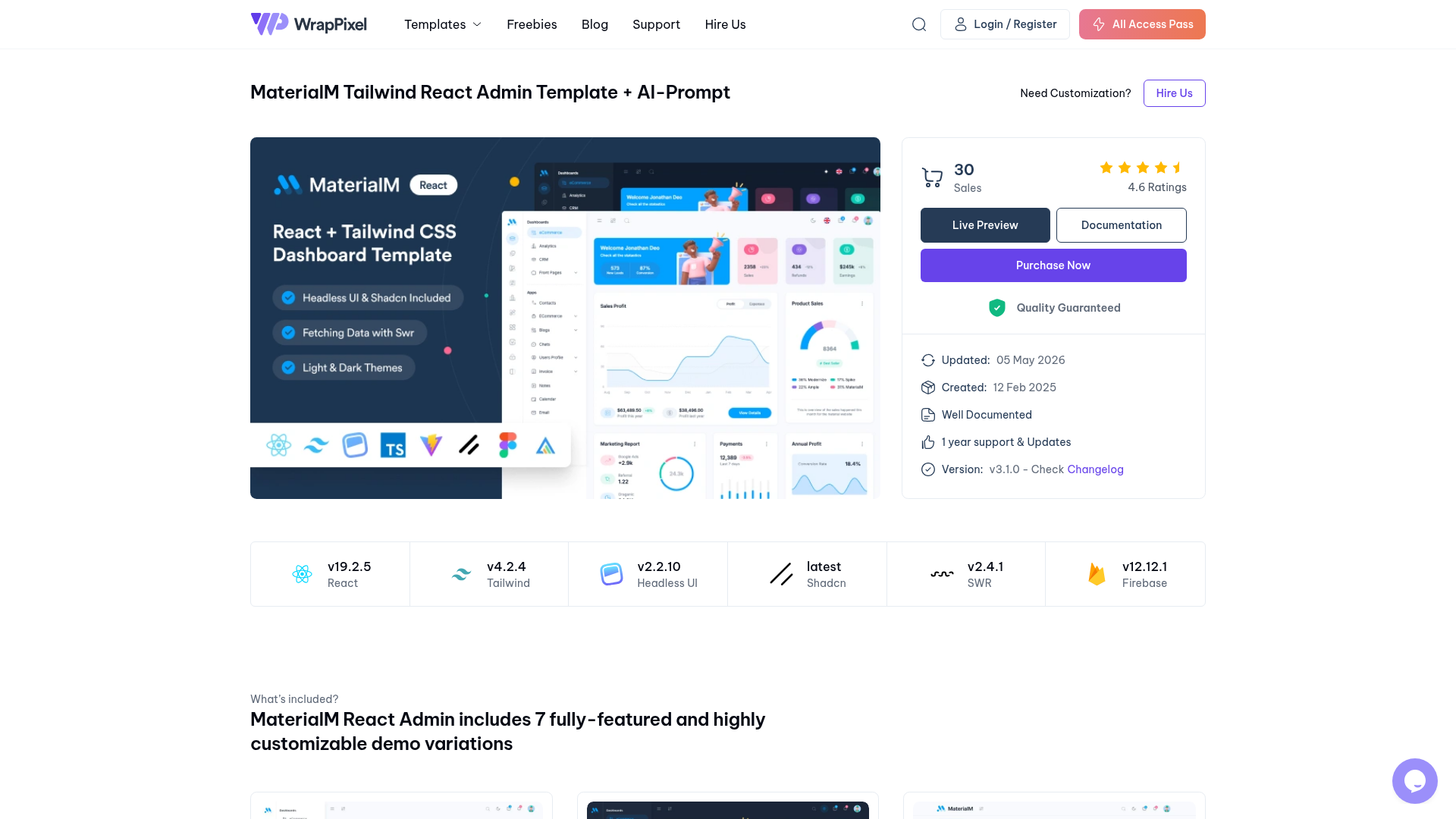
Template details
MaterialM Free Next.js Admin Template
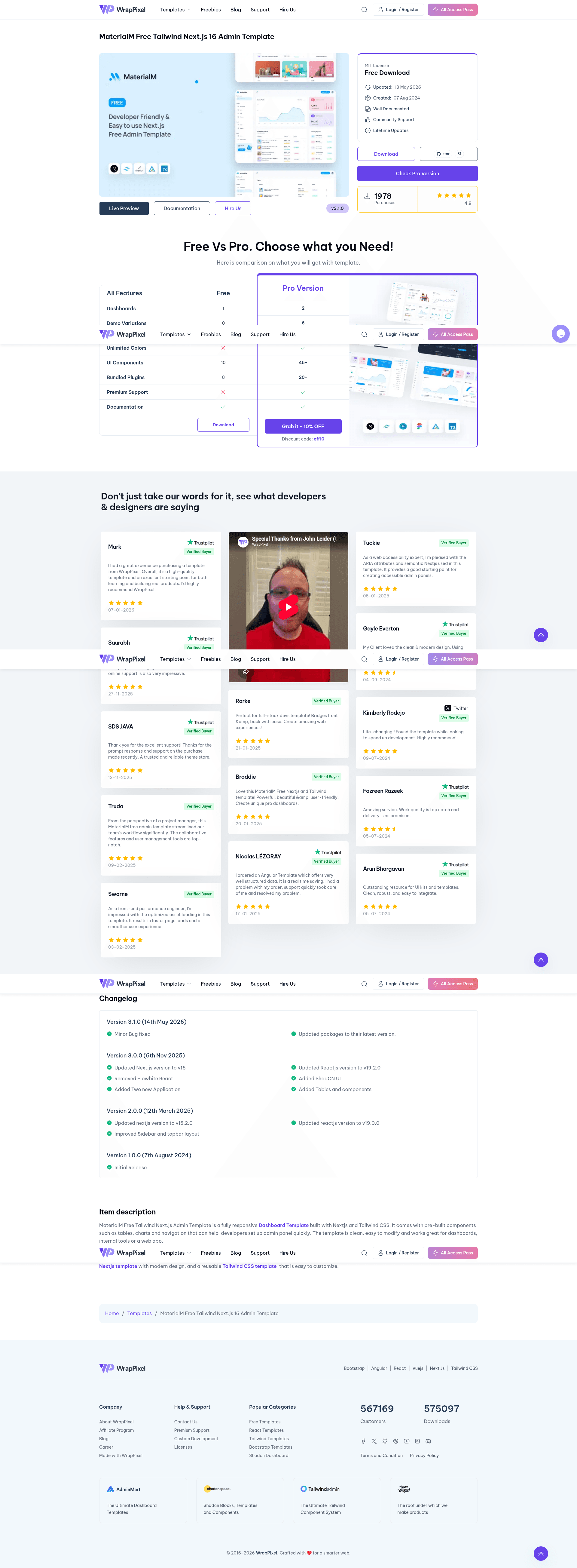
MaterialM is a free Next.js 16 admin dashboard template with Tailwind CSS, shadcn/ui, and ApexCharts, from WrapPixel.
About this template
MaterialM is a free, open-source admin dashboard template from WrapPixel, built on Next.js 16, Tailwind CSS, and shadcn/ui to accelerate the creation of admin panels and back-end interfaces.
What is MaterialM?
MaterialM is a free admin dashboard template for building responsive web application back-ends. It takes a Next.js project scaffold and provides pre-built pages, components, and charts so developers can start with a functional UI rather than building from scratch. The template runs on Next.js (version 16 in the current release) with TypeScript support, uses Tailwind CSS for utility-first styling, and integrates shadcn/ui for accessible, customizable components. It is created and maintained by WrapPixel, a provider of admin templates across multiple frameworks.
Key Features
- Responsive design — The layout adapts to desktops, tablets, and mobile screens out of the box.
- ShadCN integration — Includes prebuilt UI components such as modals, dropdowns, navbars, and tabs that work directly with Tailwind CSS.
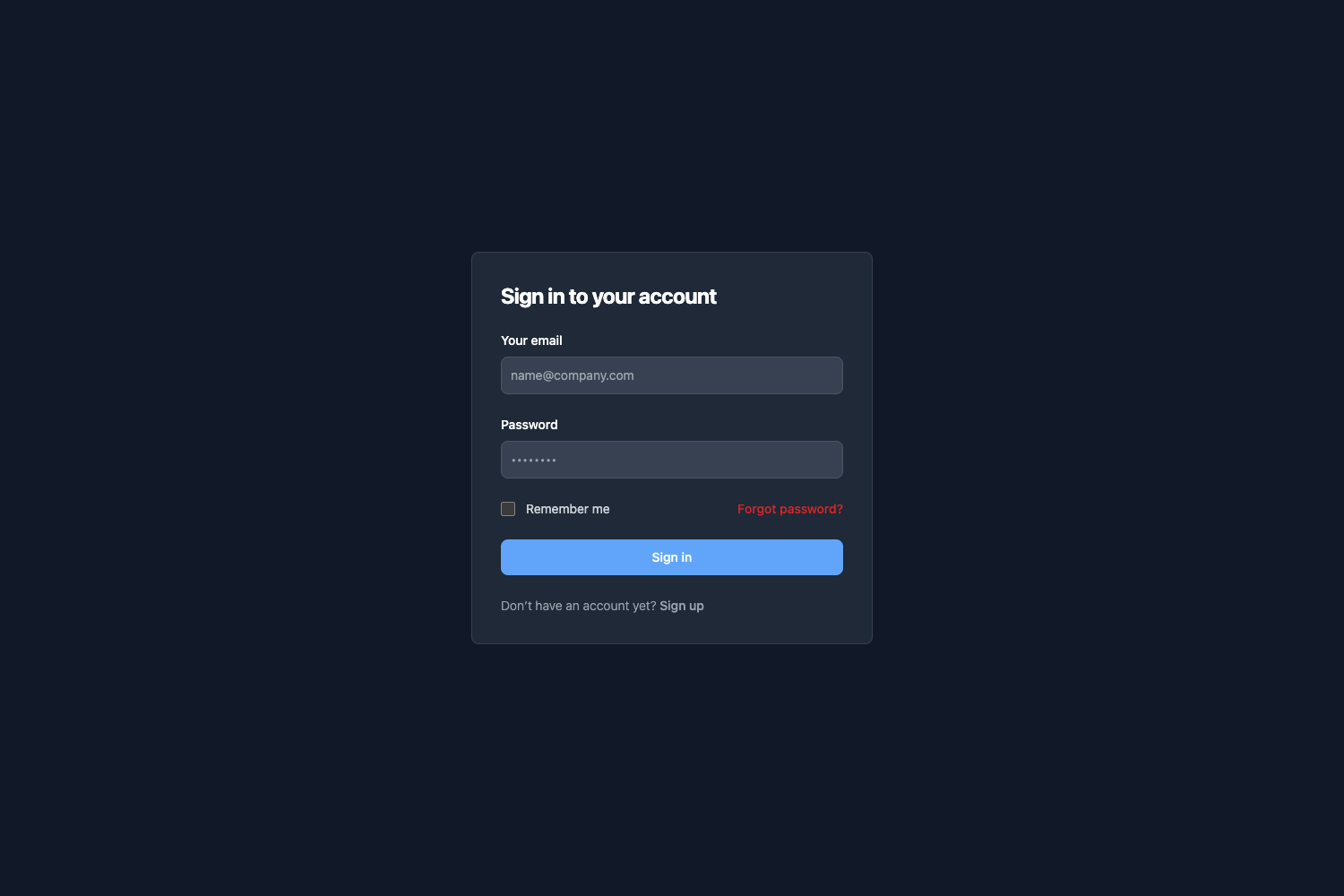
- Pre-designed pages — Ships with dashboards, login, user profiles, error pages, and other common admin pages ready to customize.
- ApexCharts integration — Interactive and customizable charts for data visualization, powered by the ApexCharts library.
- Tabler Icons — A set of simple, lightweight icons included for building clean interfaces.
- Performance-oriented setup — The codebase is structured for fast load times and efficient rendering, and uses Webpack as the module bundler.
Who is it for?
MaterialM is aimed at developers who need a starting point for admin panels or dashboards without designing the UI from scratch. Common users include:
- Frontend developers — Quickly scaffold an admin UI and customize the Tailwind styles to match a brand.
- Full-stack developers — Integrate the template with a back-end API to build internal tools, CMS admin panels, or SaaS dashboards.
- Startups and small teams — Save time on boilerplate UI code and focus on implementing features.
What can you do with MaterialM?
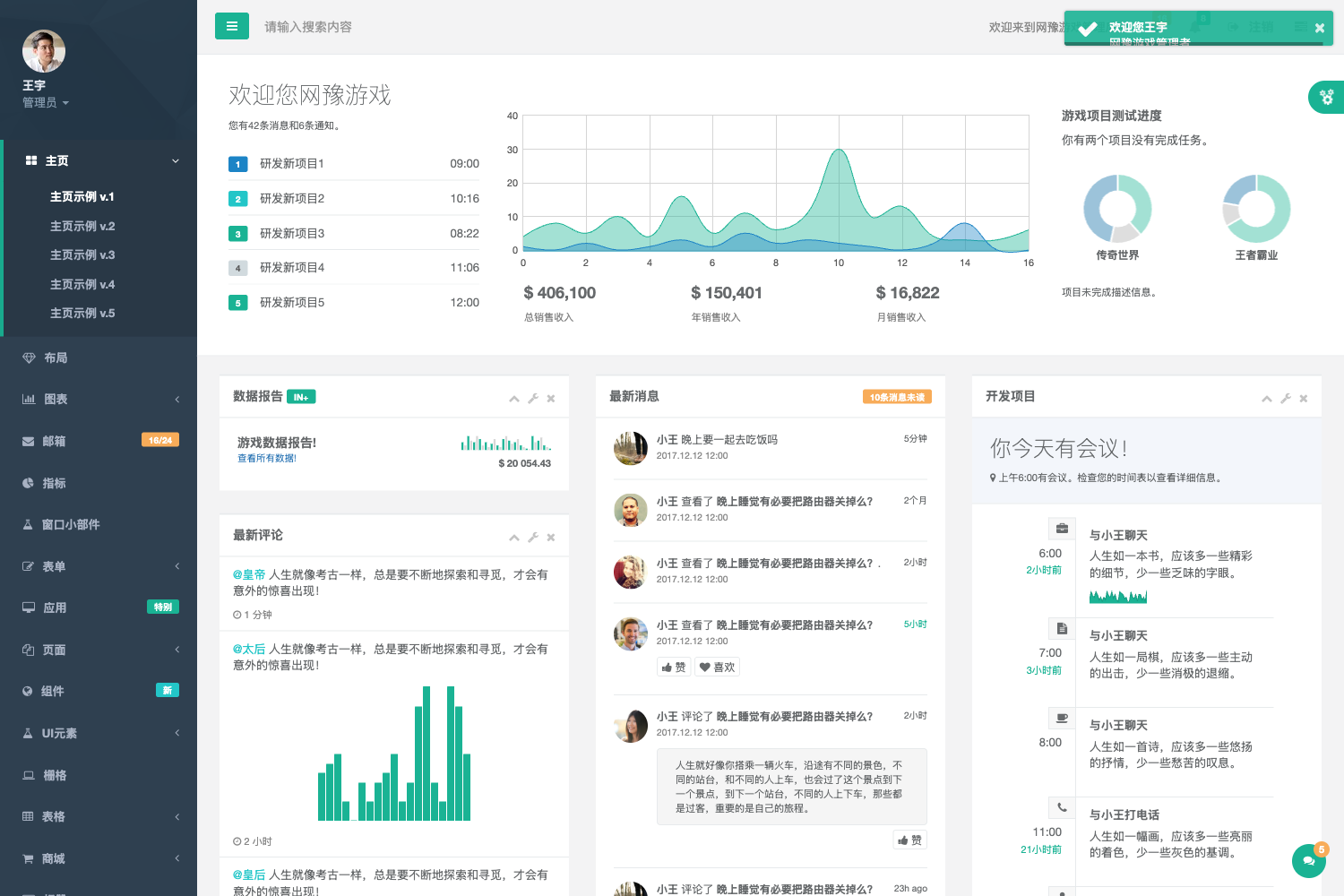
- Build SaaS admin panels — Use the pre-built dashboard pages and charts to display user, revenue, or usage data.
- Create internal tools — Combine the login, profile, and error pages with your own logic to manage employees or resources.
- Prototype a dashboard — Launch a development server quickly, test interactions with shadcn/ui components, and iterate on the design.
How does MaterialM work?
The template is installed and run with standard Next.js tooling. First, clone the repository from GitHub (git clone https://github.com/wrappixel/MaterialM-Tailwind-Nextjs-Free.git). Then install dependencies using npm install, and start the development server with npm run dev. The accompanying documentation is available at the WrapPixel documentation site.
Pricing
MaterialM is free to download and use under an open-source license. WrapPixel also offers a Pro version with additional features such as multiple themes, dark mode, advanced widgets, real-time notifications, user roles, and priority support; pricing for the Pro version is available on the WrapPixel website.
FAQ
Is MaterialM free?
Yes, the MaterialM Tailwind Next.js Admin Template is free to download and use. The repository is public on GitHub and can be cloned directly. A Pro version with extra features is sold separately.
What tech stack does MaterialM use?
MaterialM is built with Next.js (version 16) and Tailwind CSS, and leverages shadcn/ui for UI components, ApexCharts for charts, and Tabler Icons for icons. It uses Webpack for bundling and supports TypeScript.
How do I install MaterialM?
Clone the repository, run npm install to install dependencies, and then execute npm run dev to launch the development server. Detailed setup instructions are listed in the README.
Does MaterialM have a Pro version?
Yes, WrapPixel offers a Pro version of MaterialM with multiple themes, advanced widgets, real-time notifications, user permission management, and priority support. The free version includes basic pages and charts.
What pages are included in the free version?
The free version includes essential admin pages such as a dashboard, login page, user profile, and error pages. The Pro version adds more layouts and advanced page options.