Template details
Sakepedia Nuxt
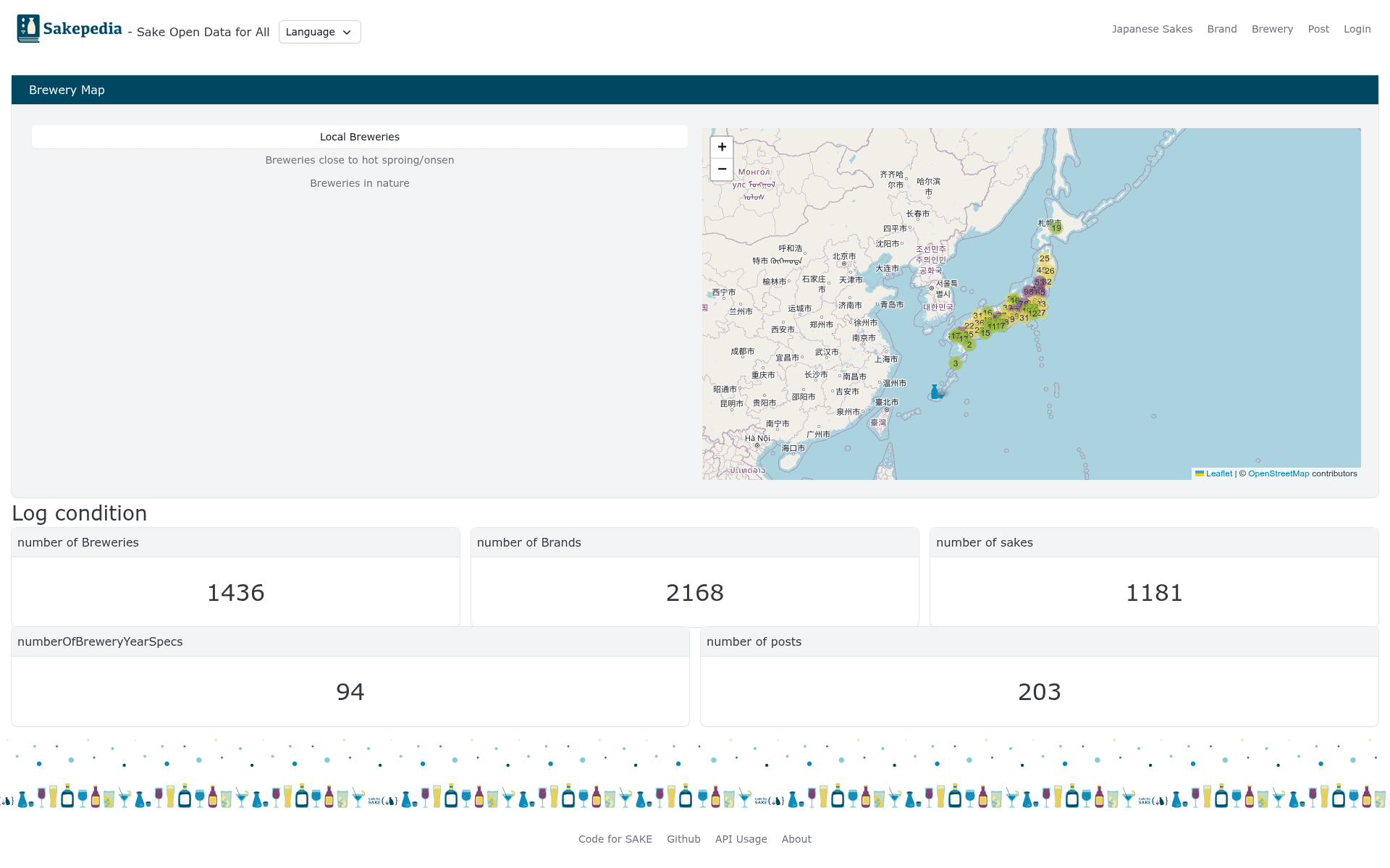
A Nuxt.js full-stack boilerplate for the Sakepedia Japanese sake open-data platform, with GitHub OAuth and MongoDB.
About this template
Sakepedia Nuxt is a Nuxt.js full-stack boilerplate that powers Sakepedia, an open-data platform for Japanese sake (日本酒), providing GitHub OAuth authentication and MongoDB persistence out of the box.
What is Sakepedia Nuxt?
Sakepedia Nuxt is a Nuxt.js full-stack boilerplate for the Sakepedia platform, which aims to build open data about Japanese sake. It takes a MongoDB connection string and GitHub OAuth credentials as configuration and produces a web application where users can manage sake-related data. The template runs on Node.js and uses Express for the API layer with Mongoose as the ODM, making it a self-contained server-rendered Nuxt app. The repository is the Nuxt version of the original Sakepedia project, and its README is written in Japanese, indicating its primary audience is the Japanese sake community.
Key Features
- Nuxt.js + Express architecture — The frontend is built with Nuxt.js while API routes are handled by Express, and Axios is used for HTTP communication between them in a single codebase.
- MongoDB/Mongoose data layer — Persistence is handled by MongoDB v4.2.8 with Mongoose schemas; the default connection string is mongodb://localhost/Sakepedia.
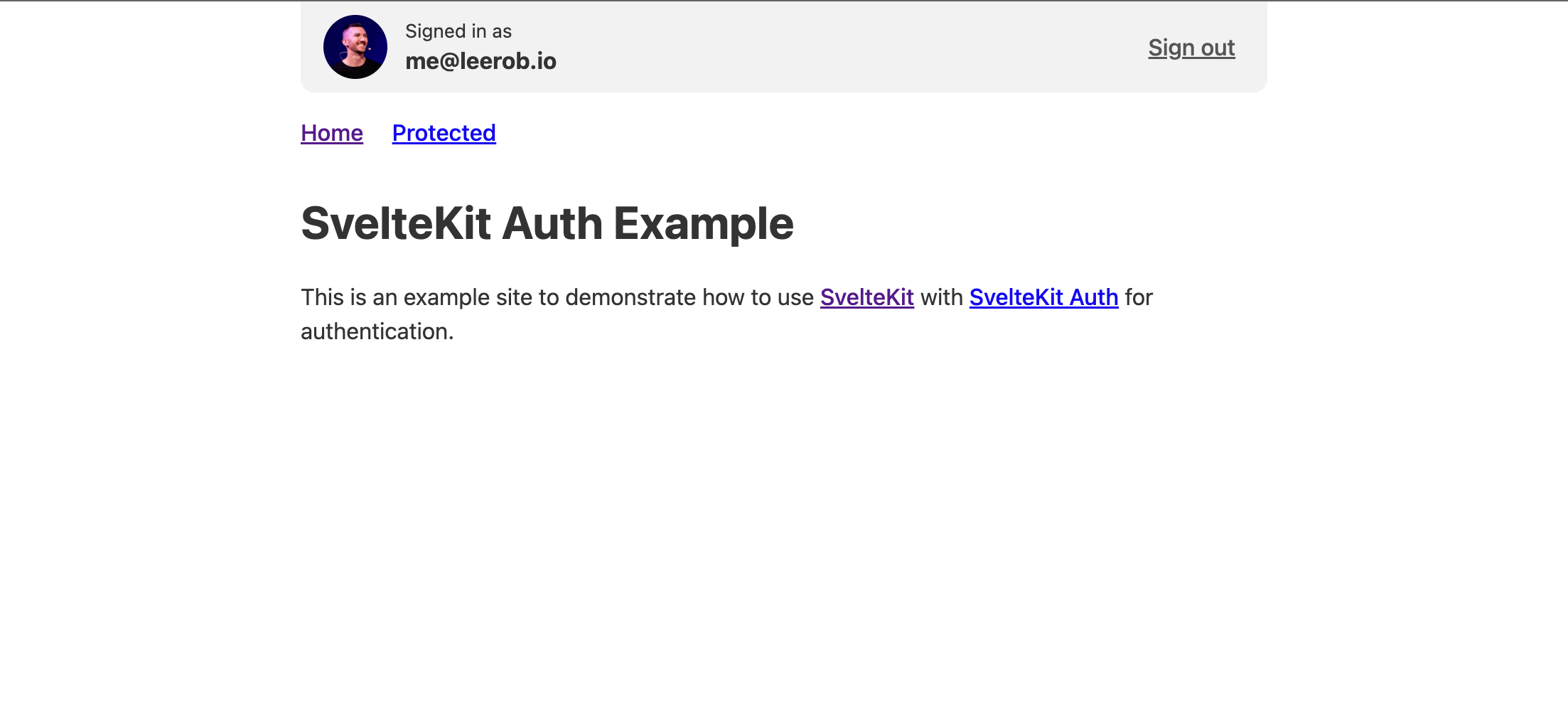
- GitHub OAuth login — Users authenticate through a GitHub OAuth App; the setup requires Homepage URL http://localhost:3030 and Authorization callback URL http://localhost:3030/callback.
- Bootstrap-Vue UI with Semantic UI parts — The interface uses Bootstrap-Vue as the main component library and incorporates Semantic UI for some elements, with SCSS available for styling.
- Environment-based configuration — All sensitive settings live in config/.env.production and config/.env.development, including GITHUB_CLIENT_ID, GITHUB_CLIENT_SECRET, BASE_URL, MONGO_CONNECT, and JWT_SECRET.
- JWT-secured sessions — The backend generates JWT tokens using JWT_SECRET to manage authenticated requests.
- Jest test suite — The project includes Jest tests, run with yarn run test:jest, and snapshot updates via yarn run test:jest -u.
- Apple Silicon Mac support notes — The README documents the workaround for node-sass v4.14.1 on Apple Silicon, which requires Node ^14.16.0 and Python2 installed via a version manager like anyenv.
Who is it for?
- Developers building sake data platforms — Use this boilerplate to scaffold a web application for curating and publishing Japanese sake open data, with authentication and a database already wired up.
- Contributors to the Sakepedia project — The README directs contributors to send pull requests to the develop branch and to run the app locally with Node v14.16.1, yarn v1.22.5, and MongoDB v4.2.8.
- Nuxt.js full-stack learners — The codebase demonstrates a real-world Nuxt setup with an Express API, Mongoose models, OAuth integration, and environment-based configuration, useful for studying production patterns.
What can you do with Sakepedia Nuxt?
- Sake data maintainers: Add, edit, and manage Japanese sake open data in the MongoDB database through the Nuxt frontend, using GitHub login to identify contributors.
- Platform operators: Deploy the app to a server by creating config/.env.production, running yarn build, and starting it with pm2 start npm -- start.
- Frontend developers: Customize the Bootstrap-Vue and Semantic UI components and SCSS styles, then generate a static version of the site with yarn generate.
How does Sakepedia Nuxt work?
The README describes a straightforward setup: install Node v14.16.1 and yarn v1.22.5, start a MongoDB instance, create the database Sakepedia, then run yarn install. You provide a GitHub OAuth App and fill in the environment files with the client ID, client secret, base URL, MongoDB connection string, and JWT secret. After that, yarn dev starts a hot-reloading development server at localhost:3030, and yarn build + pm2 start npm -- start serve the production version.
FAQ
What versions of Node and MongoDB are required?
The README specifies Node v14.16.1, yarn v1.22.5, MongoDB v4.2.8, and pm2 v4.5.6 for server deployment. On Apple Silicon Macs, Node must be ^14.16.0 and node-sass v4.14.1 needs Python2 to build.
How do I set up GitHub OAuth for local development?
Create a new OAuth App on GitHub at https://github.com/settings/developers, enter http://localhost:3030 as the Homepage URL and http://localhost:3030/callback as the Authorization callback URL. Copy the Client ID and Client Secret into config/.env.development.
How do I start the app in development mode?
After installing dependencies and configuring environment files, run yarn dev in the project root. The server starts with hot reload at http://localhost:3030.
How do I run the tests?
Run yarn run test:jest to execute the Jest test suite. If you need to update snapshots, use yarn run test:jest -u.