Template details
Scully Starter Kontent Lumen
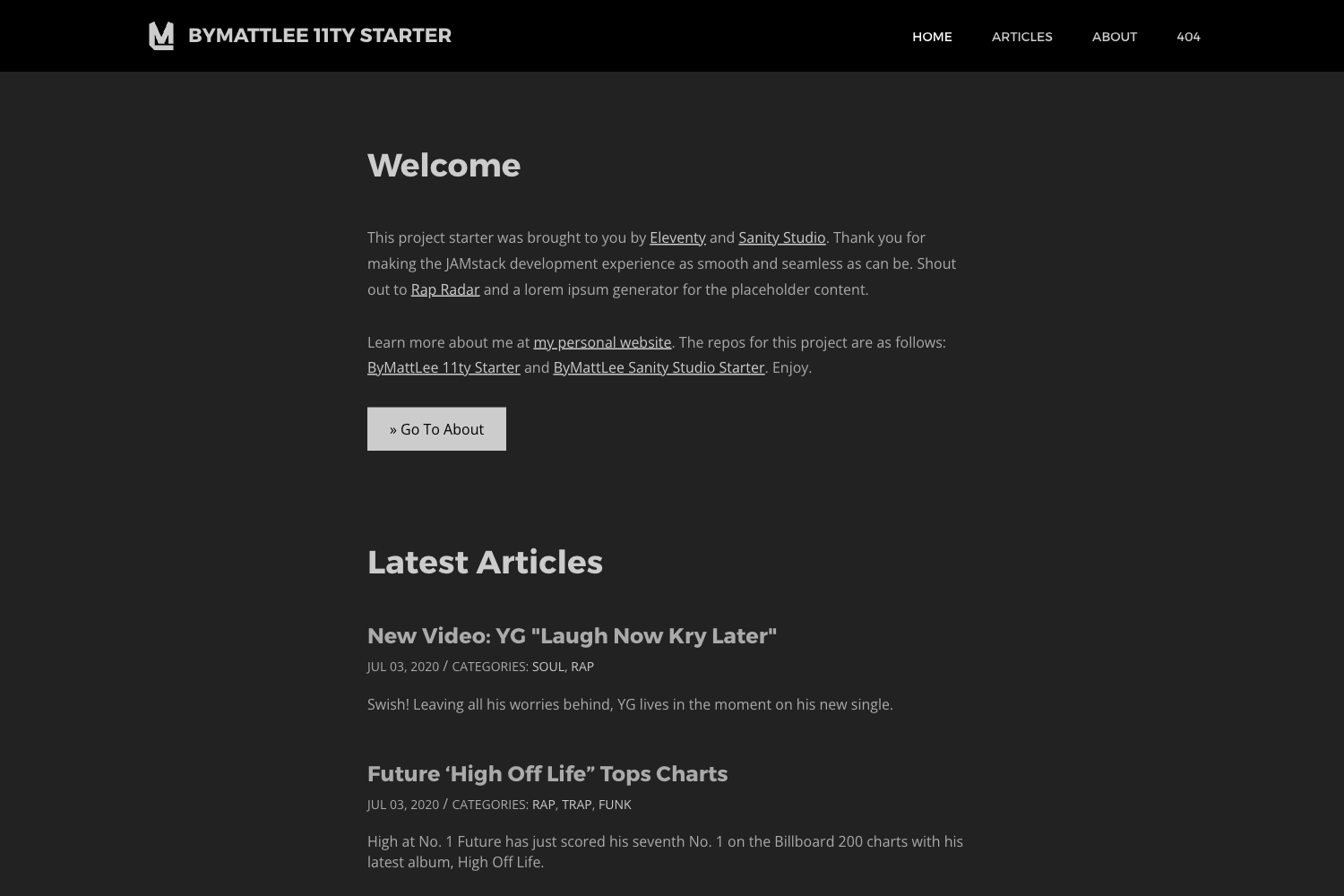
Minimal mobile-first blog starter using Scully (Angular) and Kontent headless CMS, deployable to Netlify.
About this template
Scully Starter Kontent Lumen is a minimal, mobile-first Angular blog starter that pairs the Scully static site generator with the Kontent headless CMS and deploys to Netlify in one click.
What is Scully Starter Kontent Lumen?
Scully Starter Kontent Lumen is a GitHub template for building lightweight blogs. It takes content managed in Kontent (a headless CMS) and generates a pre-rendered static Angular site using Scully. The site is styled with SASS using BEM naming conventions and organizes posts into archives by tags and categories. The project is generated with Angular CLI version 10.1.0 and is released under the MIT license.
What makes Scully Starter Kontent Lumen stand out?
- Kontent headless CMS integration — Blog content is pulled from a Kontent project via a
deliveryProjectIdconfigured insrc/environments/environment.ts, with content restored from a providedkontent-backup.zipusing the Kontent Backup Manager. - Scully static site generation — The site runs on Scully to prerender Angular pages into static HTML for fast, SEO-friendly output.
- Mobile-first minimal Lumen design — A lightweight, minimal layout inspired by the Lumen starter, built to be mobile-first.
- SASS and BEM styling — Styles are written in SASS and follow BEM naming conventions for maintainable CSS.
- Tag and category archives — Posts are archived and filterable by tags and categories, with archive pages generated by the template.
- One-click Netlify deployment — A deploy button creates a GitHub repository from the template and builds it on Netlify, with automatic CI via the Netlify status badge.
- Pre-configured development workflow — Provides npm scripts for install, build, and running Scully locally, plus a
netlify-buildscript for production builds.
Who should use Scully Starter Kontent Lumen?
- Angular developers — Anyone who wants a ready-made Angular blog and prefers Scully for static generation can fork the repo and replace the environment values with their own Kontent project ID.
- Content editors using Kontent — Teams that author content in Kontent can have a public blog site without building a custom front end; the template publishes all imported items to make them visible.
- Hobbyist bloggers — Beginners who want a minimal blog and an easy Netlify deployment path can use the template with zero backend setup.
What can you do with Scully Starter Kontent Lumen?
- Stand up a blog in minutes: Use the GitHub "Use this repository" function to create your own copy, import the sample content from
kontent-backup.zipinto a new Kontent project, and publish the items. - Customize posts and archives: Manage posts, tags, and categories in Kontent, then rebuild the site to see them reflected in the tag and category archives.
- Deploy to Netlify automatically: Click the Deploy to Netlify button to set up a repository and CI/CD pipeline without configuring build steps manually.
How does it work?
- Create your own repository from the GitHub template.
- Create an empty Kontent project at app.kontent.ai and copy the Project ID.
- Import the sample content using Kontent Backup Manager (via
kbm --action=restore --apiKey=<Management API key> --projectId=<Project ID> --zipFilename=kontent-backup) or the Template Manager UI. - Publish all imported items in Kontent, then set your
deliveryProjectIdinenvironment.tsandenvironment.prod.ts. - Run
npm install,npm run build, andnpm run scullyto generate the static site, or usenpm run netlify-buildfor production.
Alternatives
- Angular Universal — the official Angular solution for server-side rendering, which requires a Node server rather than static file output.
- Hugo — a Go-based static site generator with its own template ecosystem and no Angular dependency.
FAQ
Is Scully Starter Kontent Lumen free?
Yes, the project is open source under the MIT license, so you can use, modify, and redistribute it freely. There are no built-in paywalls, though hosting on Netlify and a Kontent project may have their own pricing.
What is the deliveryProjectId in the environment files?
It is the Project ID from your Kontent project, found under Project Settings -> API keys. You set it in src/environments/environment.ts and the production version so the site can fetch your content.
Do I need to use Netlify to deploy?
No, the starter says it can run in any frontend web environment, but the quickest path is the pre-configured Netlify deploy button. You can also run it locally with the provided npm scripts and host the generated static files elsewhere.