Template details
Serverless Pre-Rendering Demo
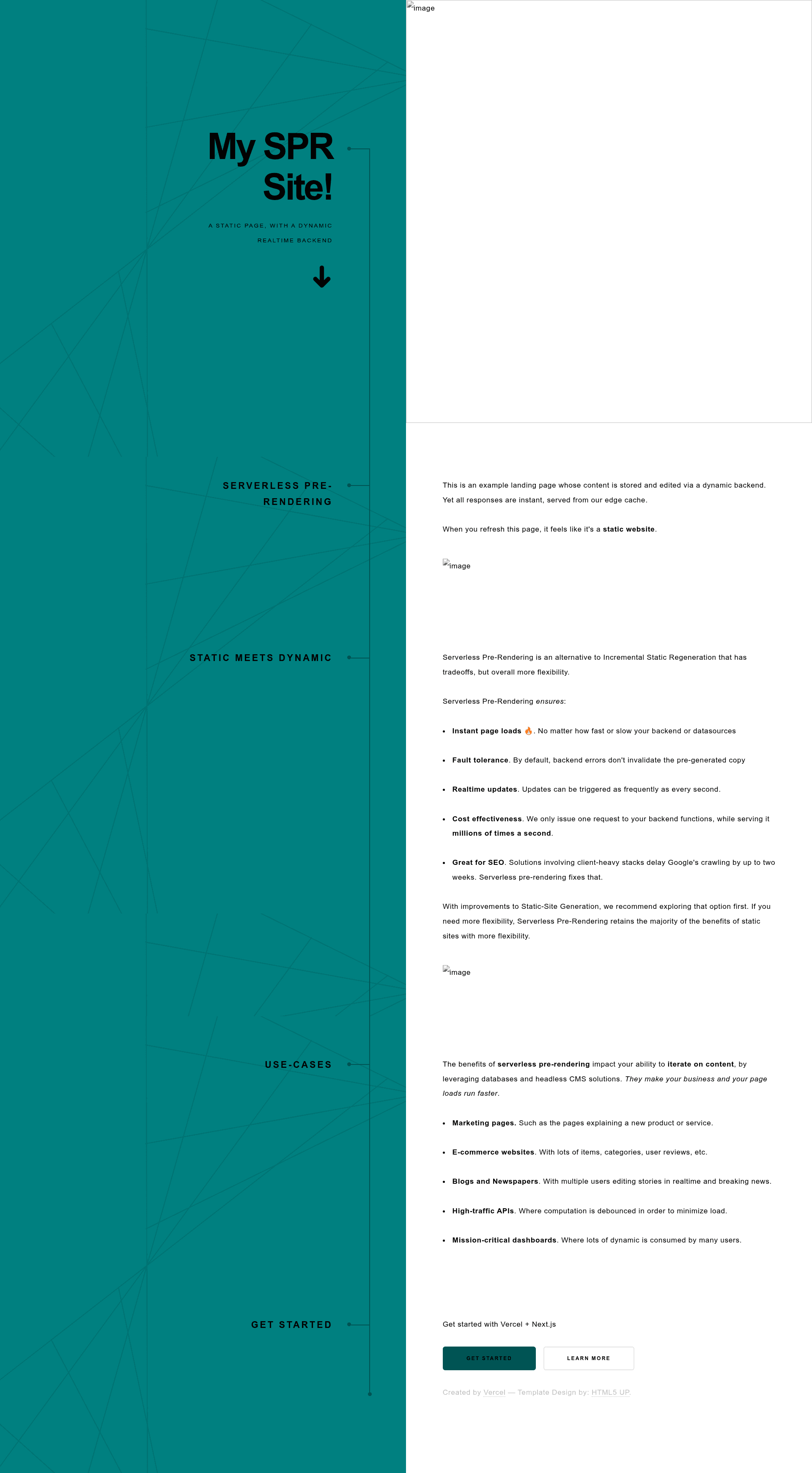
A Vercel demo landing page powered by Notion as a CMS, showcasing serverless pre-rendering.
About this template
Serverless Pre-Rendering Demo is a Vercel boilerplate that demonstrates building a landing page whose content comes from a Notion page, rendered with serverless pre-rendering, and deployed on Vercel.
What is Serverless Pre-Rendering Demo?
This is a demo project and boilerplate created by Vercel to show how serverless pre-rendering (SPR) works. It takes a Notion page ID as input via the PAGE_ID environment variable and outputs a live landing page. The page runs on Vercel's edge network and can be deployed with a single click using the provided "Deploy with Vercel" button. The repository is documented in a linked Vercel blog post, and a live demo is hosted at spr-landing.zeit.sh.
Key Features
- Notion as a CMS — All landing page content is sourced from a Notion page. The default site uses Vercel's public Notion page, and you can swap in your own by setting the
PAGE_IDenvironment variable. - One-click Vercel deployment — The repository includes a "Deploy with Vercel" button that prompts for the
PAGE_IDenvironment variable and deploys the project directly to Vercel. - Live demo — A hosted version is available at spr-landing.zeit.sh so you can see the final result before deploying.
- Accompanying blog post — The repository links to Vercel's blog post on serverless pre-rendering, explaining the underlying architecture.
- Example ecosystem — The README points to an additional Notion Blog example for more ideas on using Notion with Vercel.
- Configurable via environment variable — Development and production both rely on the
PAGE_IDvariable; the README instructs you to update it with your own page ID.
Who is it for?
- Developers exploring serverless pre-rendering — Use this demo to see how SPR serves content at the edge and how it integrates with a CMS.
- Tinkerers who want a Notion-powered landing page — Set your own public Notion page ID and get a landing page without building a separate CMS.
- Vercel users evaluating deployment workflows — Understand how environment variables and the Deploy button work in a real project.
What can you do with it?
- Create a landing page from a Notion page — Replace the
PAGE_IDenvironment variable with your own public page to serve content from that page. - Prototype serverless pre-rendering behavior — Observe the difference between static and pre-rendered content by reading the blog post and exploring the live demo.
- Learn from the Notion Blog example — The linked Notion Blog repository offers a more detailed implementation for blog-style content.
How does it work?
First, clone the repository or click the Deploy with Vercel button. The default content comes from Vercel's public Notion page. To customize, sign up for Notion, create a page, and update the PAGE_ID environment variable with your page's ID. Then deploy to Vercel, which handles the rest.
FAQ
How do I customize the content?
Create or copy a Notion page, obtain its page ID, and set it as the PAGE_ID environment variable when deploying or running the project locally. The landing page will then render content from your page.
Do I need my own Notion account?
The demo works out of the box with Vercel's public Notion page. To make it your own, you need a Notion account and a page to use as the content source.
What is serverless pre-rendering?
It's a rendering approach where pages are generated dynamically at the edge and cached, giving both freshness and performance. The Vercel blog post linked in the repository provides a full explanation.
Where is the live demo?
The live demo is hosted at spr-landing.zeit.sh, so you can preview the default landing page without deploying anything.