Template details
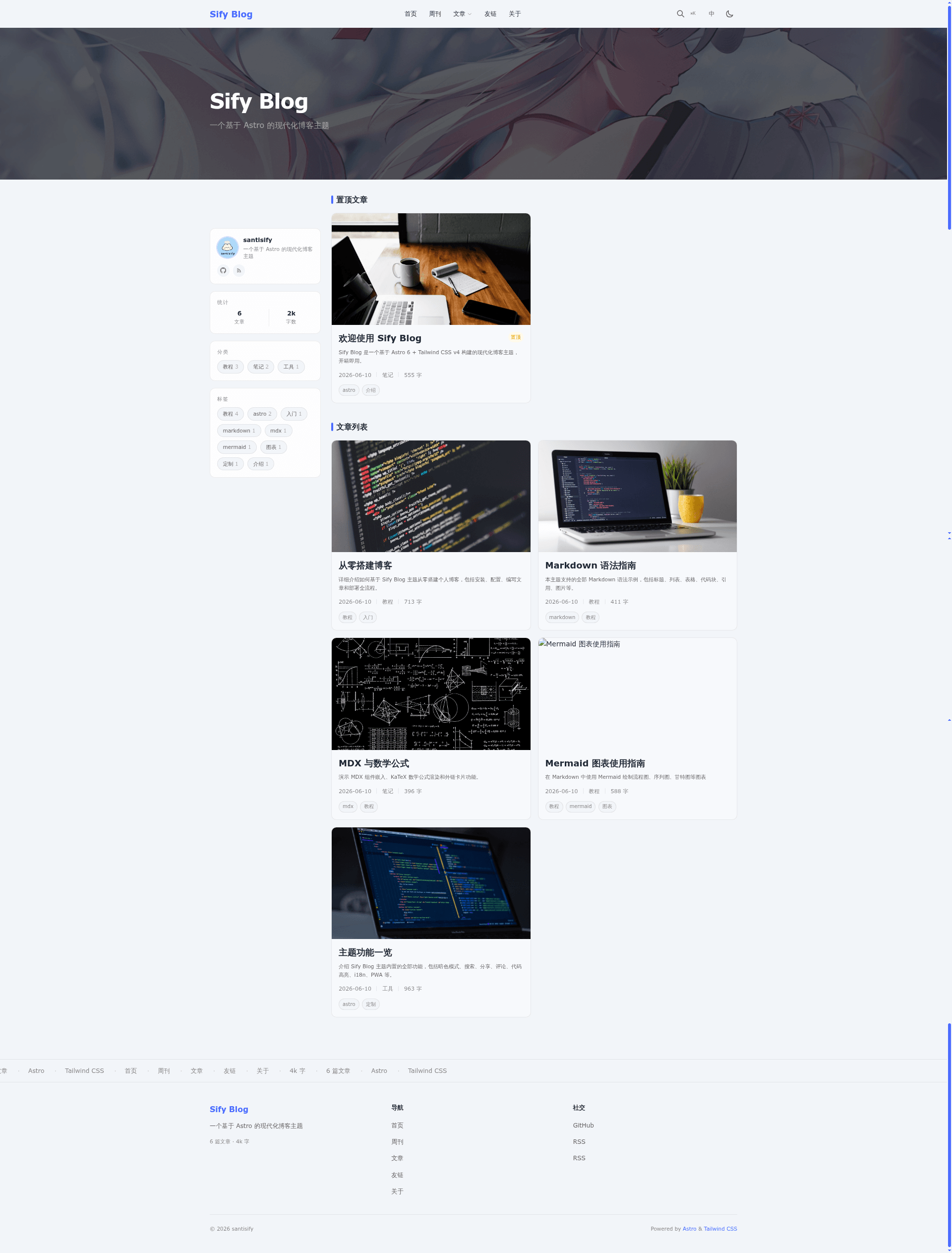
Sify Blog
A modern open-source blog theme built with Astro 6 and Tailwind CSS v4, featuring MDX, KaTeX math, Mermaid diagrams, full-text search, and Waline comments.
About this template
Sify Blog is a free open-source blog theme for Astro 6 that converts Markdown and MDX files into a static site with built-in KaTeX math, Mermaid diagrams, full-text search, and Waline comments.
What is Sify Blog?
Sify Blog is a static-site blog theme built on Astro 6 and Tailwind CSS v4. It takes Markdown (.md) or MDX (.mdx) content files placed in src/content/blog and src/content/weekly and outputs a complete static site to the dist/ directory after bun run build. The theme is created by santisify, published under the MIT license, and a live demo runs on Vercel.
Key Features
- Markdown and MDX — Write posts in standard Markdown or MDX with embedded JSX components; both formats are collected by the content schema in
src/content.config.ts. - KaTeX math rendering — Use
$...$for inline math and$$...$$for block-level display math; the theme is preconfigured with KaTeX. - Mermaid diagrams — Fenced code blocks with the
mermaidlanguage render flowcharts, sequence diagrams, class diagrams, Gantt charts, pie charts, state diagrams, and ER diagrams, and they automatically adapt to dark mode. - Shiki code highlighting — Dual-theme syntax highlighting with language labels, line numbers, and a one-click copy button.
- Full-site search — Press Ctrl+K to open a search palette that matches post titles and body text, with highlights in the results.
- Waline comments — Out-of-the-box comment integration; you set your own
serverURLinsrc/components/waline/Comment.astro. - Dark mode — Follows system preference plus a manual toggle, with no flash on first paint.
- PWA support — Installable and offline-capable through
manifest.jsonand a service worker insw.js.
Who is it for?
- Personal bloggers — Set up a modern blog with no backend by writing Markdown files and deploying the static build to any host.
- Developers — Customize the Astro components, Tailwind
@themevariables, and MDX component imports; the source is organized undersrc/components,src/layouts,src/pages, andsrc/utils. - Technical writers — Use the preconfigured KaTeX and Mermaid support directly in Markdown for math-heavy or diagram-rich articles.
- Weekly newsletter maintainers — Use the dedicated weekly content collection with an
issuefrontmatter field to publish numbered digests.
What can you do with it?
- Publish a bilingual blog — The theme ships with translation files under
src/i18nfor switching between Chinese and English. - Organize posts into series — Set the optional
seriesfrontmatter field to group related posts automatically. - Share posts on social media — Built-in share buttons support Twitter, WeChat QR code scanning, copy link, and the native share API.
- RSS and SEO — The build automatically generates
/rss.xml, plus Open Graph, Twitter Card, and JSON-LD structured data per page.
How does it work?
Clone the repository from GitHub, install dependencies with Bun (or Node 18+), then run bun dev to develop at localhost:4321 with hot reload. Write content in the Markdown collection folders, then run bun run build to output the production site to dist/.
Pricing
Sify Blog is free and open source under the MIT license, so there are no paid tiers or trial limits. You deploy the static output on your own hosting provider; the only optional service you need to supply is a Waline comment server URL if you enable comments.
Alternatives
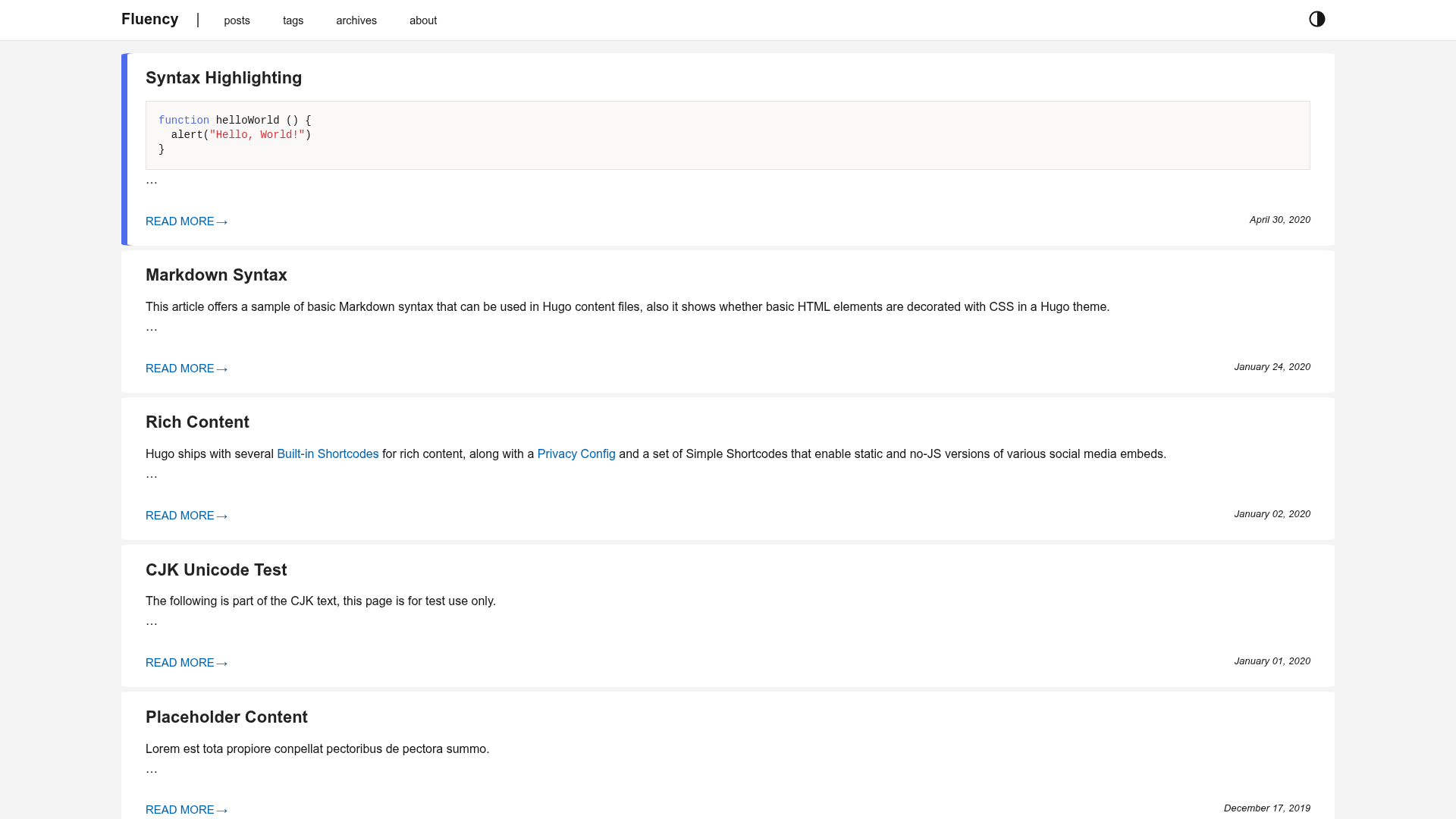
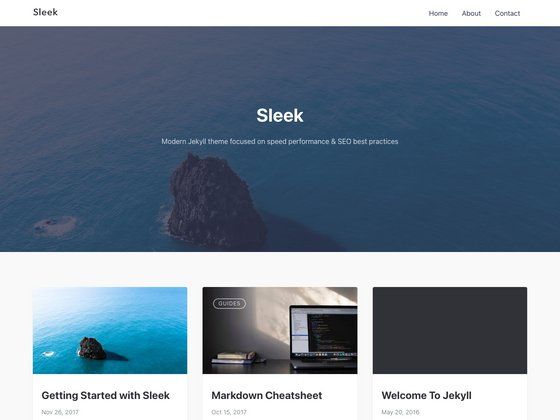
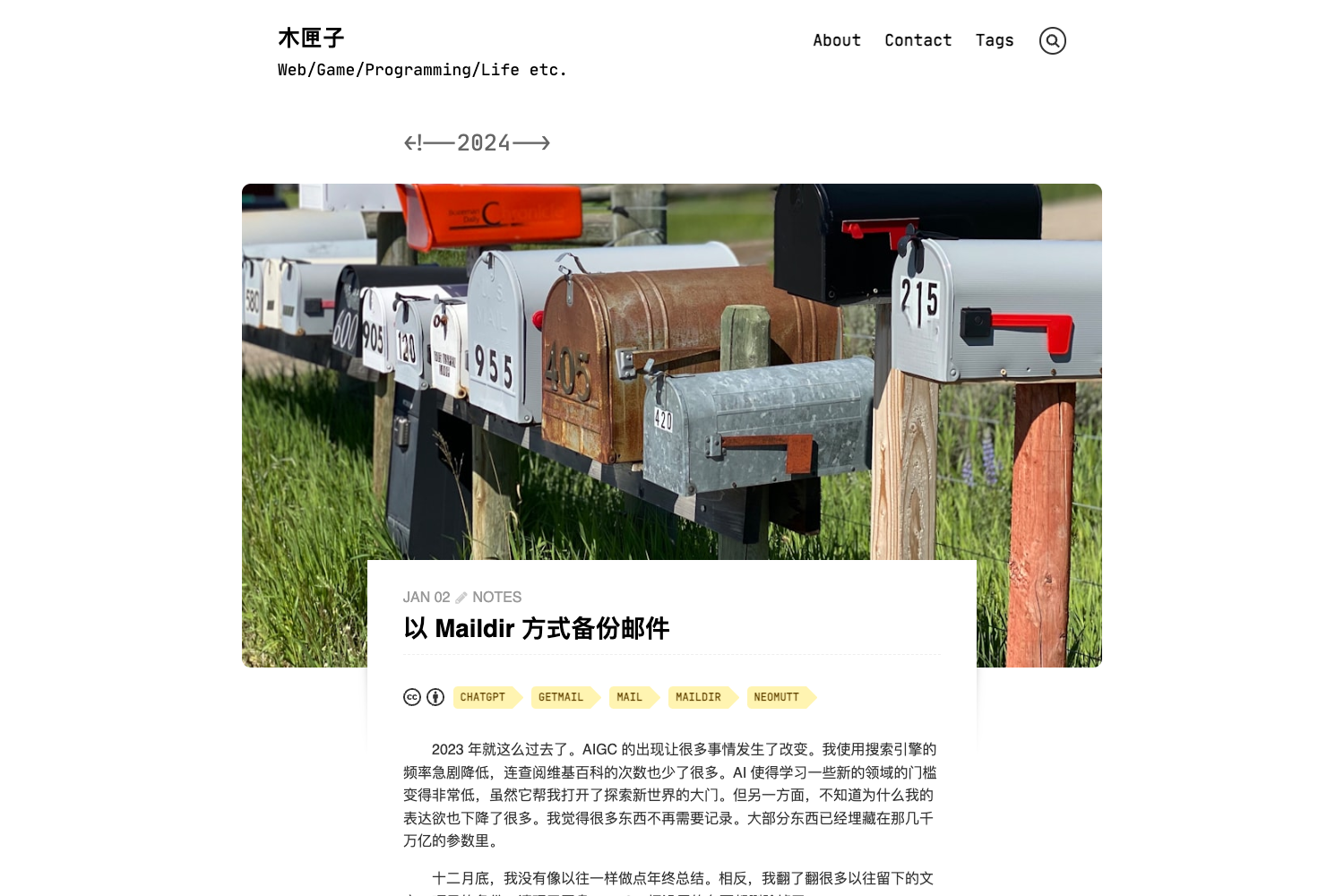
- AstroPaper — A minimalist Astro blog theme focused on clean typography and reading experience, with similar MDX and RSS support.
FAQ
Is Sify Blog free?
Yes, Sify Blog is released under the MIT license and free to use, modify, and deploy for personal or commercial projects. There are no paid tiers and no watermark.
How do I deploy Sify Blog?
Use the one-click Vercel import button from the README, fork the repository and deploy through Cloudflare Pages, or run bun install && bun run build and upload the resulting dist/ directory to any static hosting service.
Does Sify Blog support comments?
Yes, it integrates Waline. Edit src/components/waline/Comment.astro to set your Waline server URL; the comment UI appears automatically on your posts.
How do I write math formulas in my posts?
KaTeX is preconfigured. Use $...$ for inline math and $$...$$ for block-level display math in any Markdown or MDX post. No extra plugins or build steps are needed.
Can I customize the theme color?
Yes, edit the @theme block in src/styles/global.css, where you can override variables such as --color-primary, --color-bg-light, and --color-bg-dark.