Template details
Sleek
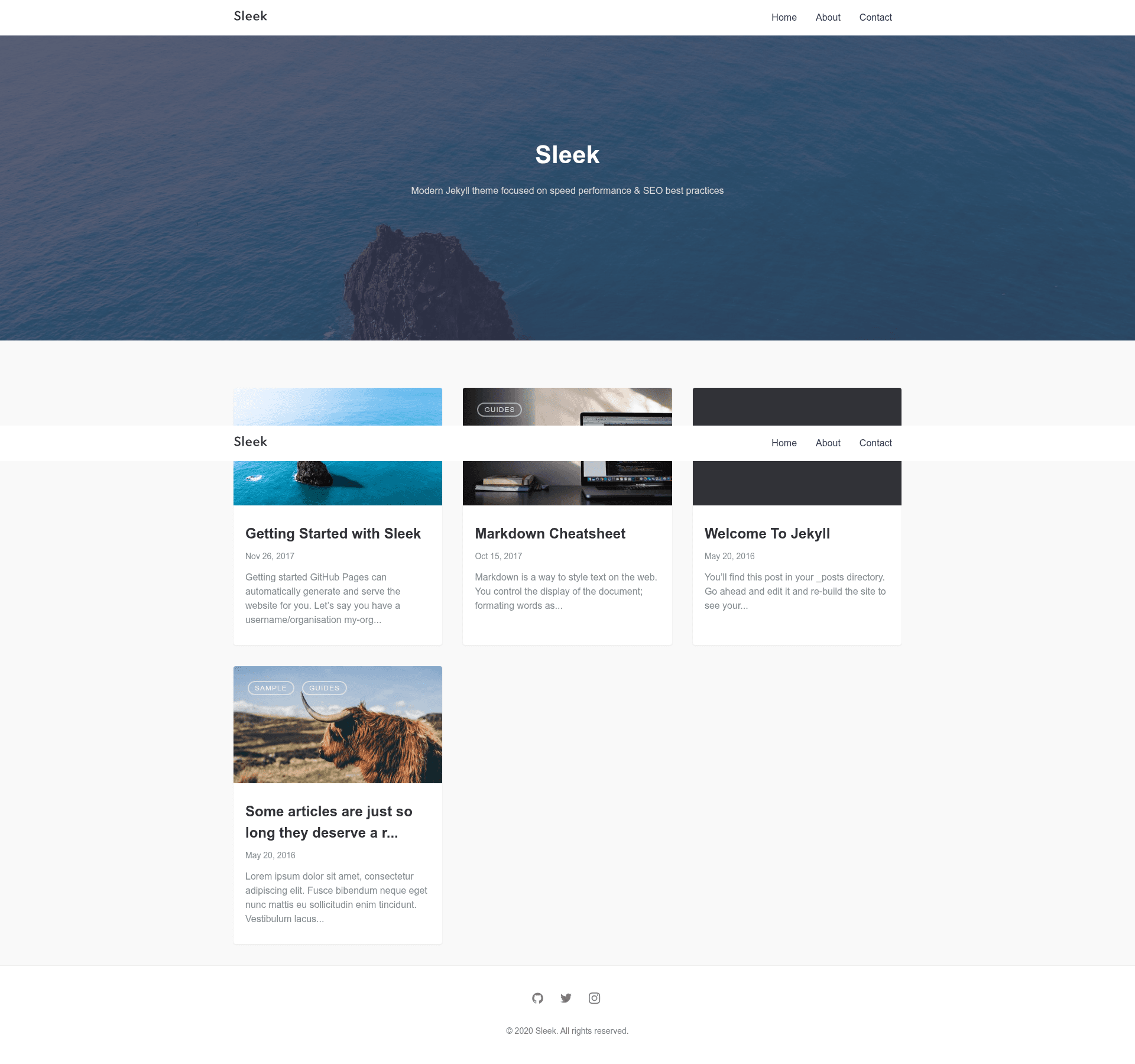
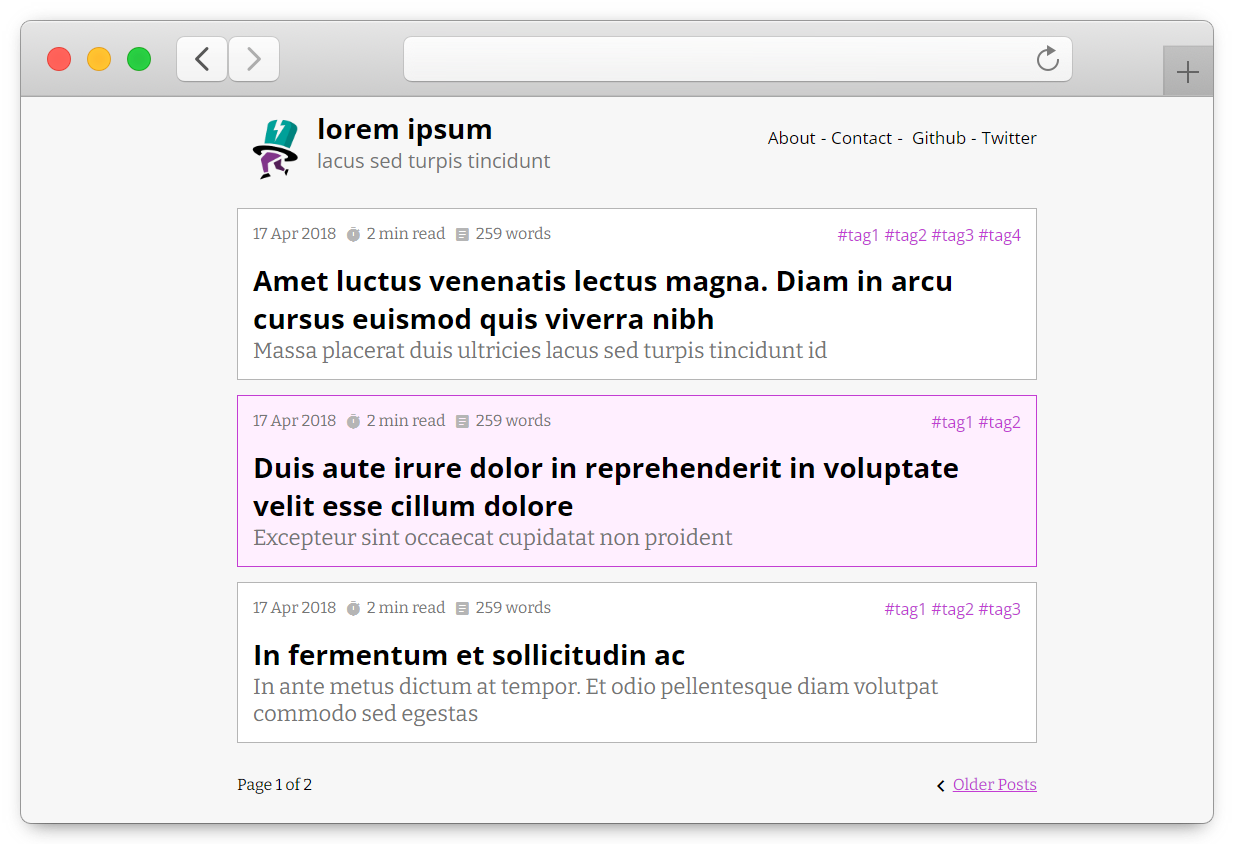
A modern Jekyll theme focused on speed performance and SEO best practices.
About this template
Sleek is a modern Jekyll theme that focuses on speed performance and SEO best practices, distributed as a Ruby gem and a GitHub repository for building fast, static blogs and personal sites.
What is Sleek?
Sleek is a Jekyll theme focused on speed performance and SEO best practices. It takes a standard Jekyll site directory—layouts, includes, Sass partials, posts, and pages—and compiles them into a static, responsive website. The theme ships with the jekyll-seo-tag plugin preinstalled, supports Google Tag Manager, Disqus comments, and Formspree contact forms, and is developed by Jan Cizikow at https://github.com/janczizikow/sleek. It can be installed as a gem in any Jekyll site.
Key Features
- GitHub Pages compatibility — Sleek works without a custom server, so you can deploy by simply pushing the repository to GitHub and enabling Pages.
- SEO-friendly defaults — The preinstalled
jekyll-seo-tagplugin adds title, description, Open Graph, and other meta tags for better search visibility. - Google Tag Manager integration — Add your GTM container ID in
_config.ymland the tracking snippet is included on every page, including in development mode. - Disqus comments — Set your Disqus shortname in
_config.ymlto add comment threads to blog posts. - Formspree forms — The theme includes an email-based contact form; entering your email in
_config.ymlroutes submissions through Formspree, with an optional AJAX submission for Formspree Gold accounts. - Lazy-loaded hero images — Post hero images are loaded with Lazy Sizes, and a
gulp imgcommand converts.jpgfiles in the_imgfolder into optimized images and thumbnails. - Gulp-based build tooling —
gulpfile.jsautomates Sass compilation, JavaScript bundling, image optimization, and serves the site athttp://localhost:3000; Node.js 8 or higher is required.
Who should use Sleek?
- Bloggers — Publish a clean, fast blog with Markdown posts, hero images, and optional comments.
- Personal website owners — Use the page and navigation system to build an about, contact, or portfolio presence without a CMS.
- Developers — Customize the theme by editing Sass partials and includes, and use Gulp tasks to rebuild assets.
- GitHub Pages users — Deploy a static site directly from a repository with no additional hosting configuration.
Use cases
- Launch a blog: Create a new Markdown file in the
_postsfolder, set thelayout: postand a title in front matter, and add a hero image viafeatured-imgto get a polished post. - Collect contact form submissions: Set your email in
_config.yml; the built-in contact page submits through Formspree, and you can uncomment the AJAX function in_js/scripts.jsfor Gold accounts. - Track visitors with GTM: Enter your Google Tag Manager container ID to load analytics and other marketing tags across the site.
- Build a custom Jekyll site: Fork the repository, edit
_config.ymland the theme's layouts, then usebundle exec jekyll serveorgulpto preview changes locally.
How does Sleek get set up?
After forking or cloning the repository, run bundle install and npm install in the project directory. Then start the development server with either gulp (which runs the full asset pipeline) or bundle exec jekyll serve. For an existing Jekyll project, add gem "jekyll-sleek" to the Gemfile and set theme: jekyll-sleek in _config.yml, then run bundle. The theme's files are organized into _includes, _layouts, _sass, _pages, and assets, with the homepage defined in index.md.
Pros and cons
- Pros: Fast and minimal by design; includes SEO, analytics, comments, and forms without extra plugins; free under MIT; compatible with GitHub Pages.
- Cons: The GitHub README states that the theme is no longer actively maintained, which means future Jekyll updates may not be supported and issues may go unanswered.
Pricing
Sleek is free and open source under the MIT License. There are no paid tiers or premium features; you can use, modify, and redistribute the theme freely.
FAQ
Is Sleek free?
Yes, Sleek is released under the MIT License, so it is completely free to use, modify, and distribute. The source code is available on GitHub, and you can install it as a Ruby gem from RubyGems.
Does Sleek work with GitHub Pages?
Yes, Sleek is explicitly compatible with GitHub Pages. You can fork the repository, push your changes, and enable GitHub Pages in the repository settings to publish your site. Open-source projects with public repositories can also use GitHub Pages free of charge.
How do I add a hero image to a post?
In the post's front matter, set featured-img to the image name (for example, featured-img: sleek), then upload a .jpg file with the matching name to the _img folder. Run gulp img to generate optimized versions and thumbnails, and restart the Jekyll server to see the change.
How do I enable Disqus comments?
Add your Disqus shortname to the _config.yml file under the key disqus: shortname: your_shortname. The theme will then display Disqus comment threads on blog posts automatically. If you leave the shortname empty, comments are disabled.
Is Sleek still maintained?
As of the README, the theme is marked as no longer actively maintained. The repository is still available and functional, but the author has stated that it does not receive active updates. You may want to test the theme with your specific Jekyll version before production use.