Template details
Binario
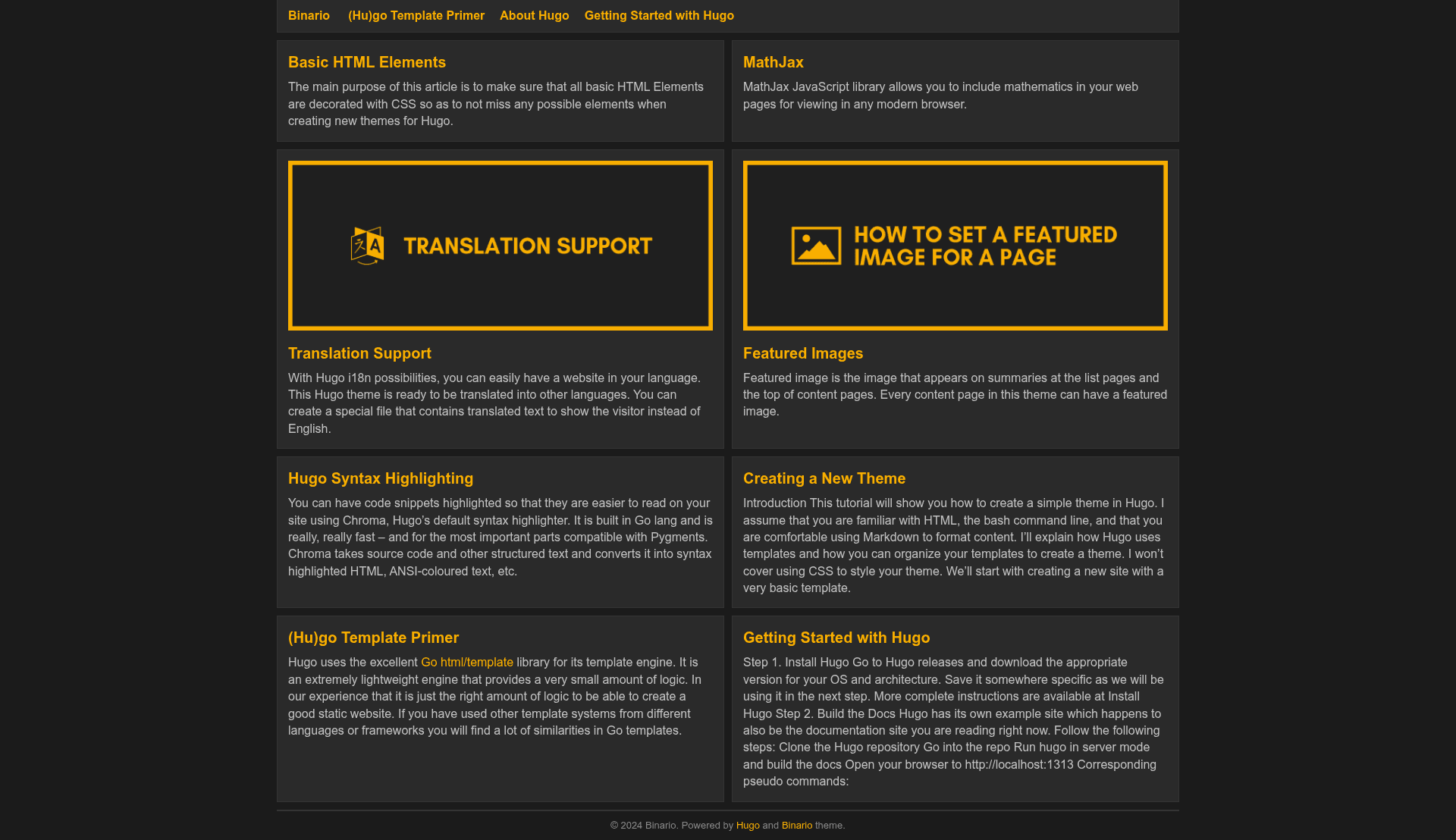
Responsive card-based & code-light Hugo theme with configurable columns, color themes, and built-in SEO.
About this template
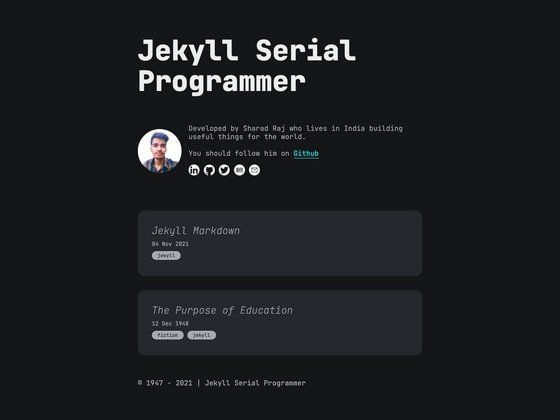
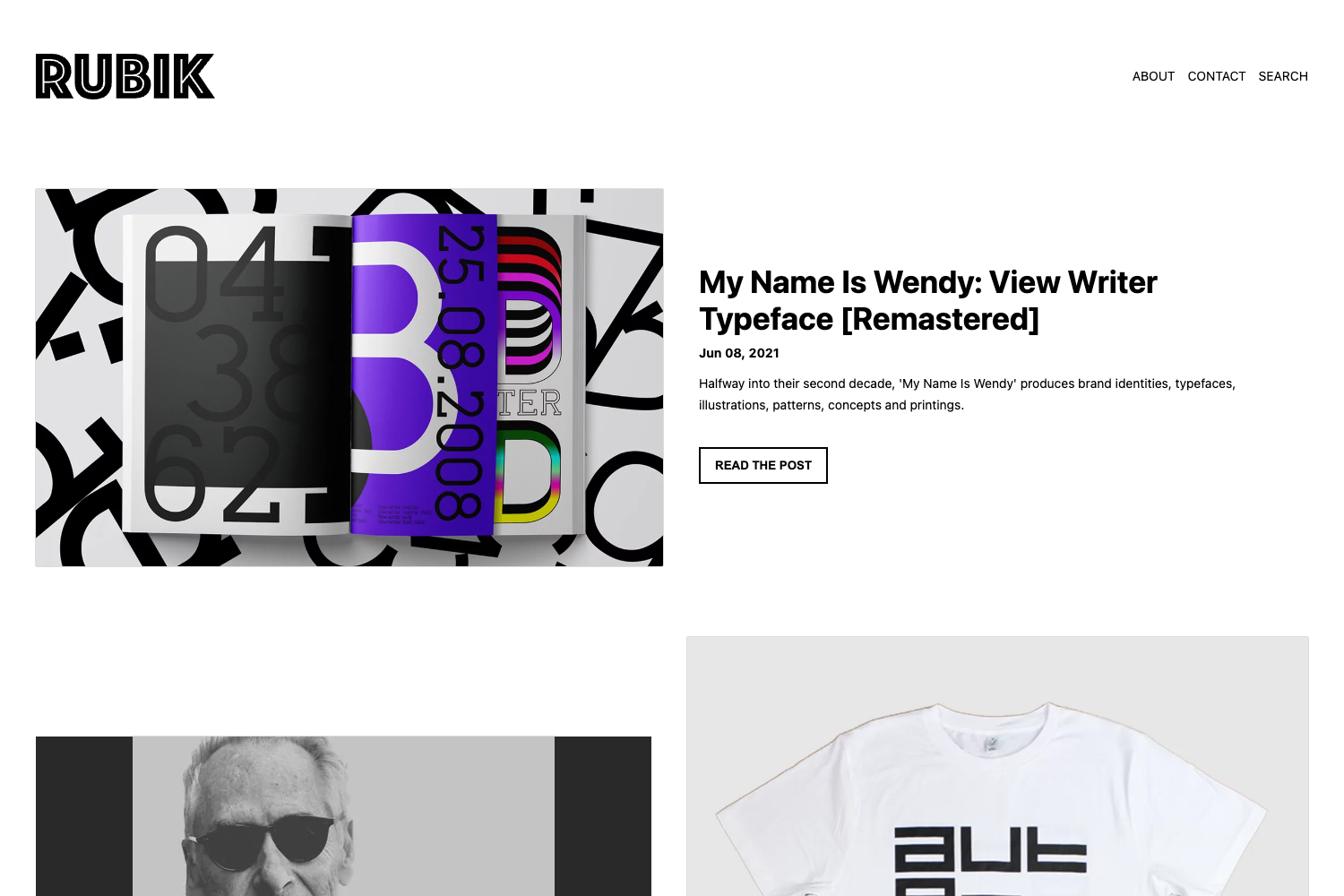
Binario is a responsive, card-based Hugo theme for blogs and content sites, offering configurable card columns, color themes, and built-in SEO templates.
What is Binario?
Binario is an open-source Hugo theme created by Vimux, distributed under the MIT License. It takes a standard Hugo site's content (Markdown files with front matter) and renders it as a responsive card-based list layout for the homepage and archive pages. The theme produces a static site with support for internal Hugo templates for Open Graph, Schema, Twitter Cards, Google Analytics, and Disqus comments. It can be installed by git clone, git submodule, or downloading a ZIP archive into the themes/binario directory.
Key Features
Binario's feature set is defined by its configuration options and built-in Hugo integrations.
- Card-based responsive layout — The homepage and list pages display posts as cards; the number of columns is configurable via
Params.columnswith values 1, 2, or 3. - Four color themes — Choose
dark-green,dark-blue,dark-red, ordark-violetvia thecolorThemeparameter; an empty string uses the default. - Built-in SEO templates — Enables Open Graph, Schema, and Twitter Cards from Hugo's internal templates, plus Google Analytics and Disqus integration through the services config.
- Table of contents — Per-page table of contents can be enabled/disabled and set to open by default via
[Params.Entry]settings. - Related content — Uses Hugo's native Related Content feature to show a "See Also" block on single pages; the maximum number of related items is set with
relatedMax. - MathJax support — MathJax can be enabled site-wide or per page, with a configurable CDN path and MathJax config string.
- Custom CSS and JS — Array parameters
customCSSandcustomJSlet you inject files from the static folder into the head or before the closing body tag. - Share buttons and social icons — Share buttons for Facebook, Twitter, Reddit, Telegram, LinkedIn, VK, Pocket, and Pinterest; footer social icons for 13 services including GitHub, Mastodon, and Medium.
Who is it for?
Binario is for bloggers and content creators who want a clean, card-based presentation without heavy JavaScript. It is also suited to developers who maintain Hugo sites and want a theme that is easy to customize through site configuration. Individuals building personal portfolios or documentation-style sites can use the configurable columns and front matter options to tailor each page.
What can you do with Binario?
Binario supports several concrete use cases based on its configurable features.
- Bloggers: Publish posts that automatically appear in a responsive card grid, with meta fields like date, categories, and tags shown on each entry.
- Technical writers: Add MathJax to render mathematical formulas in articles by setting
mathjax = truein the site or page front matter. - SEO-conscious site owners: Enable Open Graph, Schema, and Twitter Cards from the config file to improve social sharing and search representation.
How does Binario work?
Binario follows the standard Hugo theme installation and configuration workflow. Installation is done by cloning the repository to themes/binario, adding it as a git submodule, or extracting a ZIP download; then theme = "binario" is set in config.toml. After running hugo server, the site is previewable at localhost:1313. All customization is driven by TOML/YAML config parameters that cover columns, breadcrumbs, authorbox, comments, featured images, and Web App Manifest output.
Pricing
Binario is free and open source under the MIT License. There are no paid tiers or premium features.
FAQ
Is Binario free?
Yes. Binario is released under the MIT License, so you can use it for personal and commercial projects with no cost. The source is available on GitHub.
How do I install Binario?
You can install it with git clone https://github.com/vimux/binario themes/binario, add it as a git submodule, or download and extract the ZIP file to the themes/binario folder. Then add theme = "binario" to your site config.
Does Binario support MathJax?
Yes. Set mathjax = true in site params or individual page front matter. You can override the default CDN path and MathJax config with mathjaxPath and mathjaxConfig.
What color themes are available?
The built-in color theme options are dark-green, dark-blue, dark-red, and dark-violet. An empty string uses the default theme.
Can I add my own CSS and JavaScript?
Yes. Use the customCSS and customJS array parameters in site config. Files are referenced relative to the static folder and are injected after the theme's built-in CSS or before the closing body tag.