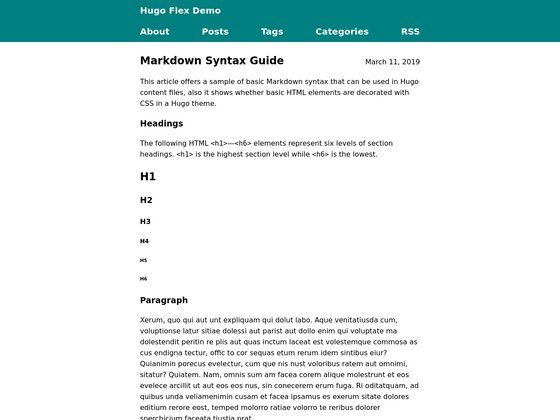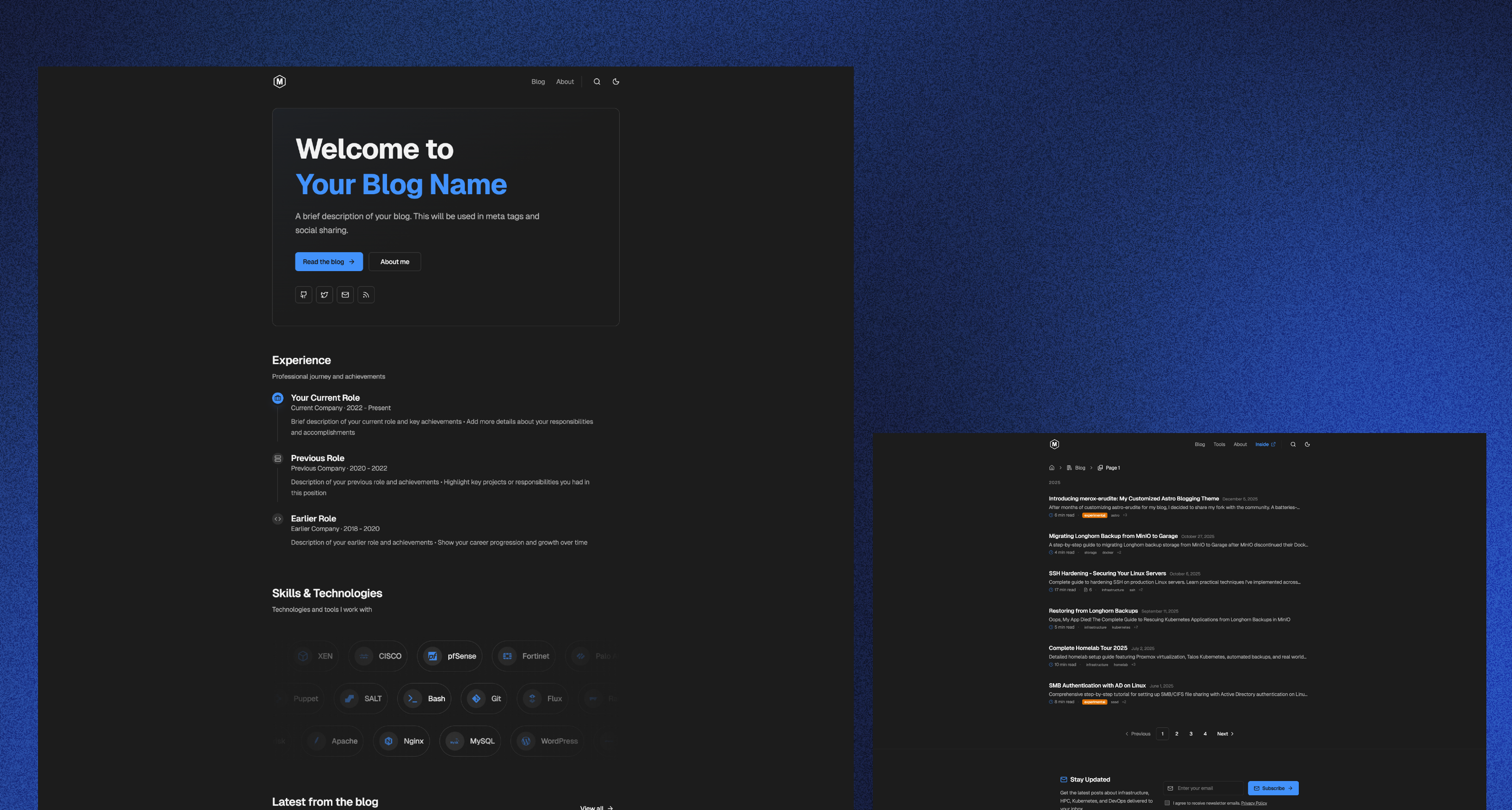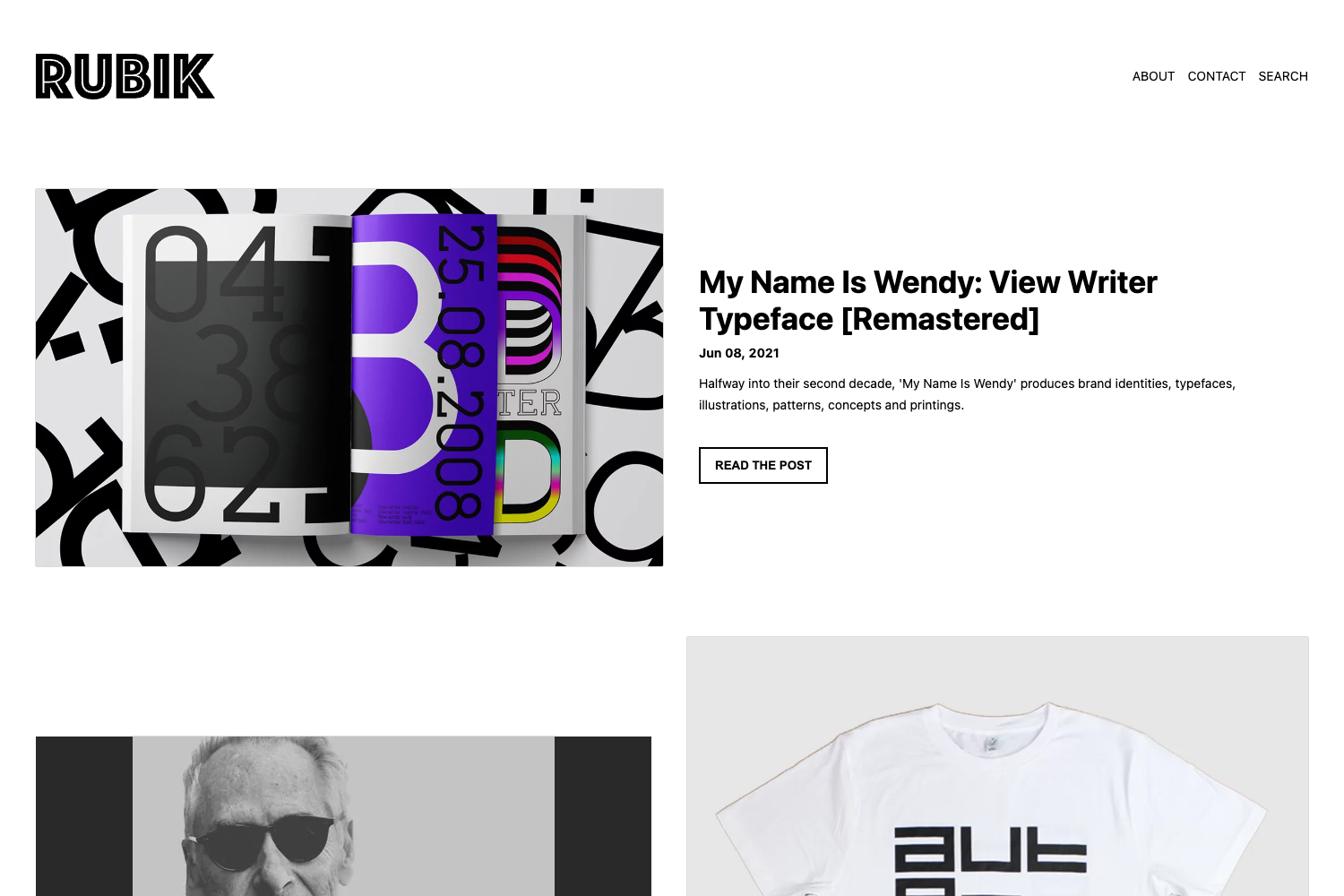
Template details
Eleventy Alpine Tailwind Snowpack
A blog and digital garden template, built with eleventy, tailwind, alpinejs, turbolinks, and snowpack
About this template
Eleventy Alpine Tailwind Snowpack is a blog and digital garden starter template built on the Eleventy static site generator, pairing Tailwind CSS, Alpine.js, Turbolinks, and Snowpack, and pre-configured for one-click Netlify deployment with performance-focused build plugins.
What is Eleventy Alpine Tailwind Snowpack?
This is a static site template for publishing a blog or digital garden. It takes Markdown content as input and outputs a static HTML site through Eleventy's build process. The template runs on the Eleventy (11ty) framework and includes Tailwind CSS for styling, Alpine.js for client-side interactions, Turbolinks for instant page navigation, and Snowpack as its build tool. It is ready for deployment to Netlify, where two build plugins run automatically: one inlines critical CSS and one optimizes font files.
Key Features
- Eleventy Image plugin — Uses the official Eleventy image plugin to generate responsive images with srcset, already integrated into the build pipeline.
- Inline critical CSS — Employs the netlify-plugin-inline-critical-css to extract and inline above-the-fold CSS during Netlify builds, reducing render-blocking requests.
- Font optimization — Integrates netlify-plugin-subfont to subset and optimize web fonts; this requires Python configuration files (requirements.txt and runtime.txt) included in the repo.
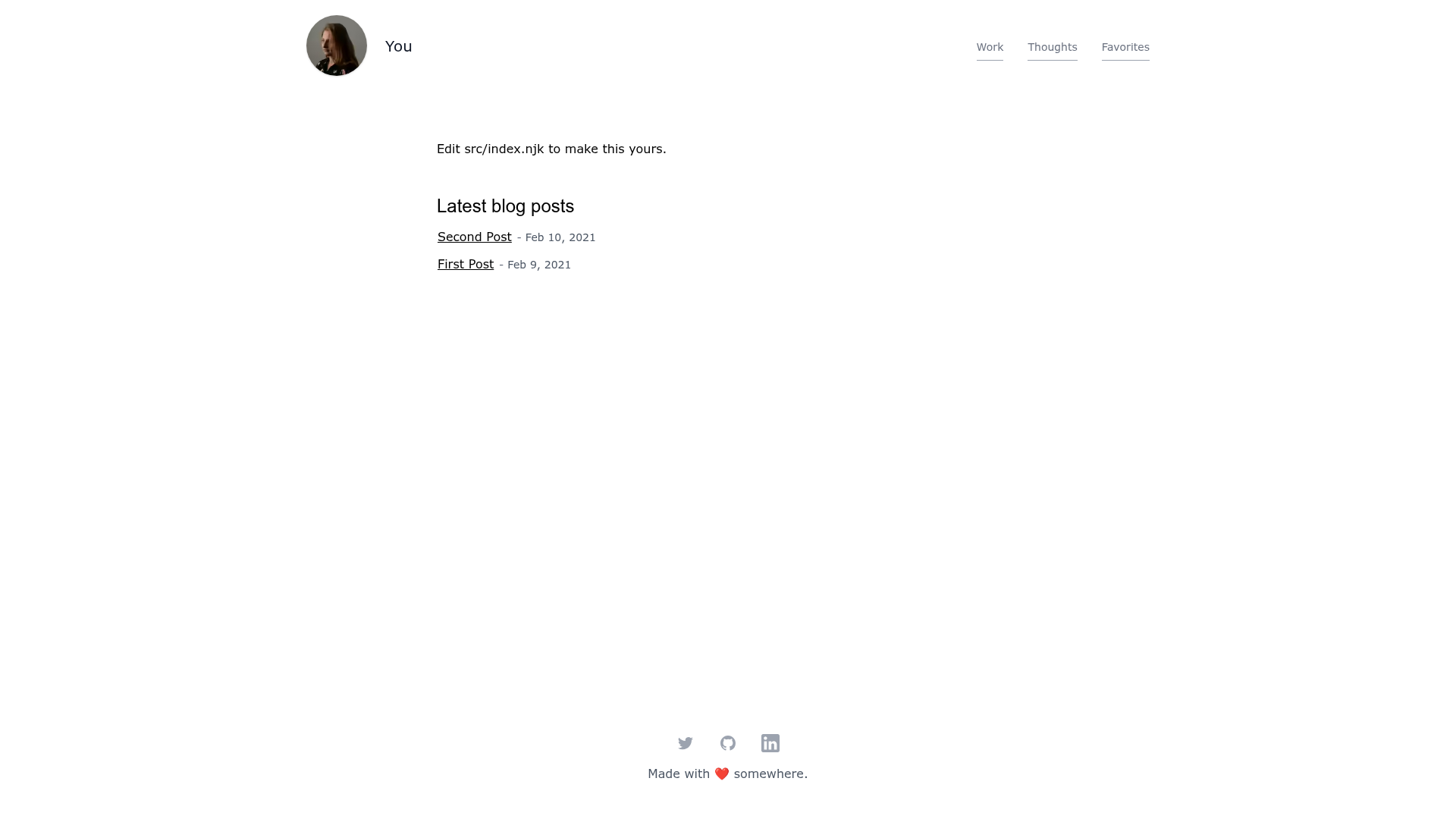
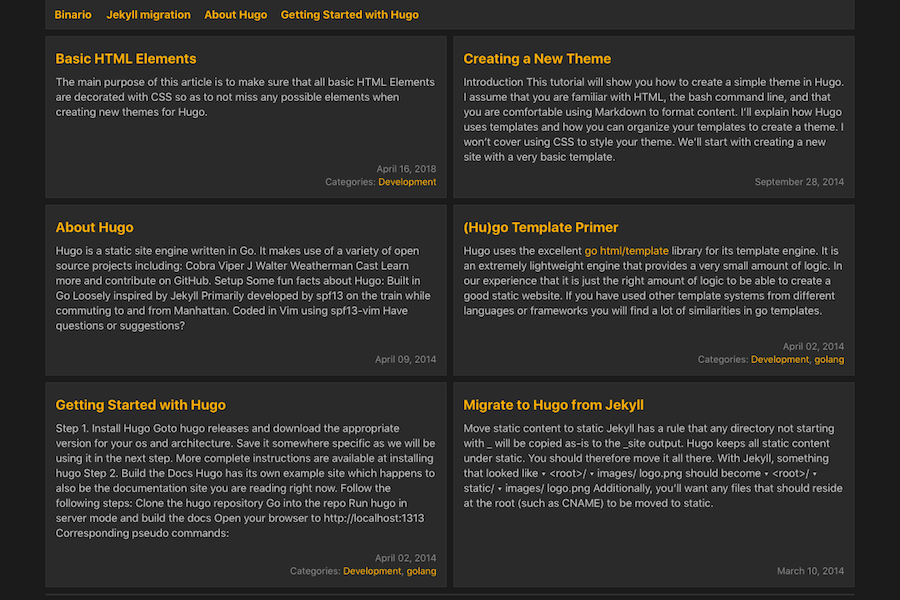
- Blog post list formatting — The template includes formatting for blog post listing pages, so multiple posts render with consistent layout.
- SEO head and meta setup — Includes a head.njk include with meta tag configuration for search engine optimization, adapted from the jamstack-web-starter project.
- Tailwind CSS styling — Utility-first CSS framework is pre-configured for rapid custom styling without writing custom CSS.
- Alpine.js interactivity — Adds lightweight JavaScript components for common UI behaviors without a heavy framework.
- Turbolinks navigation — Speeds up browsing by fetching pages via AJAX and swapping the body content, giving a single-page-app feel.
- Netlify-ready configuration — The project is set up for direct deployment to Netlify, with build plugins configured for optimization.
Who is it for?
Bloggers and writers who want a performance-optimized static blog with SEO meta tags and fast navigation. Digital gardeners who maintain evolving notes and want a lightweight site with modern tooling. Front-end developers who prefer Eleventy and Tailwind and want a starter that already handles image optimization, font optimization, and critical CSS inlining through Netlify build plugins.
What can you do with it?
- Bloggers: write posts in Markdown and publish a static blog with automatic responsive images and fast page transitions via Turbolinks.
- Digital gardeners: maintain a collection of interlinked notes and pages, and deploy updates to Netlify with minimal configuration.
- Front-end developers: use the template as a foundation to build custom sites by editing Tailwind styles and adding Alpine.js components.
How does it work?
The workflow is straightforward: clone the repository, write content in Markdown files, then deploy the project to Netlify via Git. During deployment, Netlify runs the configured build commands (Snowpack build and Eleventy build) and executes the build plugins to inline critical CSS and optimize fonts. The README's TODO list tracks implementation status, with tag pages still pending.
FAQ
Is there a live demo?
Yes, the README links to a Netlify-hosted demo of the template so you can see the output before committing to it.
What static site generator does this template use?
It uses Eleventy (11ty), a popular JavaScript-based static site generator. The template also relies on Snowpack as its build tool and Tailwind CSS for styling.
Are tag pages implemented?
Not yet. Tag pages are an open item in the README's TODO list, and the author points to the eleventy-base-blog implementation as a reference for adding them.
How do I deploy to Netlify?
The template is ready for Netlify deployment out of the box. Connect your Git repository to Netlify, and the included build plugins for inlining critical CSS and optimizing fonts will run automatically during each build.