Template details
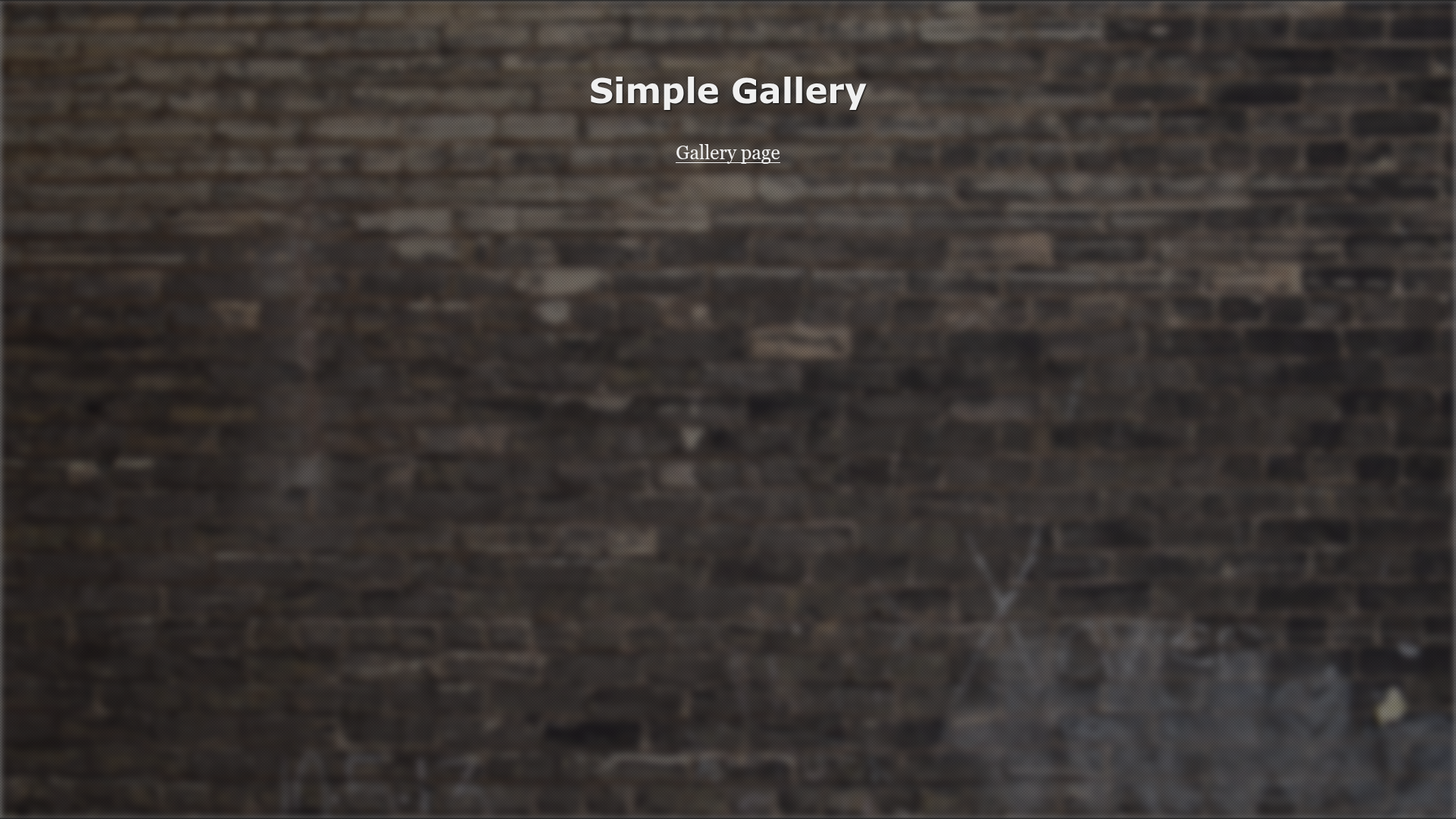
Simple-gallery Responsive Template
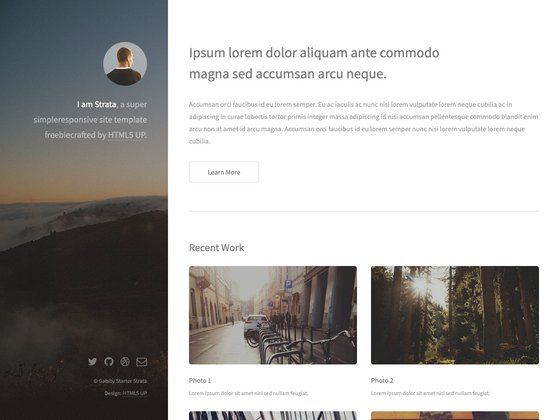
Free responsive simple-gallery website template
About this template
Simple-gallery Responsive Template is a free, open-source one-page gallery website template designed and coded by Maxim Orlov, built with Pug, Stylus, and Gulp.
What is Simple-gallery Responsive Template?
Simple-gallery Responsive Template is a front-end boilerplate for building a responsive one-page gallery site. It takes source files written in Pug templates and Stylus stylesheets, plus images and JavaScript, and compiles them into a static website in a build/ folder through Gulp tasks. Running it requires Node.js and Gulp. The template is distributed under the MIT license and includes a live demo hosted on GitHub Pages.
Key Features
- Gulp task automation — Five predefined tasks:
gulp start,gulp dev,gulp build,gulp rebuild, andgulp server, covering dependency installation, development, production build, and static serving. - Pug templating with external data configs — Site-wide settings live in
dev/data/config.jsonand are accessible inside templates via a config key, so content changes don't require editing markup. - Stylus preprocessor chain — Compiles Stylus to CSS, adds vendor prefixes, combines media queries, and minifies stylesheets during the build.
- BrowserSync live reload — The
devtask runs a static server with live reload, so page changes refresh automatically in the browser. - Development and build separation — Source files live in
dev/(Pug, Stylus, JS, images, fonts, helpers) and compiled output lands inbuild/with minified CSS, JS, HTML, images, and ready-to-serve webfonts. - Built-in helpers — Includes
.editorconfigfor consistent code style, afavicon.ico, and an.htaccessfile. - Minification pipeline — Images, JavaScript, stylesheets, and HTML are all minified in the
gulp buildtask for production. - MIT license — Free to use, modify, and distribute, with attribution to the original author.
Who is it for?
- Front-end developers — A concise Gulp + Pug + Stylus starter that demonstrates a production-ready build pipeline for static sites.
- Photographers and visual artists — A one-page gallery layout for showcasing a portfolio of work without needing a backend.
- Design agencies — A lightweight template for spinning up client showcase pages that can be customized in Pug and Stylus.
What can you do with Simple-gallery Responsive Template?
- Photographers: Build a responsive one-page portfolio to display a series of images with minimal setup.
- Web developers: Use it as a learning reference for organizing a gulp-based workflow with dev and build environments.
- Students and hobbyists: Rapidly prototype a gallery site by editing the Pug templates and data config, then running
gulp buildto get minified static files.
How does it work?
The workflow is task-driven. First run gulp start to install Bower components into the dev folder. Then gulp dev compiles Stylus and Pug, syncs assets, and starts a BrowserSync server with live reload and file watching. When ready for production, gulp build minifies images, JavaScript, stylesheets, and HTML, and outputs everything to build/. gulp rebuild runs the entire sequence from scratch.
Pricing
Simple-gallery Responsive Template is free and open-source under the MIT license.
FAQ
Is Simple-gallery Responsive Template free?
Yes, the template is released under the MIT license, so it is free to use, modify, and distribute, even for commercial projects. The source code is available on GitHub.
What build tools does it require?
It requires Node.js and Gulp as the build system. The templating is done with Pug and styling with Stylus, both of which run through Gulp tasks.
Does it include live reload?
Yes, the gulp dev task runs BrowserSync as a static server with enabled live reload, so browser pages refresh automatically when source files change.
How do I create a production build?
Run gulp build from the command line. This minifies images, JS, CSS, and HTML and outputs the final site into the build/ directory.
What is in the dev/ folder?
The dev/ folder holds all source assets: Pug templates (layouts, pages, blocks, helpers), Stylus stylesheets, JavaScript, images, fonts, and helper files like .htaccess and favicon.ico. The build/ folder contains the compiled static output.