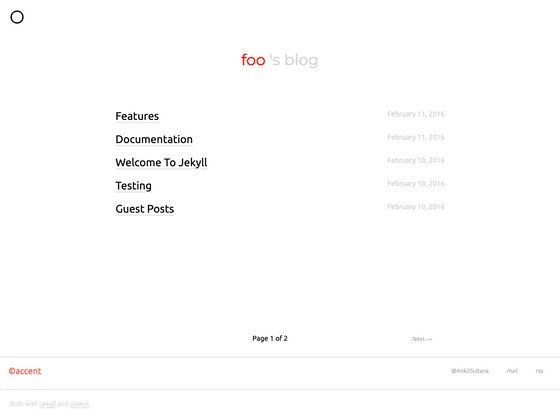
Template details
Simple React Blog
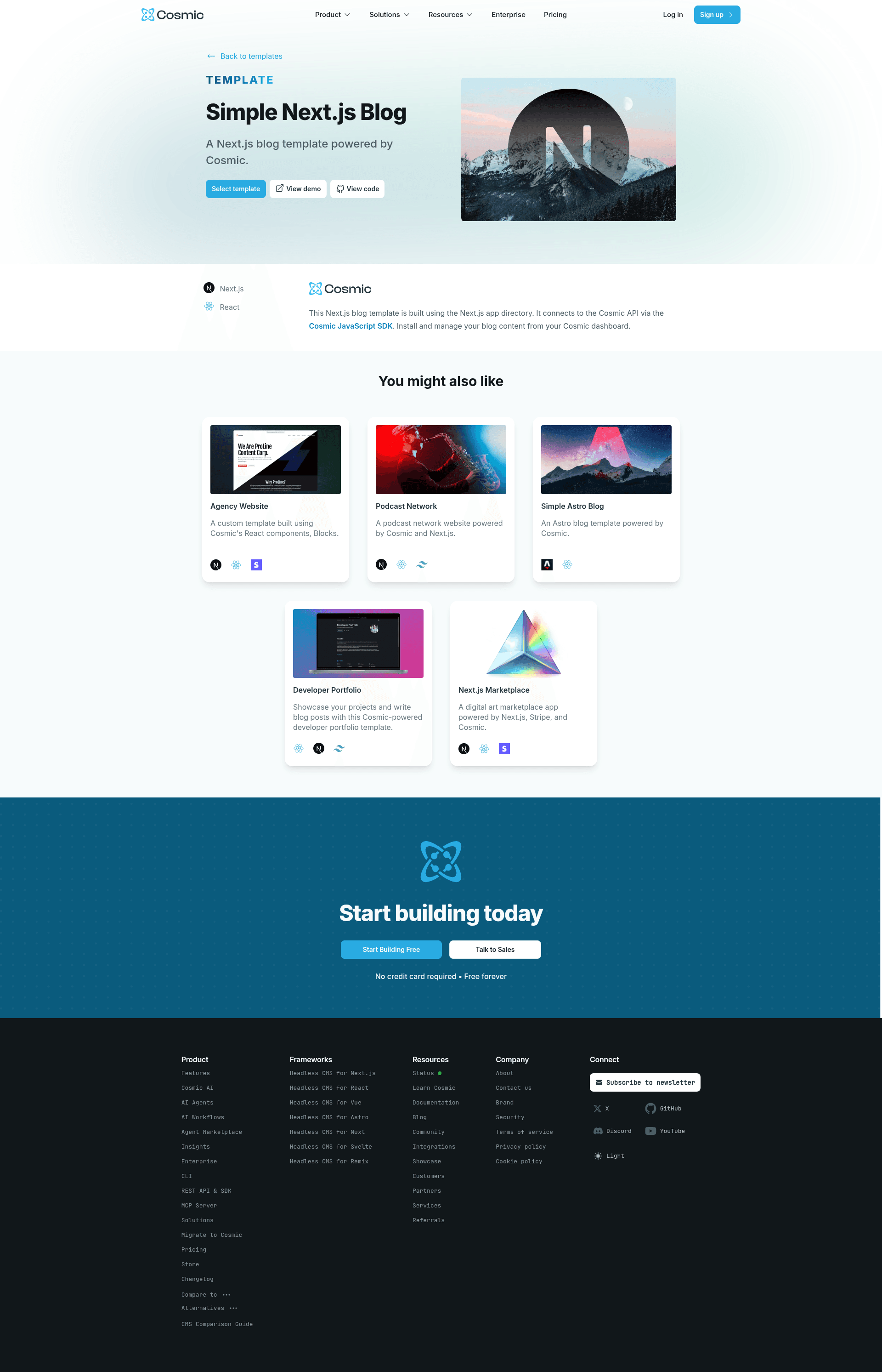
A simple blog website powered by Next.js and Cosmic.
About this template
Simple React Blog (now maintained as Simple Next.js Blog) is an open-source starter template that builds a blog website with Next.js 13, the Cosmic headless CMS, and React Server Components.
What is Simple React Blog?
Simple React Blog is a coding template that produces a server-rendered blog site powered by Next.js 13 and the Cosmic API. It takes a Cosmic bucket slug and read key as input through environment variables and outputs a blog with content pulled from Cosmic. The project was originally published as "Simple React Blog" and has since become a mirror of the "Simple Next.js Blog" template on the Cosmic marketplace. It is maintained in the cosmicjs GitHub organization.
Key Features
- Next.js 13 app directory — Uses the new
appfolder organization and React Server Components for server-side rendering of blog content. - Cosmic JavaScript SDK integration — Connects to Cosmic via the
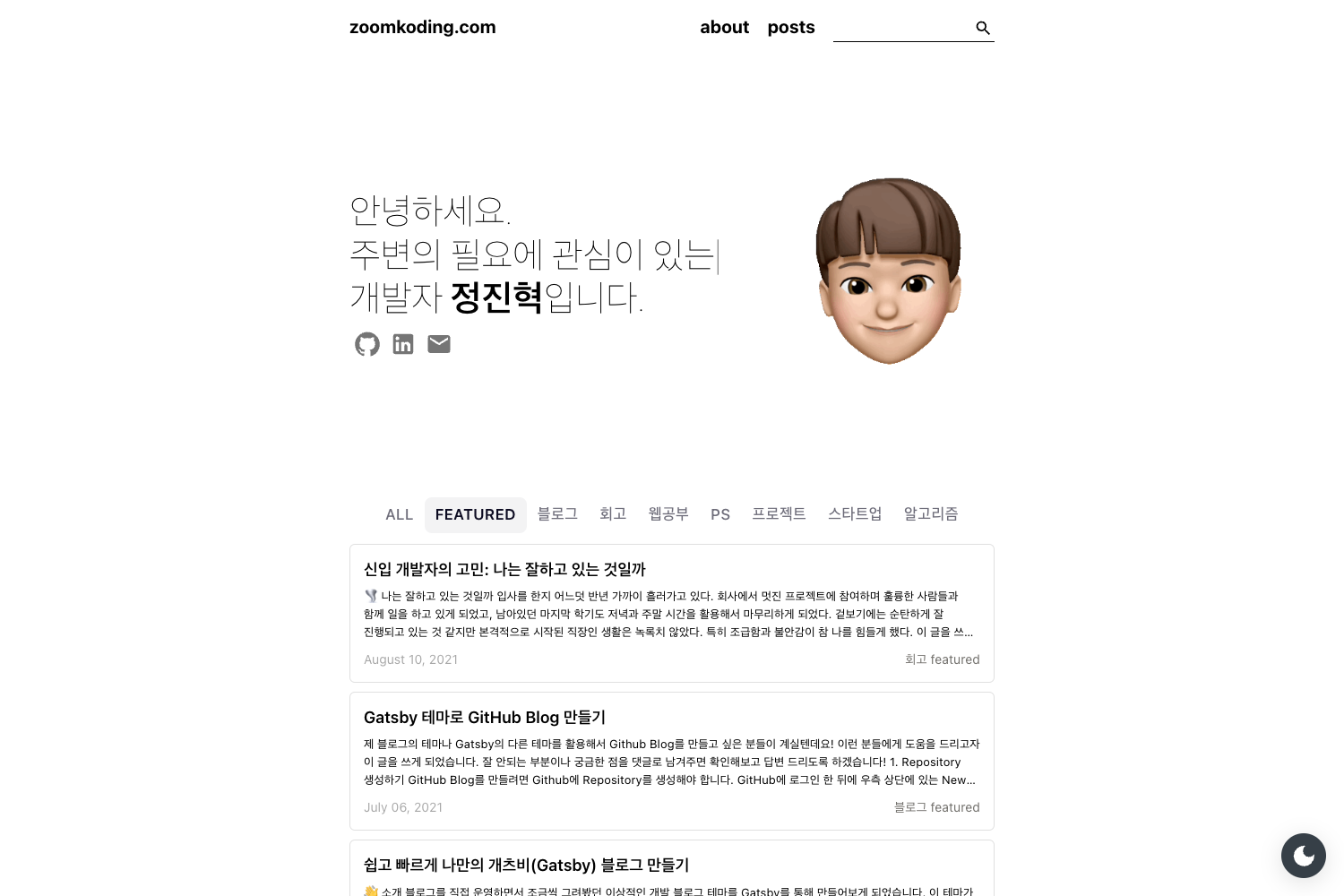
@cosmicjs/sdknpm package. - Simple blog pages — Provides a template for a blog site, with the demo available at https://cosmic-nextjs-blog.vercel.app/.
- Environment-based API access — Requires
NEXT_PUBLIC_COSMIC_BUCKET_SLUGandNEXT_PUBLIC_COSMIC_READ_KEYin a.env.localfile, which you obtain from Bucket Settings > API Access. - One-click Vercel deployment — Includes a deploy-to-Vercel button that imports the repo and prompts for the two environment variables.
- Yarn development workflow — Uses
yarnto install dependencies andyarn devto run the app on http://localhost:3000.
Who is it for?
- Frontend developers — Can clone the repo, add Cosmic keys, and have a working blog in minutes, useful as a reference for React Server Components.
- Cosmic CMS users — Anyone already using Cosmic can adapt this template to render their Bucket content in a Next.js app.
- Teams evaluating headless CMS setups — The combination of Next.js and Cosmic shows a minimal architecture for a content-driven website.
What can you do with Simple React Blog?
- Launch a blog on Vercel — Use the deploy button and provide the Cosmic environment variables to go live quickly.
- Manage content in Cosmic — Write posts in the Cosmic dashboard and have them appear on the Next.js site through the SDK.
- Learn the Next.js app router — The code demonstrates the app directory pattern with React Server Components, which is the newer Next.js data-fetching model.
How does Simple React Blog work?
The setup begins by installing the Simple Next.js Blog template from the Cosmic marketplace or cloning the repository. Then you copy .env.example to .env.local, fill in your bucket slug and read key, install dependencies with yarn, and start the dev server with yarn dev. The app connects to Cosmic through the JavaScript SDK and renders the blog on the server.
FAQ
Is Simple React Blog the same as Simple Next.js Blog?
Yes — the Simple React Blog repository is now a mirror of the Simple Next.js Blog template. Both refer to the same codebase, and the Cosmic marketplace uses the "Simple Next.js Blog" name.
What environment variables are required?
You need NEXT_PUBLIC_COSMIC_BUCKET_SLUG and NEXT_PUBLIC_COSMIC_READ_KEY. These are found in your Cosmic dashboard under Bucket Settings > API Access, and you add them to a .env.local file.
How do I run the blog locally?
Clone the repository, run cp .env.example .env.local, add your Cosmic keys, then run yarn and yarn dev. The site will be served at http://localhost:3000.
Can I deploy this to Vercel?
Yes. The README includes a deploy-to-Vercel button that imports the GitHub repository and lets you set the two environment variables during deployment.