Template details
Next.js Blog CMS
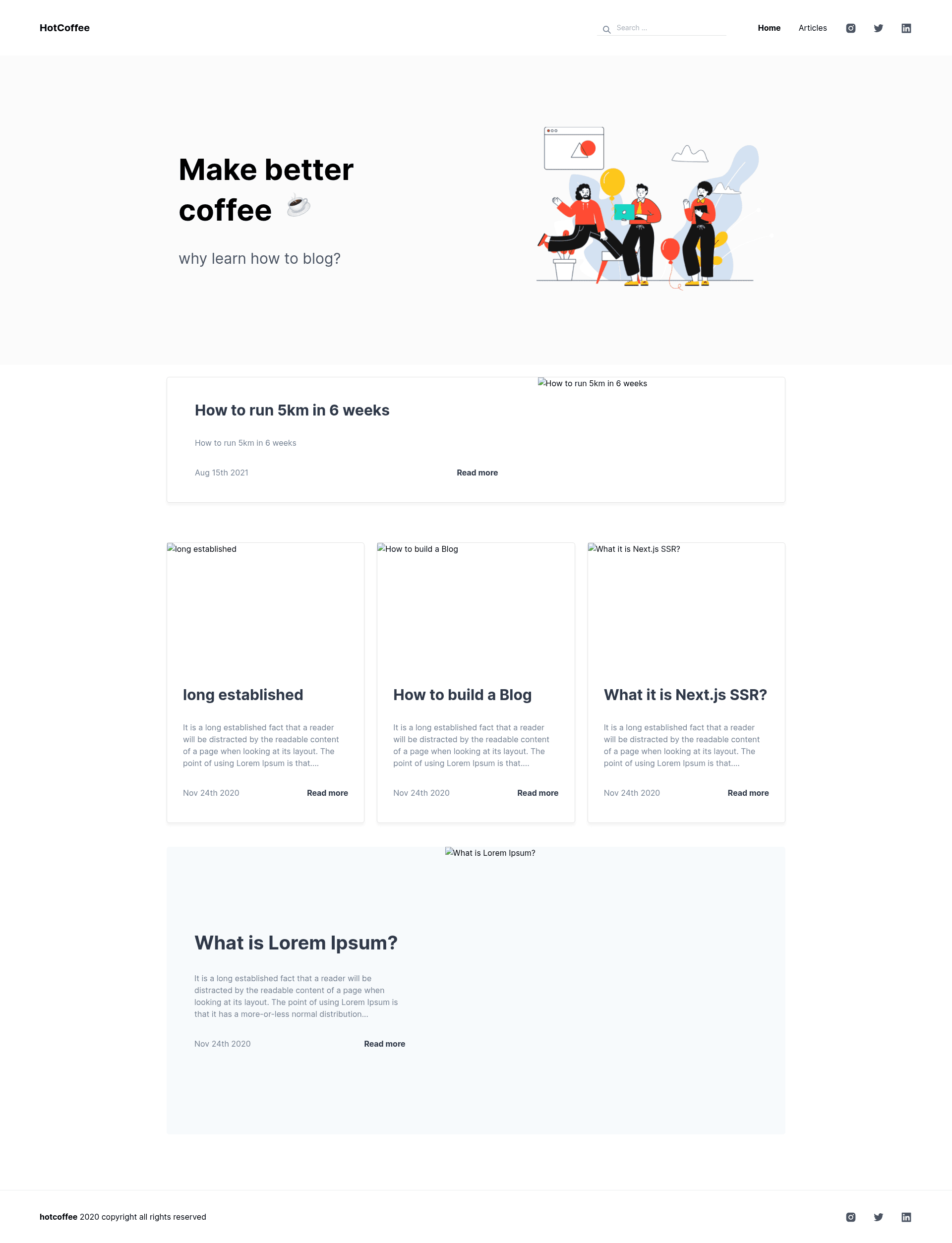
Blog using GraphCMS to manage content and posts. Made with Next.js, Markdown and Chakra UI.
About this template
Next.js Blog CMS is a free MIT-licensed blog starter that pairs Next.js with the GraphCMS headless CMS to publish and manage Markdown articles from a live demo at blogcms.vercel.app.
What is Next.js Blog CMS?
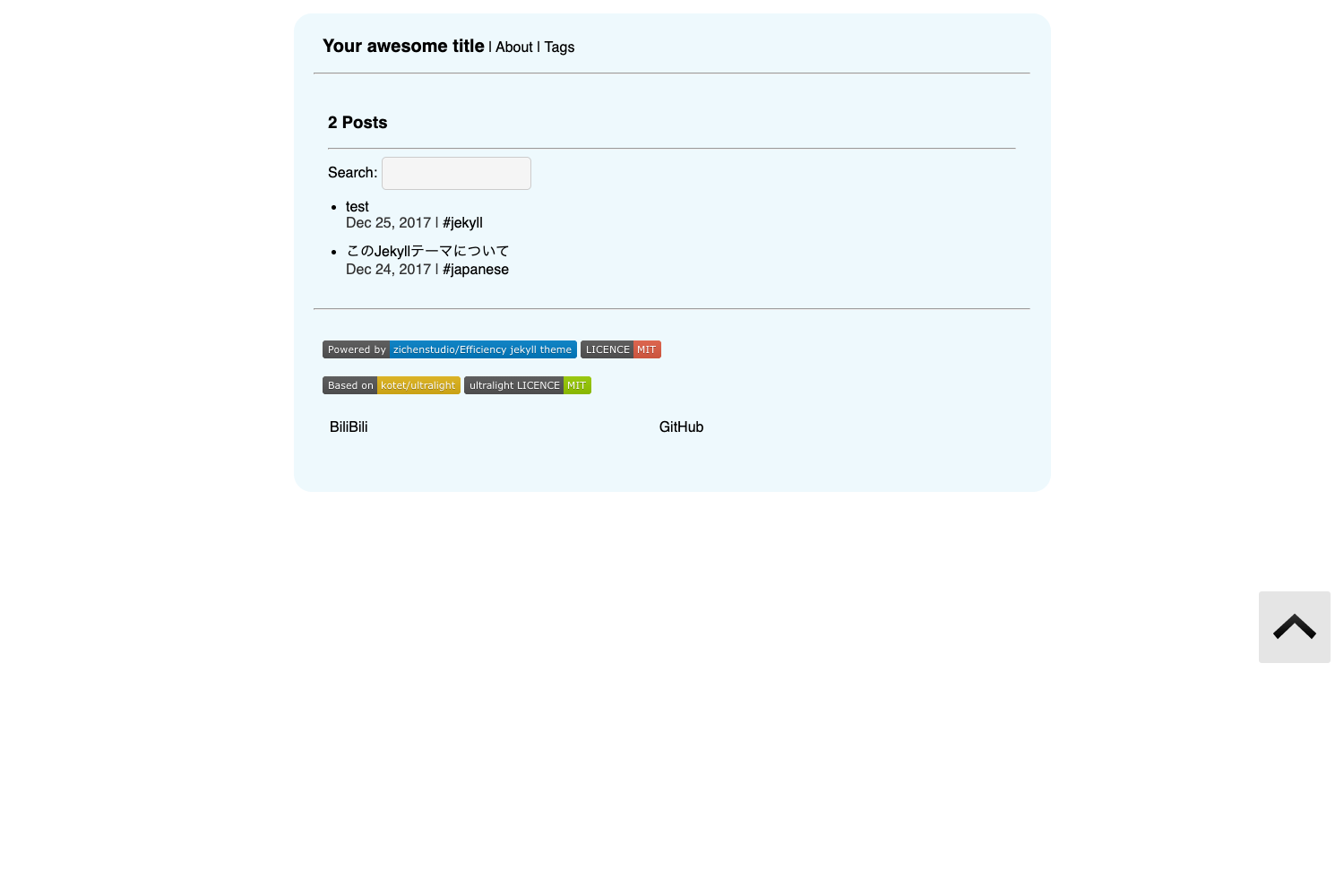
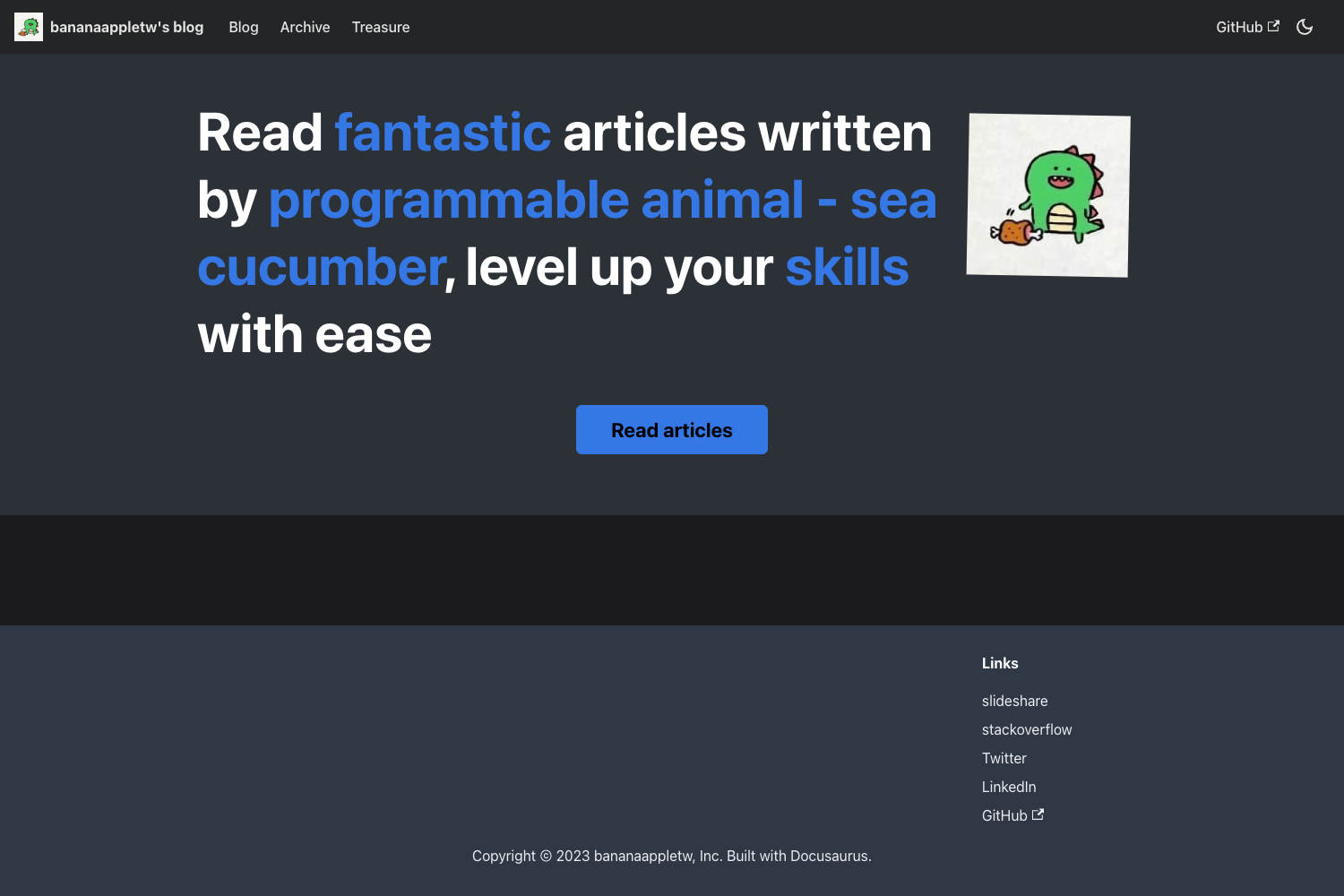
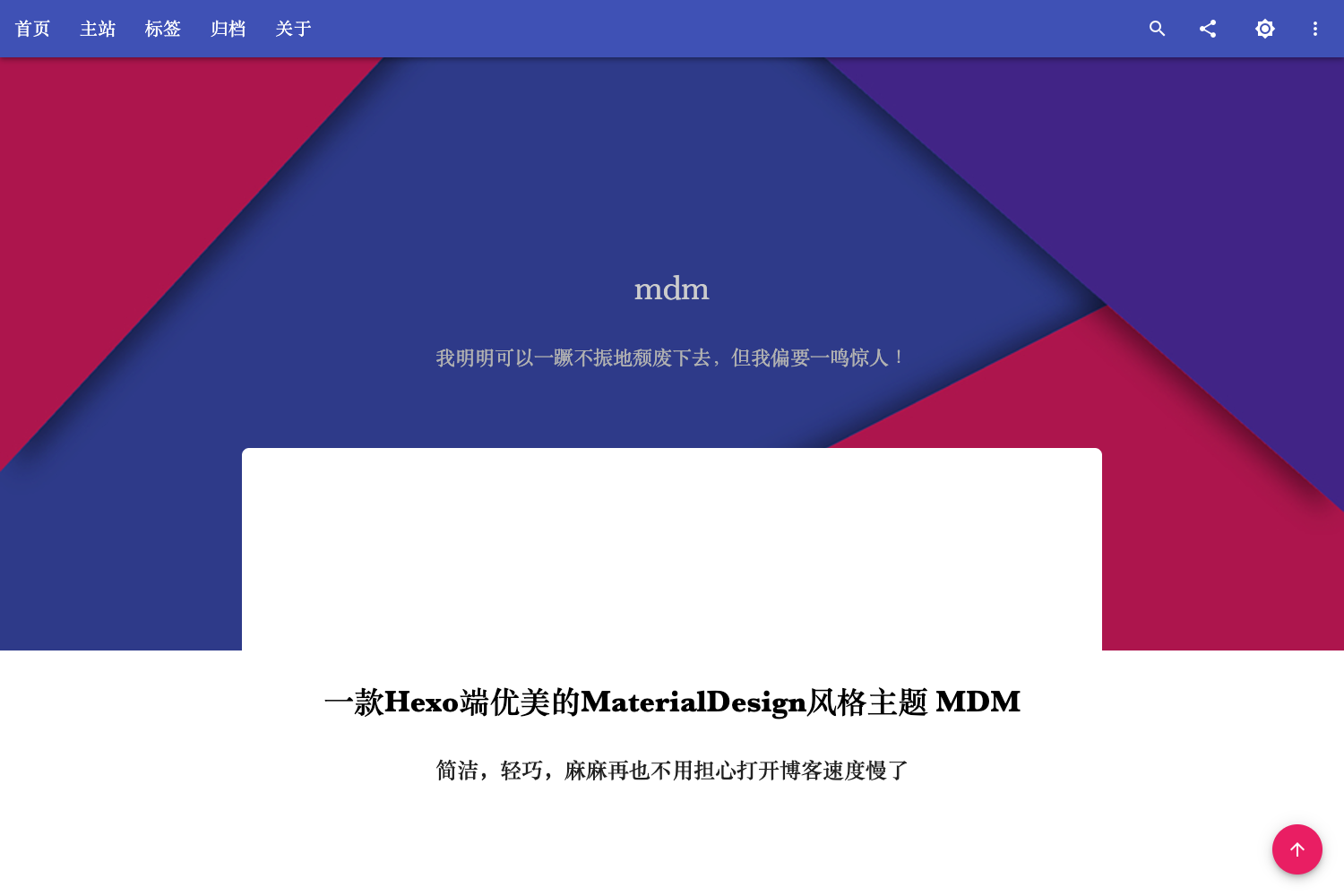
Next.js Blog CMS is an open-source blog template created by Rafael Goulart that uses Next.js for front-end rendering, GraphCMS as the content management system, and Chakra UI for component styling. It accepts article content authored in GraphCMS and renders it as a browsable blog with article lists, detail pages, search, and pagination. The project is deployed on Vercel and includes a Figma Community layout that defines the UI design.
Key Features
The template ships with the following content-management and browsing features:
- Article management — The template lists articles, shows individual article pages, and supports editing posts through the GraphCMS interface.
- Search — Readers can search across published posts using the built-in search box.
- Pagination — The article index is split into pages to keep long lists manageable.
- GraphCMS integration — Connect any GraphCMS project by adding a
GRAPHQL_URL_ENDPOINTvalue to the renamed.envfile. - Markdown rendering — Article bodies are written in Markdown and rendered into HTML, with a markdown viewer included.
- Chakra UI styling — All interface components are built with Chakra UI, giving the blog a consistent, responsive look.
- Figma design source — The layout is published on Figma Community and linked from the repository.
Who is it for?
The template suits developers and content editors building a JAMstack blog:
- JAMstack developers — Use the project to see how Next.js static generation works with a headless GraphQL CMS.
- Bloggers wanting a custom CMS — Manage Markdown posts in GraphCMS instead of using a hosted platform like Medium.
- Next.js learners — Study a working example of a content-driven site with search, pagination, and environment configuration.
What can you do with Next.js Blog CMS?
The project supports three main workflows:
- Publish articles — Add a post in GraphCMS, and the list page picks it up automatically via GraphQL queries.
- Edit existing posts — Modify content in the GraphCMS dashboard; the blog reflects the changes after publishing.
- Deploy your own blog — Host the Next.js app on Vercel and point the environment variable at your own GraphCMS endpoint.
How does Next.js Blog CMS work?
To run the project locally, clone the repository, rename .env-exemple to .env, set GRAPHQL_URL_ENDPOINT to your GraphCMS GraphQL URL, then install dependencies with yarn install and start the dev server with yarn dev. The blog is then available at http://localhost:3000. The Next.js front end fetches Markdown content from GraphCMS through GraphQL and renders it using Chakra UI components.
Pricing
Next.js Blog CMS is free and open source under the MIT license. There are no license fees, subscriptions, or paid tiers; you only pay for hosting and CMS services you choose separately.
FAQ
Is Next.js Blog CMS free?
Yes, the template is released under the MIT license, so it can be used, modified, and distributed without charge. Costs come only from external services like Vercel hosting or a GraphCMS plan if you use them.
Which CMS does it use?
It uses GraphCMS as the headless content management system. Content authors edit posts in GraphCMS, and the Next.js app pulls that content through a GraphQL endpoint configured in the .env file.
Can I edit articles?
The project includes an Edit Articles feature. Editors can modify existing posts in the GraphCMS admin interface, and the changes appear on the blog after being published.
How do I add my own content?
Create a GraphCMS project, define the post model, and copy the GraphQL endpoint URL into the GRAPHQL_URL_ENDPOINT environment variable. Then articles added in GraphCMS will appear on the blog automatically.