Template details
SingleFile
Web extension and CLI tool that saves complete web pages as single, self-contained HTML files.
About this template
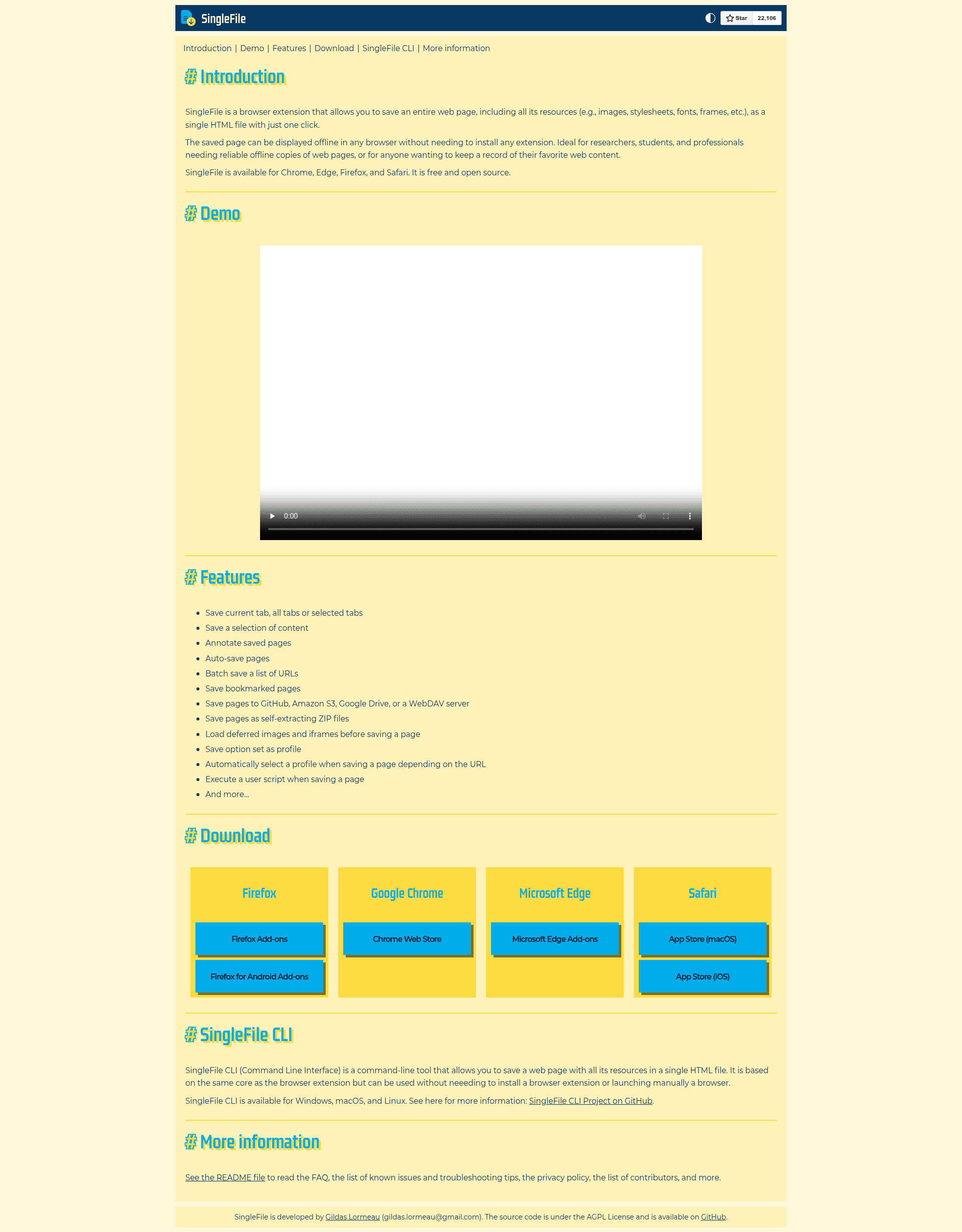
SingleFile is an open-source browser extension and command-line tool that saves a complete web page — including HTML, CSS, JavaScript, images, and fonts — into a single self-contained HTML file.
What is SingleFile?
SingleFile is a Web Extension and CLI tool created by Gildas Lormeau that produces a faithful, offline-viewable copy of any web page as one .html file. It runs on Chrome, Firefox (desktop and Android), Microsoft Edge, Safari (macOS and iOS), Vivaldi, Brave, Waterfox, Yandex browser, and Opera. The extension takes the rendered page as input and outputs a standalone HTML document that needs no internet connection or extra extensions to view.
Key Features
- Single-file output — the entire page (markup, styles, scripts, images, fonts) is embedded into one HTML file; no separate asset folder is created.
- Minification and cleanup — unused HTML and styles are removed, and HTML/CSS are minified, reducing file size while keeping the page renderable.
- Multi-tab saving — save the current tab, selected tabs, unpinned tabs, or all open tabs in a single action.
- Content selection — the context menu lets you save selected text/content or a specific frame instead of the whole page.
- Annotation mode — the
Annotate and save the page...option adds highlighting, text notes, and content removal before archiving. - Auto-save — activate auto-save for the current tab, unpinned tabs, or all tabs so pages are saved automatically after they finish loading (or before unload).
- Cloud uploads — optional destinations send saved files to Google Drive or GitHub.
- Blockchain proof — the
add proof of existenceoption links the SHA256 hash of saved pages into the blockchain. - CLI and scripting hooks — a command-line interface is available for saving pages from a terminal, and user scripts can run just before/after a page is saved.
Who is it for?
- Journalists and researchers who need to preserve web pages as evidence or for offline citation.
- Privacy-focused readers who want to store pages locally without external requests or tracking scripts.
- Web archivists building personal collections or using tools like ArchiveBox, which is listed as compatible with SingleFile in the README.
- Developers who automate page snapshots with the CLI or integrate user scripts for OSINT, testing, or documentation.
What can you do with SingleFile?
- Archive a single page: click the toolbar button to save the current page to the browser's download folder.
- Save selected content: right-click and choose
Save selected contentto archive only a highlighted section. - Automate captures: enable auto-save for all tabs and every loaded page is saved without manual action.
- Prove page existence: enable
add proof of existenceto stamp the SHA256 hash of a saved page into the blockchain.
How does SingleFile work?
After installation, you click the SingleFile button in the toolbar to save the active page; the extension captures the rendered DOM, inlines all resources into a single HTML file, and writes it to your configured download folder. Clicking the button again cancels an in-progress save. The context menu adds options for saving selections, frames, multiple tabs, and enabling auto-save.
FAQ
Is SingleFile free?
Yes. SingleFile is open source under the AGPL license, and both the browser extension and CLI tool are free. The README notes that commercial licensing is available separately.
Which browsers support SingleFile?
SingleFile installs on Chrome, Firefox (desktop and Android), Microsoft Edge, Safari, Vivaldi, Brave, Waterfox, Yandex browser, and Opera. Links to each official store listing are in the project README.
Can SingleFile save only part of a page?
Yes. The context menu includes Save selected content and Save selected frame, and the annotation mode lets you highlight, annotate, and delete content before saving.
Does SingleFile upload to Google Drive or GitHub?
Yes. On the options page you can enable Destination > save to Google Drive or Destination > upload to GitHub, and saved pages are then uploaded to the chosen service.
What output formats does SingleFile support?
The primary output is a single minified HTML file viewable without JavaScript. The project's file-format comparison also covers self-extracting ZIP, MHTML, Webarchive, and HTML+folder formats, with trade-offs for compression, base64 encoding, and browser compatibility.