Template details
Paper Dashboard 2
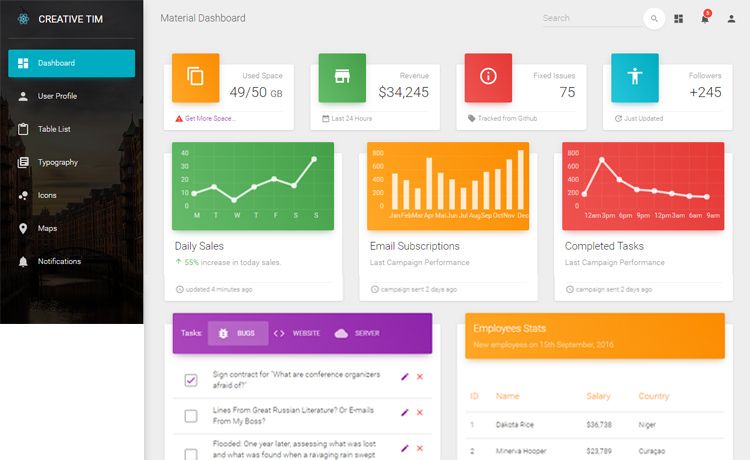
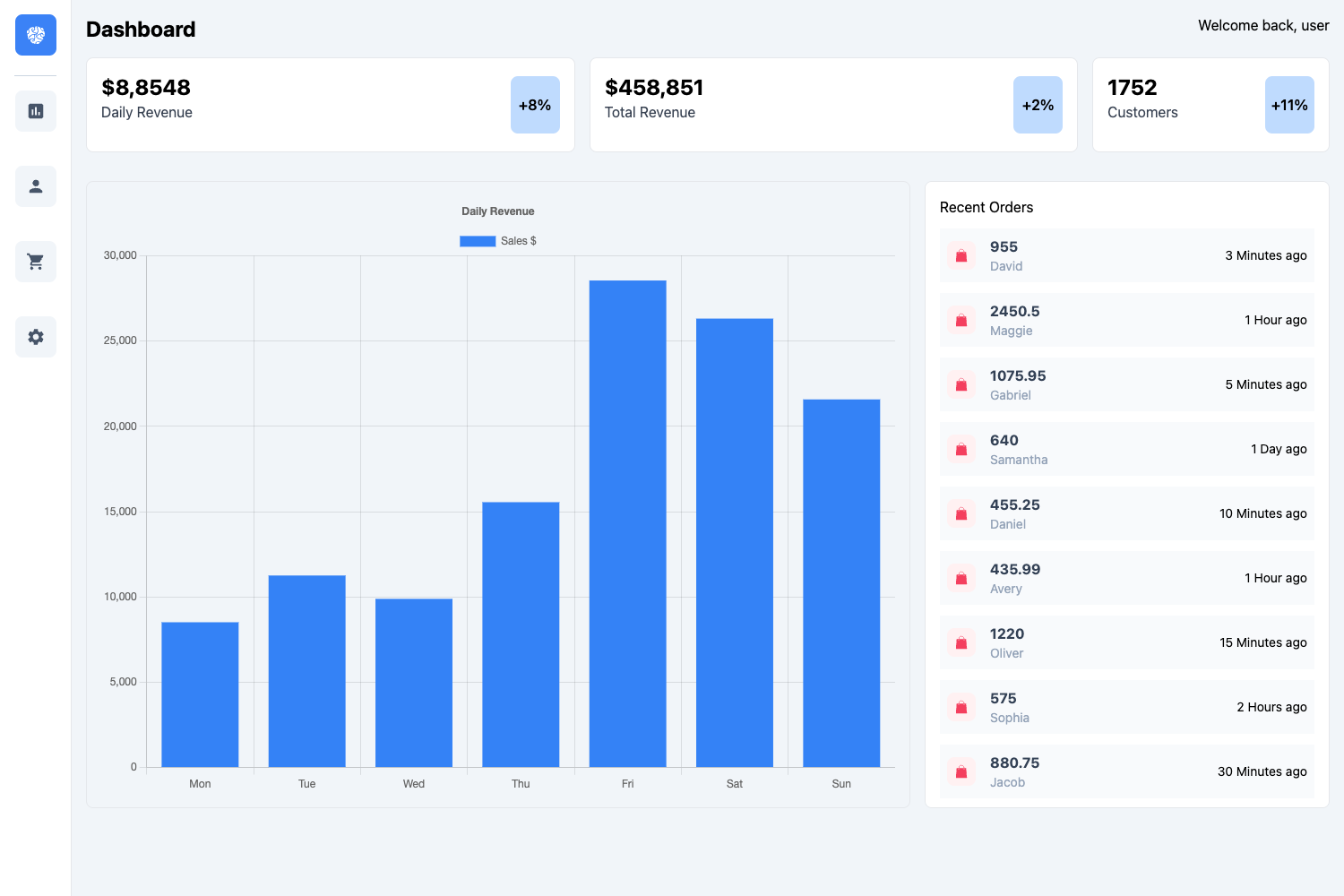
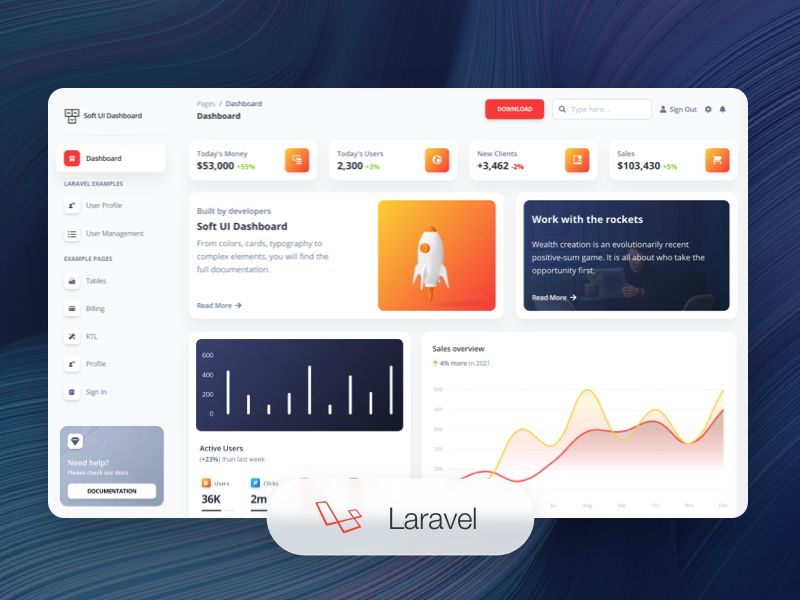
Paper Dashboard is a Bootstrap Admin Panel which combines soft colors with beautiful typography and spacious cards and graphics.
About this template
Paper Dashboard 2 is a free, MIT-licensed Bootstrap 4 admin panel from Creative Tim that provides a ready-made dashboard interface with soft colors, spacious cards, and bundled example pages for developers and website owners.
What is Paper Dashboard 2?
Paper Dashboard 2 is a Bootstrap 4 admin panel created by Creative Tim that packages the dashboard UI — CSS, SCSS source files, JavaScript plugins, and eight example pages — into a single downloadable template. It takes the project's HTML, SCSS, and JavaScript source files and produces a compiled Bootstrap 4 admin interface you can open in the browser. The template runs entirely on the front end with no backend, and any element Creative Tim has not redesigned falls back to default Bootstrap 4 styling.
Key Features
- Bootstrap 4 foundation — Built on Bootstrap 4, so starting a new project is simple, and existing Bootstrap 4 projects can import the Paper Dashboard styles on top.
- Eight example pages — Includes dashboard.html, icons.html, map.html, notifications.html, tables.html, typography.html, upgrade.html, and user.html, covering dashboards, user settings, and usage graphics.
- SCSS source files with Gulp build — Customizable styling lives in assets/scss/paper-dashboard, with gulp compile-scss for one-off compilation and gulp watch for continuous compilation; brand colors are set in assets/scss/core/variables/_brand.scss.
- Bundled JavaScript plugins — Ships with bootstrap-notify.js for notifications, chartjs.min.js for charts, and perfect-scrollbar.jquery.min.js for scrollbars in the assets/js/plugins folder.
- Documentation and tutorial — A docs/documentation.html file and an online tutorial explain the archive's file structure, how to import the files, and each component with usage examples.
- Design compatibility with Paper Kit 2 — Uses the same design language as Creative Tim's Paper Kit 2, allowing the two products to be used together or chosen based on project needs.
- One-click Genezio deployment — The GitHub repository includes a deploy button that launches your own version of the template to Genezio.
Who should use Paper Dashboard 2?
- Web developers — build a Bootstrap 4 admin interface quickly and customize brand colors by editing variables in assets/scss/core/variables/_brand.scss with HEX values or predefined variables from _colors.scss.
- Website owners — get a functional dashboard such as user settings or usage graphics from the included example pages without designing from scratch.
- Teams on existing Bootstrap 4 projects — import the Paper Dashboard style over their current project, since most elements have been redesigned while anything untouched falls back to Bootstrap defaults.
What can you do with Paper Dashboard 2?
- Developers starting a dashboard project: download the project zip, run npm install, and use the gulpfile to compile SCSS and open the presentation page in the browser.
- Teams deploying an admin panel: use the one-click Genezio deploy button from the GitHub repository to launch a live version without manual server setup.
- Designers working with Creative Tim products: pair Paper Dashboard 2 with Paper Kit 2, which shares the same design language, for consistent branding across an admin panel and marketing pages.
How does Paper Dashboard 2 work?
Download the zip, make sure Node.js is installed, and run npm install in the folder where package.json is located. Then run gulp compile-scss for a single compilation or gulp watch for continuous compilation of SCSS changes, and run gulp open-app to open the default presentation page — the page opened can be changed at line 30 of gulpfile.js.
Pricing
Paper Dashboard 2 is free and released under the MIT license, as shown by the license badge in the repository. Creative Tim also offers Paper Dashboard 2 PRO, a paid tier with more components, listed from $39 on the product page.
FAQ
Is Paper Dashboard 2 free?
Yes, the free version is MIT-licensed and includes the full Bootstrap 4 dashboard, eight example pages, SCSS sources, JavaScript plugins, and documentation. Creative Tim sells a separate PRO version with additional components for users who need more; the product page lists it from $39.
What does Paper Dashboard 2 include?
The download contains an assets folder with CSS, SCSS, JavaScript core and plugins, a docs folder with documentation.html, and eight example pages in the examples folder. The plugins bundled are bootstrap-notify.js, chartjs.min.js, and perfect-scrollbar.jquery.min.js.
How do I install Paper Dashboard 2?
Download the project zip, ensure Node.js is installed, and run npm install in the source folder containing package.json. Compile SCSS changes with gulp compile-scss or gulp watch, and preview the dashboard with gulp open-app. The gulpfile can be edited at line 30 to choose which page opens in the browser.
What is the difference between Paper Dashboard 2 and the PRO version?
The free version is MIT-licensed and provides the core dashboard with example pages and plugins. Paper Dashboard 2 PRO is a paid tier from Creative Tim that adds more components; the product page lists it from $39.