Template details
Art Museum
Free multi-page HTML5 museum website template built on Bootstrap 4, with lightbox gallery, blog, Google Maps, and email subscription.
About this template
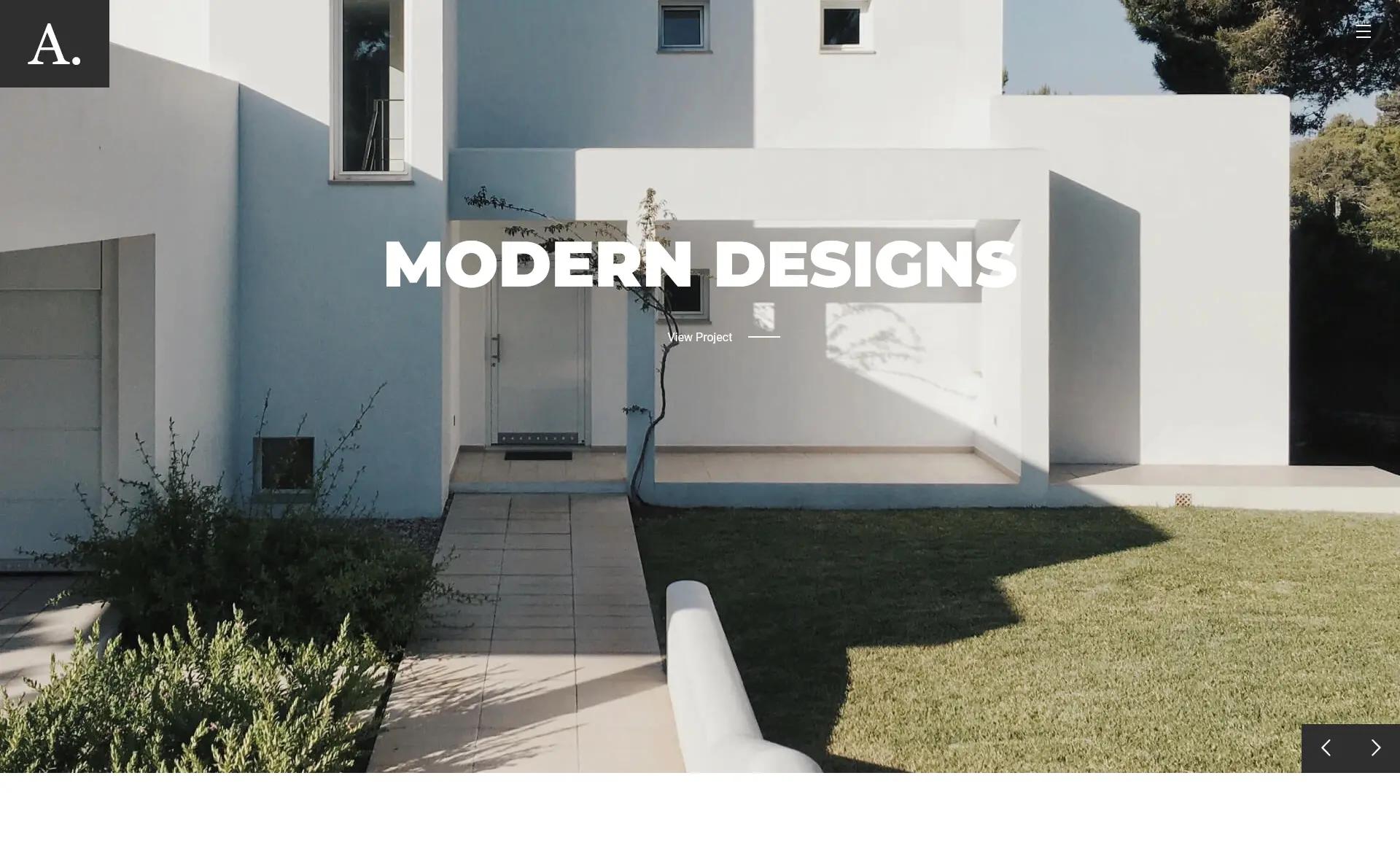
Art Museum is a free, multi-page HTML5 museum website template from ThemeWagon, built on Bootstrap 4 to help cultural institutions display collections, share news, and sell tickets online.
What is Art Museum?
Art Museum is a free responsive HTML5 template designed for museums, art galleries, and cultural organizations. It takes your text, images, and map details as input and outputs a multi-page website with a lightbox gallery, blog, and ticket-selling capability. Created by Colorlib and distributed through ThemeWagon, the template runs in any modern browser and is built on Bootstrap v4.0.0-beta with jQuery v2.2.4.
What makes Art Museum stand out?
- Multi-page structure — ships with 10 HTML files for separate pages (home, gallery, blog, ready elements, and more) plus 16 CSS files, 17 JavaScript files, and 1 PHP file for form handling.
- Bootstrap 4 framework — built on Bootstrap v4.0.0-beta with SCSS source files included, so developers can recompile custom styles.
- Lightbox gallery — uses Magnific Popup to display artwork images in a full-screen overlay.
- Carousel slider — Owl Carousel powers the homepage slider for featuring exhibitions and announcements.
- Sticky navigation with dropdowns — the menu stays fixed while scrolling and supports dropdown items for organizing visitor sections.
- Email subscription & social icons — includes an email subscription form and social media icon links to grow the museum's audience.
- Google Maps integration — an embedded map helps visitors locate the museum.
- Ready elements & documentation — a ready elements page to preview UI pieces and a documentation file to guide first-time users.
Who should use Art Museum?
- Museum and gallery staff — create an online presence to showcase permanent collections and special exhibitions with photo galleries and text pages.
- Event coordinators at cultural institutions — use the blog and carousel to announce upcoming openings, workshops, or guided tours.
- Nonprofits and heritage organizations — communicate location information via Google Maps and collect email subscriptions to build an audience.
- Web developers — use the SCSS files and documented Bootstrap code as a starting point for custom cultural-site projects.
What can you do with Art Museum?
- Display collections: upload exhibition photos and use the lightbox gallery to let visitors preview works in detail.
- Sell or promote tickets: the multi-page layout gives you a dedicated space to describe ticket options and direct visitors to purchase or reservation pages.
- Share news and events: blog pages with a right sidebar let you post updates and categorize them for repeat visitors.
- Tell the organization's story: use the about-style pages, ready elements, and on-hover effects to build an informative, polished site without custom CSS.
How does Art Museum work?
Download the free package and unzip it to your computer. Open any HTML file to view the site locally, then edit the markup, replace demo images with your own, and paste in your Google Maps embed code for the location section. The included documentation file walks through the file structure and customization steps, and the PHP file handles the email subscription form when deployed to a server.
Pricing
Art Museum is free. The ThemeWagon listing states it is open source, can be used in commercial projects, and receives lifetime free updates. There are no paid tiers for this template.
FAQ
Is Art Museum free?
Yes. The template is distributed for free by ThemeWagon and can be used in commercial projects without a license fee. It is open source and includes lifetime free updates from the author.
What technologies does Art Museum use?
The template is built with Bootstrap v4.0.0-beta, jQuery v2.2.4, Animate.css, FontAwesome, Linear Icons, Owl Carousel, Nice Select, and Magnific Popup. SCSS source files are included for styling customization.
Is Art Museum responsive?
Yes. ThemeWagon lists the template as having a responsive layout, and it is compatible with Chrome, Edge, Firefox, Opera, Safari, and mobile devices.
How many files are included in the download?
The package contains 10 HTML files, 16 CSS files, 17 JavaScript files, 1 PHP file, 1 documentation file, SCSS files, and demo images.
Can I put my own images and map in the template?
Yes. Demo images are included for preview, and you can replace them with your own artwork photos. The Google Maps section accepts an embedded map embed code so you can show the museum's actual location.