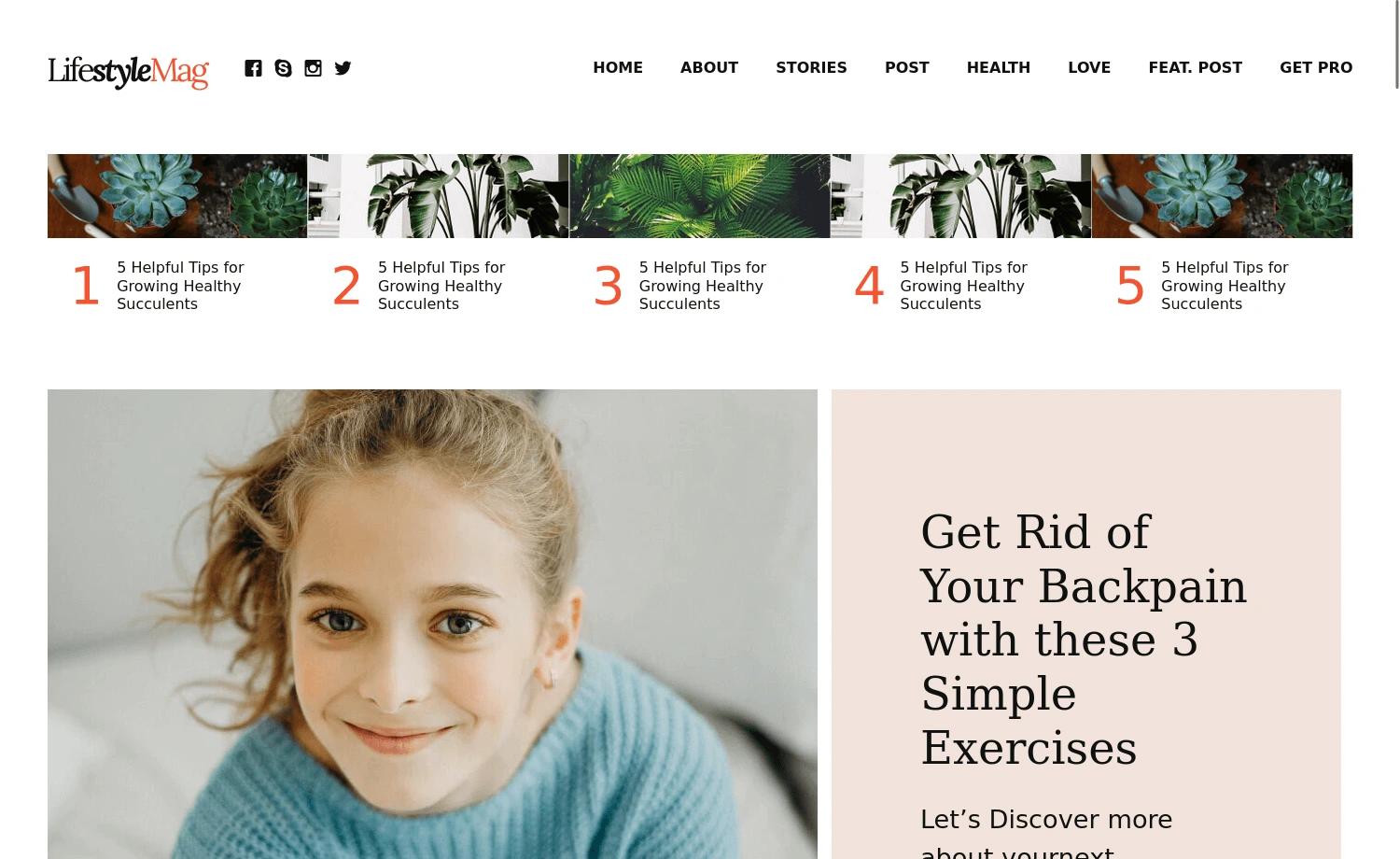
Template details
Freefolio
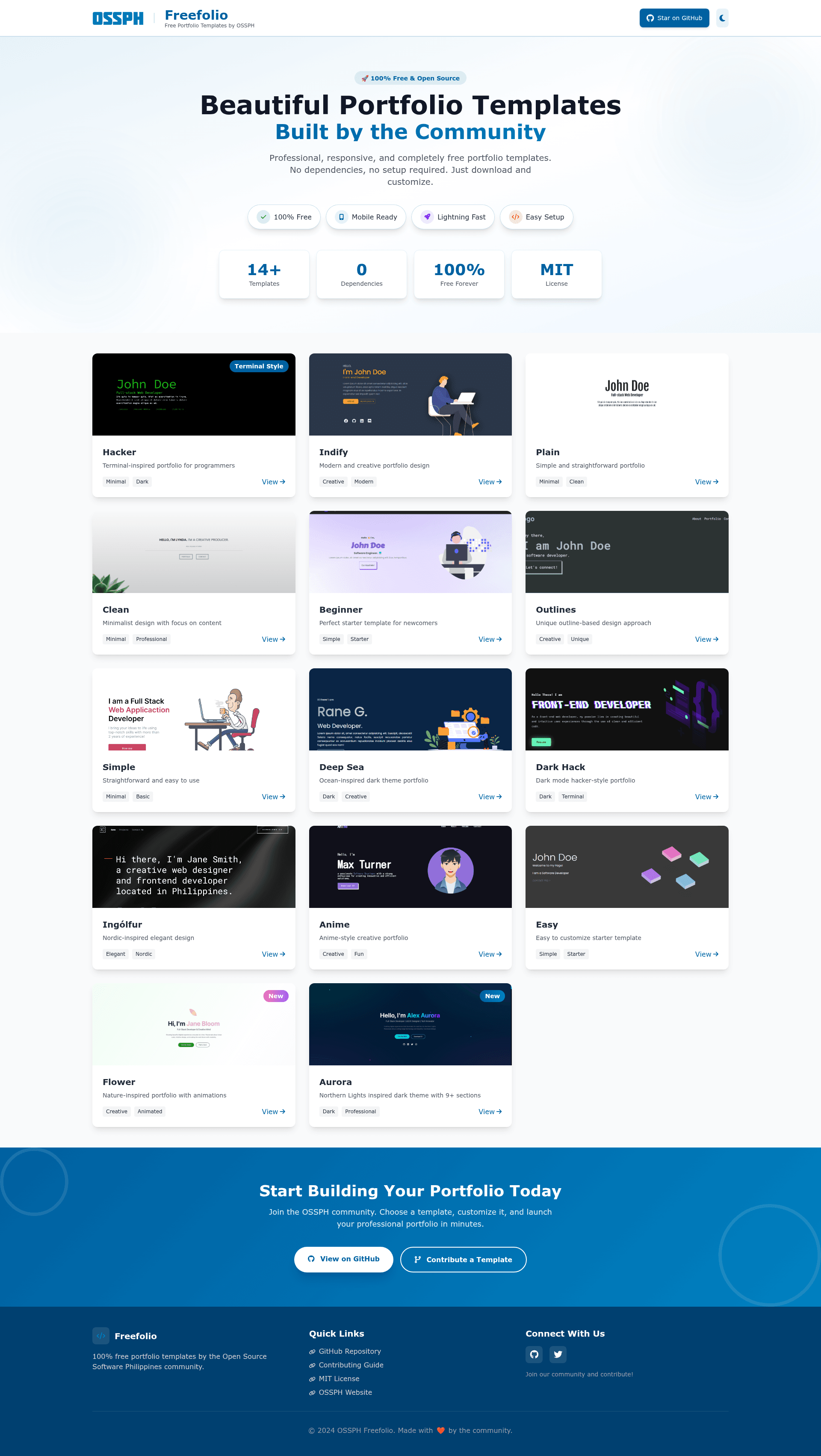
Freefolio offers 15+ free, MIT-licensed, zero-dependency portfolio website templates built with pure HTML/CSS by the OSSPH community.
About this template
Freefolio is a collection of 15+ free, MIT-licensed portfolio website templates built with pure HTML and CSS by the OSSPhilippines (OSSPH) community, designed to be downloaded, customized, and deployed with zero dependencies or build steps.
What is Freefolio?
Freefolio is a GitHub repository of static portfolio website templates that you download and customize rather than host through a proprietary builder. Each template is a self-contained folder with an index.html and assets; the only output is a finished HTML/CSS site you can upload to any web server or hosting service. The project is maintained by the OSSPhilippines community, and the templates are showcased at freefolio.web.app.
Key Features
- Zero dependencies — Every template is pure HTML/CSS with no framework, no
npm install, and no build process; you edit files and they run as-is. - MIT licensed — All templates are 100% free forever under the MIT License, permitting personal use, commercial use, modification, and redistribution.
- Mobile responsive — Templates are built to look good on all device sizes without extra configuration.
- SEO friendly — Templates are properly structured with meta tags so search engines can index them.
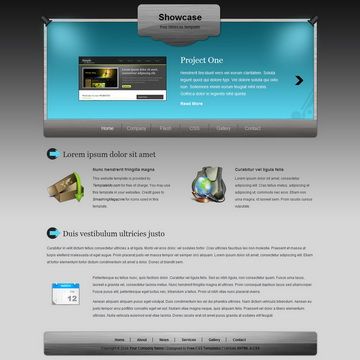
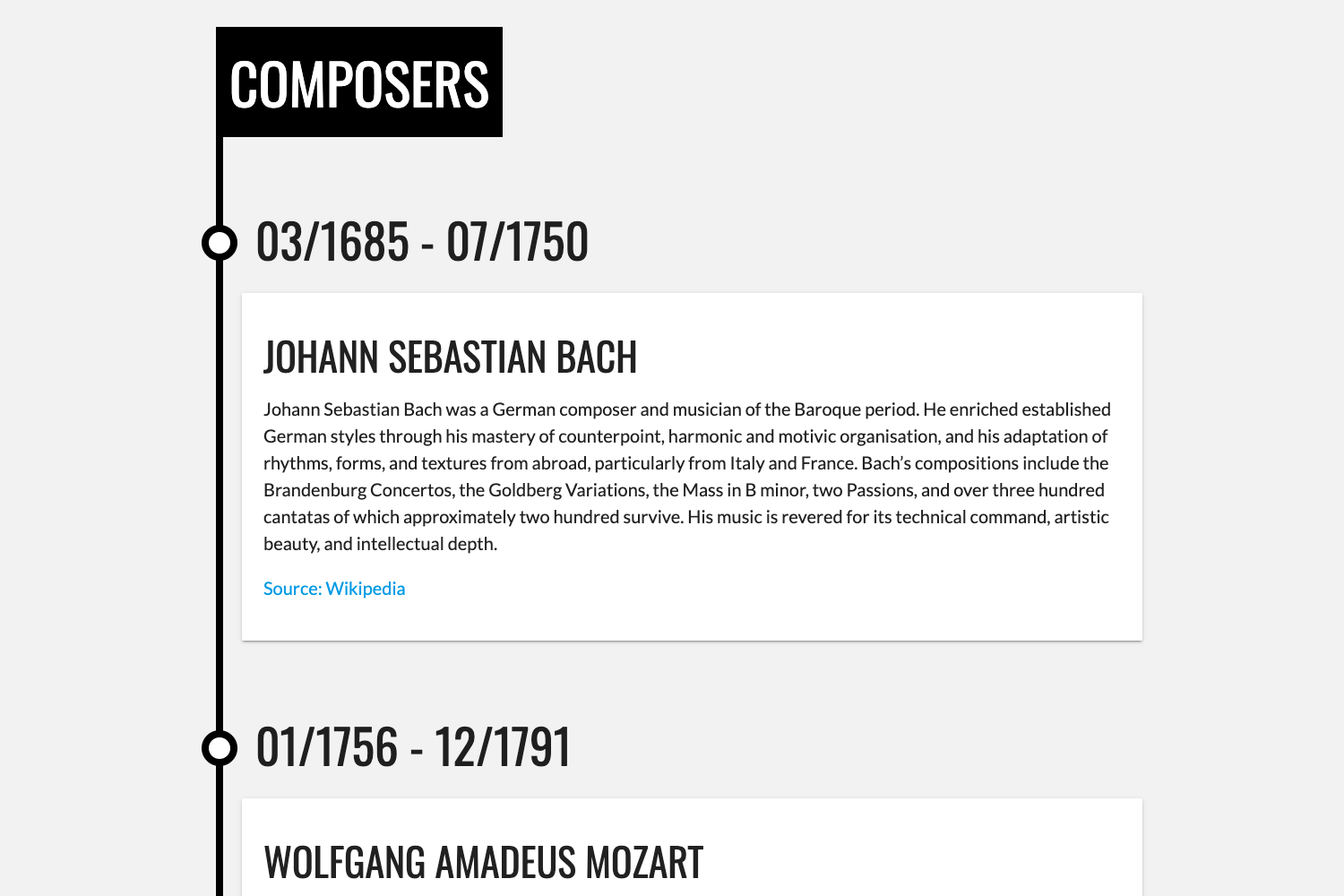
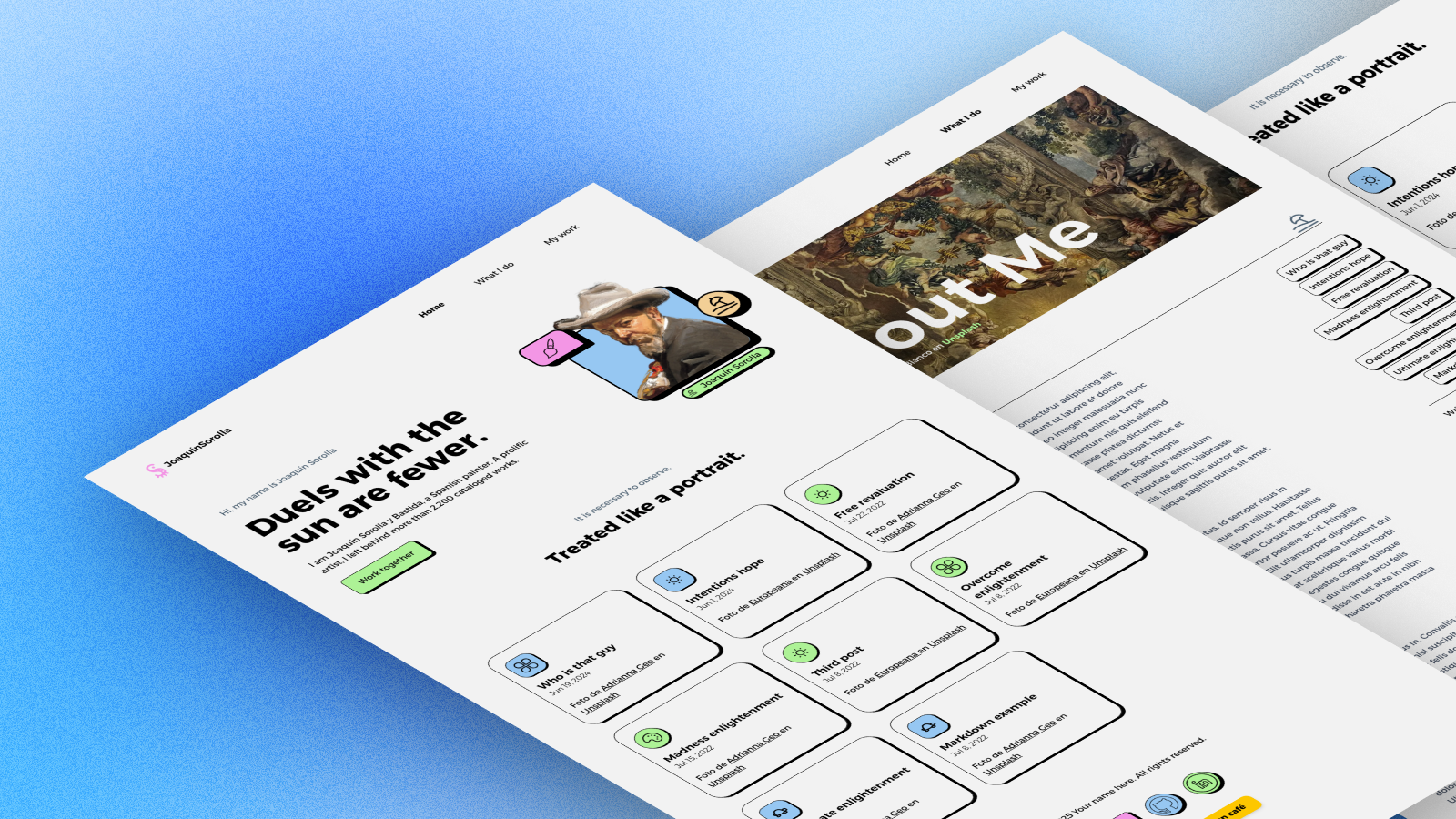
- 15+ named templates — The collection includes Hacker, Indify, Plain, Beginner, Outlines, Clean, Deep Sea, Simple, Dark Hack, Ingólfur, Anime, Easy, Classic, Flower, and Aurora.
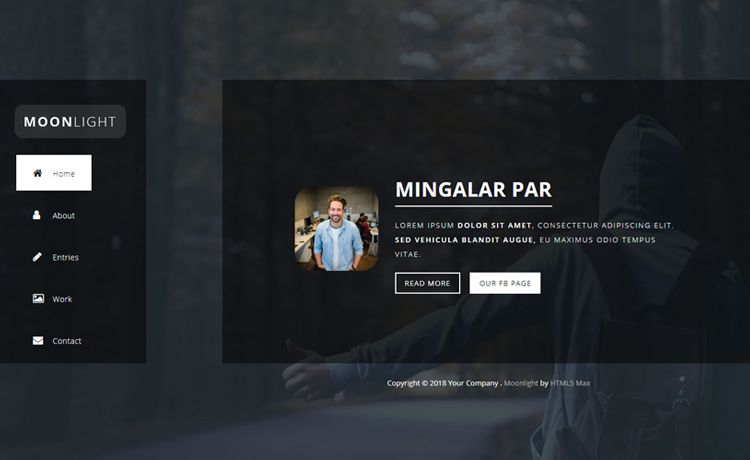
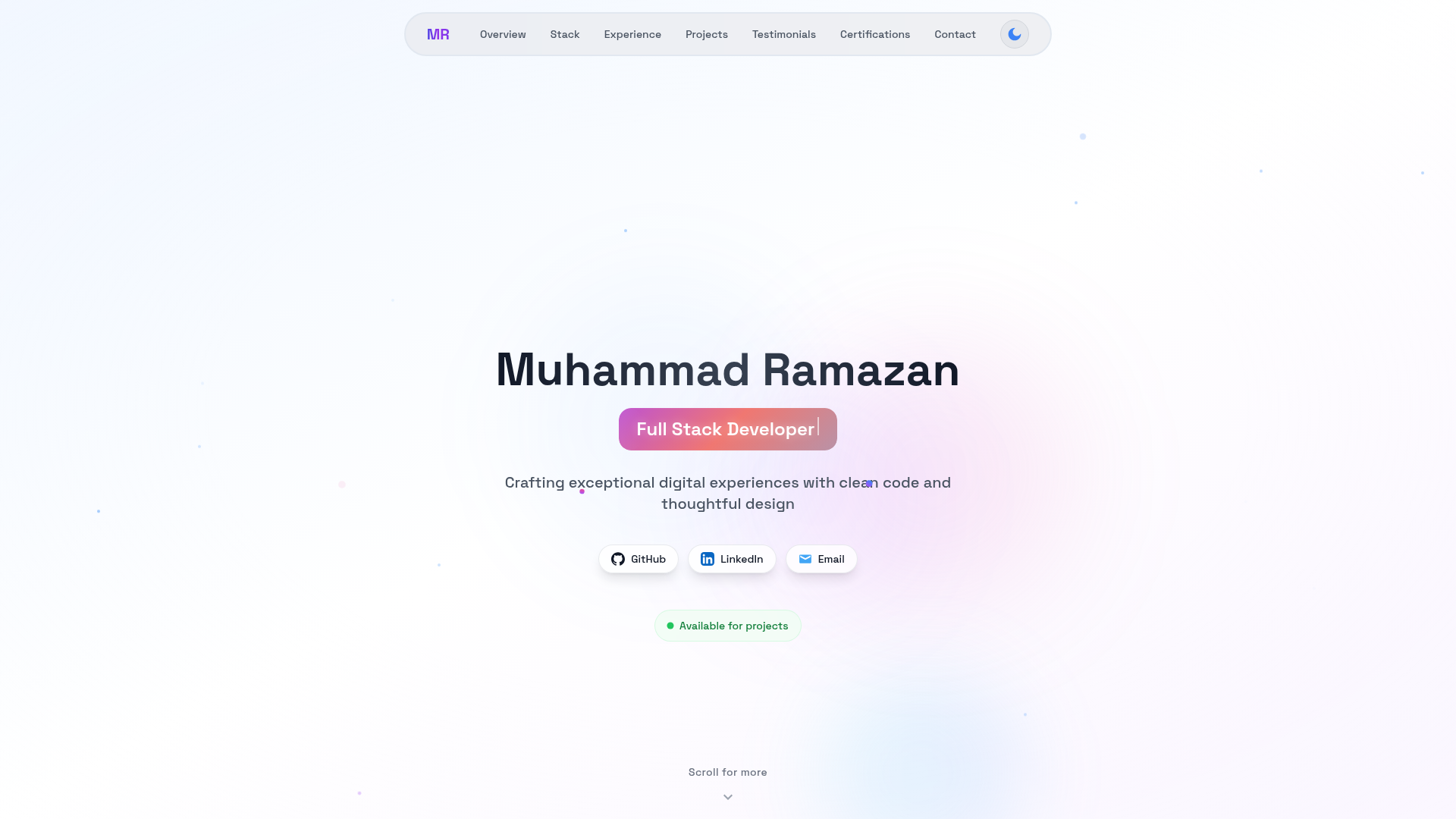
- Dark mode support — Many templates ship with built-in dark themes ready to use.
- Easy customization — Simple HTML/CSS structure means you can change text, colors, and images in a plain text editor.
- Design categories — Templates span Minimal, Dark Theme, Creative, and Professional styles.
Who is it for?
- Job seekers and students — Build a personal portfolio site to showcase your resume and projects without learning a framework.
- Freelancers and creatives — Launch a client-ready portfolio quickly by picking a design, swapping content, and deploying to a domain.
- Non-developers — The five-step quick start (browse, choose, download, customize, deploy) can be completed with no coding experience.
- Developers who need a starter — Use the minimal HTML/CSS templates as a base for a personal site or to learn how static pages are structured.
What can you do with Freefolio?
- Personal portfolios: Download Clean or Classic, replace placeholder text and images, and deploy to any static hosting service for a professional personal site.
- Creative showcases: Use Anime or Flower for visually distinctive portfolios suited to designers, artists, or illustrators.
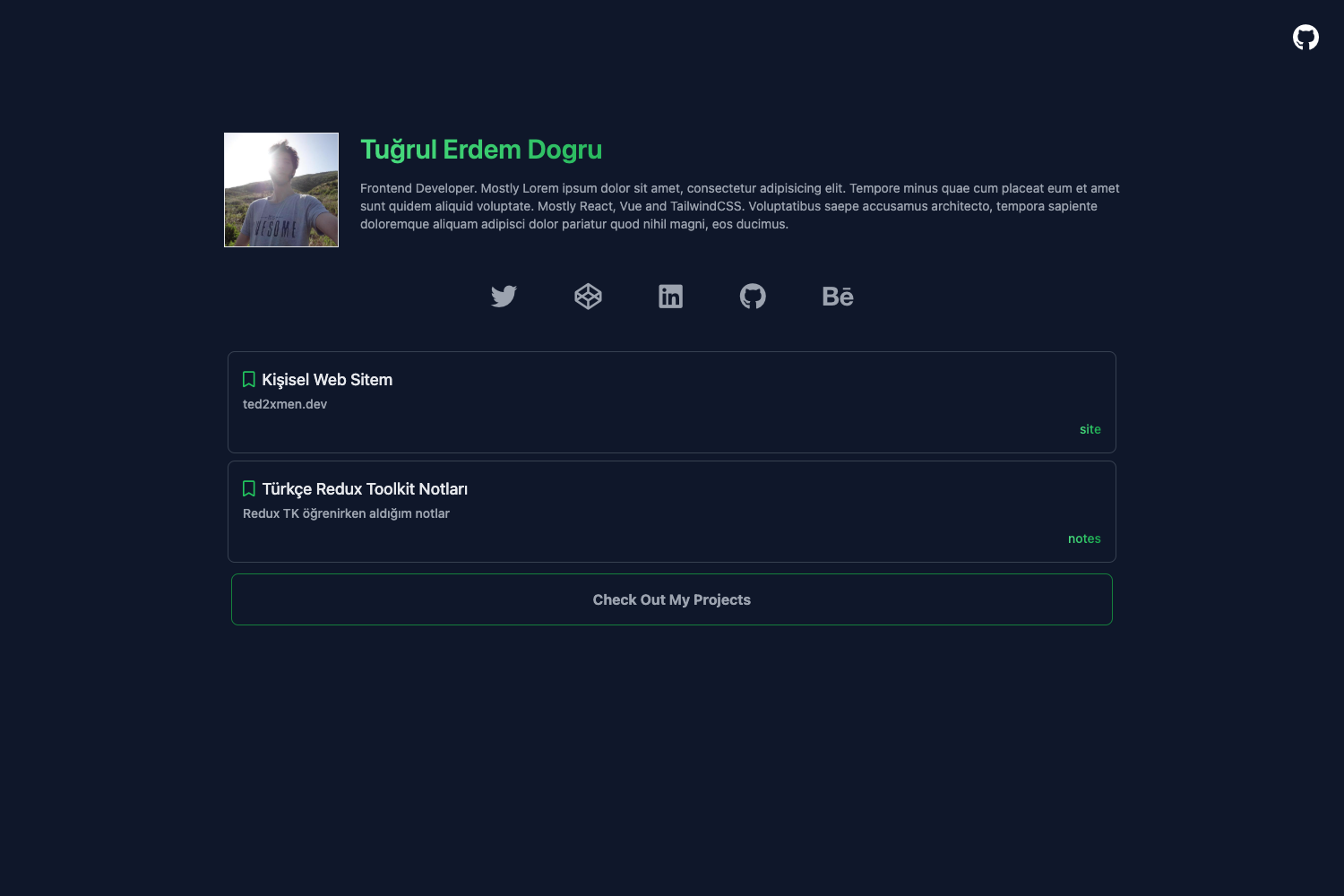
- Dark-themed developer portfolios: Pick Dark Hack or Deep Sea to present coding projects in a modern dark mode.
- Rapid prototyping: Grab a minimal template like Plain to mock up a personal page in minutes, since there's no build step or package install.
How does Freefolio work?
Browse the templates at freefolio.web.app, choose a design that fits your style, and download the template folder. Customize the HTML with your information, then deploy the folder to any web hosting service — no npm install, no build process, just pure HTML/CSS.
Pricing
Freefolio is entirely free under the MIT License, with no paid tiers, subscriptions, or usage limits on the templates themselves.
FAQ
Is Freefolio really free?
Yes. All templates are 100% free and distributed under the MIT License. There are no hidden costs, watermarks, or premium tiers for the template collection.
Do I need to install dependencies?
No. The templates have zero dependencies — there is no npm install, no package manager, and no build process. You can edit the HTML and CSS directly in a text editor and deploy.
Can I use a Freefolio template commercially?
Yes, the MIT License allows commercial use, modification, and redistribution of the templates. The license file is included in the repository.
What types of templates are available?
The collection spans Minimal, Dark Theme, Creative, and Professional categories, with 15+ named designs such as Hacker, Clean, Flower, and Aurora.
How do I customize a template?
Download the template folder, open the HTML file in a text editor, and replace the placeholder content with your own information. Then deploy the folder to any web server.