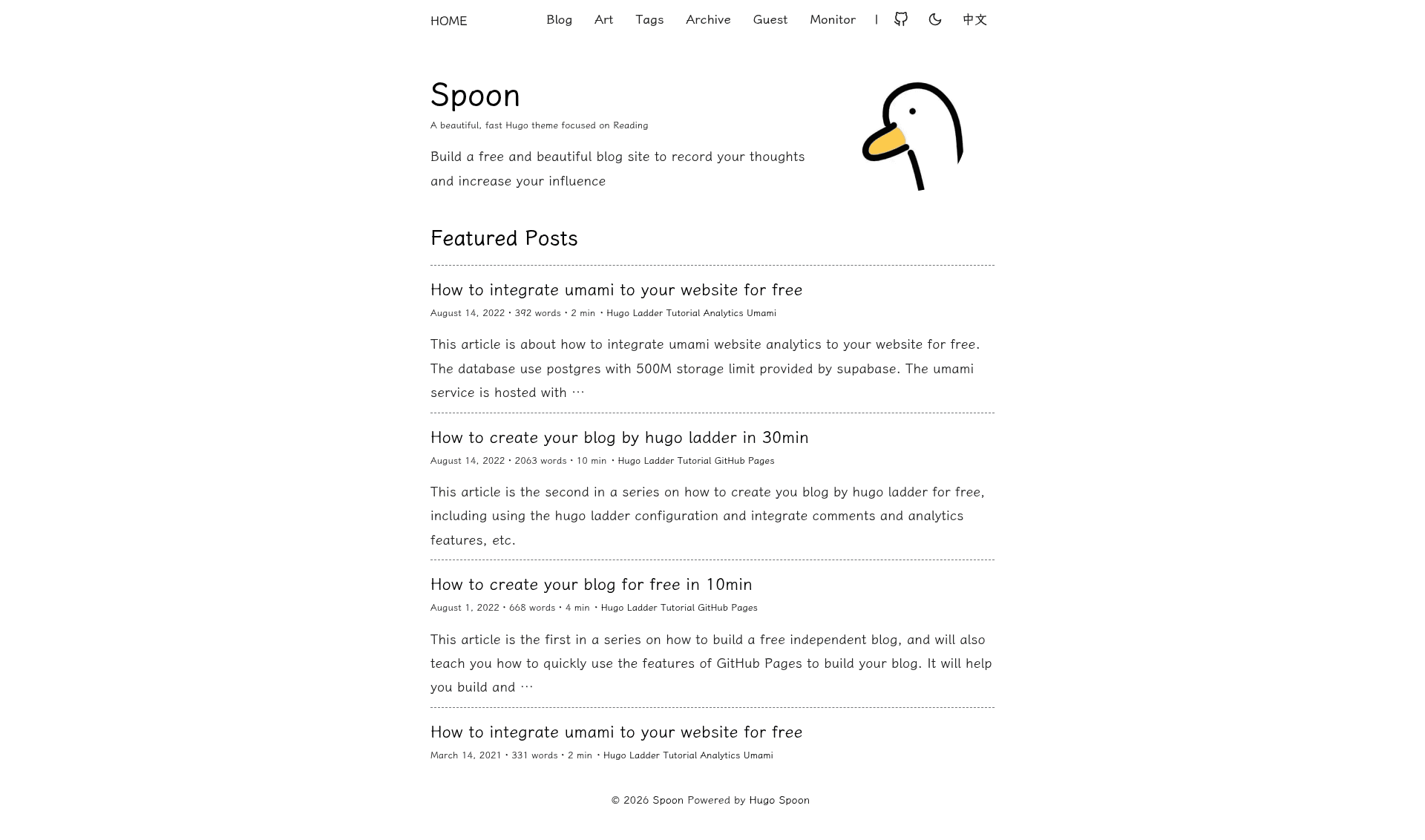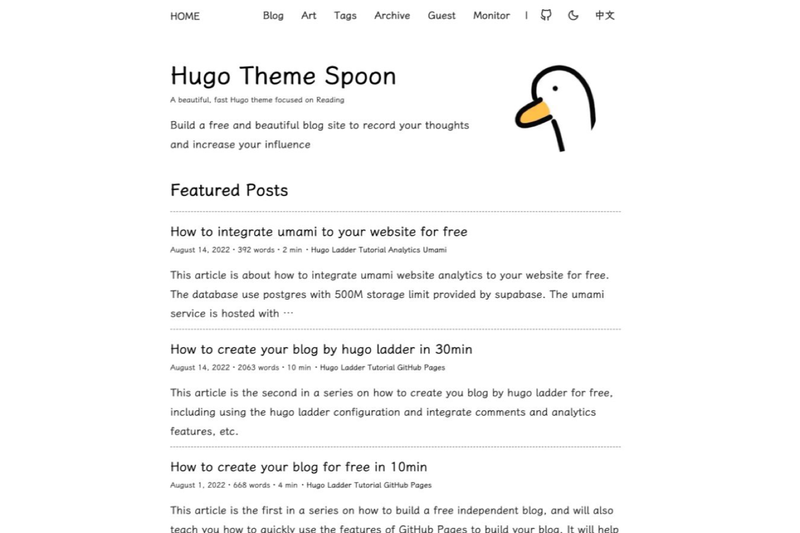
Spoon is an open-source Hugo blog theme, forked from the unmaintained hugo-theme-ladder and rebuilt around a typography-first reading experience, with modern code-block features, two dark themes, math, and diagrams. It runs on Hugo v0.140.0 or newer extended edition, compiles styles with Dart Sass, and outputs a static website from Markdown content.
What is Spoon?
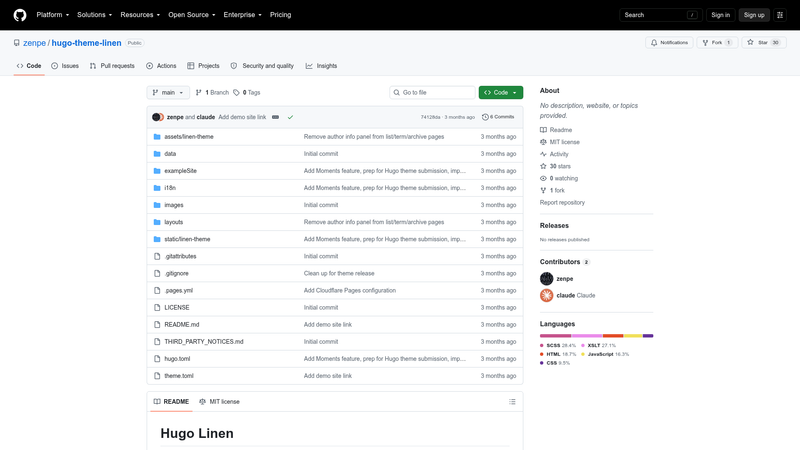
Spoon is a static-site theme for the Hugo generator, designed for blogs and content-heavy sites where the reading experience matters. As input, Spoon takes standard Hugo Markdown pages and their front matter; as output it produces a full static site with responsive article pages, light/dark themes, left-gutter table of contents, reading-progress bar, and per-article controls. The theme is maintained at github.com/noneback/hugo-theme-spoon, began as a fork of guangzhengli's hugo-theme-ladder, and is released under an MIT license.
What makes Spoon stand out?
Spoon pairs a reading-first layout with technical-content tooling that is uncommon in minimalist Hugo themes:
- Hugo Chroma highlighting — code blocks use Chroma with light/dark palettes, filename headers, a copy button, line numbers, and focused lines from native code-fence attributes.
- Source-snippet shortcode — a
code-fileshortcode renders a chosen line range from a real file with original line numbers, so sample code can stay synchronized with a repository. - Two dark themes — Standard Dark and Icy Dark are built in, switchable by the visitor and configurable through the
darkModeThemeparameter. - Built-in i18n — English, Chinese, Ukrainian, and Portuguese translations ship with the theme, with separate menus and author metadata per language.
- KaTeX and Mermaid — math and diagrams are opt-in per page by toggling
mathormermaidin the page front matter; Mermaid follows the active light/dark palette automatically. - Wide-screen TOC — the table of contents renders in the left gutter beside the article on wide screens, tracks the active section, and becomes collapsible inline navigation on narrower viewports.
- Integrations included — comment systems for Giscus and Utterances, analytics for Google Analytics and Umami, related-post recommendations, lazy image loading, an RSS feed, and LXGW WenKai webfont for CJK text are all wired into configuration.
- Dart Sass toolchain — styling uses modern Dart Sass rather than the deprecated libsass dependency used by the parent theme.
Who is Spoon for?
- Long-form bloggers — publish posts in a comfortable reading column with opt-out related posts, reading progress, and comments.
- Technical writers — document code with filename headers, focused lines, line numbers, Mermaid flowcharts, and KaTeX formulas inside the same Markdown article.
- Multilingual site owners — run an English, Chinese, Ukrainian, or Portuguese blog (or several at once) using the theme's bundled dictionary keys.
- Former hugo-theme-ladder users — those already on the older theme get an actively maintained fork that works with Hugo v0.140.0 or newer and supports more image, code, and diagram features.
What can you do with Spoon?
- Customize the reading experience per article — set
toc,related,comments,readingProgress, orimageZoomto false in front matter to hide any of those components on an individual page. - Make docs-style content pages — use Hugo section listing folders (for example, a
content/blog/_index.mdfile) so the theme applies its list template instead of treating the folder landing page as an article. - Switch comment providers without code changes — configure either Giscus or Utterances under the
commentsparameter block inconfig.yml.
How does Spoon work?
Setup follows the standard Hugo theme workflow. First, install Hugo v0.140.0 or newer in its extended form plus the Dart Sass compiler. Next, run hugo new site myblog, clone the theme into themes/hugo-theme-spoon, and set theme: hugo-theme-spoon in config.yml. Finally, start a local server with hugo server -D and open the printed localhost address.
FAQ
Does Spoon require a specific Hugo version?
Spoon requires Hugo v0.140.0 or newer in the extended edition, which bundles Dart Sass support. The theme's documentation states that Dart Sass must be installed separately as well.
What comment systems can I use with Spoon?
Giscus and Utterances are supported. Configuration lives under the comments section of config.yml; Giscus needs repository, repo_id, category, and category_id fields, while Utterances uses the standard repo setup.
How do I add math or diagrams to a post?
Add math: true or mermaid: true to the page front matter, then type LaTeX-style math or standard Mermaid syntax in a code block. Mermaid output automatically matches the visitor's light or dark theme.
Which languages does Spoon support out of the box?
Spoon ships built-in translation dictionaries for English, Chinese, Ukrainian, and Portuguese. You configure the available languages in config.yml, and each language can define its own menu, author, and guestbook title fields.
Is Spoon free?
The theme source is released under the MIT license, so it is free to use and modify. There are no paid tiers or premium content marketing this page; installation only requires the open-source Hugo and Dart Sass tooling.