Template details
Starlight Theme Black
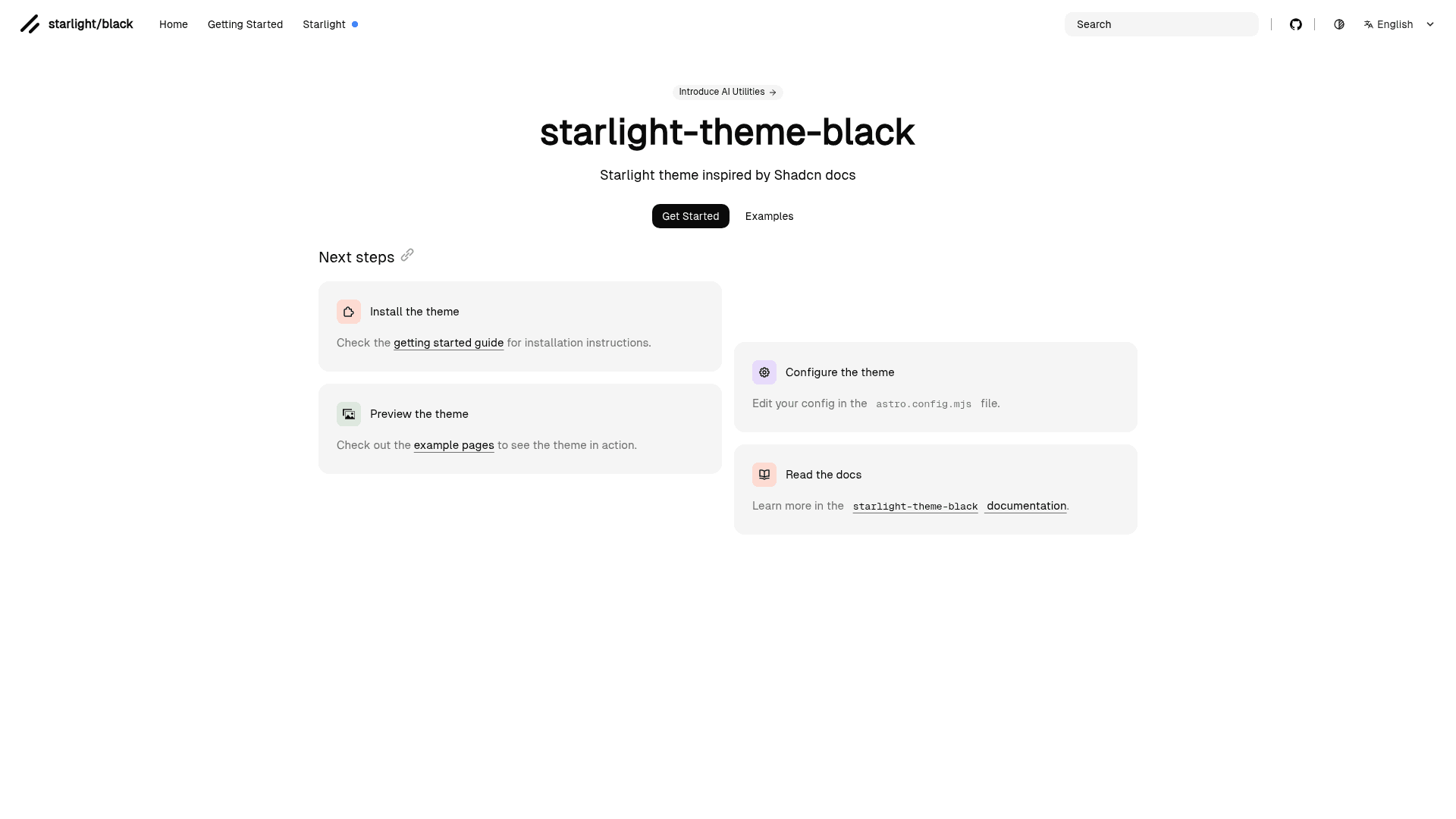
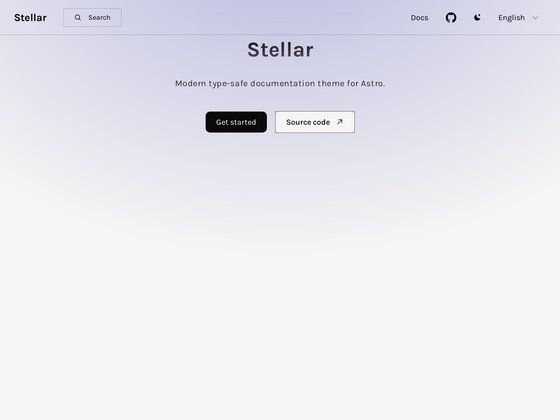
Starlight theme for Astro documentation, inspired by the shadcn docs design.
About this template
starlight-theme-black is a Starlight theme for Astro documentation sites, created by Adrián UB to restyle the default Starlight interface with the dark, minimal aesthetic of the shadcn docs. It is published on npm as the package starlight-theme-black, hosted on GitHub at adrian-ub/starlight-theme-black, and released under the MIT License (© 2024-PRESENT).
What is starlight-theme-black?
starlight-theme-black is an npm-distributed theme for Starlight, the documentation framework built on Astro, created by Adrián UB and published to npmjs.com as starlight-theme-black. You install it into a Starlight-based documentation project and it restyles the entire docs interface with a dark "black" look inspired by the shadcn documentation. The repository carries the topics astro, plugin, shadcn, starlight, starlight-astro, and theme, and the README displays npm version and download badges from npmjs.com.
What makes starlight-theme-black stand out?
- Starlight plugin integration — The theme is registered through Starlight's plugin system, which the repository's "plugin" topic confirms; it layers onto an existing Astro documentation site instead of replacing it.
- Shadcn-inspired dark design — The project's stated purpose is a Starlight theme inspired by the shadcn docs, giving documentation a dark, minimalist presentation.
- npm distribution — The theme ships as the starlight-theme-black package on npmjs.com, with version and download badges included in the README.
- MIT open-source licensing — Released under the MIT License, copyright 2024-PRESENT Adrián UB, allowing free use, modification, and redistribution.
- JSDocs reference — The README links to a JSDocs reference at jsdocs.io, documenting the theme package's API for developers.
- Public GitHub repository — The project is developed in the open at adrian-ub/starlight-theme-black, with 44 stars recorded in the repository metadata.
Who should use starlight-theme-black?
Documentation site maintainers who want the shadcn-docs dark aesthetic on their Starlight documentation without writing the styling by hand. Astro developers working with Starlight who prefer a drop-in theme plugin over custom CSS for their docs layout. Open-source project authors who publish library or framework documentation and want an MIT-licensed dark theme they can adopt and modify freely.
Use cases
- Documentation site builders: add the starlight-theme-black package to an Astro project using Starlight to restyle the full docs interface in the shadcn-inspired black theme.
- Open-source maintainers: adopt the MIT-licensed theme as the visual base for project documentation and customize it under the license terms.
- Theme and plugin developers: use the public repository and JSDocs reference as a working example of how to structure and publish a Starlight theme plugin for Astro.
How does starlight-theme-black work?
Install the starlight-theme-black package from npm into an Astro project that uses Starlight, then add the theme to the Starlight configuration, where it registers through the plugin system. The package's JSDocs reference on jsdocs.io documents the theme's options and API for setup and customization.
FAQ
Is starlight-theme-black free?
Yes. The project is open source under the MIT License (© 2024-PRESENT Adrián UB), so it is free to install, use, modify, and redistribute in your own documentation projects.
What framework does starlight-theme-black work with?
It works with Starlight, the documentation framework built on Astro. The repository's topics include astro, starlight, and starlight-astro, so it targets documentation sites built on the Astro ecosystem.
How do I install starlight-theme-black?
Install the starlight-theme-black package from npmjs.com and register it in your Starlight configuration's plugin list. For full setup and option details, the README links to the JSDocs reference at jsdocs.io.
Who maintains starlight-theme-black?
Adrián UB maintains the project. The source lives on GitHub at adrian-ub/starlight-theme-black under the MIT License, and the npm package page at npmjs.com shows the published versions.