Template details
Gate
Static API documentation with Astro and OpenAPI/Swagger.
About this template
Gate is a static API documentation template that builds a documentation site from an OpenAPI/Swagger JSON file using the Astro framework. It is an open-source Astro starter, and its repository currently has 38 stars.
What is Gate?
Gate is an Astro-based template for generating static API documentation from an OpenAPI/Swagger specification. It accepts a single OpenAPI JSON file as input and outputs a static HTML documentation site, with no server-side rendering or database required. The project is hosted on GitHub, and its README demonstrates the intended usage by importing the OpenAPI file as a default data import in the index.astro file.
What makes Gate stand out?
- Astro static generation — Gate uses the Astro framework to compile the documentation into plain static HTML, so the final site can be hosted on any static file server or CDN.
- OpenAPI/Swagger compatibility — The template consumes standard OpenAPI JSON files, which means any API that produces a spec in this format can be documented without converting it to another structure.
- Single-file import workflow — Adding documentation for a new API is done by changing the imported JSON file in the main
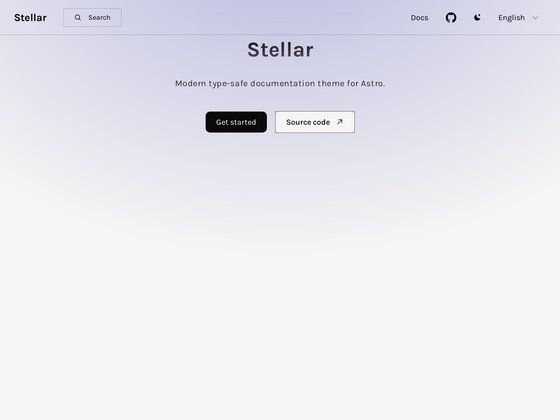
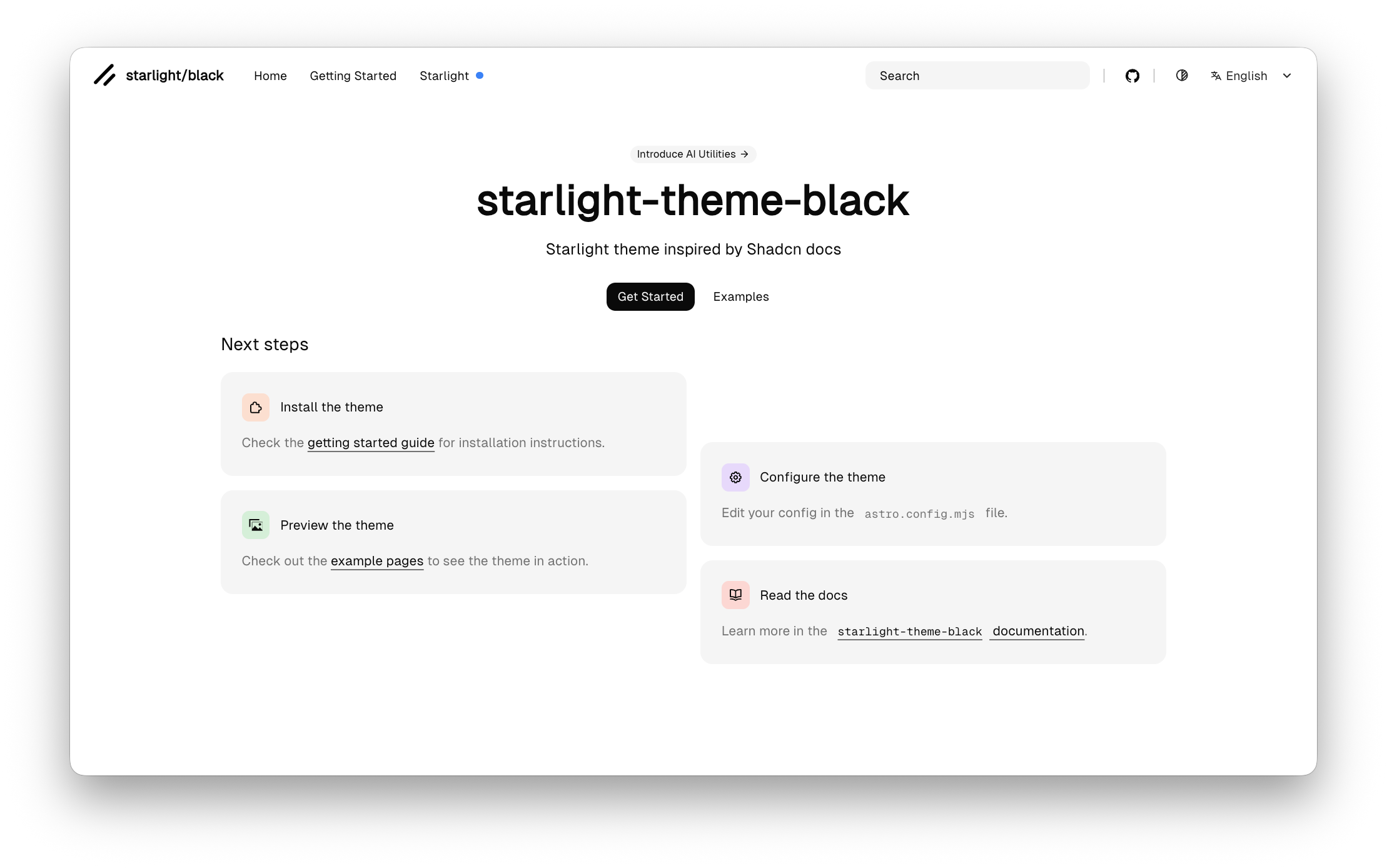
index.astrofile, keeping the process simple. - Visible example screenshots — The repository includes screenshots that show the rendered documentation, giving users a preview of the expected output.
- Community-driven development — Contributions are welcome through issues and pull requests, so the template can be extended with custom styling or components.
Who should use Gate?
- API developers — Publish up-to-date API reference pages by pointing Gate at an existing OpenAPI spec, avoiding the need to hand-write endpoint-by-endpoint HTML.
- Technical writers — Use Gate to turn a specification file into a clean static documentation site, which can then be integrated into a larger docs ecosystem.
- Small product teams — Ship a self-hosted API documentation site quickly, without provisioning a server or using a commercial docs platform.
Use cases
- API reference sites: Drop an OpenAPI JSON file into Gate to generate a static site documenting endpoints, parameters, and responses.
- Internal engineering docs: Maintain an internal API reference for your team by updating the OpenAPI file and rebuilding the static site.
- Open-source project documentation: Provide a public API reference for a project by keeping the OpenAPI spec in the repository and regenerating the site on release.
How does Gate work?
The documented setup requires cloning the repository, copying your OpenAPI JSON into the project, and importing it as a default data import in the main index.astro file. Once the file is imported, the Astro build process turns the spec into static HTML pages. Regenerating the site after API changes is simply a matter of updating the JSON and rebuilding.
Alternatives
- Swagger UI — an interactive API explorer that renders OpenAPI specs directly in the browser.
- Redoc — a popular tool that generates a three-panel API documentation layout from OpenAPI specs.
FAQ
What does Gate do?
Gate is a static API documentation template built on Astro. It takes an OpenAPI/Swagger JSON file and generates a static documentation site, so you do not need to write or maintain HTML pages for each endpoint manually.
How do I use Gate?
Clone the GitHub repository, add your OpenAPI JSON file, and import it as a default data import in the index.astro file. Then run the Astro build command to output static HTML. The repository's usage section shows the exact import statement.
Is Gate free?
Gate is an open-source project hosted on GitHub. The repository explicitly welcomes contributions through issues and pull requests, and no paid tiers or licensing fees are mentioned anywhere in the project description.
What input format does Gate accept?
Gate accepts an OpenAPI/Swagger specification in JSON format. The README instructs you to import the JSON file as a default data import in the main index.astro file.