Template details
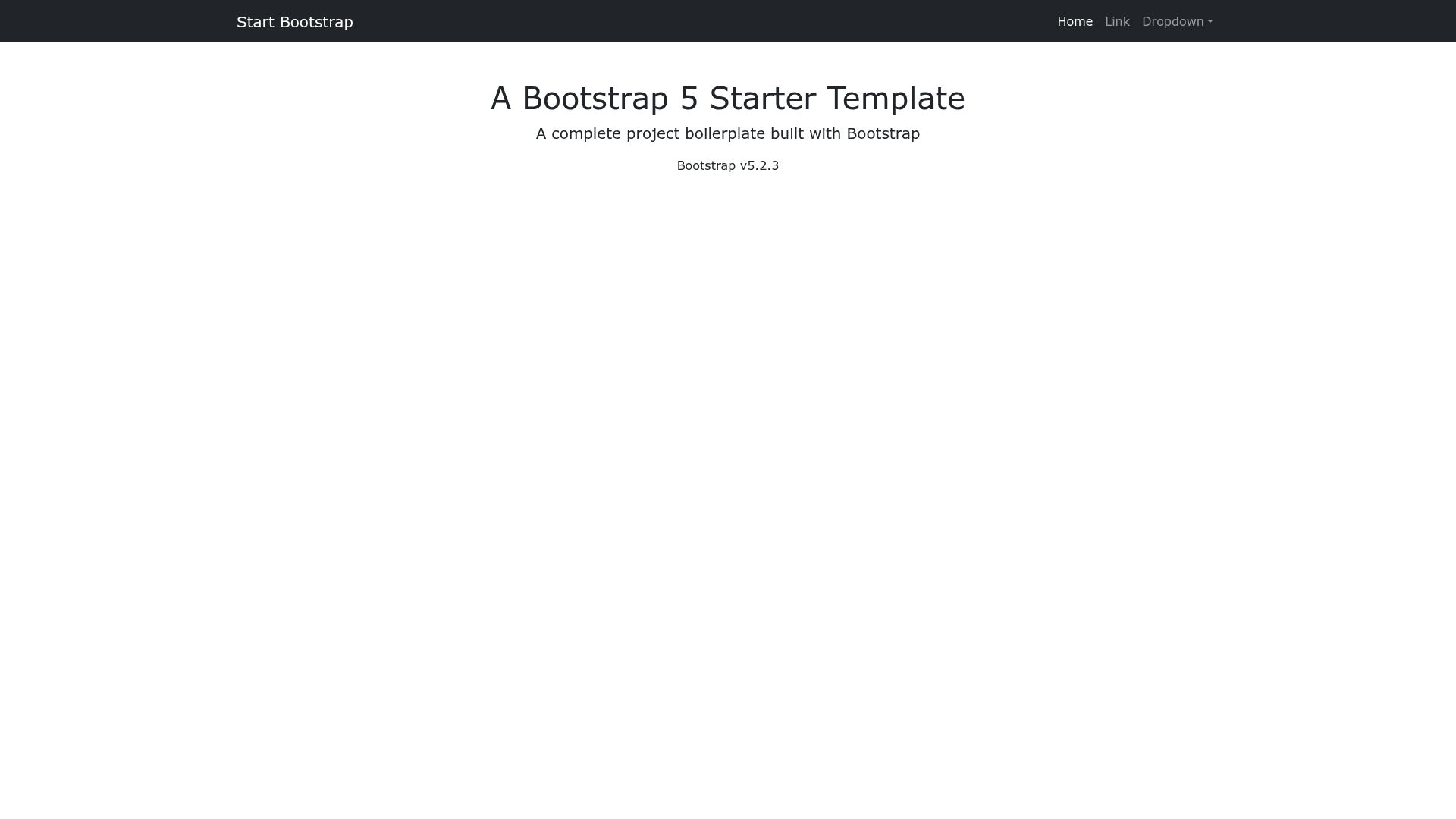
Start Bootstrap Bare
A bare Bootstrap HTML starter template for rapid development, created by Start Bootstrap.
About this template
Bare is a minimal HTML starter template for Bootstrap, created by Start Bootstrap, that provides a blank project boilerplate for building responsive websites and web applications.
What is the Bare template?
Bare is a bare-bones Bootstrap starter template from Start Bootstrap that gives developers a preconfigured index.html and a basic directory structure instead of an empty folder. It takes the Bootstrap framework as its foundation and adds a small set of source files — including Pug templates and SCSS stylesheets — that compile into the ready-to-publish dist directory. The template is released under the MIT license and is available through npm, GitHub, and direct download from Start Bootstrap.
Key Features
- Minimal structure — The template ships with only a single
index.htmlpage and its associated CSS and JavaScript, making it a clean starting point for any project. - Pug and SCSS support — The
srcdirectory contains Pug for HTML templating and SCSS for styling, with npm scripts that compile both into thedistdirectory. - Build and preview workflow — Running
npm startopens a live preview in your default browser, watches source files, and reloads on changes;npm run buildgenerates a production-ready build. - Multiple installation paths — You can install the template with
npm i startbootstrap-bare, clone the repository from GitHub, or download the latest release from Start Bootstrap. - Free for commercial use — The MIT license permits use in commercial projects, provided the original copyright notice is preserved.
- Bootstrap compatibility — The repository topics list both Bootstrap 4 and Bootstrap 5, so the template works with either major version of the framework.
Who is it for?
- Front-end developers — who need a quick, standards-compliant starting point for a Bootstrap project without manually wiring up the framework.
- Designers — who want to prototype interfaces with Bootstrap components while keeping the HTML and CSS simple to edit.
- Students and learners — who are studying Bootstrap and want a minimal, uncluttered template to experiment with.
What can you do with the Bare template?
- Rapid prototyping: Start with the bare
index.html, add Bootstrap components and your own content, and preview changes immediately by opening the file in a browser. - Custom theme development: Edit the SCSS variables and mixins in the source folder, then rebuild with
npm run buildto generate a customized stylesheet. - Learning and teaching: Use the template as a controlled environment to demonstrate Bootstrap layout and utility classes without extra distractions.
How does the Bare template work?
For basic usage, edit the HTML and CSS files inside the dist directory and open index.html in a web browser to see changes. For advanced usage, clone the repository, run npm install, and then run npm start; this compiles the Pug and SCSS sources, launches a live preview, and watches for changes. The npm scripts in package.json handle the build steps individually, such as build:scss for compiling SCSS and build:pug for compiling Pug.
FAQ
Is the Bare template free?
Yes, Bare is free to use. It is released under the MIT license, which allows commercial use, modification, and distribution. The code is maintained by Start Bootstrap, an open source library of free Bootstrap templates.
How do I install the Bare template?
You can download the latest release from Start Bootstrap, run npm i startbootstrap-bare to install it via npm, or clone the repository from GitHub using git clone https://github.com/StartBootstrap/startbootstrap-bare.git.
What Bootstrap version does Bare use?
The repository topics list both Bootstrap 4 and Bootstrap 5, indicating compatibility with both major versions. The template itself does not bundle Bootstrap; you add the framework as part of your project.
Does Bare include any pre-designed components?
No. Bare is intentionally minimal — it contains a single starter page and the build tooling, but no pre-built layouts, components, or themes. This makes it a foundation rather than a full design.