Template details
Supabase + Astro Template
Minimal Astro starter with Supabase authentication, server-side protected routes, and client-to-server token flow.
About this template
Supabase + Astro Template is a minimal boilerplate that adds server-side session protection to an Astro site using Supabase authentication.
What is the Supabase + Astro Template?
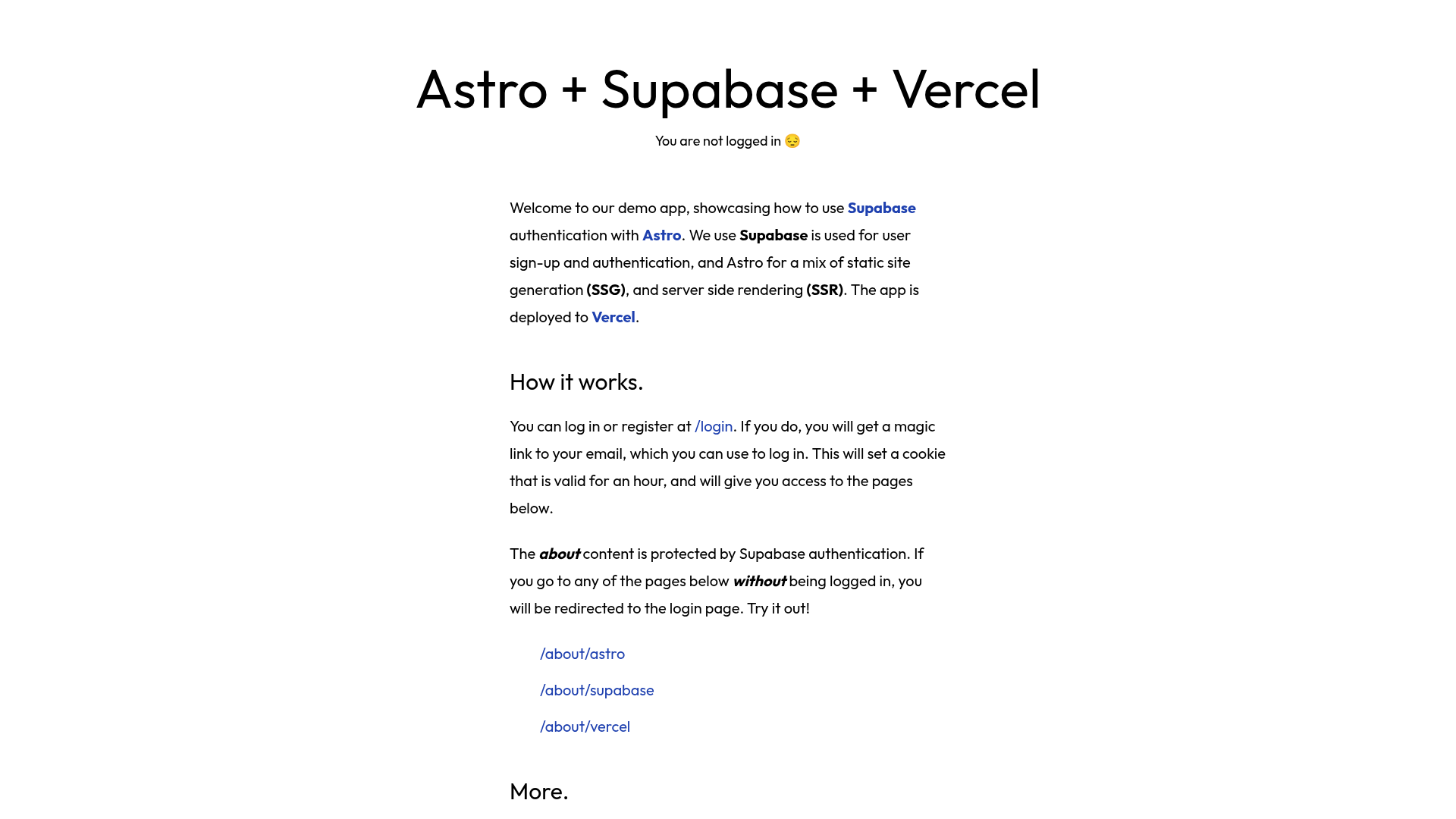
The Supabase + Astro Template is a starter project that integrates Supabase authentication with Astro's server-side rendering. It takes your Supabase URL and anon key from an .env file, lets visitors log in through a client-side flow, and protects server-rendered pages by validating session cookies. The template includes three pages: a public home, a protected profile, and a login page that redirects authenticated users away. It builds on Astro's default blank theme, so no UI framework or styling library is included.
Key Features
- Server-side authentication — Private pages check the session cookie on the server before rendering, keeping profile data away from unauthenticated visitors.
- Client-side auth flow — Login runs in the browser through Supabase; tokens are then passed to the server via cookies.
- Protected routes — The profile page is unreachable without a valid session; the login page redirects already-authenticated users to home.
- Three starter pages — Home, profile, and login give a minimal structure to extend.
- Supabase local development — Setup assumes the Supabase CLI local development workflow and the "user management data" SQL template.
- .env boilerplate — A placeholder .env file is included; you add your Supabase keys.
- Built on Astro blank theme — No extra dependencies beyond Astro and Supabase are imposed.
Who is it for?
- Astro developers seeking a minimal reference for adding Supabase auth to their own projects.
- Supabase users starting a new app that needs authenticated pages rendered from the server.
- Learners wanting to see a concrete example of client-to-server token handoff using cookies.
What can you do with the template?
- Launch a new app with login — Copy the template, add your Supabase keys, and get a working sign-in flow with a protected profile page.
- Understand SSR auth patterns — Study how the client auth session is passed to the server and validated on each request for protected routes.
- Use as a base for features — Extend the three pages with your own content while keeping authentication in place.
How does the template work?
The browser starts the Supabase auth flow; once logged in, the session tokens are stored in cookies. On protected pages, the server reads those cookies and validates the session before rendering content. The login page checks whether a session already exists, and if so redirects to home.
FAQ
Does the template include styling?
No. The template builds on Astro's default blank theme, so no CSS framework or UI component library is included.
What Supabase setup does it require?
It expects Supabase CLI local development and the "user management data" template in the SQL editor. An alternative is to run the SQL queries from Supabase's with-react tutorial.
Which pages are protected?
The profile page is reachable only when authenticated. The home page has no authentication requirements, and the login page redirects to home if you are already logged in.
Where do I add my Supabase keys?
A boilerplate .env file with placeholders lives in the project root; fill in your Supabase URL and anon key there.