Template details
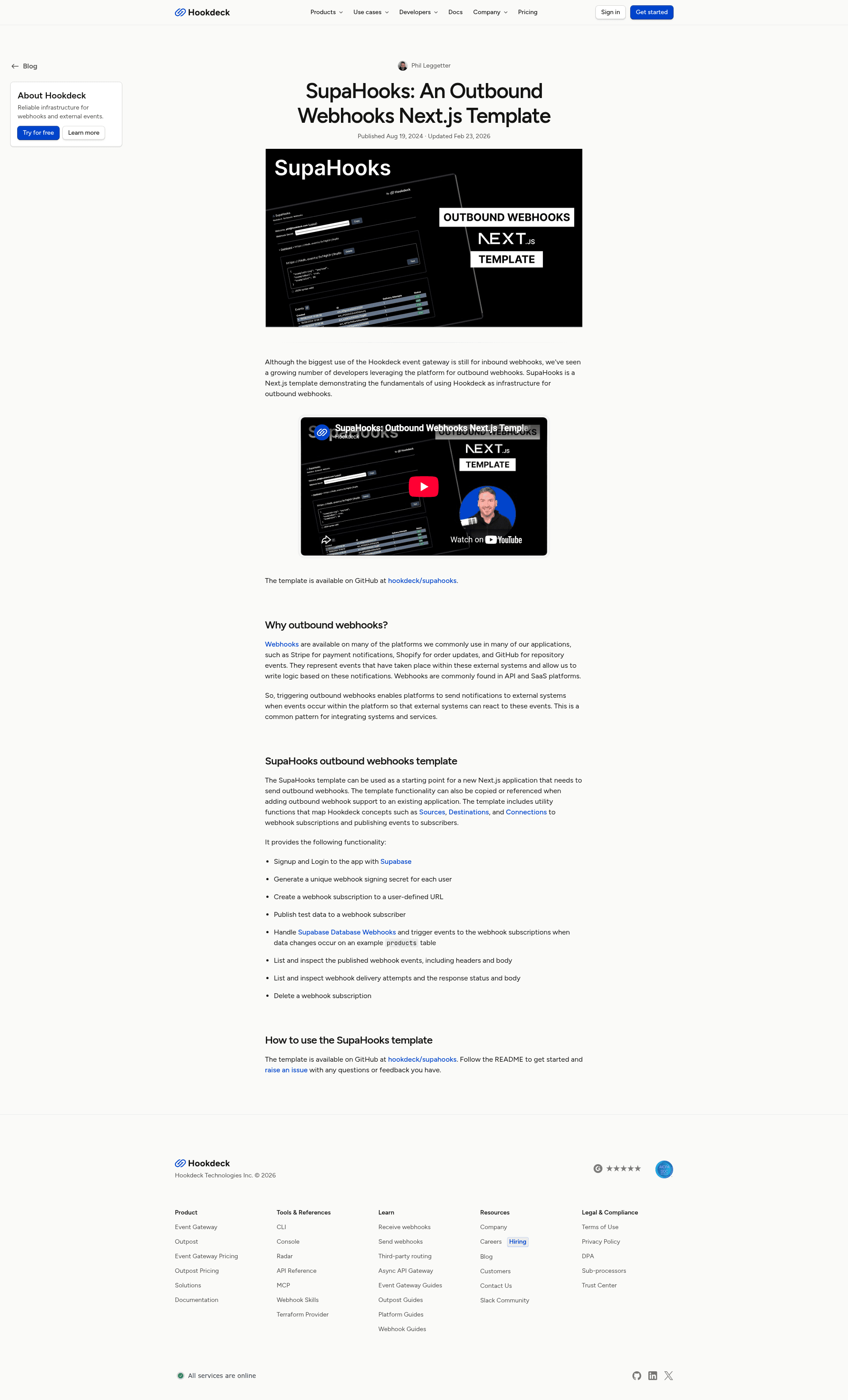
SupaHooks
A Next.js starter template demonstrating Hookdeck as outbound webhook infrastructure with Supabase Database Webhooks.
About this template
SupaHooks is a Next.js boilerplate template that uses Hookdeck as outbound webhook infrastructure, with Supabase Database Webhooks serving as the event triggers.
What is SupaHooks?
SupaHooks is a template for building an outbound webhook subsystem inside a Next.js application. It represents each webhook subscription as a Hookdeck Connection, which combines a Source for authenticated event publishing and a Destination for the receiving endpoint. The template includes Supabase for authentication and database webhooks, and it is designed to run with the Next.js App Router and server-side auth. A video walkthrough of the project is available on YouTube.
Key Features
- Hookdeck Connections as subscriptions — Each webhook subscription is a Hookdeck Connection, composed of a Source for authenticated event publishing and a Destination for the receiving endpoint.
- Supabase Database Webhooks — Row changes to a
productstable trigger outbound webhook notifications, demonstrating a real event-driven flow. - Server-Side Auth for Next.js — Authentication is handled with Supabase's server-side auth helpers, with a custom confirm signup template URL.
- Test payload delivery — The app UI lets you view webhooks and send test payloads with a Test button.
- Local development workflow — The
hookdeck:localnpm script creates a local tunnel via the Hookdeck CLI to test webhooks against a local dev server. - Environment-based configuration — Secrets are configured through
.env.localwith separate keys for Hookdeck API, signing secret, Supabase, and a custom publish key. - Database schema setup script —
npm run setupgenerates the database schema, andsupabase/schema.sqlcreates the requiredproductstable.
Who is it for?
- Next.js developers — who want to add outbound webhook delivery to their app without building retry logic, signing, and connection management from scratch; they can use this template as a reference architecture.
- Teams using Supabase — who need to send webhook notifications when database rows change; the template wires Supabase Database Webhooks to Hookdeck Connections.
- Platform engineers evaluating Hookdeck — who want a working example of Hookdeck as an event gateway, including Connection, Source, and Destination configuration.
What can you do with SupaHooks?
- Register a new webhook subscription — create a Hookdeck Connection from the app to register an endpoint that will receive events.
- Trigger events from database changes — add a row to the
productstable in the Supabase table editor and watch the outbound webhook fire. - Test webhook endpoints locally — run the dev server and Hookdeck local tunnel, then use the Test button to deliver a sample payload to your destination.
- Learn the event gateway pattern — see how Source, Destination, and Connection map to publishing and receiving webhooks.
How does SupaHooks work?
The template wires a Next.js app to Supabase for auth and database storage, and to Hookdeck for webhook infrastructure. After configuring environment credentials, you run npm run setup to create the schema, then npm run dev plus npm run hookdeck:local to start the local tunnel. In the UI you can sign up, create a Hookdeck Connection, and send test payloads; adding rows to the products table in Supabase triggers database webhooks to that connection.
FAQ
What credentials do I need to run SupaHooks?
You need a Hookdeck API key and signing secret from your Hookdeck project settings, plus your Supabase URL and anon key from the Supabase dashboard. You also generate a unique PUBLISH_KEY for triggering webhook events and a separate key for authenticating product update webhook events.
How do I set up the Supabase database?
The template includes a supabase/schema.sql file. After running npm run setup, copy that SQL into the Supabase SQL editor and execute it to create the products table; you may need to enable Database Webhooks for the project.
Can I test webhooks without a public server?
Yes. The hookdeck:local npm script creates a local tunnel using the Hookdeck CLI, so you can test outbound webhooks against http://localhost:3000 during development.
What is the role of each environment variable?
HOOKDECK_API_KEY and HOOKDECK_SIGNING_SECRET authenticate and sign requests with Hookdeck. NEXT_PUBLIC_SUPABASE_URL and NEXT_PUBLIC_SUPABASE_ANON_KEY connect the app to Supabase. PUBLISH_KEY gates the publishing of webhook events, and a separate HOOKDECK_PRODUCT_UPDATE_WEBHOOK_KEY authenticates Supabase Database Webhook events.