Template details
Float UI
Beautiful and responsive UI components and templates for React and Vue (soon) with Tailwind CSS.
About this template
Float UI is a free and open-source collection of UI components and website templates built on React and styled with Tailwind CSS, with Vue and Nuxt support on the roadmap.
What is Float UI?
Float UI is a free and open-source library of UI components and website templates. It takes React and Tailwind CSS as its base and produces ready-to-use interface elements and full website layouts. The project is maintained full-time by the Float UI team, hosted on GitHub under the MarsX-dev organization. It is designed to speed up front-end development for React projects, with Vue and Nuxt versions planned.
Key Features
- Free and open source — The entire collection is available at no cost, and the team states they are working on it full-time, meaning components and templates keep being added.
- React + Tailwind CSS — Components are built directly on React and styled with Tailwind CSS utility classes, avoiding the need for a separate CSS framework.
- LTR and RTL support — Every component example supports both left-to-right and right-to-left directions on the components page, which helps with Arabic, Hebrew, and other RTL locales.
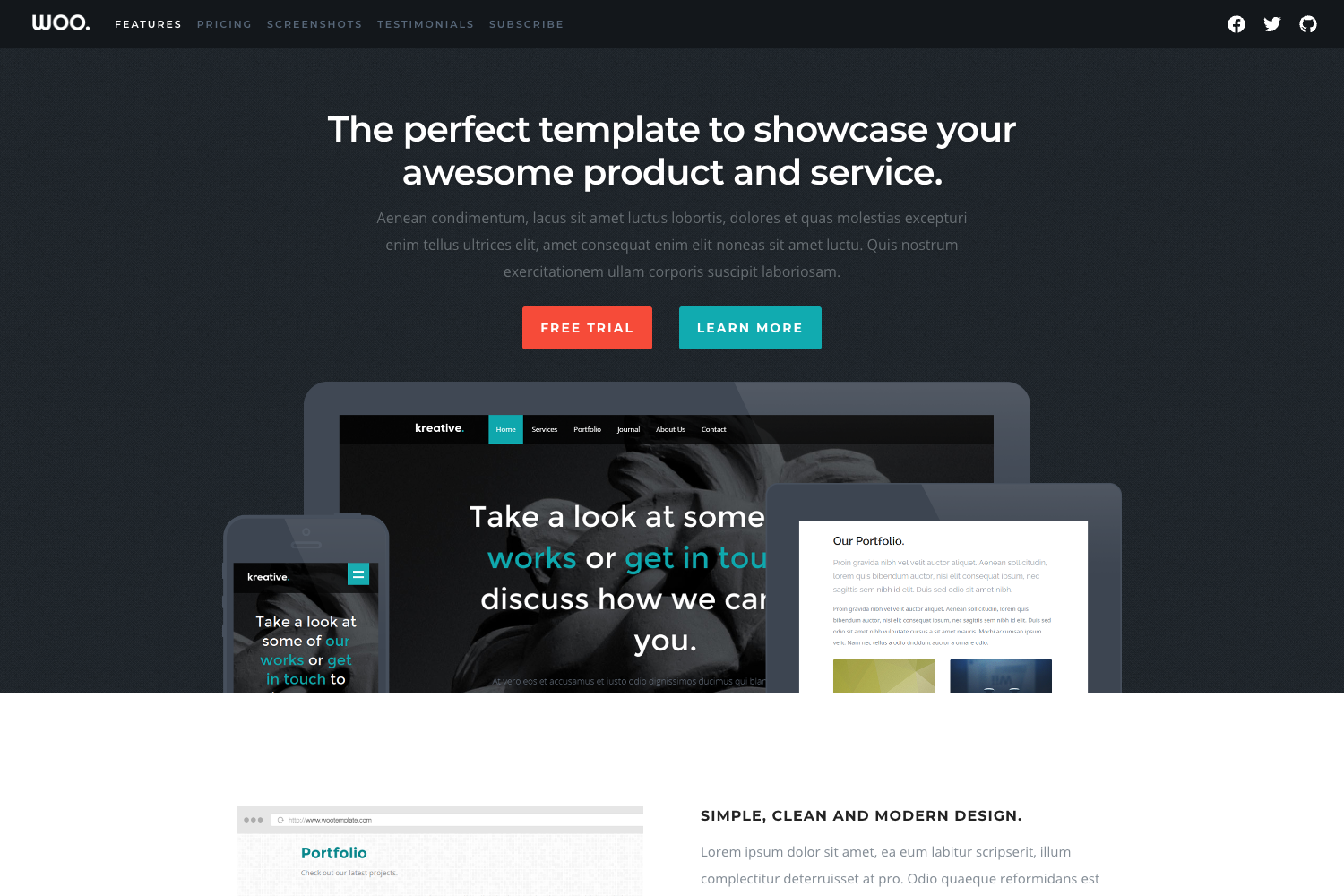
- Website templates with Next.js — The templates are built on React, Next.js, and soon Nuxt, all with Tailwind CSS.
- Multiple package managers — The dev server can be started with npm, yarn, or pnpm via the standard dev command, on Windows, Linux, or Mac.
- UI components and templates in one place — Float UI offers two entry points: a components page for individual React (and soon Vue) elements, and a templates page for complete website designs.
Who is it for?
- React developers who need ready-made UI components to avoid writing repetitive markup and styling from scratch.
- Next.js project teams that want full website templates that already integrate with the framework and Tailwind.
- Developers building RTL websites who need components that work in both directions without modification.
- Open-source contributors who want to join a full-time maintained project; the repository provides a contributing guide before submitting pull requests.
What can you do with Float UI?
- Start a new project quickly: install the dependencies with pnpm, npm, or yarn, run the dev server, and view the output at http://localhost:3000.
- Assemble landing pages: pick a website template from the templates collection and customize it for a client or side project using Next.js.
- Prototype UI patterns: copy individual components from the components page to test layouts with Tailwind styling.
- Localize for RTL audiences: use the built-in LTR/RTL-supporting components to serve both English and RTL-language users.
How does Float UI work?
The README describes a standard Next.js-style workflow: clone the repository, install dependencies using npm, yarn, or pnpm, then run the dev command (for example pnpm dev) and open http://localhost:3000. The recommendation lists pnpm as the preferred package manager. Prerequisites are limited to a recent version of a package manager and a Windows, Linux, or Mac machine.
Pricing
Float UI is completely free and open source; no pricing tiers are mentioned. The project is developed full-time and funded independently.
Alternatives
- Tailwind UI — a paid collection of official Tailwind CSS components with a different licensing model.
FAQ
Is Float UI free?
Yes. The README states it is fully free and open source, with no payment required to use it, and the team says they are working on it full-time.
Does Float UI support Vue?
Vue support is planned but not yet released. The README says components are coming for Vue and templates will be built with Nuxt soon.
What frameworks does Float UI use?
The UI components are built on React with Tailwind CSS, and the website templates are built on React and Next.js, with Nuxt coming later.
How do I run Float UI locally?
Install dependencies with npm, yarn, or pnpm, then run the development server with npm run dev, yarn dev, or pnpm dev and open http://localhost:3000.
Does Float UI support right-to-left languages?
Yes. The README states that every UI component example supports both LTR and RTL directions.