Template details
Tailwind 4 Vue Starter
A free and open-source starter project to help you get started with the core Flowbite Library components and Vue 3
About this template
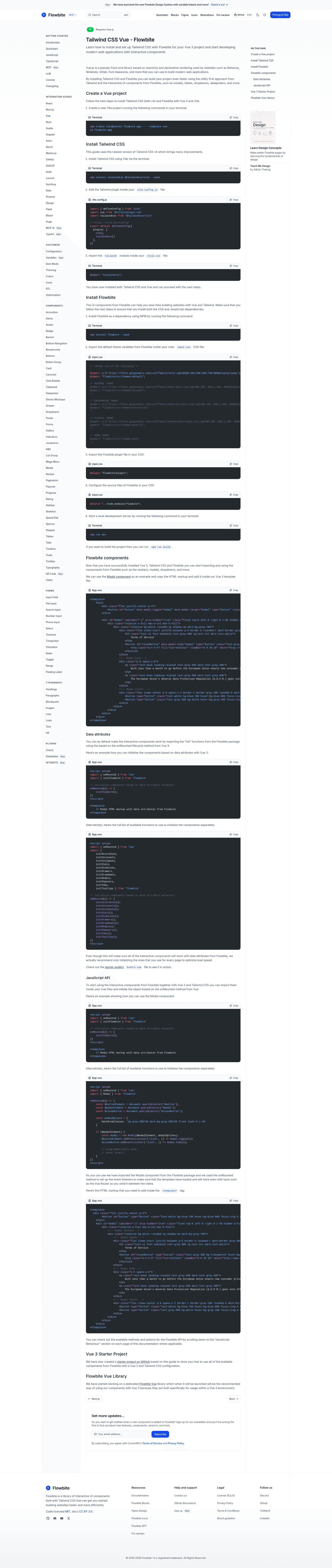
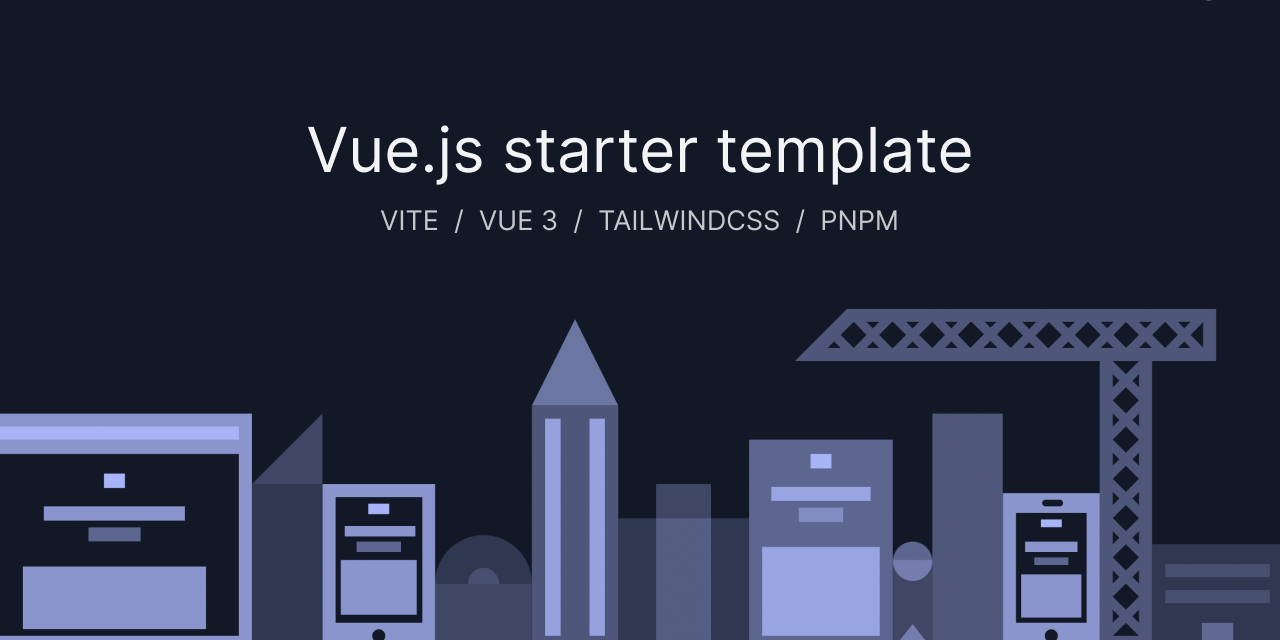
Tailwind 4 Vue Starter is a free, open-source boilerplate that combines Vue 3, Vite, Tailwind CSS v4, and the Flowbite component library so you can build interfaces with ready-made UI components.
What is Tailwind 4 Vue Starter?
Tailwind 4 Vue Starter is a starter project, distributed by the Flowbite team, that configures a Vite-powered Vue 3 application to use Tailwind CSS v4 and the Flowbite open-source component library. As input, it takes a freshly created Vite project using the Vue template; as output, it provides the dependency setup, CSS configuration, and plugin wiring needed to start importing Flowbite components such as modals, navbars, tables, and dropdowns directly into your Vue templates.
Key Features
- Vue 3 and Vite — The project is scaffolded with
npm create vite@latest flowbite-app -- --template vue, giving you Vue 3 single-file components and Vite's fast development server. - Tailwind CSS v4 via Vite plugin — Tailwind is installed with
tailwindcssand@tailwindcss/vite, and the plugin is added to thevite.config.jsfile, so no separate PostCSS ortailwind.config.jssetup is needed. - Single-line CSS import — The
style.cssfile only needs@import "tailwindcss";to activate Tailwind v4 in your Vue app. - Flowbite theme integration — The setup imports Flowbite's default theme from
flowbite/src/themes/defaultand loads the Flowbite plugin with@plugin "flowbite/plugin";. - Flowbite source scanning — The CSS config includes
@source "../node_modules/flowbite";so Tailwind discovers Flowbite's classes during build. - Ready-to-use components — After configuration, you can import Flowbite's modal, navbar, table, dropdown, and other components without writing custom CSS.
- Free and open source — Both the starter project and the Flowbite library are open source and free to use.
Who is it for?
- Vue developers who want a working Tailwind CSS v4 integration without reading through Tailwind's manual upgrade guide.
- Frontend designers who prefer Flowbite's component patterns and need a quick Vue 3 environment in which to prototype interfaces.
- Teams building internal or client dashboards that rely on common UI blocks like tables, navbars, and modals, and want a consistent foundation.
What can you do with Tailwind 4 Vue Starter?
- Scaffold a new Vue 3 project — Run the documented Vite creation command and the starter's installation steps to get a Tailwind v4-powered app in minutes.
- Build with Flowbite components — Once configured, import modals, navbars, tables, dropdowns, and more to accelerate frontend development.
- Develop and build for production — Use
npm run devfor local development andnpm run buildto output a production bundle.
How does Tailwind 4 Vue Starter work?
The workflow is a five-step setup: create a Vite Vue project, install tailwindcss and @tailwindcss/vite, add the Tailwind plugin to vite.config.js, import tailwindcss in style.css, then install Flowbite and add its theme, plugin, and source path to your CSS. After these steps, npm run dev starts the development server.
Pricing
The starter is free and open source; the Flowbite component library it integrates is also free to use.
FAQ
Is Tailwind 4 Vue Starter free?
Yes. The repository is marked free and open source, and the Flowbite components you use with it are free as well.
Which versions are included?
The guide targets Vue 3, Tailwind CSS v4, and Vite's Vue template. It does not use a tailwind.config.js file, which reflects Tailwind v4's new plugin approach.
Does the starter come with prebuilt pages?
No. The starter configures the toolchain; the actual UI components (modals, navbars, tables, dropdowns) come from the Flowbite library and need to be imported into your Vue templates.
How do I start the project after setup?
Run npm run dev to start the local development server. To build the project for production, use npm run build.