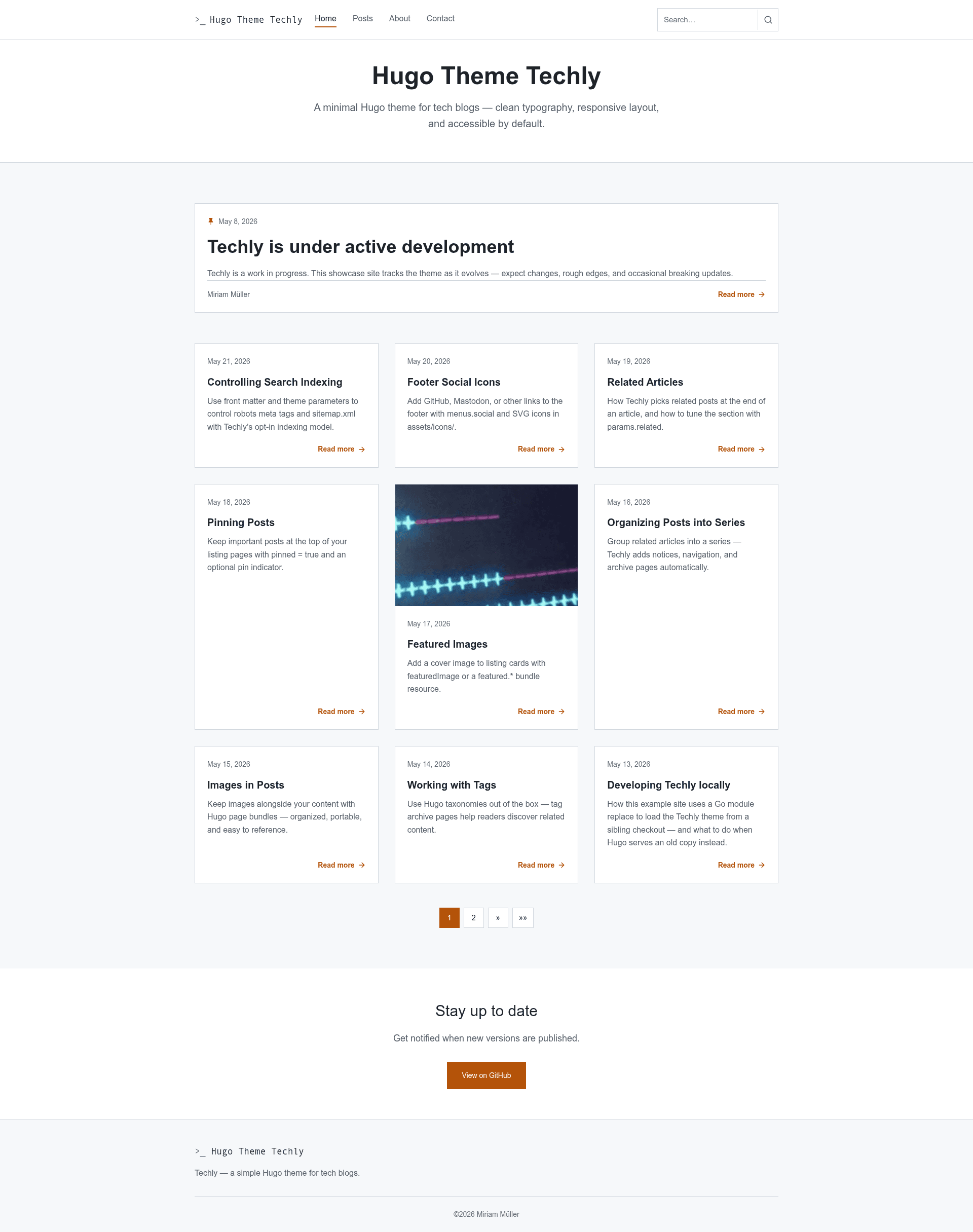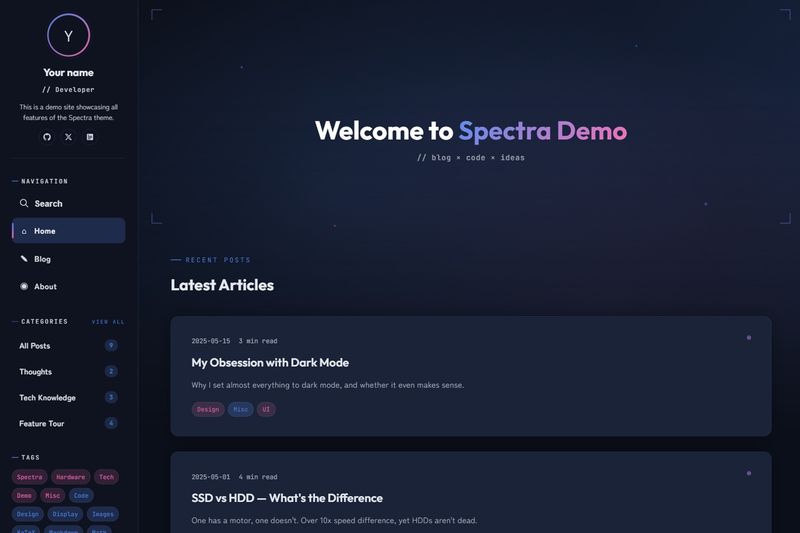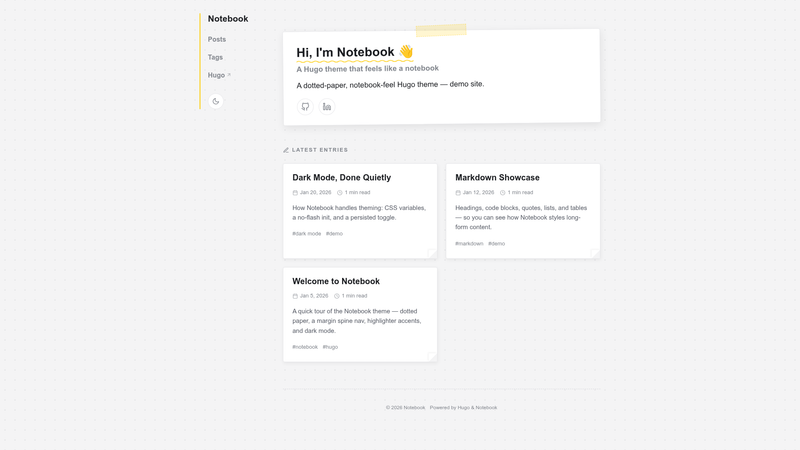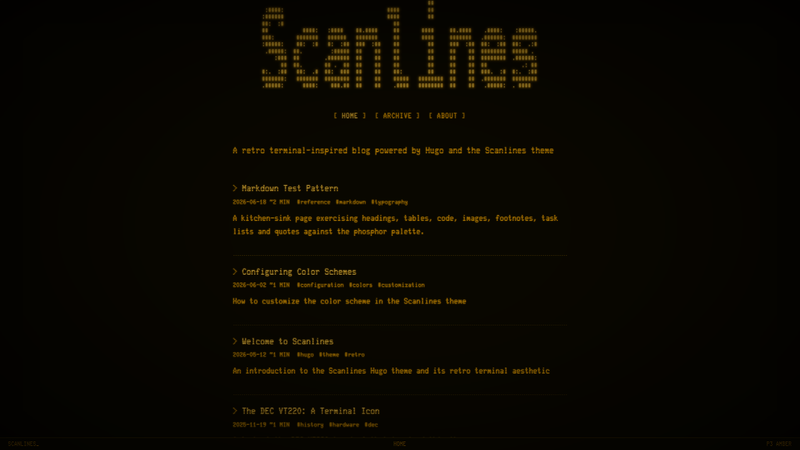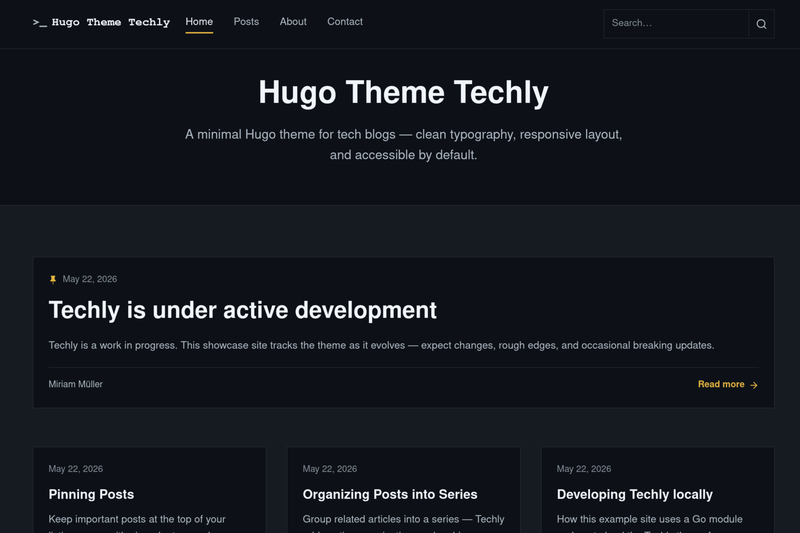
Techly is a clean, accessible Hugo theme for tech blogs, built around readable typography, responsive layout, and sensible defaults for developer-focused writing. It accepts ordinary Hugo markdown content — posts, tags, series, and pages — and outputs a static site with a featured post on the home page, a grid for the remaining posts, paginated listings, tag archives, series archive pages, RSS, JSON, and sitemap.xml. Techly v2 is distributed as a Hugo Module and requires Hugo 0.146.0 or later; it was created by Miriam Müller and is licensed under GNU GPL v3.0.
What is Techly?
Techly is a Hugo theme for tech blogs by Miriam Müller, distributed as a Hugo Module at github.com/m1rm/techly/v2 under the GNU General Public License v3.0. It turns standard Hugo content — markdown files with optional front matter such as series, tags, featuredImage, toc, and pinned — into a responsive static website with a home page hero, a featured post, post cards, and section pages. Because v2 is module-based, installation requires Hugo 0.146.0 or later plus Go for module fetching.
What makes Techly stand out?
- Post series support — Mark several posts with the same
seriesvalue and Techly adds an in-article notice at the top, a navigation box after the article, and archive pages at/series/and at the series slug path. - Client-side search — Techly uses the JSON home output. Add a page using the theme's built-in
searchlayout, and the navbar shows an inline field with live suggestions. - SEO opt-in model — Pages are excluded from search-engine indexing and sitemap.xml unless front matter sets
index = true; the home page is indexed by default unless you setparams.indexHome = false. - Automatic light or dark mode — Color scheme follows the visitor's system via the CSS
prefers-color-schememedia query, with no toggle needed. - Related posts — Single-page templates show up to three related posts by default, with an optional
More in ...tag link strategy controlled by parameters such asparams.related.moreLink. - Pinned posts — Set
pinnedto true in front matter to sort a post above other entries on section listing pages; a pin icon appears whenpinnedIndicatoris also true. - Accessible markup — The layouts include skip links, landmarks, visible focus styles, and semantic heading order.
- Flexible extras — Footer social icons via a
socialmenu with SVG icons inassets/icons/, breadcrumbs, tags, optional cover images on listing cards, a home-page newsletter call-to-action block, and overrides throughassets/css/custom.css.
Who is Techly for?
- Developer bloggers who want a text-focused, low-configuration Hugo site can publish blog posts under
content/posts/, setmainSectionstoposts, and rely on the responsive featured-post layout. - Technical writers producing multi-part tutorials can group articles with the
seriestaxonomy, enabletoc = truefor longer posts, and pin canonical reference pages to the top of listings. - Site owners who care about search presence can apply the opt-in indexing model to keep drafts, internal notes, or auto-generated archive pages out of Google while exposing selected posts with
index = true. - Existing Techly v1 users have a documented upgrade path in the README: change the module tag to v2.0.1, run
hugo mod get, and move their home subtitle into[params.banner].
What can you do with Techly?
- Publish a tutorial series: Add the series name as a front matter list value to related posts, and Techly automatically generates a series archive and per-post navigation without extra work.
- Run a searchable blog: Provide the JSON output in site config and create a page for search; visitors can search posts from a navbar field as they type.
- Collect newsletter signups: Configure
[params.newsletter]with a title, text, destination URL, and button label, and a CTA appears on the home page only. - Fine-tune visual details: Add designer-specific overrides in
assets/css/custom.css, or disable post images entirely withparams.showPostImagesset to false.
How does Techly work?
To install, initialize a Hugo module with hugo mod init, run hugo mod get github.com/m1rm/techly/[email protected], and import the theme in hugo.toml. Because Hugo does not merge taxonomy or output settings from module themes, you must also define [taxonomies] for tag and series and set your home page outputs to include JSON for search. After that, create posts with hugo new posts/my-post.md, configure [[menus.main]] and [[menus.social]] entries, and build with hugo or preview with hugo server.
FAQ
Is Techly free?
Yes. Techly is open source under the GNU General Public License v3.0, and its source code is on GitHub at github.com/m1rm/techly.
What Hugo version do I need for Techly?
Techly v2 requires Hugo 0.146.0 or later, with Hugo Extended recommended. Because the theme is installed as a Hugo Module, you also need Go available on your machine.
How do I make my blog posts appear in search results?
Set index = true in the front matter of each post you want indexed. By default, Techly emits a noindex robots meta tag and excludes content from sitemap.xml, except the home page, which is indexed unless you configure params.indexHome to false.
Does Techly have dark mode?
Yes. The theme switches automatically between light and dark schemes based on the visitor's operating system setting using the prefers-color-scheme CSS feature. There is no manual toggle.
What should I know before upgrading from v1 to v2?
The v2.0.0 initial tag shipped with an incorrect module path; use v2.0.1 or later. After changing the module import path, run hugo mod get github.com/m1rm/techly/[email protected] and move your home-page subtitle into [params.banner], because the navbar uses the site title while the home hero uses the banner parameters.