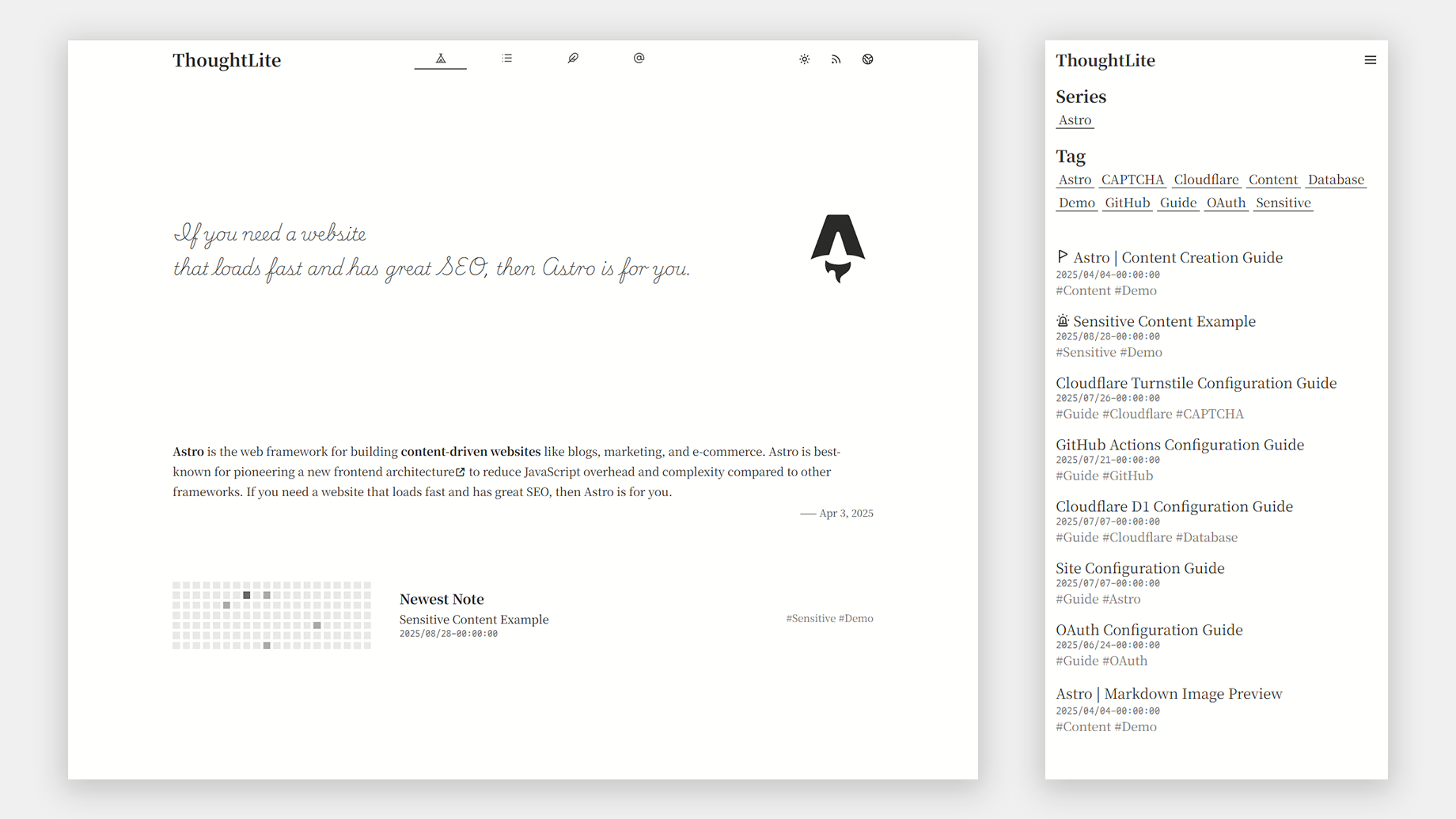
Template details
Typo
Typo is a simple Hugo theme built for content-first personal sites and blogs, with dark mode, color palettes, and heading auto-numbering.
About this template
Typo is a Hugo theme for content-first personal sites and blogs, delivering a minimal reading experience with optional features like heading auto-numbering, dark mode, and color palettes.
What is Typo?
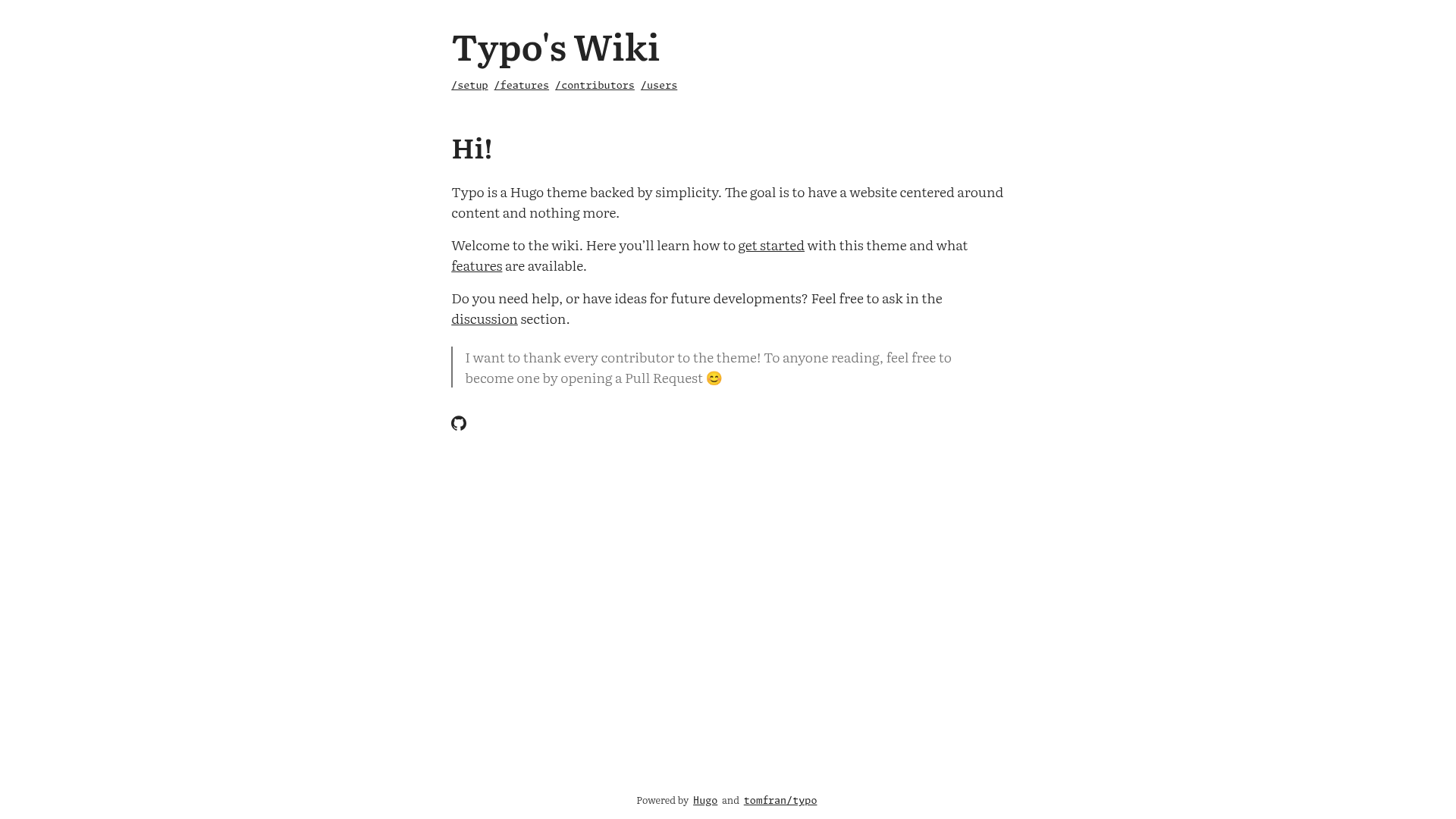
Typo is a simple Hugo theme created by tomfran that centers a website on its content and nothing more. It takes standard Hugo site content — markdown files, front matter, images — and renders it into a clean homepage with an article list and individual article pages, all with a minimal, content-first design. The theme runs on Hugo, the static site generator, and is distributed through its GitHub repository. The repository also hosts a Wiki with setup instructions and a feature overview.
Key Features
- Heading auto-numbering — Automatically numbers headings in articles, a feature that helps readers follow the structure of long-form content.
- Dark mode — Includes a built-in dark/light mode toggle so readers can switch appearance based on preference.
- Color palettes — Supports multiple color palette options that change the site's accent colors without custom CSS.
- Dark and light images — Lets you specify separate images for dark and light mode, so visuals stay readable in both themes.
- Comments — Provides comment support for blog posts, making it easy to engage readers.
- Social icons — Uses SVG icons from Simple Icons, and every SVG present on the website is usable on the theme.
- Wiki documentation — A dedicated wiki at tomfran.github.io/typo-wiki covers setup and features, plus a user list and contribution guidelines.
Who should use Typo?
- Personal bloggers — who want a clean, minimal site that puts their writing front and center without extra clutter.
- Developers and technical writers — who use Hugo and want a theme that's simple to configure and extend with their own CSS and icons.
- Portfolio owners — since the repo topics include "portfolio", the theme can be used to present projects alongside articles.
Use cases
- Long-form writers — publish essays and articles; Typo's content-first layout keeps readers focused on the text.
- Open-source hobbyists — use Typo's GitHub discussions tab to share tips and ask questions about the theme or Hugo in general.
- Design-minded site owners — take advantage of color palettes and dark/light images to create a distinctive personal site without writing custom styles.
How does Typo work?
Typo is installed like any Hugo theme: you add the repository to your site's themes directory and follow the setup guide in Typo's wiki. Content is written in markdown and placed in Hugo's standard content folders; Typo's layouts handle rendering the homepage and article pages. Configuration is done through Hugo's config file, where you can choose a color palette, enable dark mode, and turn on comments.
Pricing
Typo is free and open source, available for download from its GitHub repository. You can use it for personal or commercial websites and contribute improvements via pull requests.
FAQ
Is Typo free?
Yes, Typo is a free and open-source Hugo theme. You can download it from its GitHub repository, use it without cost, and contribute changes via pull requests.
How do I install Typo?
Follow the setup guide in Typo's wiki at tomfran.github.io/typo-wiki. The wiki provides step-by-step instructions for adding the theme to a Hugo site and configuring it.
Does Typo support dark mode?
Yes, Typo includes a dark mode that readers can toggle. The theme also lets you define separate images for light and dark mode so visuals remain legible in both.
Where can I find Typo documentation?
All documentation lives in Typo's wiki at tomfran.github.io/typo-wiki, covering setup, features, and a list of sites using Typo.
Can I contribute to Typo?
Yes, contributions are welcome. The repository's CONTRIBUTING.md file describes how to open issues and pull requests for fixes or new features.