Template details
Pulp
Pulp is a Hugo theme for getting a simple, easy-to-read blog site.
About this template
Pulp is a Hugo theme for building a simple, easy-to-read blog site, delivering a clean, typography-focused layout for content-first publishing.
What is Pulp?
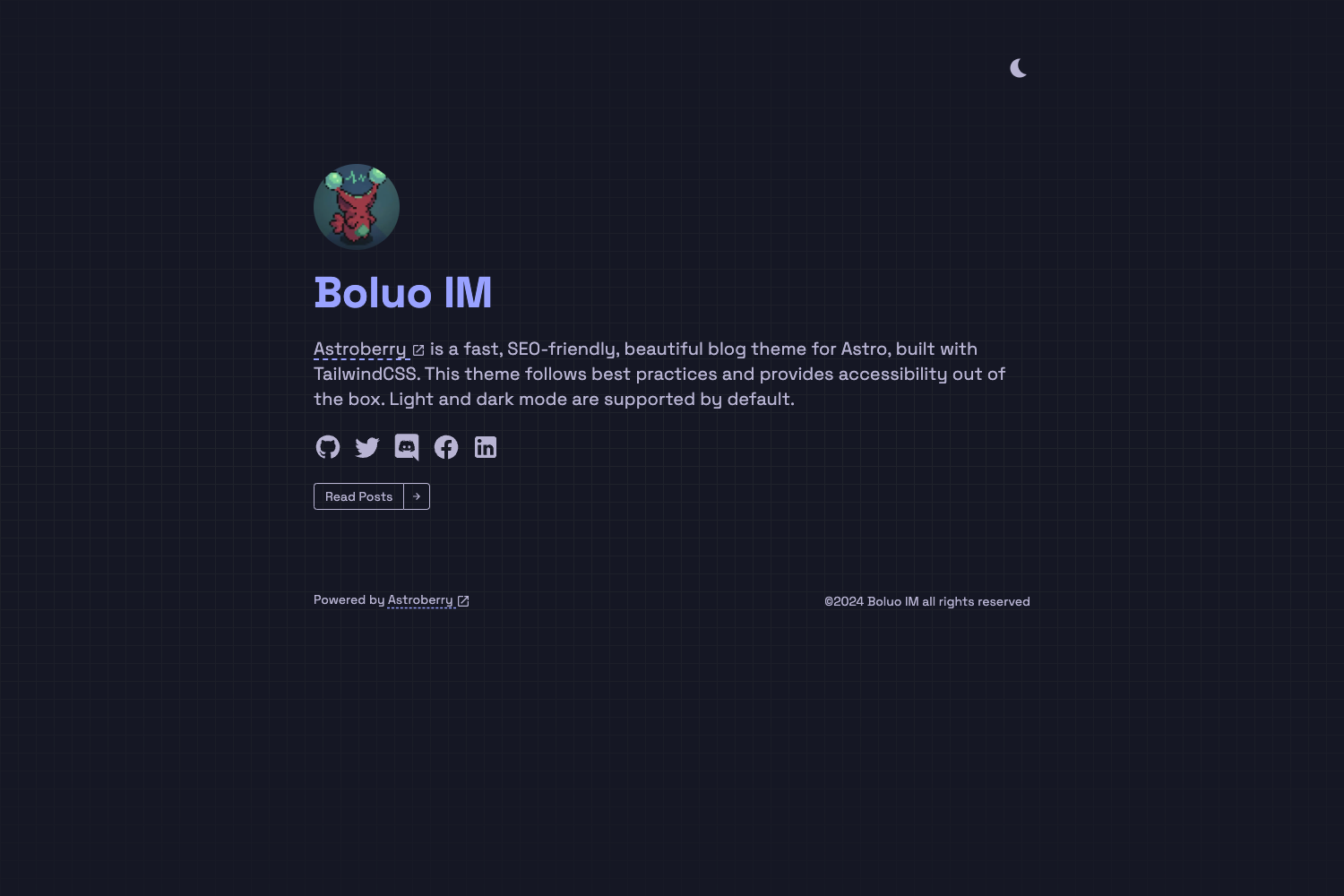
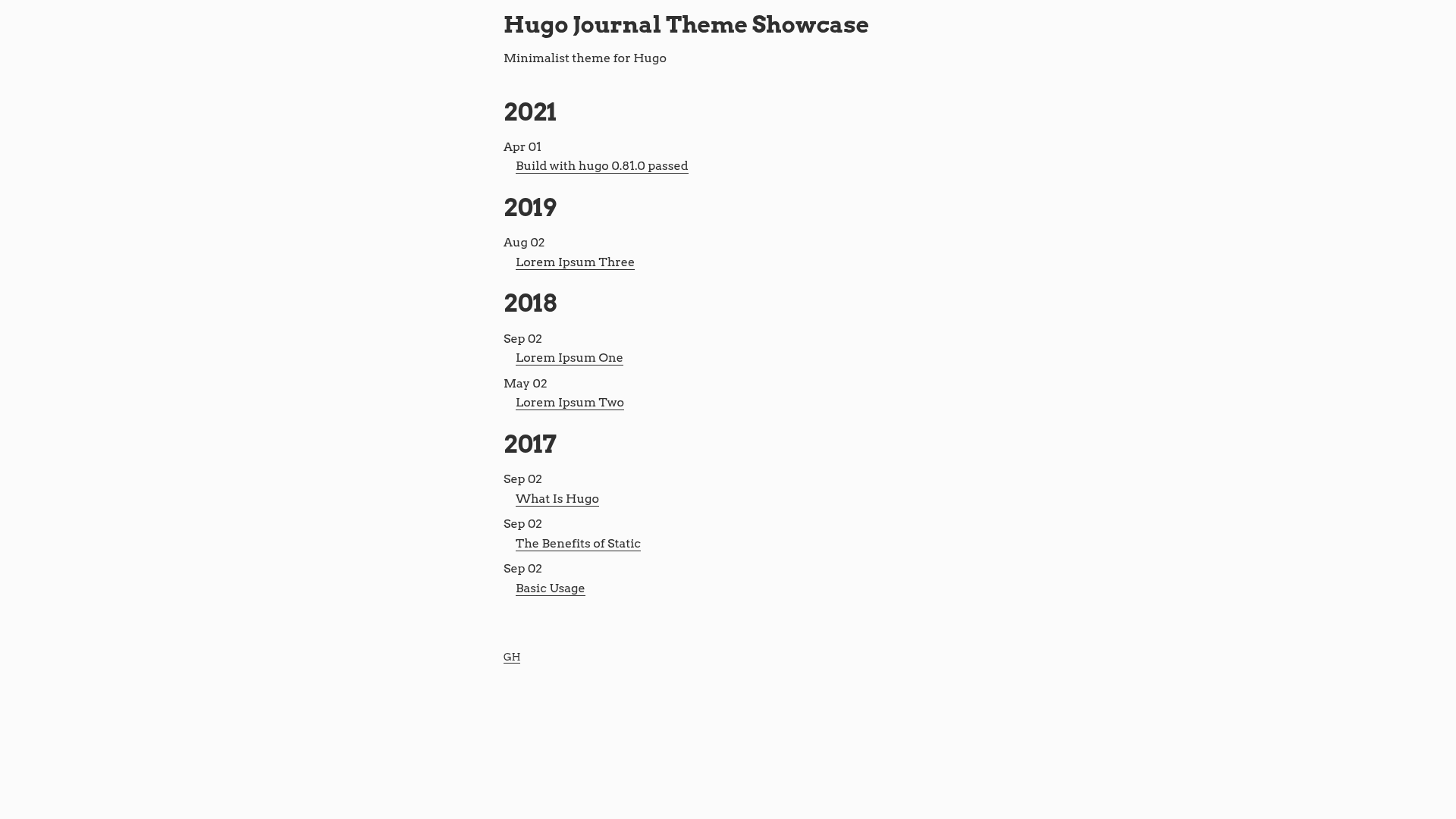
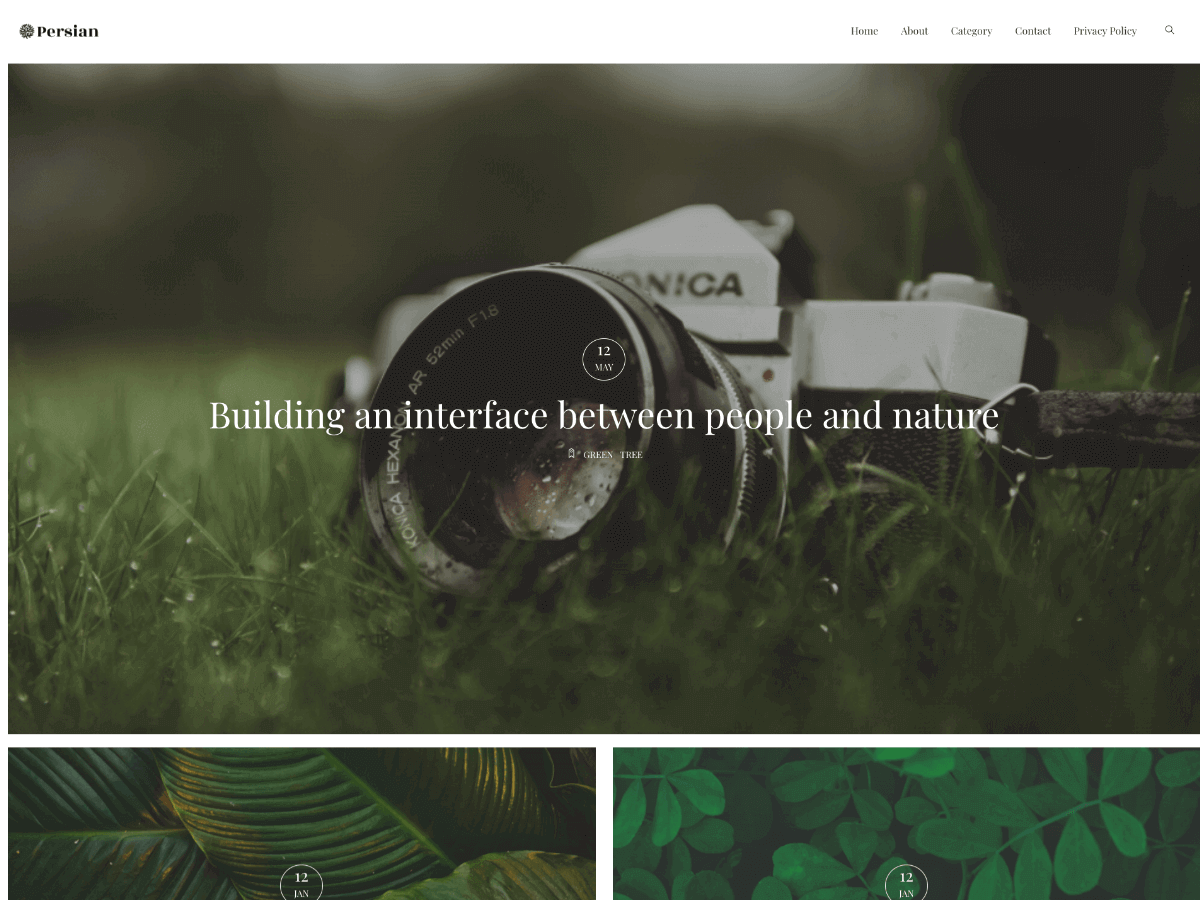
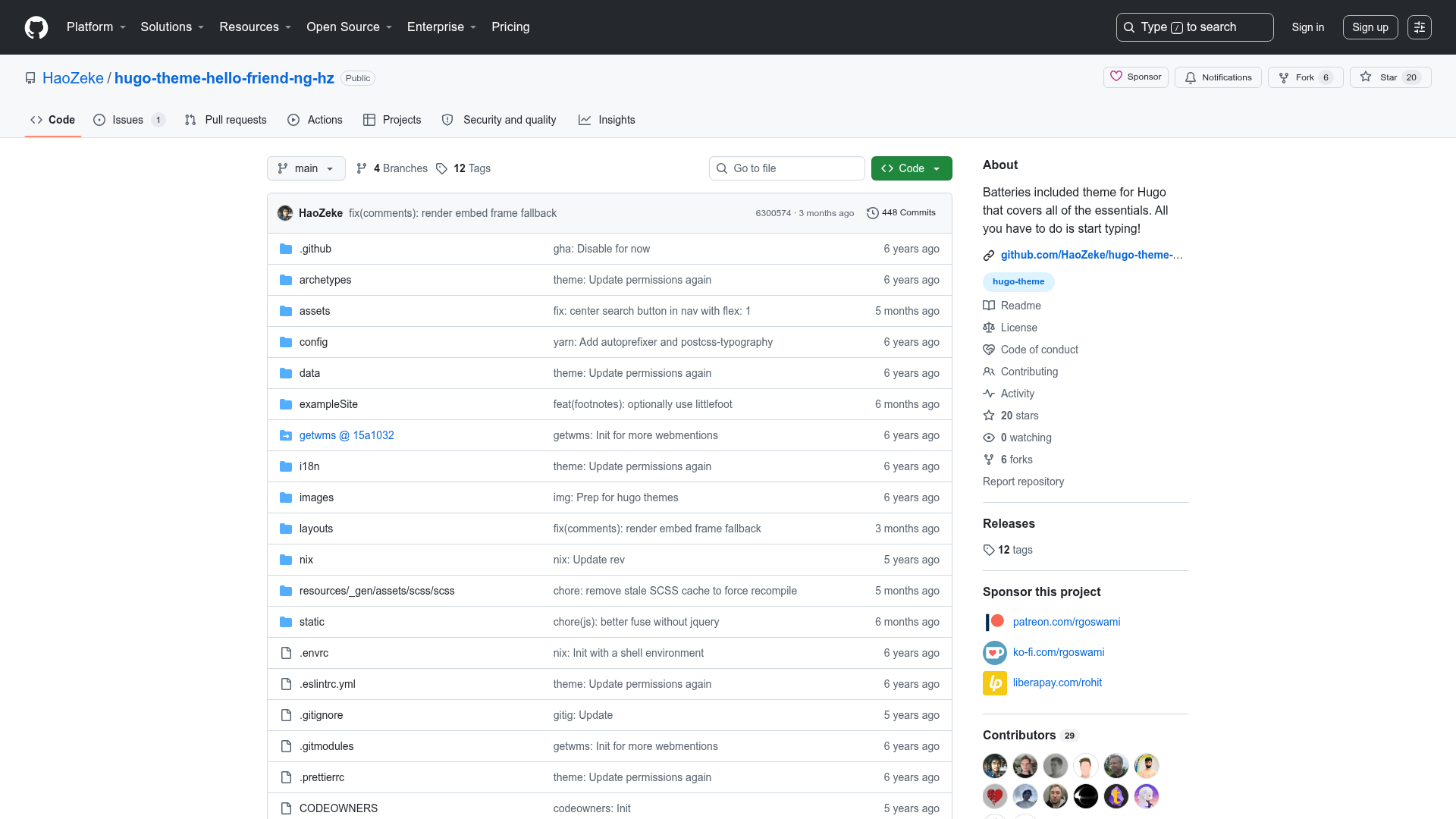
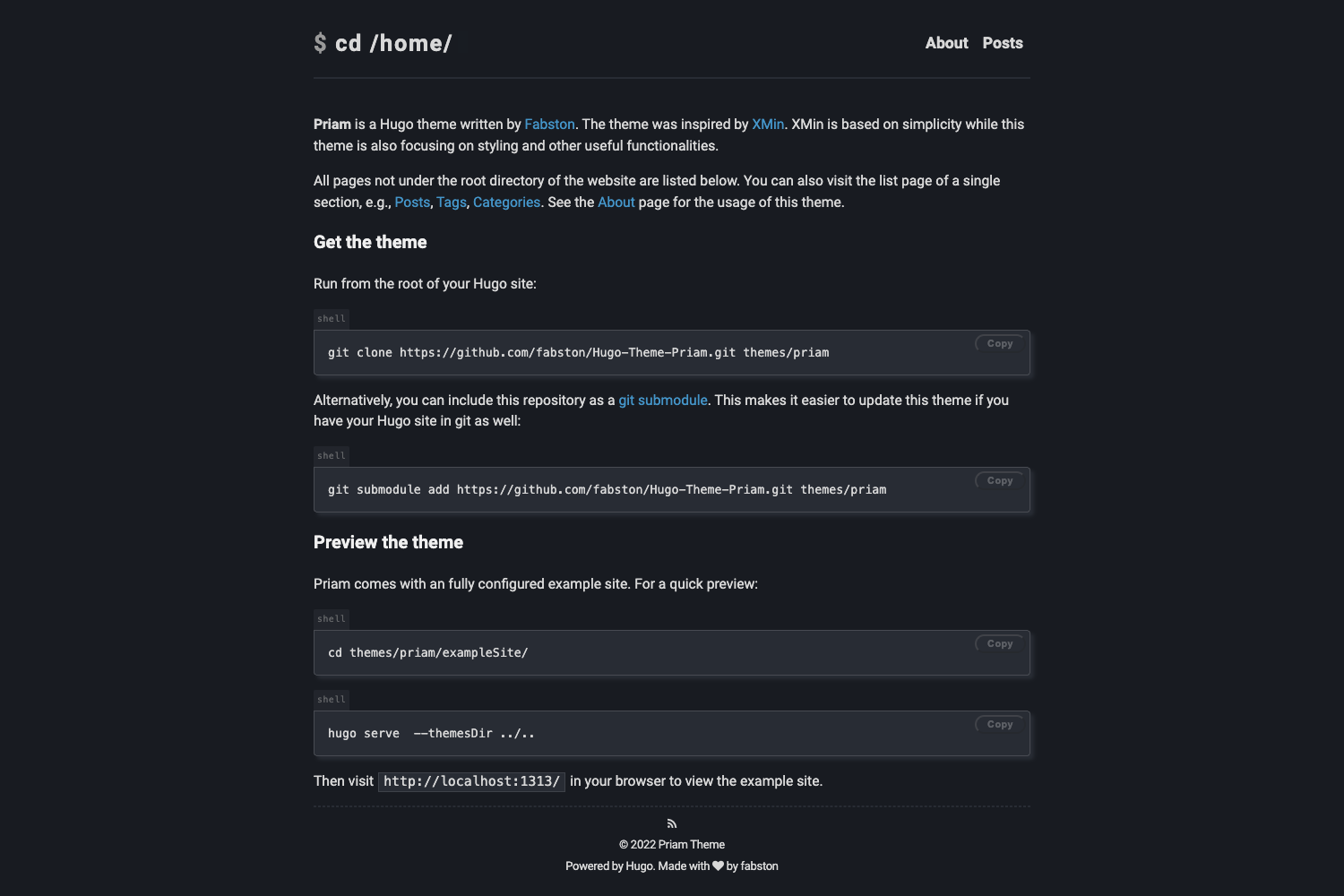
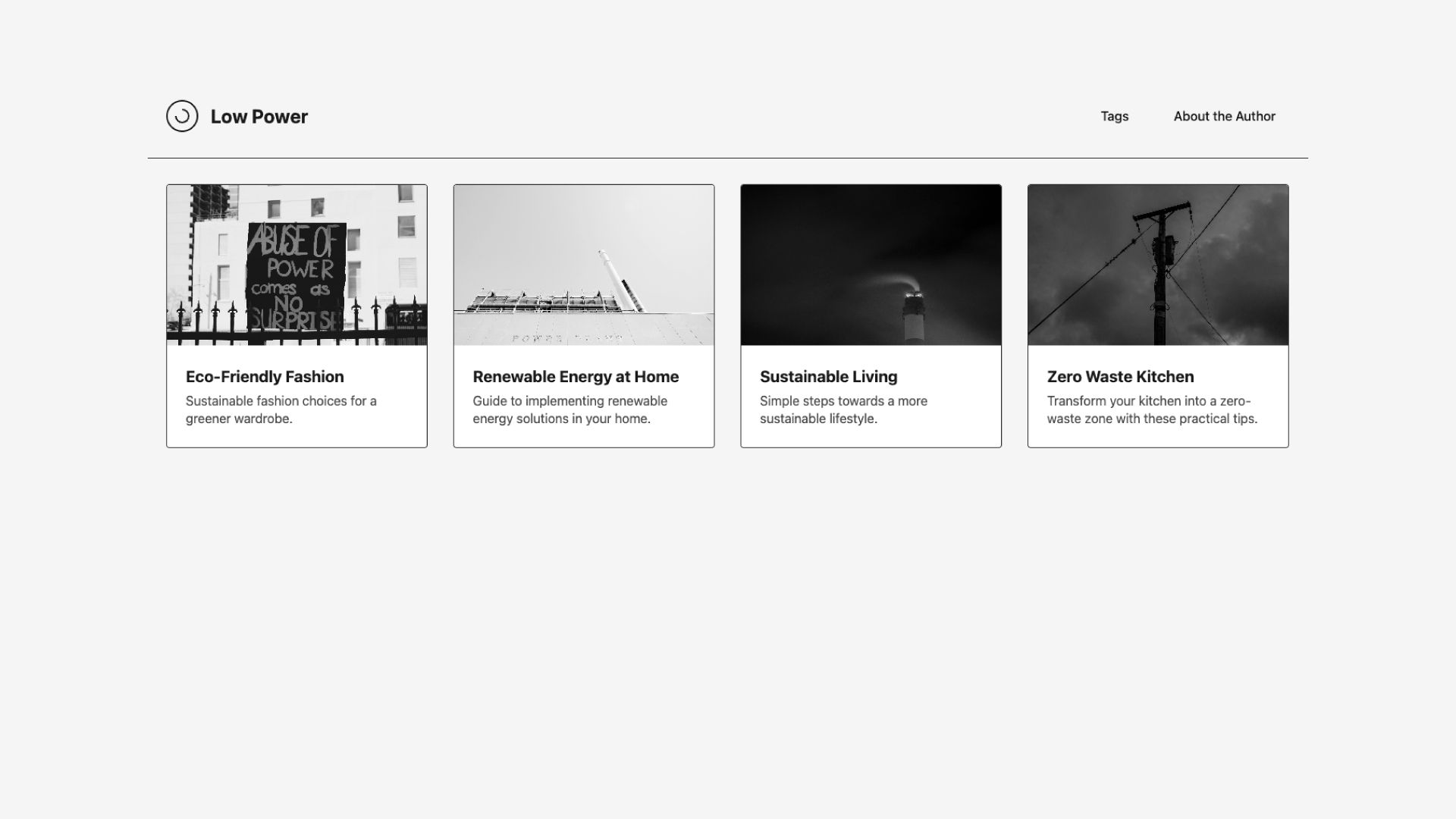
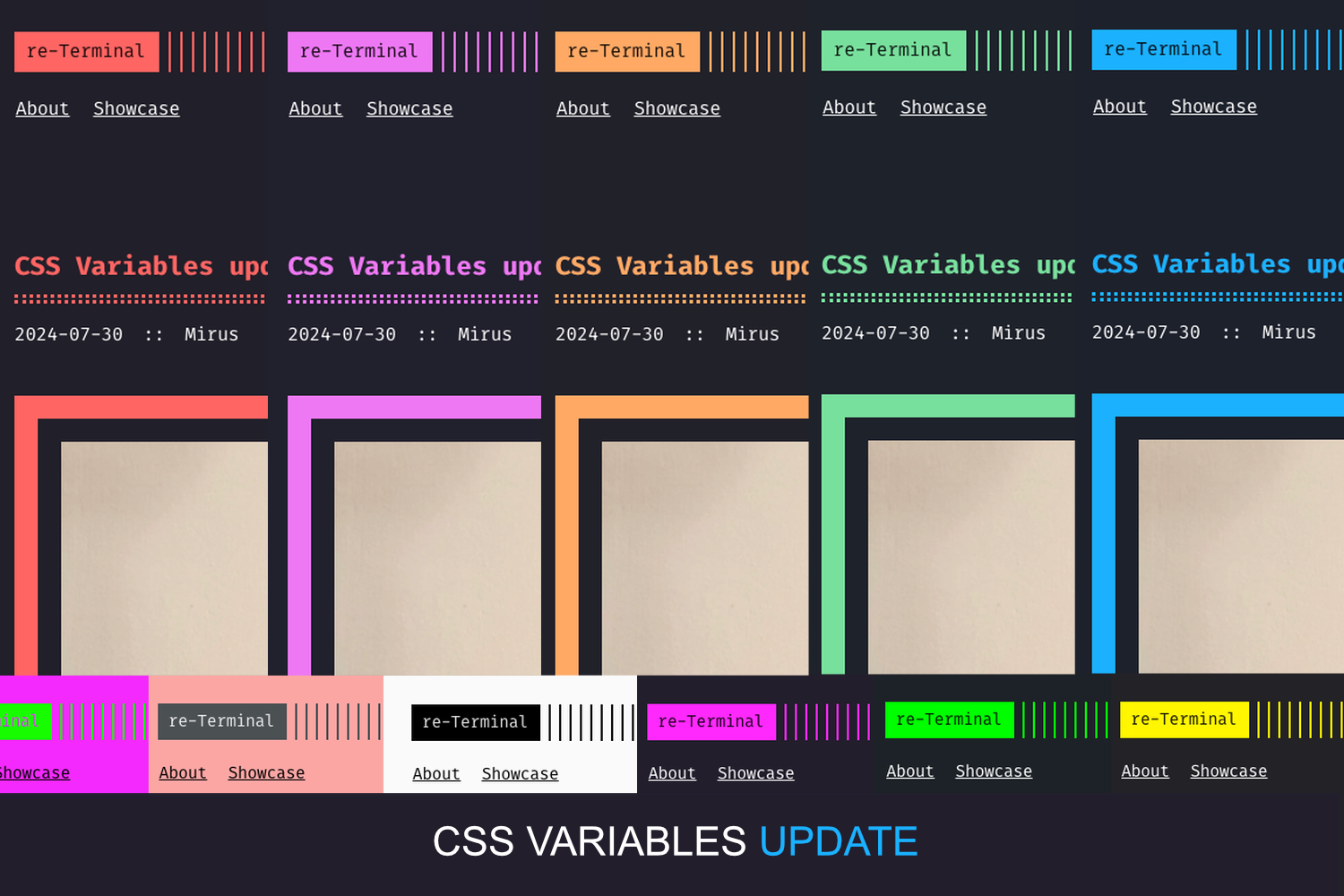
Pulp is a minimal blog theme built for Hugo, the static site generator written in Go. It transforms your markdown-based content into a static website with three primary layouts: a hero/top section, a post list page, and an individual article page, as shown in the theme's screenshots. Pulp is maintained in the koirand/pulp GitHub repository and is available for anyone to install and customize.
Key Features
- Hugo-powered static output — because it runs on Hugo, the generated site has no database and no server-side runtime.
- Readable typography — the theme's design prioritizes easy reading with generous whitespace and a simple layout.
- Three page templates — the top page, list page, and single post page cover the classic blog structure.
- Easy branding swap — place your own avatar at static/img/avatar.jpg and a favicon at favicon.ico in your site root, and Hugo will use them automatically.
- Git submodule installation — you can add the theme as a submodule with a one-line command, which makes theme updates easy to track.
- Example site included — the exampleSite folder provides a config.toml reference you can adapt to your own site.
Who is it for?
- Personal bloggers — publish long-form writing with minimal setup, focusing only on content creation.
- Hugo developers — use Pulp as a starting point and customize its templates to match a specific project.
- Readers of text-heavy sites — the clean layout and typography make it a good fit for essay- or article-oriented sites.
What can you do with Pulp?
- Launch a blog quickly — install the theme via git submodule or clone, copy the example configuration, and start writing markdown posts.
- Personalize your site — replace the default avatar and favicon without editing theme code, just by adding your own image files.
- Keep the theme current — update to the latest version with a single git command, either
git submodule update --remote --rebasefor submodule installs orgit pullinside the theme folder.
How does Pulp work?
After installation, Pulp behaves like any Hugo theme: you configure your site in config.toml, place your markdown content in the content directory, and run Hugo to build the static site. The theme picks up your avatar and favicon from the expected file locations automatically, and you can reference the exampleSite for a working configuration.
FAQ
How do I install Pulp?
If your site is under git version control, run git submodule add https://github.com/koirand/pulp.git themes/pulp from your project root. If you haven't initialized a git repo yet, run git init first. Alternatively, you can clone the theme directly with git clone https://github.com/koirand/pulp.git themes/pulp.
How do I update Pulp?
For submodule installations, update the theme from inside your project folder with git submodule update --remote --rebase. If you cloned the theme instead, navigate into the theme directory and run git pull to get the latest changes.
How do I customize the avatar and favicon?
Place your avatar image at static/img/avatar.jpg in your Hugo site's public-facing files, and put your favicon as favicon.ico in your site's root directory. The theme will automatically use these files instead of the standard images, so no theme edits are required.
Can I use Pulp without git submodules?
Yes. Instead of adding it as a submodule, you can clone the theme directly into your project with git clone https://github.com/koirand/pulp.git themes/pulp. That works for any Hugo site, whether or not the site itself is a git repository.