Template details
Journal
Minimalist Hugo theme for reading-focused blogs with high contrast and Highlight.js syntax highlighting.
About this template
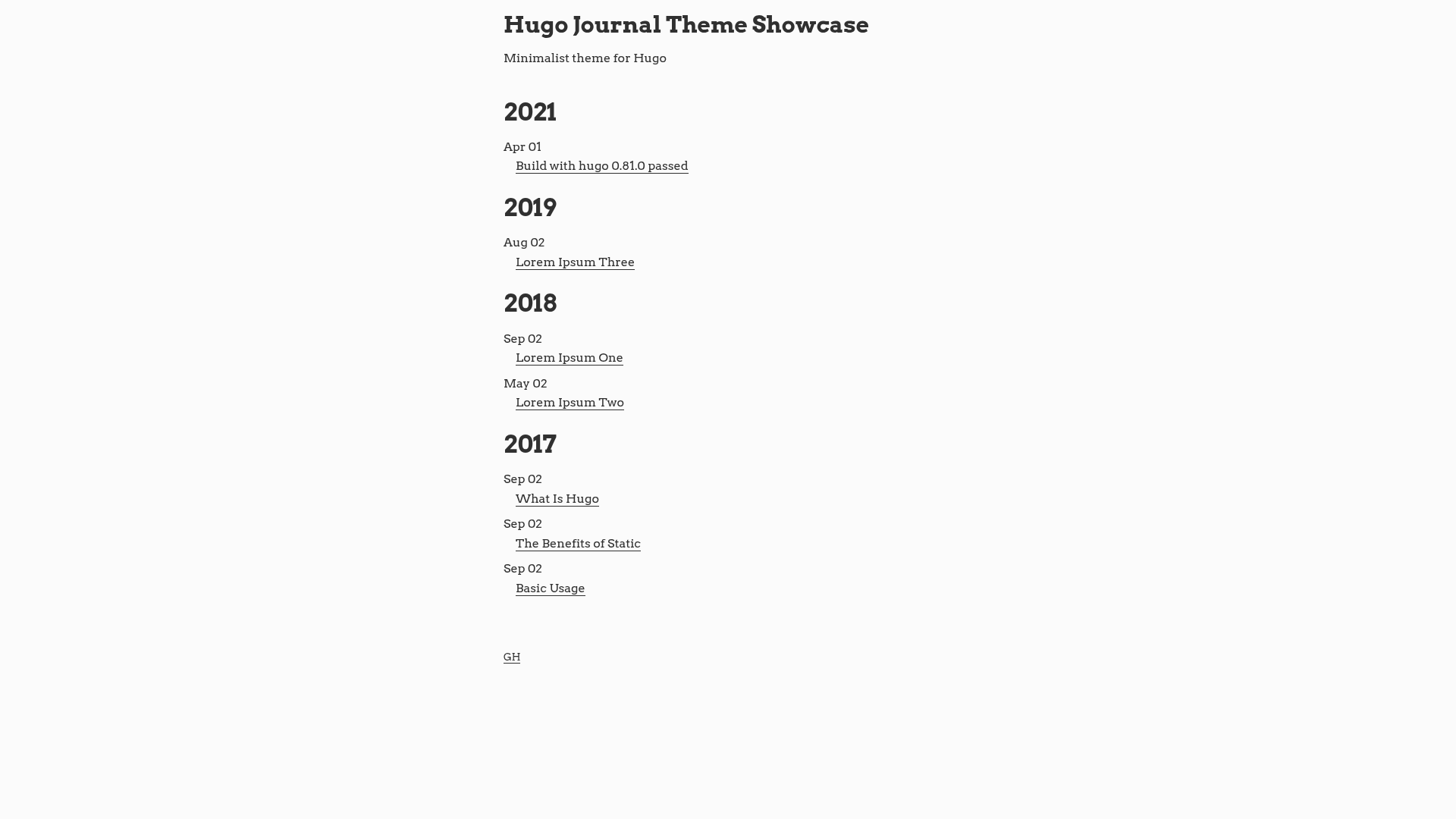
Journal is a minimalist Hugo theme designed for reading-focused blogs, using high contrast and no decorative effects to present Markdown content as clean static pages.
What is Journal?
Journal is a Hugo theme that converts Markdown files into a static site with an emphasis on typography and readability. It runs on Hugo, an open-source static site generator, and is available as a GitHub repository with 78 stars. The theme was created by dashdashzako and includes a live demo hosted on GitHub Pages. Its core output is a blog-style website with a configurable author sidebar, code highlighting, and support for a GPG key display.
Key Features
- Reading-first layout — High contrast colors and a bare-bones design keep the focus on text content, with no animations or visual flourishes.
- Highlight.js syntax highlighting — Code blocks receive automatic syntax coloring through the Highlight.js library.
- Configurable site parameters — The site config supports description, tagline, GitHub username, and Twitter handle for author attribution.
- Work profile section — A job title, company name, and company URL can be displayed to show professional information.
- GPG key integration — Optional parameters include a GPG key ID, fingerprint, and lookup link for displaying PGP contact details.
- Theme override system — Users can replace Highlight.js and its theme by dropping custom builds into static/js and a file named highlight.css into static/css.
Who should use Journal?
- Writers and bloggers who want a no-nonsense layout that prioritizes long-form readability over flashy design.
- Technical writers who publish code-heavy articles and need integrated syntax highlighting without extra configuration.
- Developers who use Hugo and prefer a minimal theme that they can customize by overriding specific assets.
- Personal site owners who want to list their GitHub, Twitter, work details, and GPG key in one place.
What can you do with Journal?
- Publish a personal blog: Write posts in Markdown and generate a high-contrast static site with Hugo.
- Create a technical knowledge base: Use the built-in Highlight.js integration to display code snippets clearly.
- Showcase professional credentials: Add work history, tagline, and social links through configuration parameters for a compact about page.
How does Journal work?
Install the theme by following the Hugo theme installation guide, then set parameters in the site configuration file for description, usernames, tagline, work details, and GPG information. Hugo's build process then generates a static site from your Markdown content and the theme's templates. The demo at dashdashzako.github.io/hugo-journal-demo shows the result.