Template details
Astroberry
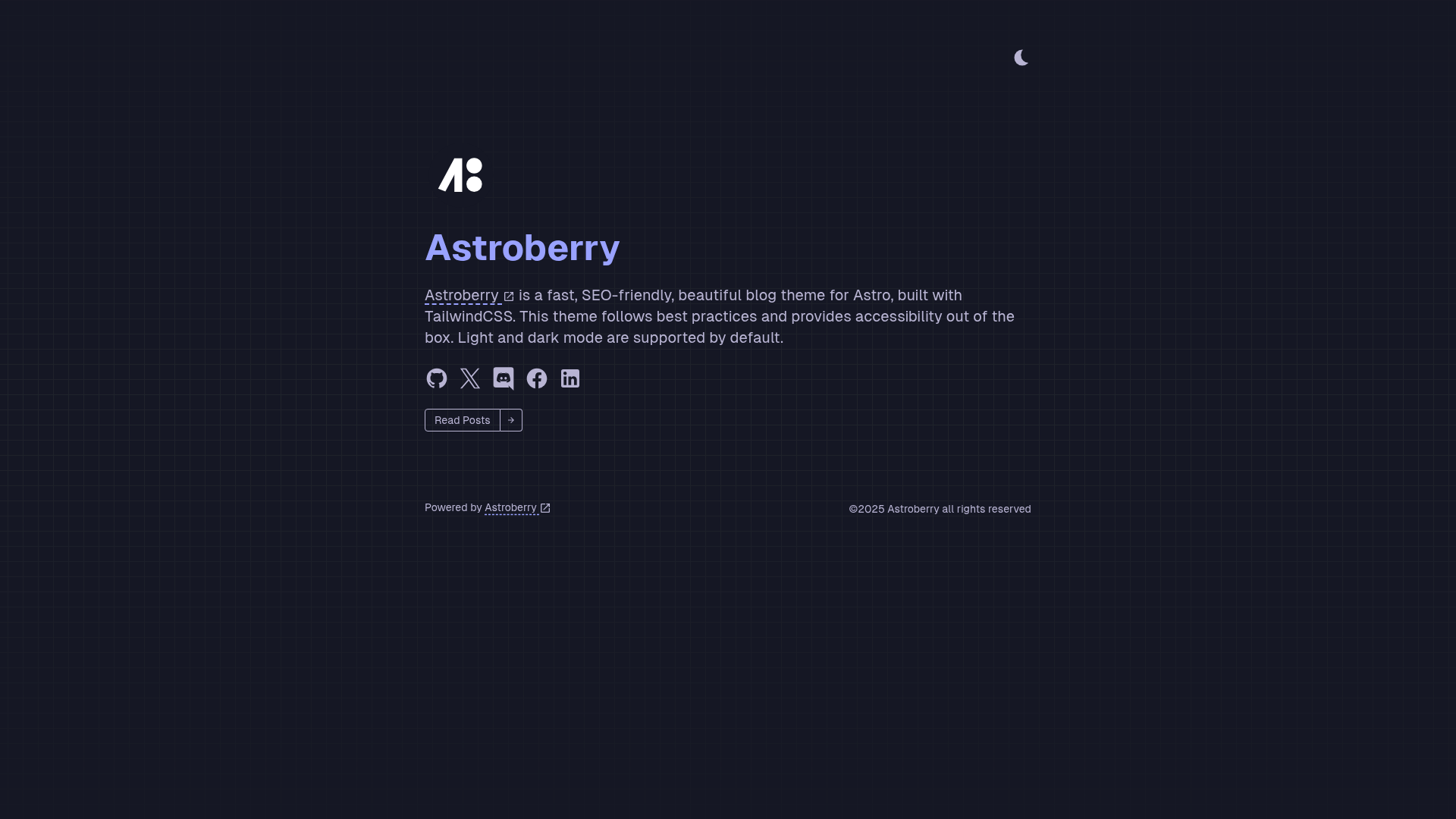
An accessible, SEO-friendly, beautiful blog theme for Astro, built with TailwindCSS.
About this template
Astroberry is an MIT-licensed blog theme built on the Astro framework and styled with TailwindCSS, designed to produce accessible, fast-loading personal blogs from Markdown content.
What is Astroberry?
Astroberry is a static blog theme that pairs the Astro site builder with TailwindCSS and TypeScript to turn Markdown posts into a complete website. The theme takes Markdown files as input and outputs a pre-rendered HTML site with light/dark mode, responsive layout, accessibility support, and SEO metadata. It is maintained in the boluoim/astroberry repository and is free to use under the MIT License.
Key Features
- Elegant design — A clean, typography-focused visual style implemented with TailwindCSS utility classes, aimed at comfortable reading.
- Light/Dark mode — A built-in theme toggle switches the whole site between light and dark color schemes.
- Fully responsive — The layout adapts to mobile, tablet, and desktop breakpoints using TailwindCSS's responsive utilities.
- Accessibility support — The theme's HTML structure includes semantic elements and accessibility hooks to support screen readers and keyboard navigation.
- SEO optimized — Meta tags and structured content help search engines index blog posts effectively.
- Fast loading — Astro's static generation outputs minimal JavaScript, leading to rapid page loads.
- Markdown support — Blog posts are written in Markdown and rendered by the theme into styled pages.
- Google Analytics integration — A Google Analytics ID can be set in the configuration file to add visitor tracking.
The theme's tech stack is Astro, TailwindCSS, and TypeScript. All site-wide settings — such as site information, social media links, and the Google Analytics ID — are edited in a single file at src/config/index.ts.
Who is it for?
- Personal bloggers — Publish a personal blog with Markdown-based posts and get an SEO-ready, fast-loading site without managing a CMS.
- Developers — Use the Astro + TypeScript stack to customize the theme with familiar tooling, or deploy it to Vercel with the provided one-click button.
- Design-conscious writers — Get an accessible, responsive blog with light/dark mode without writing custom CSS from scratch.
What can you do with Astroberry?
- Personal bloggers: Set up a new blog quickly with the
pnpm create astro --template boluoim/astroberrycommand, then write posts in Markdown. - Developers: Customize the Google Analytics ID, social media links, and site information by editing
src/config/index.ts. - Writers who care about accessibility: Publish content on a theme that includes accessibility support and SEO optimization out of the box.
How does Astroberry work?
After scaffolding the project with the create command, install dependencies with pnpm install, start a local development server with pnpm dev, and build the production site with pnpm build. The theme reads Markdown posts from the project's content directory and renders them as static pages. Configuration is centralized in src/config/index.ts.
FAQ
Is Astroberry free?
Astroberry is open-source and released under the MIT License, so it is free to use, modify, and distribute for personal or commercial projects.
How do I create a new blog with Astroberry?
Run pnpm create astro@latest --template boluoim/astroberry in your terminal. This scaffolds a new Astro project using the Astroberry template. Then install dependencies and start the dev server with pnpm install and pnpm dev.
Can I use Astroberry with npm or Yarn?
The documentation shows commands using PNPM (pnpm install, pnpm dev, pnpm build). While the package manager may be interchangeable in principle, the template's official instructions use PNPM.
Where do I configure my Google Analytics ID?
Open the configuration file at src/config/index.ts. This file also holds site information and social media links.
How do I deploy Astroberry to Vercel?
The repository includes a Vercel deploy button that clones the repository and creates a new Vercel project. Alternatively, you can push the project to a Git repository and import it into Vercel.