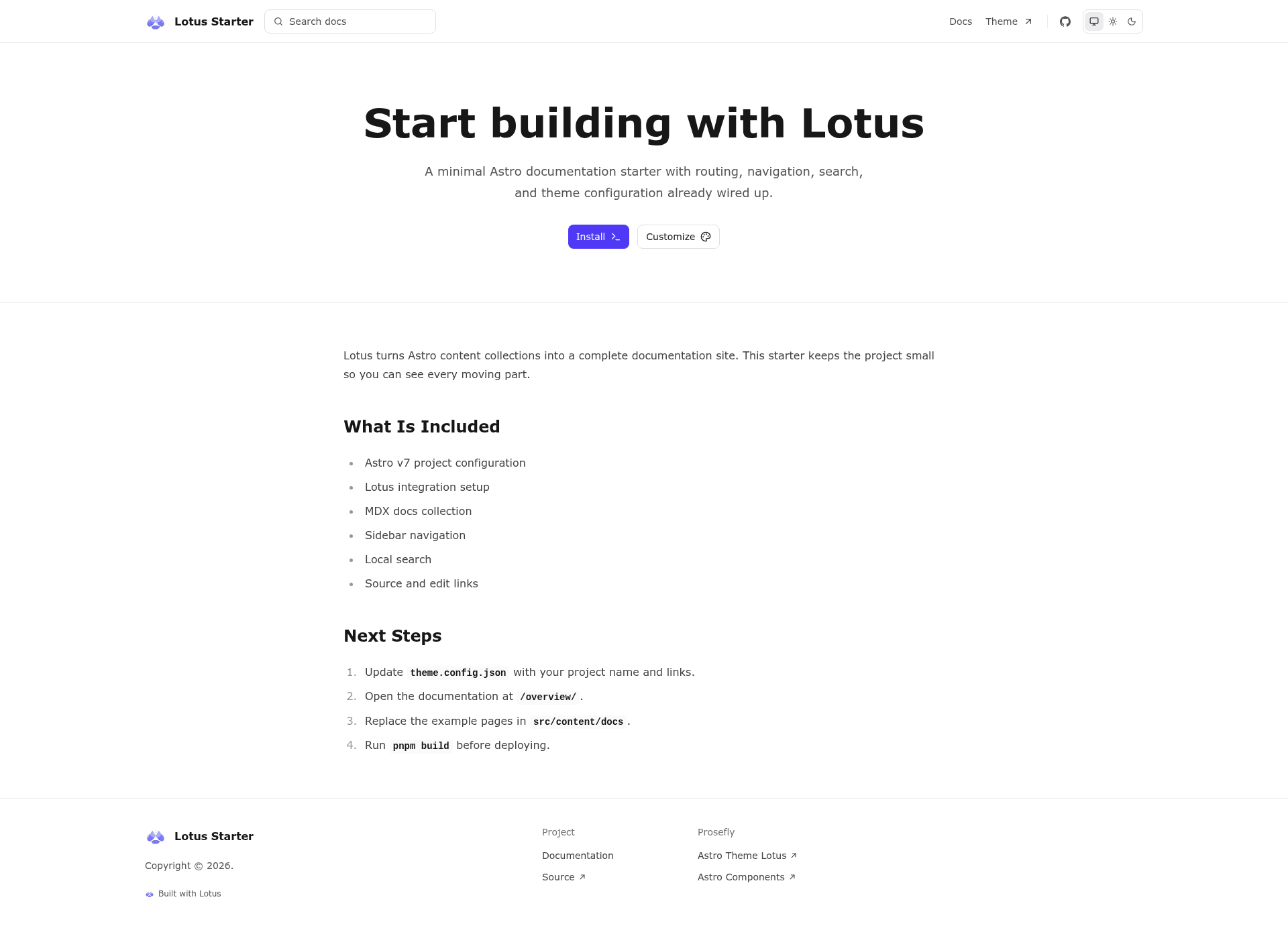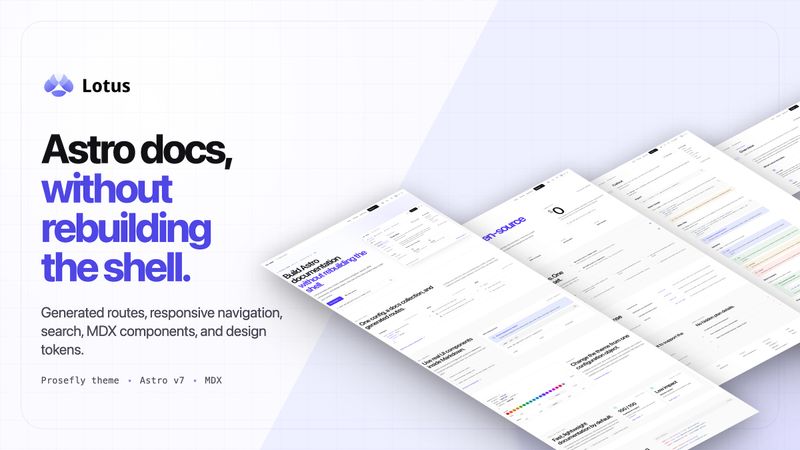
Astro Lotus Starter is a documentation starter template for building static documentation sites with the Lotus Astro theme, converting MDX files from src/content/docs into a deployable Astro site. It was created by the prosefly organization and is available on GitHub as prosefly/astro-template-lotus-starter.
What is Astro Lotus Starter?
Astro Lotus Starter is a minimal starting point for documentation websites built on the @prosefly/astro-theme-lotus theme. It takes MDX documentation files as input and produces a static Astro site with a configurable layout, navigation, and search. The starter runs on Astro and is designed to be deployed to Vercel, which executes pnpm build and serves the generated dist directory.
Key Features
- MDX-based content — All documentation lives in
src/content/docsas MDX files; withdocsBaseset to/,index.mdxbecomes the site homepage and the docs entry page renders at/overview/. - Single-file configuration —
theme.config.jsonlets you change the site name, navigation, docs navigation, appearance, search, footer links, and source links without touching code. - One-click Vercel deployment — A "Deploy with Vercel" button clones the repository and sets up automatic builds that run
pnpm buildand serve the static output. - Content collection registration —
src/content.config.tsregisters the Lotus docs collection, enabling Astro's type checking and content validation throughpnpm check. - Standard pnpm workflow — Development uses
pnpm dev, production builds usepnpm build, local previews usepnpm preview, and type/content checks usepnpm check. - Minimal project structure — The template intentionally keeps only
src/content/docs,src/content.config.ts, and root-leveltheme.config.json, making it a clean base for any docs project.
Who is it for?
- Documentation maintainers — who want a content-focused docs site without a CMS, where they only write MDX and edit one config file.
- Astro developers — who want a preconfigured documentation theme starter that follows Astro content collections conventions and supports
pnpm check. - Open source project teams — that need a static docs site hosted on Vercel, deployed from a GitHub repository.
What can you do with it?
- Ship project documentation: write MDX pages under
src/content/docs, configure navigation and search intheme.config.json, and deploy to Vercel with a single click. - Preview locally: run
pnpm devto start a dev server, andpnpm previewto verify the production build before publishing. - Validate content: run
pnpm checkto catch type and content collection errors across your MDX documentation.
How does Astro Lotus Starter work?
You scaffold the project by running pnpm create astro@latest --template prosefly/astro-template-lotus-starter, or clone the repository and run pnpm install and pnpm dev. Lotus reads MDX files from src/content/docs by default; the starter sets docsBase to /, mapping index.mdx to the homepage and the docs entry page to /overview/. After editing, pnpm build generates a static site ready for deployment.
FAQ
What is Astro Lotus Starter?
Astro Lotus Starter is a documentation site starter template built on the Lotus Astro theme. It provides a minimal MDX-based structure, a single configuration file theme.config.json, and one-click deployment to Vercel.
How do I install it?
Run pnpm create astro@latest --template prosefly/astro-template-lotus-starter in your terminal, or clone the GitHub repository directly, then install dependencies with pnpm install and start the dev server with pnpm dev.
How do I customize the site?
Edit theme.config.json to change the site name, navigation, docs navigation, appearance, search, footer links, and source links. No code changes are needed for these settings.
How do I deploy it?
Use the Deploy with Vercel button on the README, which clones the repository and configures Vercel to run pnpm build and serve the dist directory. Alternatively, connect the repository to any host that builds Astro projects.
What content format does it support?
All pages are written as MDX files in src/content/docs. The default docsBase of / means index.mdx renders as the homepage, while the docs entry page renders at /overview/.