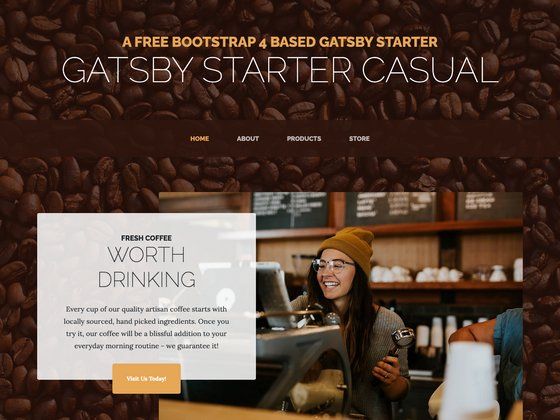
Template details
Vite Vanilla JS Template
ViteJS starter template for vanilla JavaScript with some basic dependencies.
About this template
Vite Vanilla JS Template is a GitHub boilerplate that scaffolds a new vanilla JavaScript project on the Vite.js build tool, preconfigured with ESLint, Prettier, PostCSS, and a modern CSS reset.
What is Vite Vanilla JS Template?
Vite Vanilla JS Template is a starter repository created by Barata-Ribeiro for building frontend projects with plain JavaScript instead of a framework. It takes a GitHub repository clone or degit command as its input and produces a local project with Vite's dev server, production build pipeline, linting, code formatting, and CSS processing already wired up. The template is open source under the MIT License and is designed to be customized after cloning.
Key Features
- Vite build tool — Uses Vite.js to provide a fast dev server via
npm run devand an optimized production build vianpm run build, plus abuildpreviewscript that builds and previews in one step. - ESLint setup — Includes ESLint configured with the new Flat Config format in
eslint.config.js, using@eslint/jsrecommended rules and plugins for import/export syntax and Prettier integration, withvite-plugin-eslintfor linting during the dev process. - Prettier formatting — Ships with
.prettierrcand.prettierignore, along witheslint-config-prettierto disable stylistic ESLint rules that conflict with Prettier, and aformatscript to run the formatter. - PostCSS processing — The
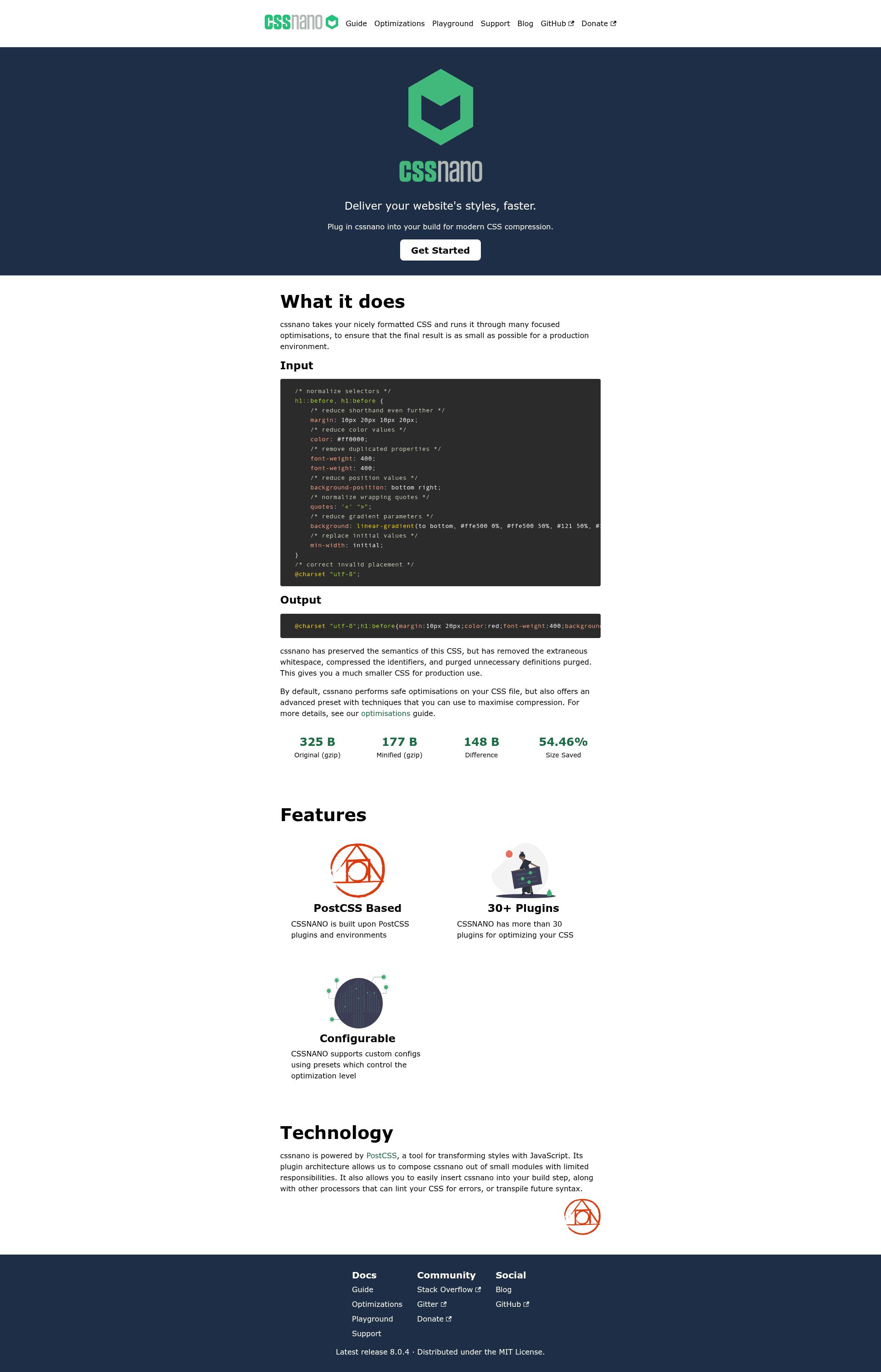
postcss.config.cjsfile sets upautoprefixerfor vendor prefixes,cssnanofor compression, andpostcss-nestingfor modern CSS nesting syntax. - Modern CSS reset — Includes
the-new-css-resetin the dependency list, applied via an import statement insrc/js/main.js. - Documented cleanup checklist — The README provides step-by-step post-cloning instructions to remove demo assets, clear the starter stylesheet, reset the git history, and personalize
package.json, README, and LICENSE. - Starter file structure — Organizes source code into
src/assets,src/js, andsrc/styles, with config files for ESLint, Prettier, PostCSS, Vite, and EditorConfig at the root.
Who is it for?
Frontend developers who want to start a vanilla JavaScript project without manually configuring a build tool, linter, and formatter will use this template to skip the setup phase. Open-source maintainers who prefer JavaScript over TypeScript or frameworks can deploy this as a base for their own boilerplates. Learners exploring modern frontend tooling can study the preconfigured files to understand how Vite, ESLint, Prettier, and PostCSS fit together.
What can you do with it?
- Start a new vanilla JS project: Clone via
git cloneordegit, runnpm install --legacy-peer-deps, and immediately usenpm run devto begin developing with live reload. - Maintain code quality: Use
npm run lintandnpm run lint:fixto check and automatically fix ESLint issues, andnpm run formatto standardize style with Prettier. - Build for production: Run
npm run buildto generate optimized output in thedistfolder, thennpm run previewto serve it locally.
How does it work?
- Clone the repository with
git clone https://github.com/Barata-Ribeiro/vite-vanilla-js-template.gitor usedegit Barata-Ribeiro/vite-vanilla-js-template your-project-name. - Install dependencies with
npm install --legacy-peer-deps, a flag required until dependencies are updated to work with ESLint 10. - Follow the post-cloning steps: reset git history, delete starter images and CSS, update
package.jsonand README, and remove the.githubfolder.
Pros and cons
- Pros: All essential frontend tooling is preconfigured; the template is framework-agnostic (vanilla JS); includes PostCSS plugins for modern CSS; licensed under MIT.
- Cons: The current dependency state requires the
--legacy-peer-depsflag for installation; after cloning, several manual cleanup steps are needed to remove demo content and personalize metadata.
Pricing
The template is free and open source under the MIT License, so there are no charges for using or modifying it.
Alternatives
- create-vite — The official Vite scaffolding CLI that generates starter projects for vanilla JS, React, Vue, Svelte, and other frameworks with interactive prompts.
FAQ
Is this template free to use?
Yes, Vite Vanilla JS Template is released under the MIT License, so you can use, modify, and distribute it freely, including in commercial projects.
Why do I need to use --legacy-peer-deps during installation?
The template's dependencies have not yet been fully updated to work with ESLint 10, so npm's peer dependency resolution can fail. The --legacy-peer-deps flag bypasses that conflict and allows the installation to complete.
What JavaScript framework does this template use?
None — the template is built for vanilla JavaScript, meaning you write plain JS without React, Vue, Svelte, or other frameworks. It uses Vite only as the build tool and dev server.
How do I clean up the template after cloning?
The README lists eight steps: remove the .git directory and run git init, rewrite the README, adjust the LICENSE, delete public/vite.svg, public/screenshot, src/assets/images/javascript.svg, and src/assets/images/vite.svg, clear src/styles/style.css, keep only the two main imports in src/js/main.js, update package.json, and delete the .github folder.
Does it include a CSS framework?
No, the template does not include Tailwind, Bootstrap, or any other CSS framework. It relies on the-new-css-reset for normalization and PostCSS plugins for processing, leaving styling decisions entirely to you.





![Start UI [web] preview](https://cdn.sanity.io/images/asuw607r/production/82416b588b6dbb99eaa1c693646962928c22b67e-1920x1080.png)