Template details
Trackit
Open-source MERN-stack issue and project tracking system with role-based permissions, custom ticket types, and project statistics.
About this template
Trackit is an open-source issue and project tracking system built on the MERN stack that combines a Next.js front end with a Node.js, Express, and MongoDB back end. It gives teams a shared workspace for creating projects, assigning and commenting on tickets, and controlling access through customizable role-based permissions. The project is maintained by Jenil Vekaria and has a live demo hosted at trackit-demo.vercel.app.
What is Trackit?
Trackit is a full-stack tracking application designed for development teams and project managers. It accepts project and ticket information as input and produces an interactive web interface where users can create projects, add contributors, manage tickets, and view project statistics. The front end is built with Next.js and Chakra UI, while the back end runs on Node.js with Express and MongoDB. The repository includes seed data with three sample logins — an admin, a developer, and a submitter — that demonstrate the permission hierarchy out of the box.
Key Features
- Team and project management — Create projects with a title and description, add contributors, and view all projects you own or belong to.
- Ticket management — Create tickets within a project, edit ticket information, change the assignee, and toggle between different ticket types.
- Role-based permissions — Three built-in roles (Admin, Developer, Submitter) come pre-seeded; custom roles can be created by choosing a role name and allowed actions.
- Custom ticket types — Define your own ticket types (for example, beyond the default Feature, Bug, Documentation, and Support) with a selected icon and icon color.
- Project statistics — The Overview tab displays project statistics based on the tickets and data stored in the system.
- Advanced searching — Search for projects and tickets across the workspace and sort results.
- Commenting — Each ticket has a comments tab where authorized users can read and post comments.
- Admin panel — Admins can manage users, update user roles, create custom roles, and manage ticket types.
Who is it for?
- Development teams — Use Trackit as a lightweight issue tracker to log bugs, feature requests, and documentation tasks, then assign them to team members.
- Project managers — Get a high-level view of each project through statistics and track which tickets are assigned to which contributors.
- Open-source contributors — Fork the repository and use it as a starting point for a MERN-stack project with authentication, role management, and CRUD workflows already in place.
- Admin users — Manage the organization by updating user roles, creating custom permissions, and defining custom ticket types through the Admin tab.
What can you do with Trackit?
- Log and assign issues — Add a ticket to a project, choose a ticket type, assign it to a contributor, and add comments to keep the discussion in one place.
- Customize the workflow — Create custom roles with granular permissions and add custom ticket types with their own icons and colors to match your team's process.
- Monitor project progress — Use the Project Overview tab to see statistics for each project without leaving the application.
- Manage users centrally — As an admin, update user roles and ensure that each team member has the appropriate permissions to manage projects, tickets, or comments.
How does Trackit work?
Trackit requires a local development environment. First, download Node.js and MongoDB, then clone the repository. Install dependencies in both the client and server directories, rename the .env.EXAMPLE file to .env, and run npm run seed to populate the database. Finally, start the client with npm run dev and the server with npm run start. The seeded logins provide an Admin, Developer, and Submitter account to explore the permission system.
FAQ
Is Trackit free to use?
Yes, Trackit is an open-source project available on GitHub. The live demo at trackit-demo.vercel.app is also freely accessible without payment.
What technologies does Trackit use?
The front end uses Next.js, Chakra UI, Axios, and Zustand. The back end is built with Node.js, Express.js, MongoDB, and Mongoose, with Jest for testing.
What are the default login credentials?
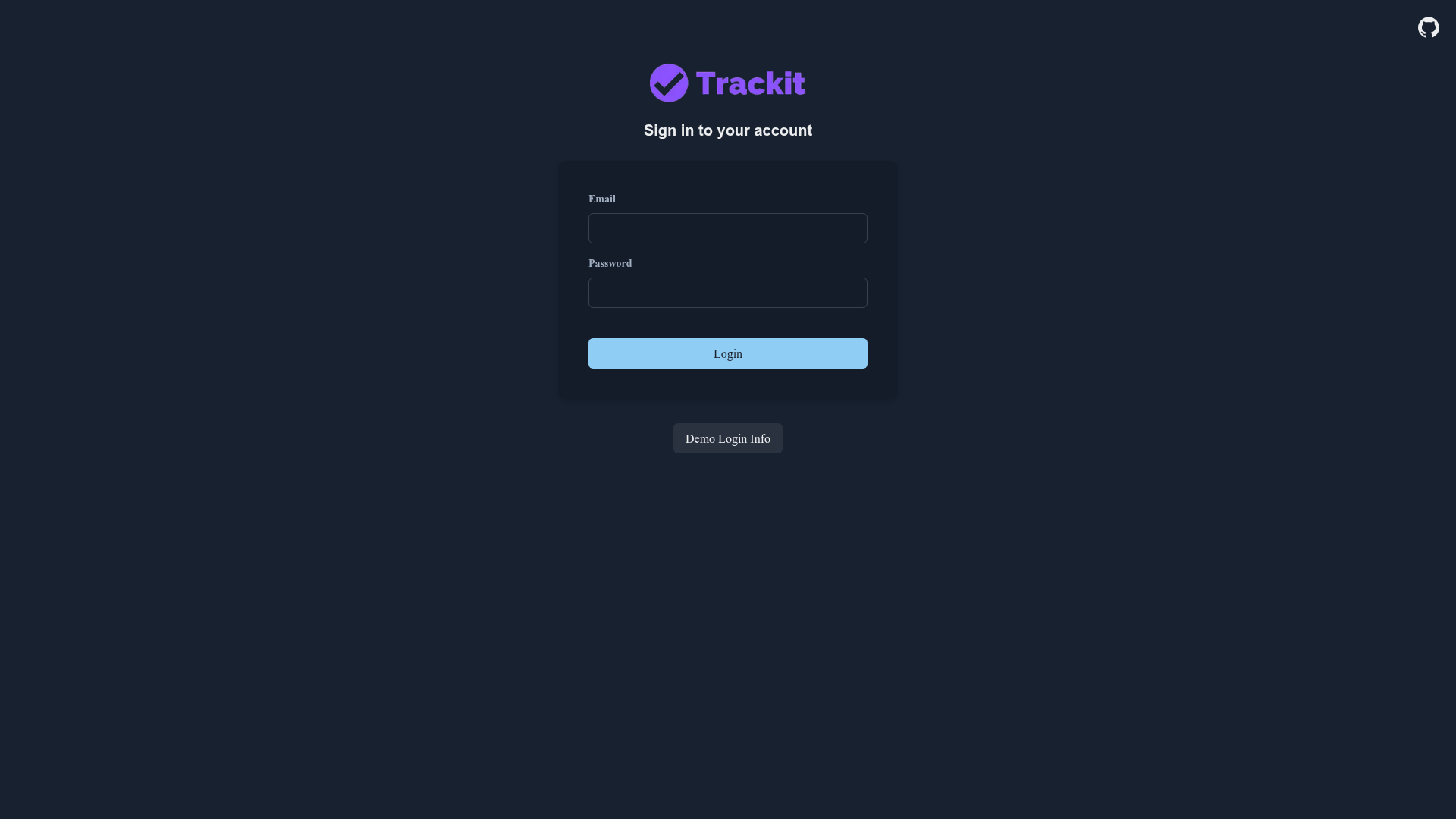
The seed command creates three accounts: james.smith@bugtracker.com (Admin), michael.smith@bugtracker.com (Developer), and robert.smith@bugtracker.com (Submitter), all with the password "password".
Can I create custom roles and ticket types?
Yes. The Admin panel includes a Manage Roles tab where you can add a new role by naming it and selecting allowed actions, and a Manage Ticket Types tab where you can add a ticket type with a name, icon, and icon color.
Are attachments and change tracking implemented?
According to the repository README, attachments and a change tracker are listed as future features but are not yet implemented.

![Start UI [web] preview](https://cdn.sanity.io/images/asuw607r/production/82416b588b6dbb99eaa1c693646962928c22b67e-1920x1080.png)