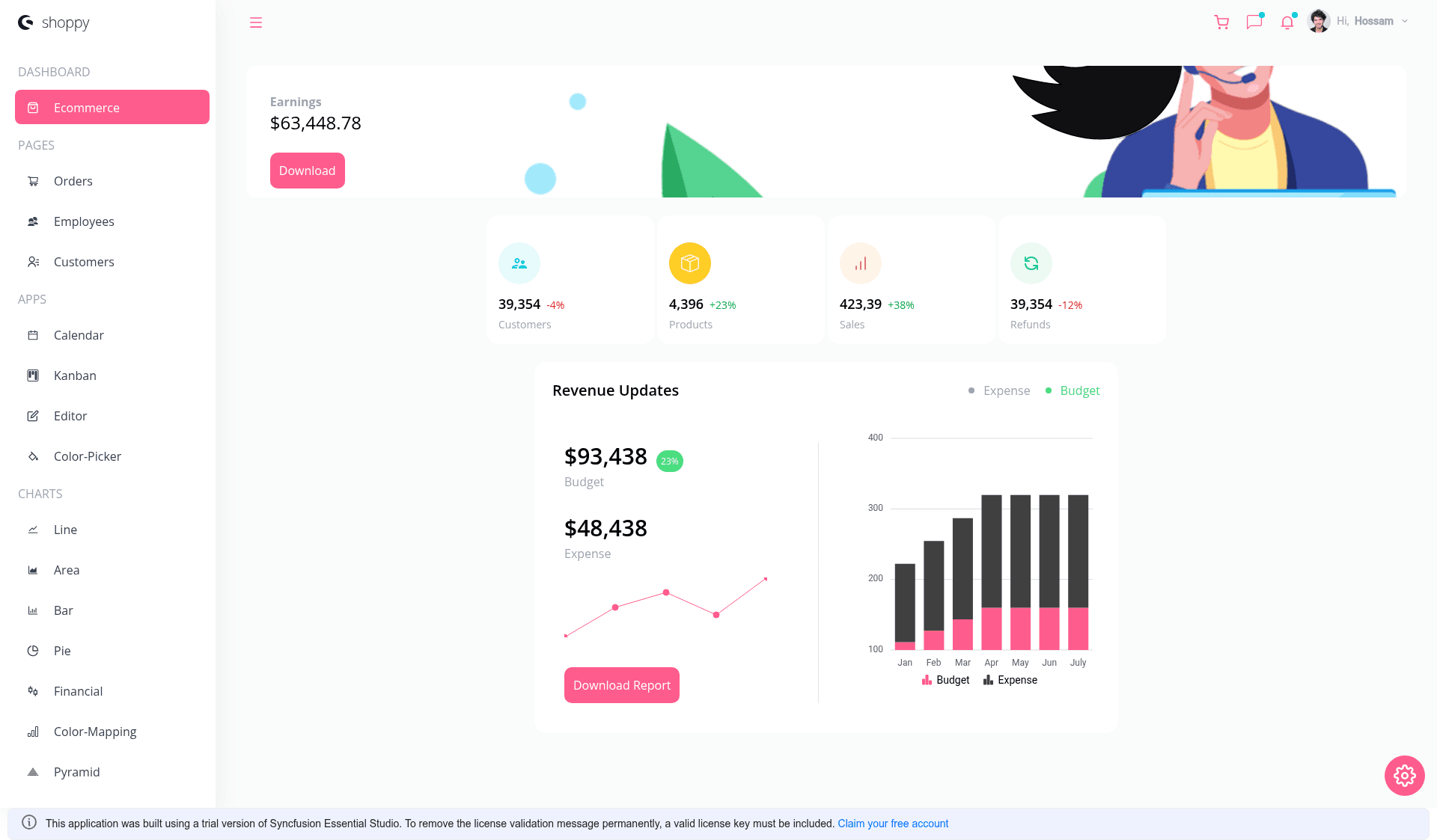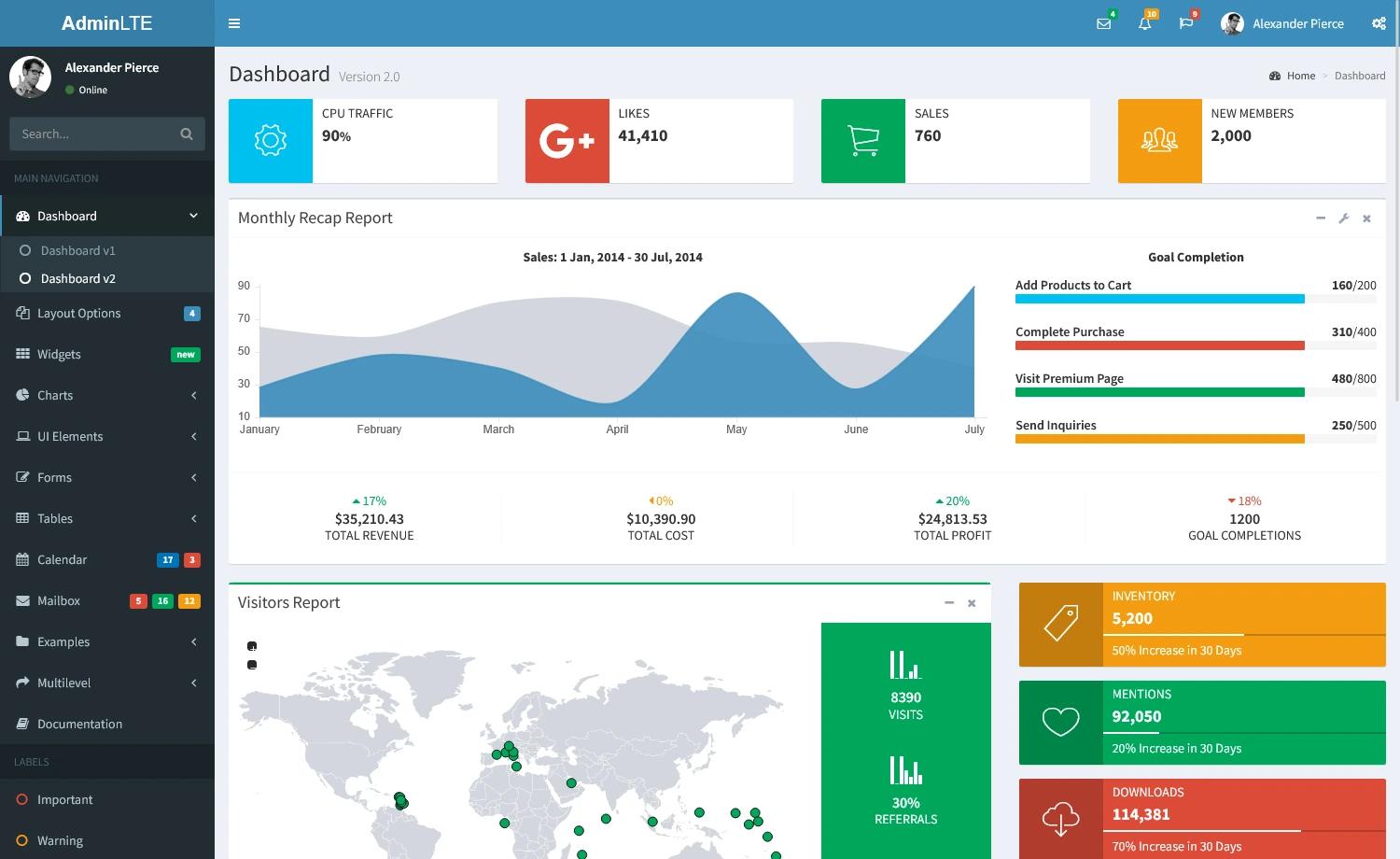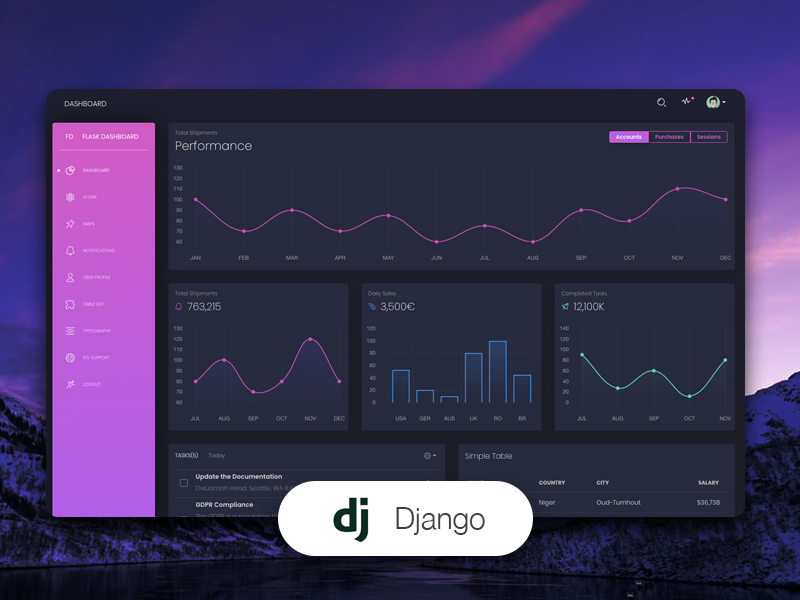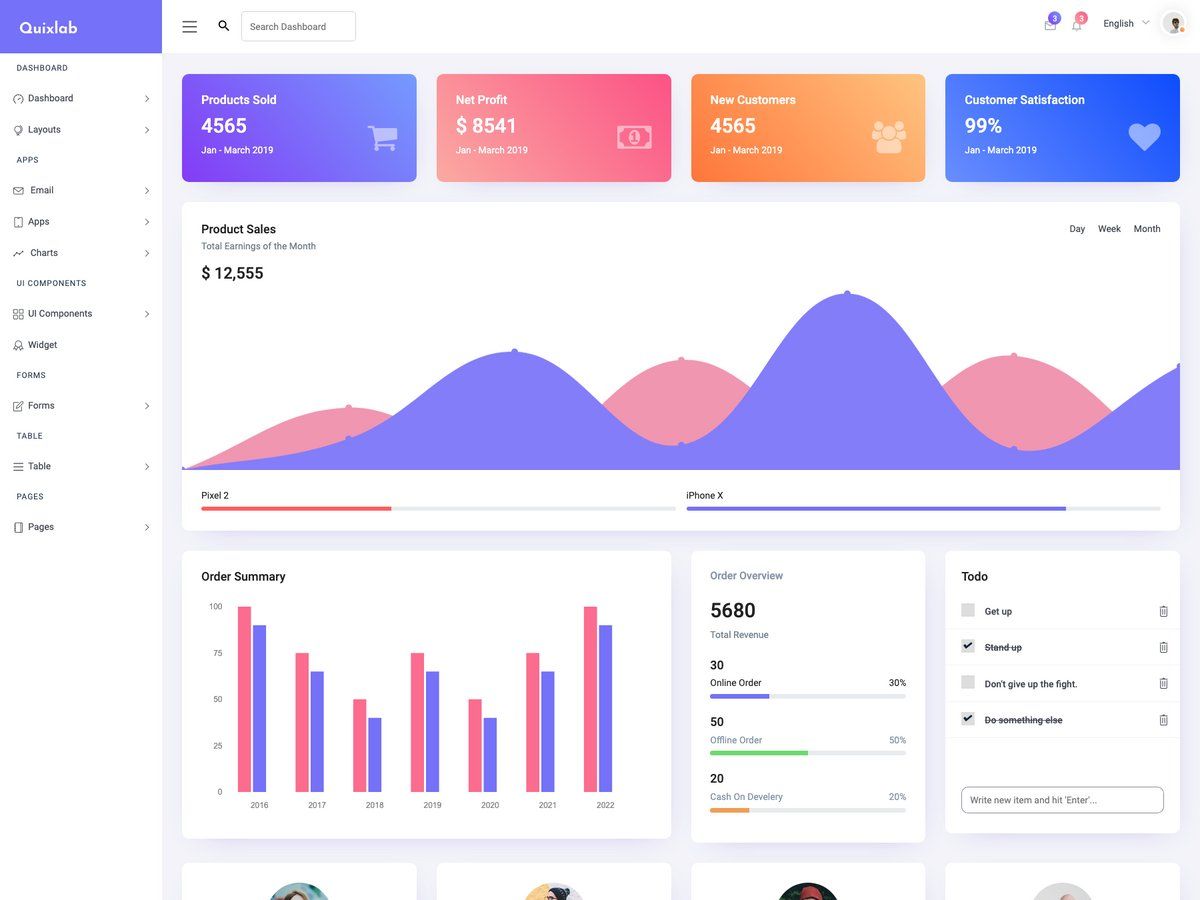
Template details
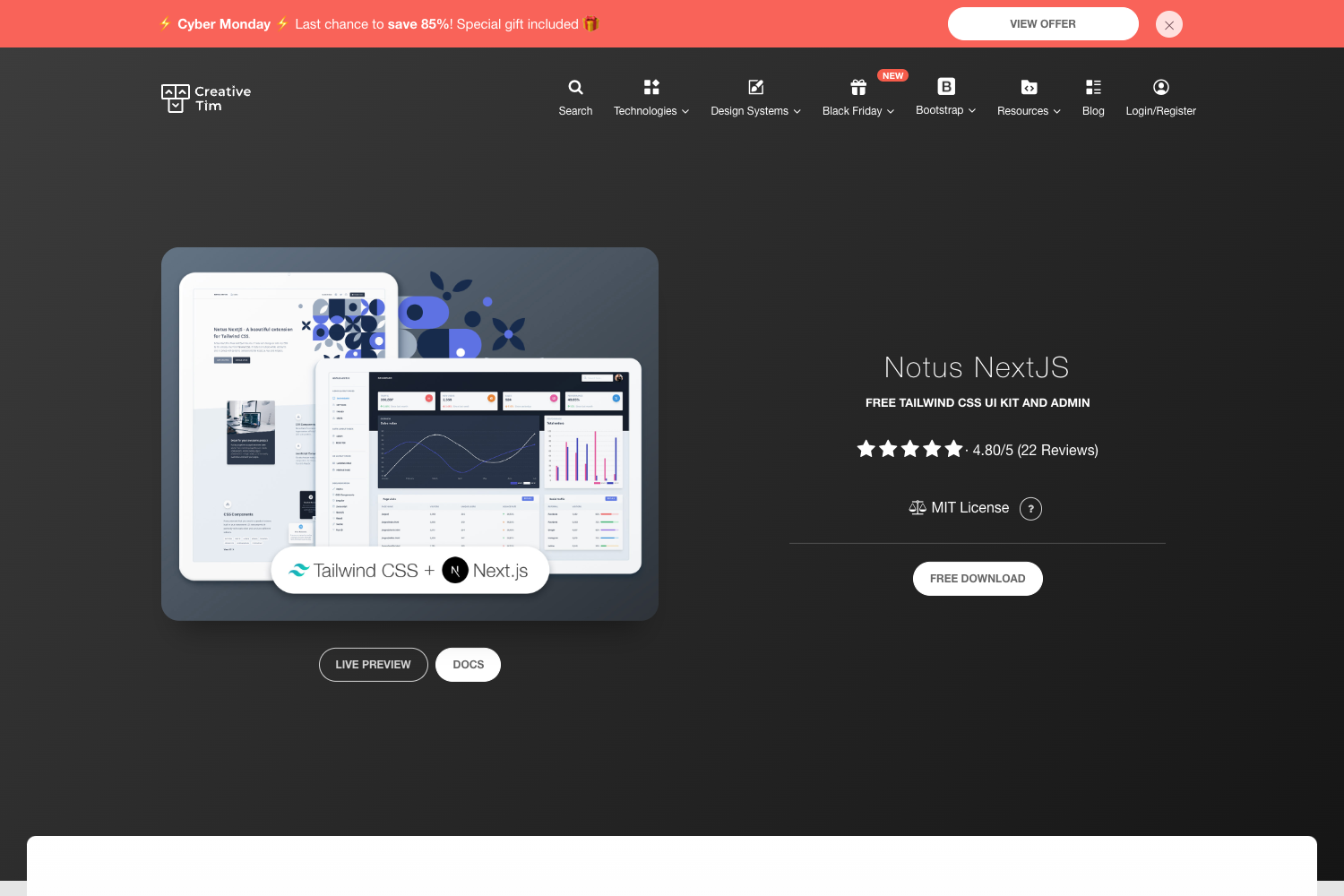
Next.js Admin Dashboard
A Next.js admin dashboard template bootstrapped with create-next-app, styled with Tailwind CSS and ready for Vercel deployment.
About this template
Next.js Admin Dashboard is a starter template for building admin interfaces with Next.js and Tailwind CSS, bootstrapped from the official create-next-app scaffold. It provides a minimal but functional Next.js project structure that developers can extend into a full dashboard application.
What is the Next.js Admin Dashboard?
This template is a pre-configured Next.js project that serves as a starting point for admin dashboards. It runs on the App Router (app directory) and loads the Inter font automatically via next/font. The repository topics confirm it's styled with Tailwind CSS, making utility-first styling available out of the box. It was scaffolded with create-next-app, so it follows the official Next.js project layout with a single app/page.js file as the home route.
Key Features
- Next.js App Router — Uses the app directory with app/page.js as the entry point; edits to that file hot-reload in the browser.
- Tailwind CSS — The repository is tagged with tailwindcss, indicating Tailwind is configured for utility-based styling.
- next/font optimization — Automatically optimizes and loads Inter, a Google Font, without manual font configuration.
- Multiple package managers — The development server can be started with npm run dev, yarn dev, or pnpm dev.
- Vercel deployment ready — One-click deployment on the Vercel Platform is the recommended path, with official deployment documentation linked.
- Local development at localhost:3000 — The dev server serves the app at http://localhost:3000, with auto-updates on save.
- Official Next.js resources — Includes links to Next.js documentation and an interactive tutorial for learning the framework.
Who is it for?
- Developers starting an admin dashboard — They can use this scaffold to quickly set up a Next.js project with Tailwind and begin building custom dashboard components, tables, and charts.
- Developers learning Next.js — The project links to official Next.js documentation and an interactive tutorial, serving as a minimal learning base with a real deployment path.
- Teams deploying on Vercel — The included deployment instructions make it straightforward to publish the dashboard to Vercel directly from the repository.
What can you do with the Next.js Admin Dashboard?
- Prototype dashboard UI — Edit app/page.js to replace the default content with dashboard layouts, data tables, and stat cards, seeing changes instantly.
- Set up a production-ready Next.js app — Use the scaffold as a foundation for adding authentication, data fetching, API routes, and server-side rendering.
- Experiment with Tailwind styling — Since Tailwind is configured, you can style components directly with utility classes without additional setup.
How does the Next.js Admin Dashboard work?
Run npm run dev (or the yarn/pnpm equivalent) to start the development server at http://localhost:3000. The app renders from app/page.js, and changes appear instantly due to hot reload. When ready, deploy to Vercel by connecting the repository or using the Vercel CLI, following the documented one-click flow.
FAQ
Is this admin dashboard free?
Yes, the template is an open-source Next.js starter generated by create-next-app, so it's free to use and modify for any project.
Does this template include authentication?
The visible content doesn't include authentication; it's a bare scaffold that you extend with your own auth logic or a library like NextAuth.
What styling system does it use?
Repository metadata tags this project with Tailwind CSS, so utility classes are available for styling without writing custom CSS files.
Can I deploy it anywhere besides Vercel?
The README highlights Vercel as the easiest deployment option, but Next.js apps can also be deployed to Node.js servers, Netlify, or other platforms that support Next.js. Only Vercel instructions are provided in the template.