Template details
vuepress-theme-bulma
A Bulma.css theme for VuePress that styles documentation sites with the clean Bulma CSS framework.
About this template
vuepress-theme-bulma is a VuePress theme that replaces the default styling with the Bulma CSS framework, giving documentation sites a clean, modern look.
What is vuepress-theme-bulma?
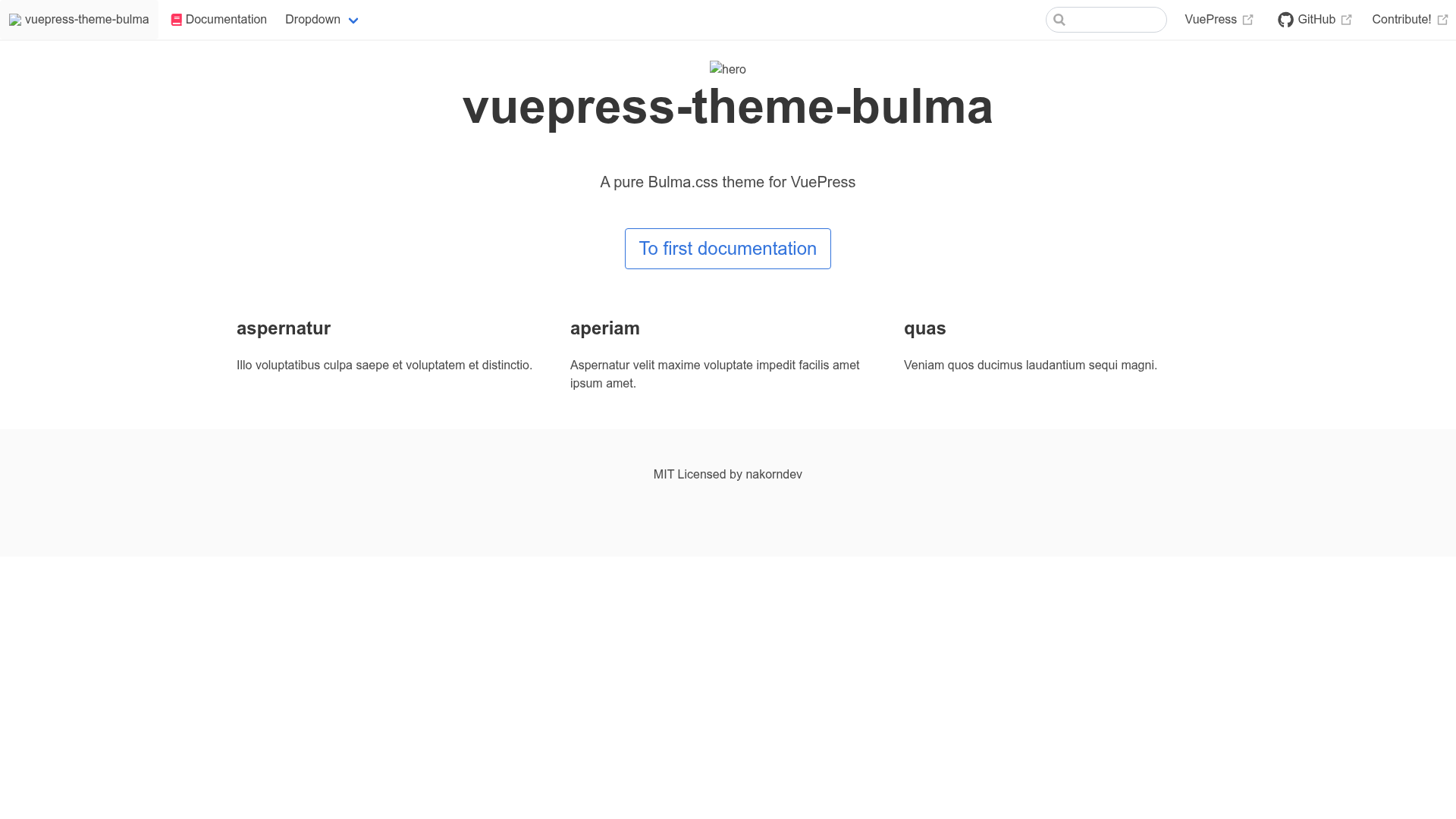
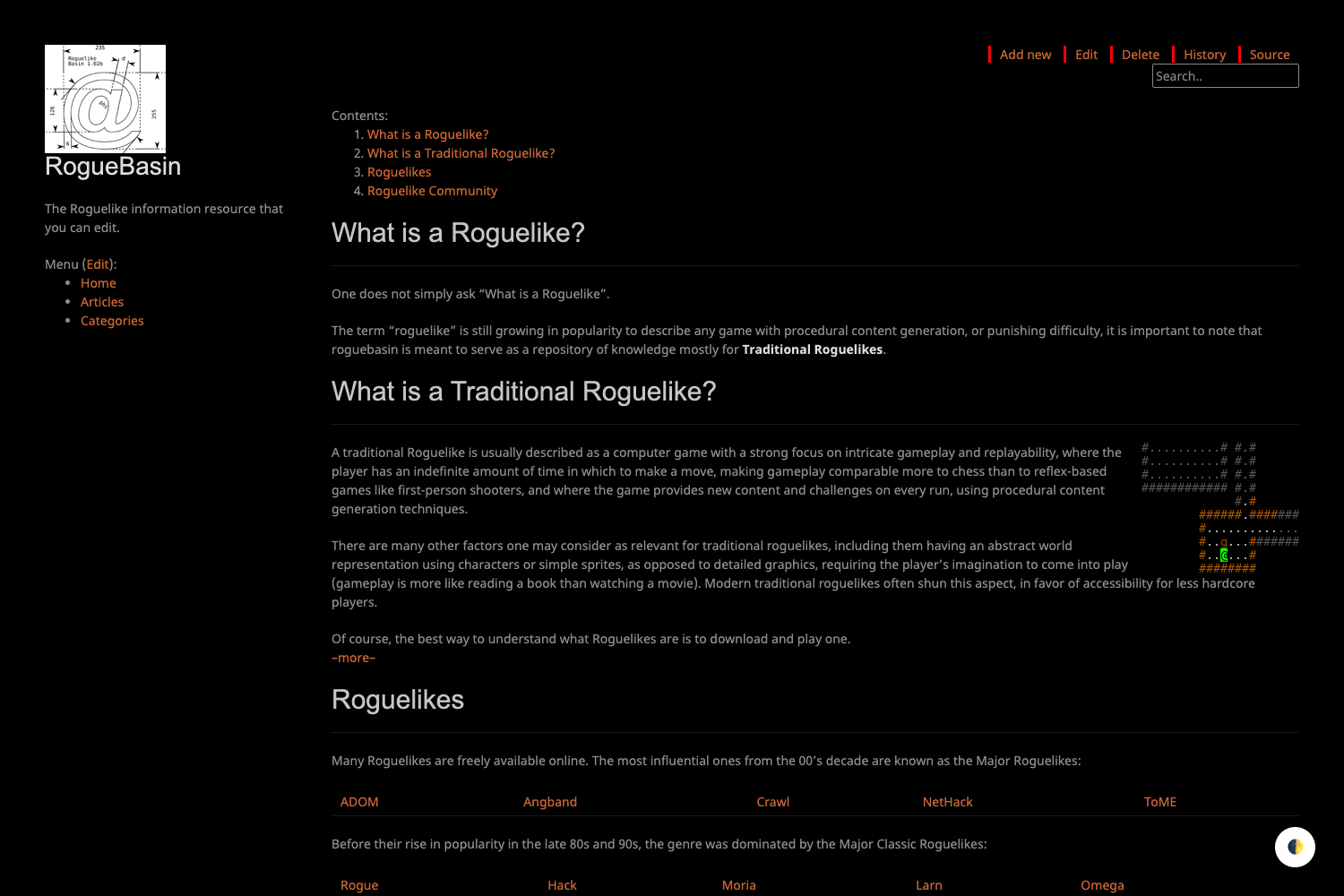
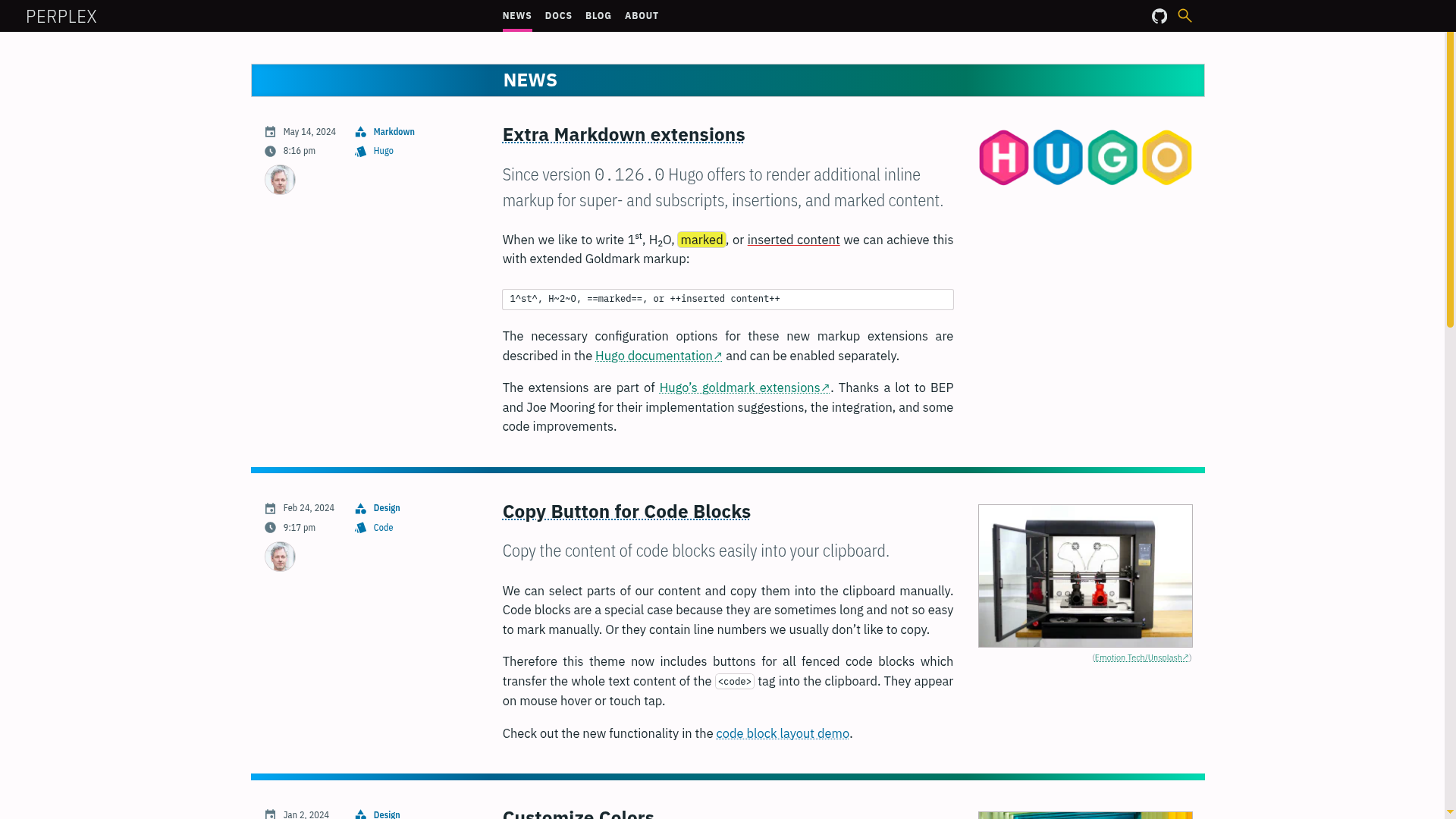
vuepress-theme-bulma is a community-built theme for VuePress, the Vue-powered static site generator. It takes a standard VuePress documentation site and applies Bulma.css — a lightweight, modern CSS framework — as the styling layer. The theme is published on npm as vuepress-theme-bulma and can be installed with a single npm command. It is maintained by nakorndev (Nakorn) and includes a live demo at https://vuepress-theme-bulma.nakorn.dev/.
Key Features
- Bulma CSS styling — The theme replaces VuePress's default theme with Bulma, giving your documentation a clean, grid-based layout with Bulma's columns, buttons, forms, and navigation components.
- Easy installation — Install via
npm install --save vuepress-theme-bulmaand reference it in your VuePress config. - Buefy integration — A dedicated
buefy-demobranch shows how to integrate Buefy, the Bulma-based Vue UI component library, into the theme. The exact implementation steps are documented in a specific commit on that branch. - Front-matter support — Customize individual pages using standard VuePress front-matter, with examples provided in the demo content.
- Configurable via standard VuePress config — Theme options are set in
.vuepress/config.js, with a full example available in the demo directory. - Demo site — A live demo at https://vuepress-theme-bulma.nakorn.dev/ shows the theme in action, so you can see the Bulma styling before installing.
- Open source on GitHub — The theme's source is publicly available, with the repository's metadata showing it as a "pure Bulma.css theme for VuePress."
Who is it for?
- Documentation site authors — Developers who want their VuePress docs to use the Bulma CSS framework instead of the default VuePress theme.
- Bulma fans — Anyone already familiar with Bulma who wants to carry that design language into their static site without hand-writing CSS overrides.
- VuePress users — Teams using VuePress for project documentation, knowledge bases, or internal wikis who want a fast, low-configuration styling swap.
- Buefy users — Developers who want to combine the theme with Buefy components (via the buefy-demo branch) to add interactive UI elements like modals, dropdowns, and toasts.
What can you do with vuepress-theme-bulma?
- Launch a styled docs site quickly — Install the theme, add a Bulma-styled navigation and layout, and publish your VuePress documentation without writing custom CSS.
- Customize layout via front-matter — Use front-matter fields to control per-page presentation, as shown in the demo's front-matters.md example.
- Integrate Buefy components — Follow the buefy-demo branch and referenced commit to add a full Bulma-based Vue UI component library to your theme.
- Learn from a live demo — Inspect the demo configuration and source to see exactly how the theme is wired up, including the
.vuepress/config.jssetup.
How does vuepress-theme-bulma work?
The theme works like any VuePress theme: you install it, add it to your .vuepress/config.js as the theme, and VuePress renders your Markdown content using Bulma-styled templates. The demo directory contains a complete example configuration and sample pages that you can copy into your own project to get started.
FAQ
Is vuepress-theme-bulma free?
The theme is published on npm and its source is available on GitHub, so it is free to use. The repository does not mention any paid tier or license restriction.
Does it work with VitePress?
No. This theme is built specifically for VuePress, and the npm package depends on VuePress's theme API. VitePress is a separate project and would need its own theme.
How do I install vuepress-theme-bulma?
Run npm install --save vuepress-theme-bulma in your VuePress project, then set it as your theme in the VuePress config file.
Can I use Buefy with this theme?
Yes. The repository includes a buefy-demo branch showing how to implement Buefy. You can reference the commit mentioned in the README to see the integration steps.
Where can I see a live demo?
The demo is hosted at https://vuepress-theme-bulma.nakorn.dev/. The source for this demo lives in the demo directory of the GitHub repository.