Template details
Mint a single NFT with Moralis
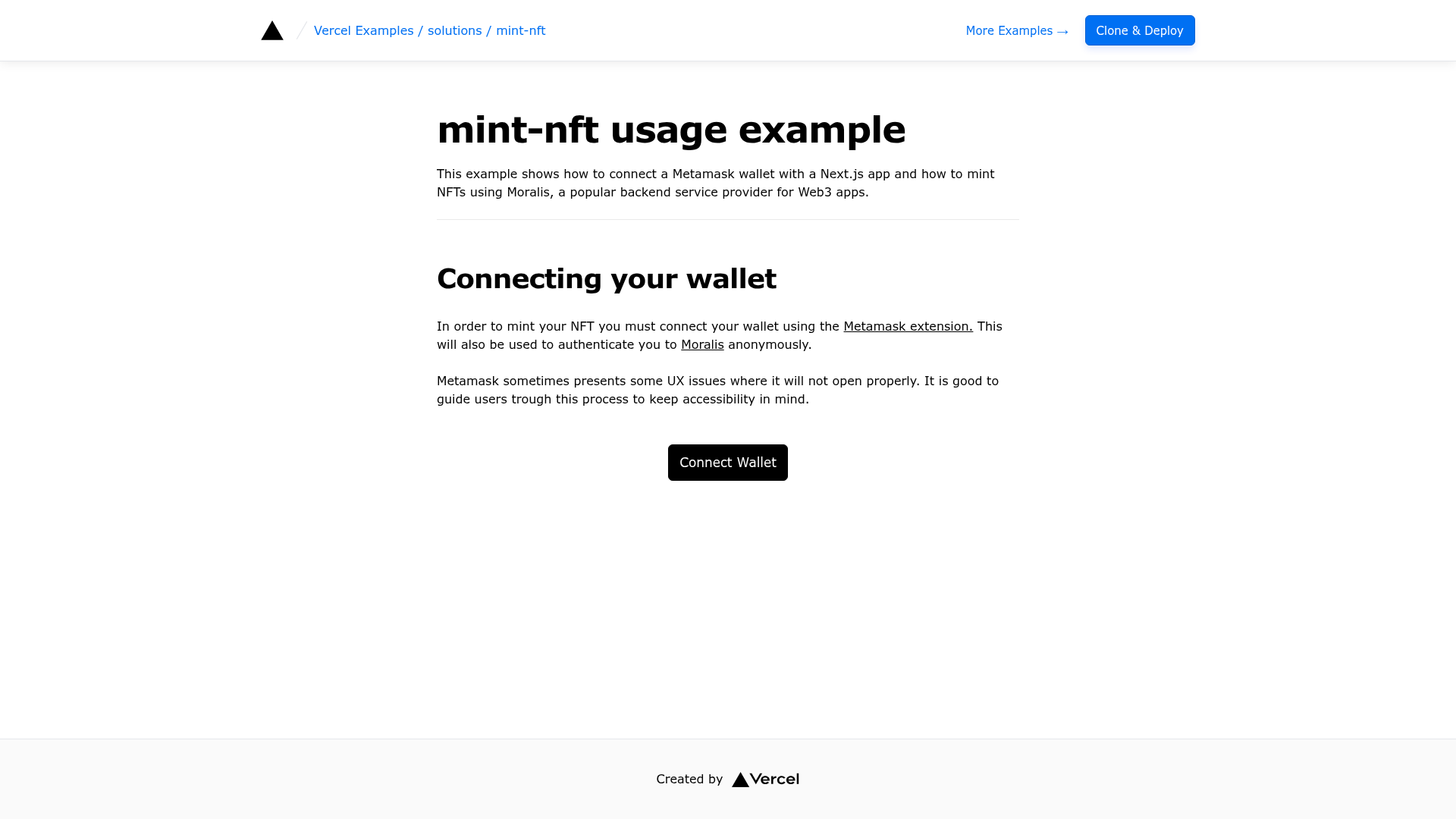
This example shows how to connect a MetaMask wallet with a Next.js app and mint NFTs using Moralis.
About this template
Mint a single NFT with Moralis is a documentation example from Vercel's Next.js examples that demonstrates connecting a MetaMask wallet to a Next.js app and minting an NFT through the Moralis backend service.
What is this example?
This is a working Next.js example from the Vercel examples repository that shows how to mint a single NFT using Moralis as the Web3 backend. It takes a user's MetaMask wallet connection and Moralis server credentials as input, and produces a minted NFT on the blockchain. The app runs on Next.js, uses Tailwind CSS for styling, and is designed to deploy to Vercel with a one-click setup.
Key Features
- MetaMask wallet connection — The example demonstrates how to connect a MetaMask wallet to a Next.js application so users can sign transactions and interact with the blockchain.
- Moralis backend integration — NFT minting is handled by Moralis, a backend service for Web3 apps, using three required environment variables: NEXT_PUBLIC_APP_ID, NEXT_PUBLIC_SERVER_URL, and NEXT_PUBLIC_SERVER_DOMAIN.
- Next.js framework — Built on Next.js, the React framework from Vercel, giving the app server-side rendering capabilities and straightforward deployment.
- Tailwind CSS styling — The user interface is styled with Tailwind CSS utility classes, making it easy to customize the look without writing custom CSS.
- One-click Vercel deployment — The repository includes a Deploy with Vercel button that clones the example and prompts you to set the Moralis environment variables during setup.
- Local development with pnpm — You can bootstrap the project locally using create-next-app with pnpm, then run pnpm dev to start the development server.
Who is it for?
- Web3 developers — who need a reference implementation for connecting MetaMask and minting NFTs in a Next.js application.
- NFT project builders — who want a minimal starting point for an NFT minting interface that they can extend with their own contract logic and design.
- Vercel users — who want to see how to deploy a Web3 app with environment variables configured on the Vercel platform.
What can you do with this example?
- Rapid prototyping: Clone the repository, add your Moralis server credentials, and have a working NFT minting flow in minutes.
- Learning resource: Study how Moralis handles wallet authentication and NFT minting from a frontend application, without setting up a backend server.
- Deployment testing: Use the one-click deploy flow to practice deploying a Next.js app to Vercel with environment variable configuration.
How does this example work?
The example is a standard Next.js app that you run with pnpm. When a user connects their MetaMask wallet, the app uses Moralis's Web3 API to authenticate the user and call the NFT minting function. Minting requires a Moralis server with the correct network configuration; the three environment variables point the app to that server.
FAQ
Does this example work on a live blockchain?
The example calls Moralis's mintNFT function, which sends a transaction to the blockchain selected by the connected MetaMask wallet. You can configure your Moralis server to use a test network or a mainnet depending on your needs.
What environment variables are required?
You must provide NEXT_PUBLIC_APP_ID, NEXT_PUBLIC_SERVER_URL, and NEXT_PUBLIC_SERVER_DOMAIN. These values come from the Moralis server dashboard and are essential for the app to communicate with your Moralis backend.
Can I run this example without a Moralis account?
No. The wallet connection and NFT minting features depend entirely on Moralis. You need to create a Moralis server to obtain the required environment variables.
Is this a complete NFT marketplace?
No. It focuses on minting a single NFT. The example is intentionally minimal and does not include marketplace features like listings, auctions, or collection browsing.