Template details
Webpack Static Html Pages
Webpack template/example with multiple static html pages
About this template
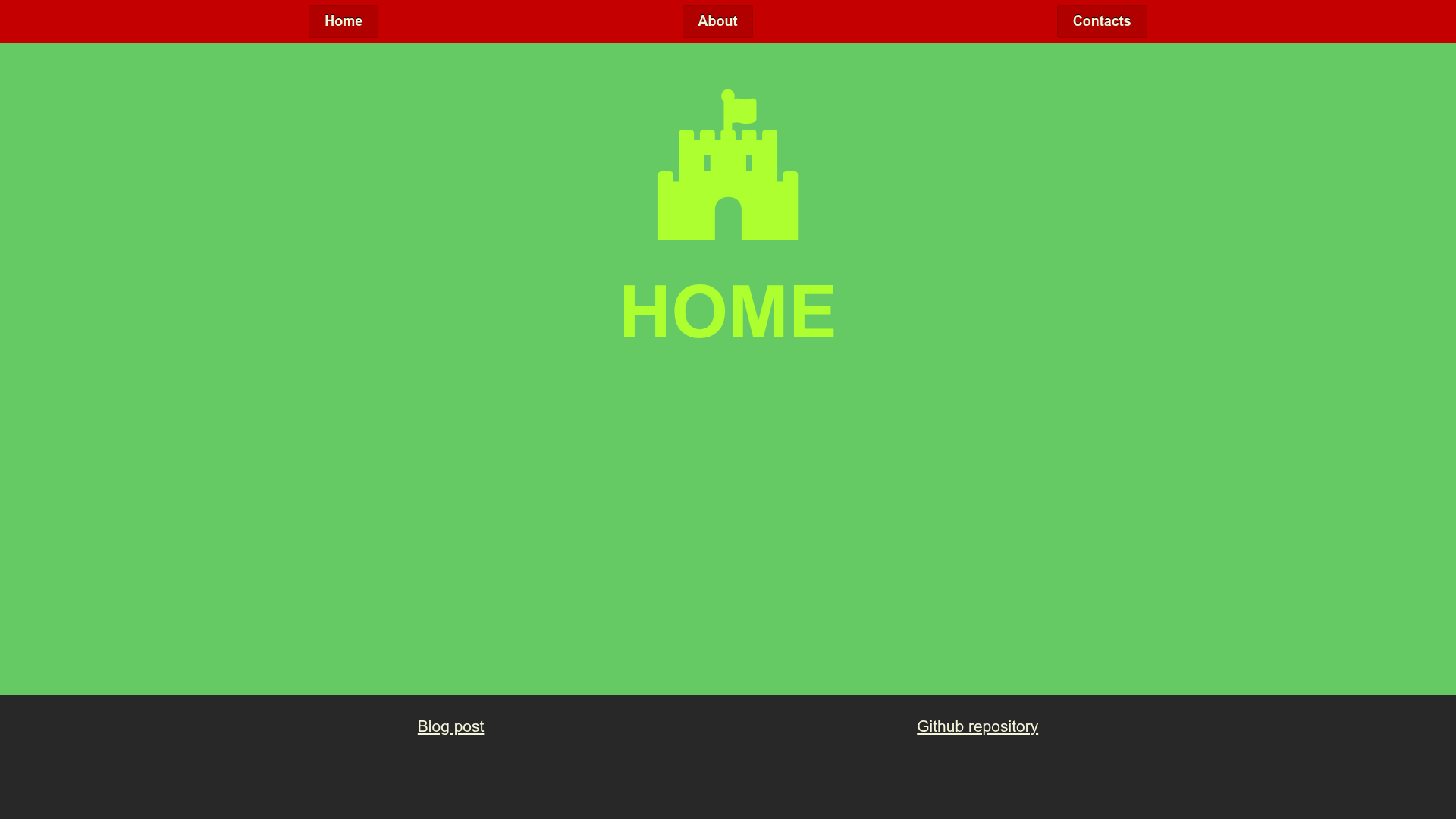
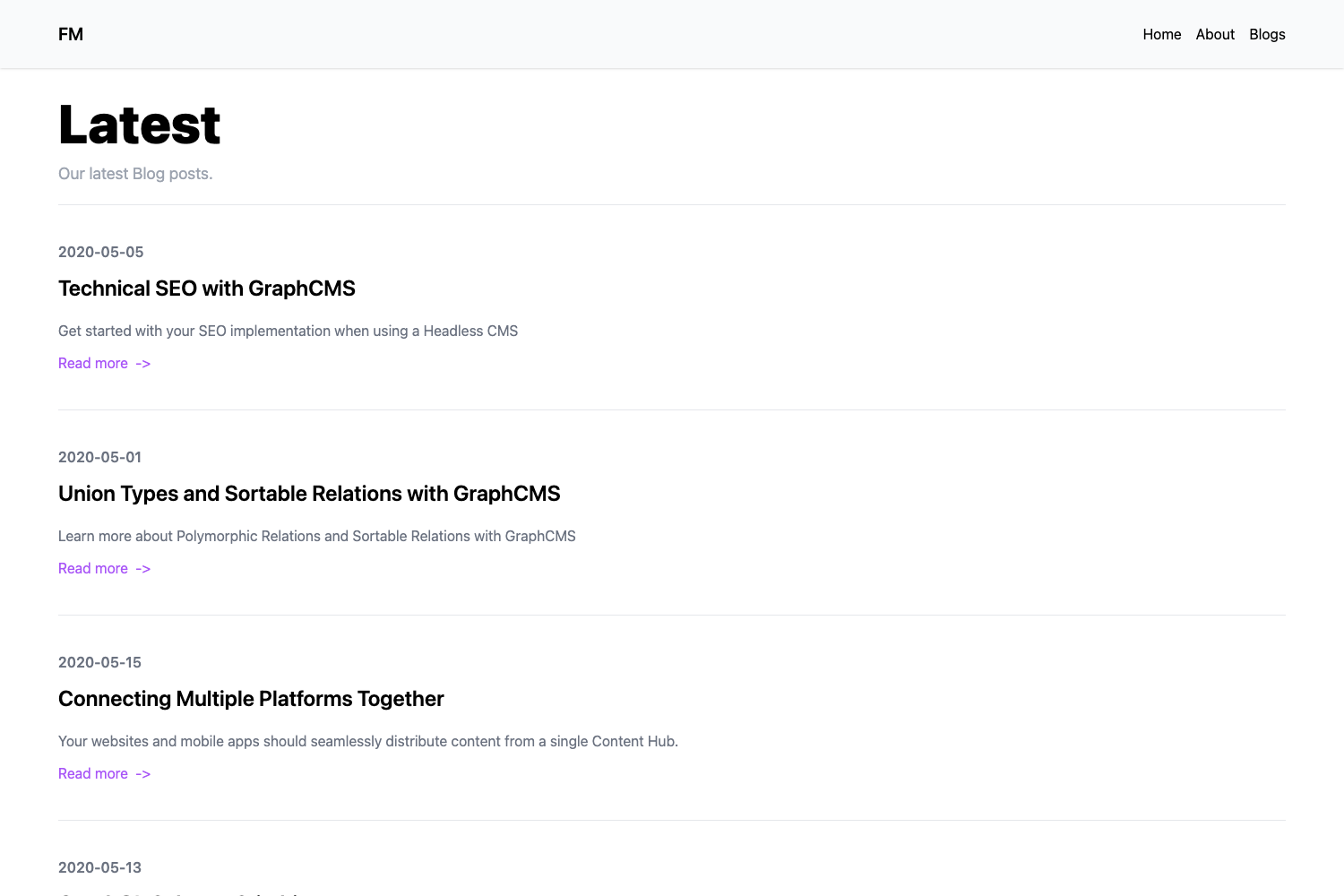
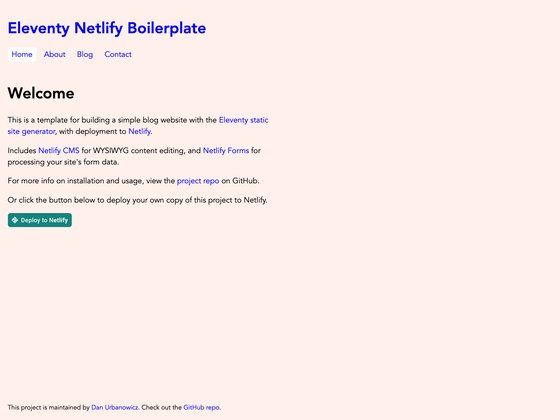
Webpack Static HTML Pages is a forkable Webpack 5 boilerplate that assembles a static website with multiple HTML pages from plain HTML, CSS, and JavaScript. The repository provides a complete example of how to use webpack to process several standalone pages and output them into a deployable 'dist' directory. It is written by Ivar Prudnikov and published on GitHub with a companion article describing its setup.
What is Webpack Static HTML Pages?
Webpack Static HTML Pages is a boilerplate repository that uses Webpack 5 to build a static site from hand-written HTML, CSS, and JavaScript files. As input, it takes source pages written in plain markup; as output, it produces a production-ready folder with bundled html, css, and js assets. The project is hosted on GitHub and is designed to be forked as a starting point for new static websites.
Key Features
- Webpack 5 — The project runs on Webpack 5, with a Webpack 4 version preserved on the 'webpack4' branch for comparison.
- No framework required — Pages are authored as plain HTML and CSS, making the template lightweight and easy to understand.
- Development server — Running 'npm start' launches a local development server for instant feedback while editing.
- Production build — 'npm run build' generates standalone html, css, and js files inside the 'dist/' directory.
- Cypress end-to-end tests — 'npm run cy:run' runs browser-level tests with Cypress against the locally hosted website.
- StandardJS linting — 'npm test' lints JavaScript files using the StandardJS style guide.
- GitHub Pages deployment — The built site can be pushed to the 'gh-pages' branch and served directly from GitHub Pages.
- Travis CI pipeline — The repository includes Travis CI configuration that builds the project and publishes the result to the 'gh-pages' branch.
Who is it for?
- Static site developers — A ready-made baseline for building multi-page websites without configuring webpack from scratch.
- Open-source contributors — A forkable template that follows a clean workflow for testing, building, and deploying.
- Webpack learners — The accompanying article explains how the example was created, making it a practical learning resource.
What can you do with it?
- Create a multi-page static website: Structure your project as separate HTML pages and let webpack bundle them into one output folder.
- Test pages automatically: Add and run Cypress tests to verify that each page loads and behaves correctly.
- Deploy with one command: Use the Travis CI setup to automatically build and publish the site to GitHub Pages.
How does it work?
Start by cloning the repository and running 'npm i' to install dependencies. During development, 'npm start' serves the site with hot-reloading. When you are ready to publish, 'npm run build' compiles everything into 'dist/', and 'npm run preview' serves that production build locally for final checks.
FAQ
Is Webpack Static HTML Pages free?
Yes, it is an open-source repository on GitHub, so it is free to fork, modify, and reuse.
Which webpack version does it use?
The default branch is Webpack 5. A separate branch named 'webpack4' contains the earlier implementation.
What prerequisites are needed?
Node.js and npm must be installed. The repository includes an .nvmrc file that suggests the Node version used.
How can I run the Cypress tests?
Make sure the website is running locally with 'npm start' or 'npm run preview', then execute 'npm run cy:run' in another terminal.