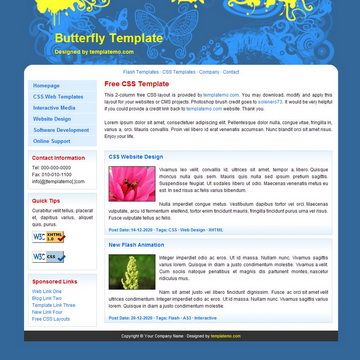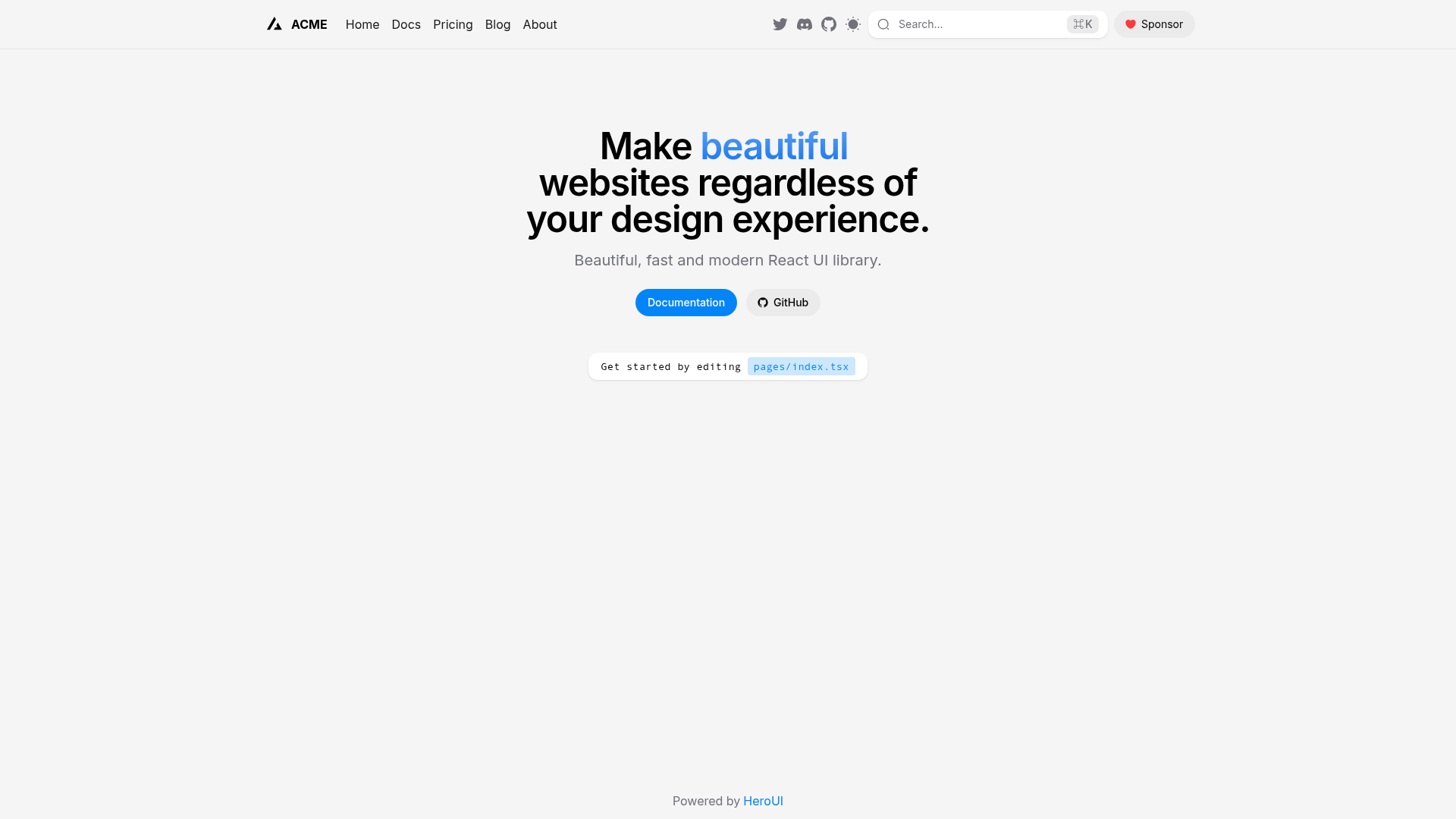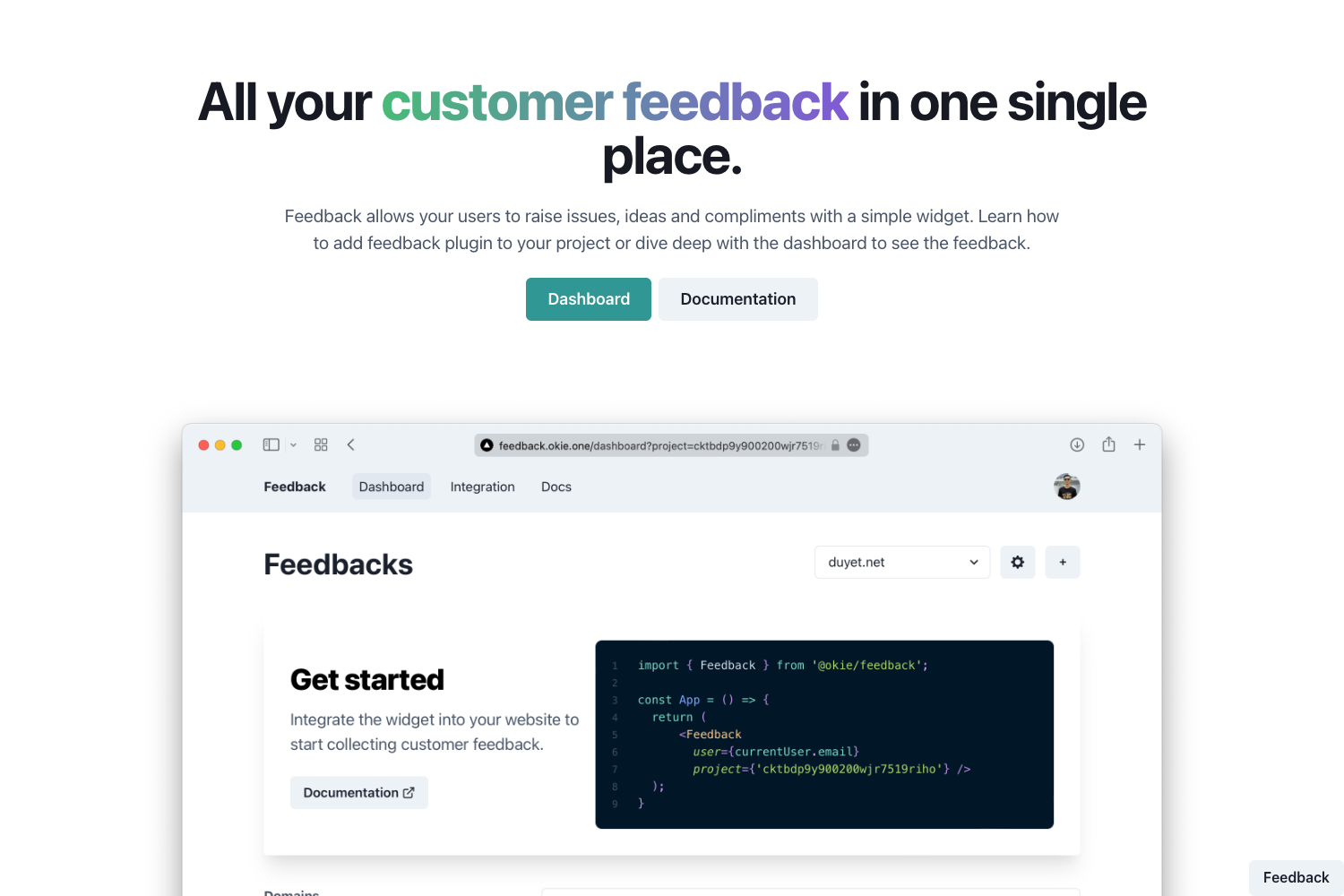
Template details
Foundation for Public Code Jekyll theme
A Foundation for Public Code jekyll theme for use with GitHub pages.
About this template
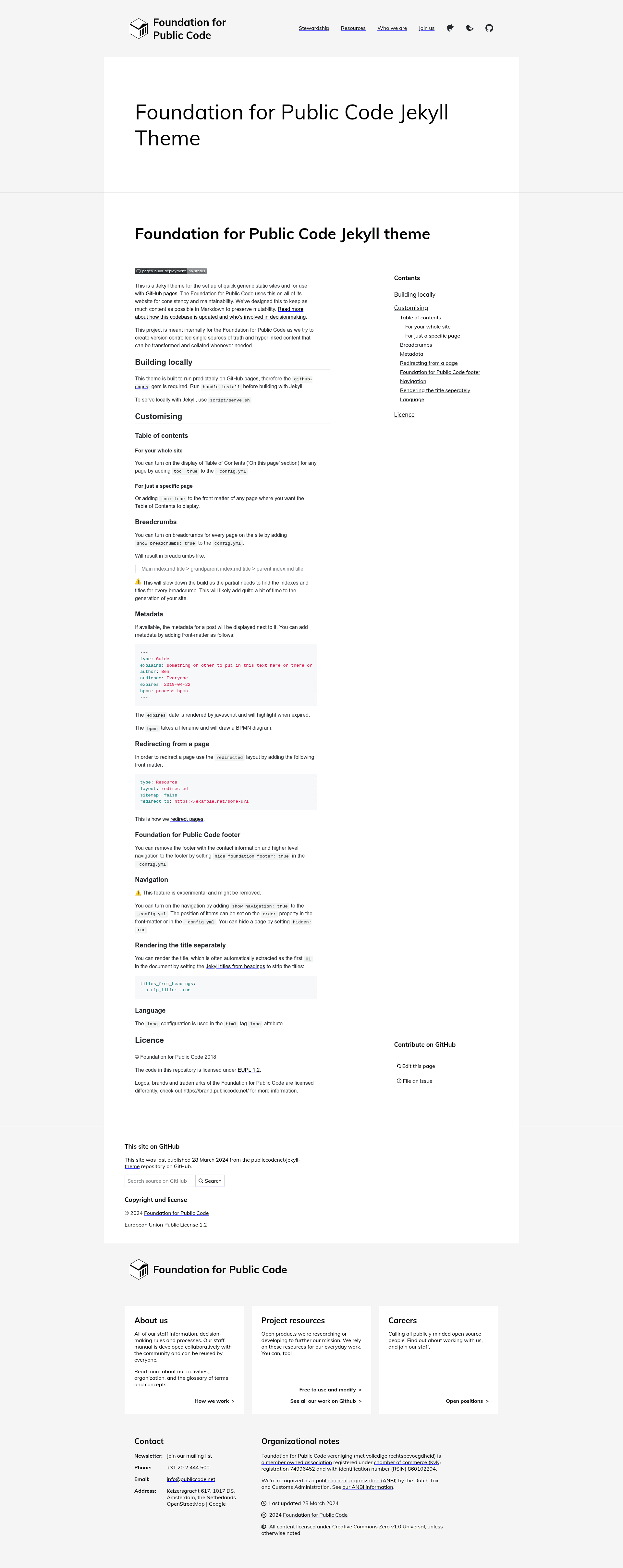
The Foundation for Public Code Jekyll theme is a Jekyll theme for GitHub Pages that builds generic static sites from Markdown content, created by the Foundation for Public Code to unify its own websites.
What is the Foundation for Public Code Jekyll theme?
This is a Jekyll theme designed for quick setup of generic static sites and for use with GitHub Pages. It accepts Markdown files and front matter as input, and produces a static HTML site that can be hosted on GitHub Pages. The theme is developed by the Foundation for Public Code and is used across all of the foundation's websites for consistency and maintainability.
Key Features
- Table of contents — Add
toc: trueto_config.ymlfor site-wide display of an "On this page" section, or add it to individual page front matter for per-page control. - Breadcrumbs — Enable
show_breadcrumbs: trueto display breadcrumb navigation like "Main index.md title > grandparent index.md title > parent index.md title". Note that this slows down the build because the partial must find indexes and titles for every breadcrumb. - Metadata display — Add front matter fields such as
type,explains,author,audience,expires, andbpmnto show metadata alongside posts. Theexpiresdate is rendered by JavaScript and highlights when expired; thebpmnfield takes a filename and draws a BPMN diagram. - Page redirects — Use the
redirectedlayout withredirect_toandsitemap: falsein front matter to redirect a page to another URL, following the foundation's process for moving, merging, or deleting pages. - Footer control — Set
hide_foundation_footer: trueto remove the footer that contains contact information and higher-level navigation. - Experimental navigation — Enable
show_navigation: trueto add navigation; position items with theorderproperty in front matter or_config.yml, and hide pages withhidden: true. This feature is experimental and may be removed. - Title stripping — Configure the
titles_from_headingsplugin withstrip_title: trueto prevent the first H1 from being automatically extracted as the page title. - Language attribute — Set the
langconfiguration to control thelangattribute in the HTMLhtmltag. - GitHub Pages compatibility — The theme requires the
github-pagesgem and runs predictably on GitHub Pages; install dependencies withbundle installand serve locally viascript/serve.sh.
Who is it for?
The theme is intended for the Foundation for Public Code itself, to create version-controlled single sources of truth with hyperlinked content that can be transformed and collated as needed. It is also suitable for teams building documentation sites on GitHub Pages who want a Markdown-driven theme with built-in navigation, metadata, and redirects. Developers creating quick generic static sites can use it as a starting point that works seamlessly with Jekyll's existing ecosystem.
What can you do with it?
- Public code organizations: Set up consistent documentation sites across multiple repositories, reusing the same theme and configuration for all websites.
- Documentation maintainers: Write content in Markdown and use front matter to add metadata like author, audience, and expiry dates, plus optional BPMN diagrams.
- GitHub Pages users: Deploy a static site directly from a GitHub repository without extra tooling, relying on the
github-pagesgem for predictable builds.
How does it work?
To use the theme, clone the repository, run bundle install to install the required github-pages gem, then serve locally with script/serve.sh. Customization happens through _config.yml and page front matter, where you can enable features like tables of contents, breadcrumbs, navigation, and redirects. The theme keeps content in Markdown, preserving mutability and making it easy to version control every page.
Pros and cons
- Pro: Content stays in Markdown, which is readable and version-controlled.
- Pro: Designed specifically for GitHub Pages, so builds are predictable in that environment.
- Pro: Includes useful documentation features out of the box: ToC, breadcrumbs, metadata, and redirects.
- Con: Enabling breadcrumbs slows down the site build because the partial must resolve index pages and titles for every breadcrumb.
- Con: The navigation feature is experimental and might be removed in future versions.
Pricing
The theme is open source and free to use, licensed under EUPL 1.2. Logos, brands, and trademarks of the Foundation for Public Code are licensed separately as described at their brand site.
FAQ
Is the Foundation for Public Code Jekyll theme free?
Yes, the code is licensed under EUPL 1.2, an open-source license, and can be used freely. However, the foundation's logos and trademarks have separate licensing terms.
How do I enable a table of contents?
Add toc: true to the _config.yml for the whole site, or add the same key to the front matter of a specific page to show the "On this page" section only there.
Does this theme work with GitHub Pages?
Yes, it is built to run predictably on GitHub Pages and requires the github-pages gem. Run bundle install before building with Jekyll.
Can I redirect a page to another URL?
Use the redirected layout in front matter with redirect_to set to the target URL and sitemap: false to exclude the redirect page from sitemaps.
Why are breadcrumbs slow?
Breadcrumbs require the theme to find the index.md title and parent titles for every page on the site, which adds significant build time when enabled.
What front matter metadata can I add?
Supported fields include type, explains, author, audience, expires, and bpmn. The expires date is rendered by JavaScript and highlighted when expired, and bpmn draws a BPMN diagram from the given file.